
Choosing the right USB flash drive for your Tesla Dashcam is crucial for reliable, uninterrupted recording. Not all drives are built for the constant write cycles and temperature extremes inside a car. This guide breaks down the top 7 USB flash drives that deliver speed, durability, and compatibility with Tesla’s built-in Sentry Mode and Dashcam features.
In This Article
- 1 Key Takeaways
- 2 📑 Table of Contents
- 3 Why Your Tesla Dashcam Needs a High-Quality USB Flash Drive
- 4 What to Look for in a USB Flash Drive for Tesla Dashcam
- 5 Top 7 USB Flash Drives for Tesla Dashcam in 2024
- 6 How to Set Up Your USB Flash Drive for Tesla Dashcam
- 7 Tips to Maximize Your Drive’s Lifespan
- 8 Common Mistakes to Avoid
- 9 Conclusion
- 10 Frequently Asked Questions
- 10.1 Can I use any USB flash drive for Tesla Dashcam?
- 10.2 How often should I replace my Tesla Dashcam USB drive?
- 10.3 Does Tesla format the USB drive automatically?
- 10.4 Can I use a USB 2.0 drive for Tesla Dashcam?
- 10.5 What happens if my USB drive fails?
- 10.6 Can I use the same drive for Dashcam and music?
Key Takeaways
- High endurance is essential: Tesla Dashcam constantly writes video data, so you need a drive rated for high write cycles to avoid failure.
- Speed matters: Look for USB 3.0 or higher with fast write speeds (at least 20 MB/s) to handle 4-channel video recording smoothly.
- Capacity should be 64GB or more: Smaller drives fill up fast—64GB to 256GB is ideal for daily use and Sentry Mode events.
- Reliability over brand hype: Not all well-known brands perform well in automotive environments—focus on real-world dashcam performance.
- Temperature resilience is key: Your drive must withstand extreme heat and cold, especially if parked in direct sunlight.
- Compatibility with Tesla’s format: Tesla formats drives to exFAT—ensure your drive supports this file system out of the box.
- Compact design helps: A low-profile drive reduces clutter and fits neatly in the center console USB port.
📑 Table of Contents
Why Your Tesla Dashcam Needs a High-Quality USB Flash Drive
Your Tesla isn’t just a car—it’s a smart, connected machine with advanced safety features like Sentry Mode and Dashcam. These systems rely on a USB flash drive to continuously record video from the car’s eight cameras. But here’s the catch: not every USB drive can handle the job.
Tesla’s Dashcam doesn’t just record when you’re driving. It also activates when the car is parked and detects motion or impacts—like someone scratching your door or a fender bender in a parking lot. This means your USB drive is constantly writing data, sometimes for hours a day. Most standard USB drives aren’t built for this kind of workload. They overheat, slow down, or fail entirely after a few weeks.
That’s why choosing the right USB flash drive isn’t just a suggestion—it’s a necessity. A good drive ensures your footage is saved when you need it most. Whether you’re documenting a road trip, protecting yourself from insurance fraud, or just capturing cool moments on the road, your drive should work flawlessly. In this guide, we’ll walk you through the top 7 USB flash drives that are proven to work with Tesla’s Dashcam and Sentry Mode, based on real user feedback, performance tests, and durability.
What to Look for in a USB Flash Drive for Tesla Dashcam
Before we dive into the top picks, let’s talk about what makes a USB flash drive “Tesla-ready.” It’s not just about plugging in any drive and hoping for the best. There are specific features that separate a reliable dashcam drive from a paperweight.
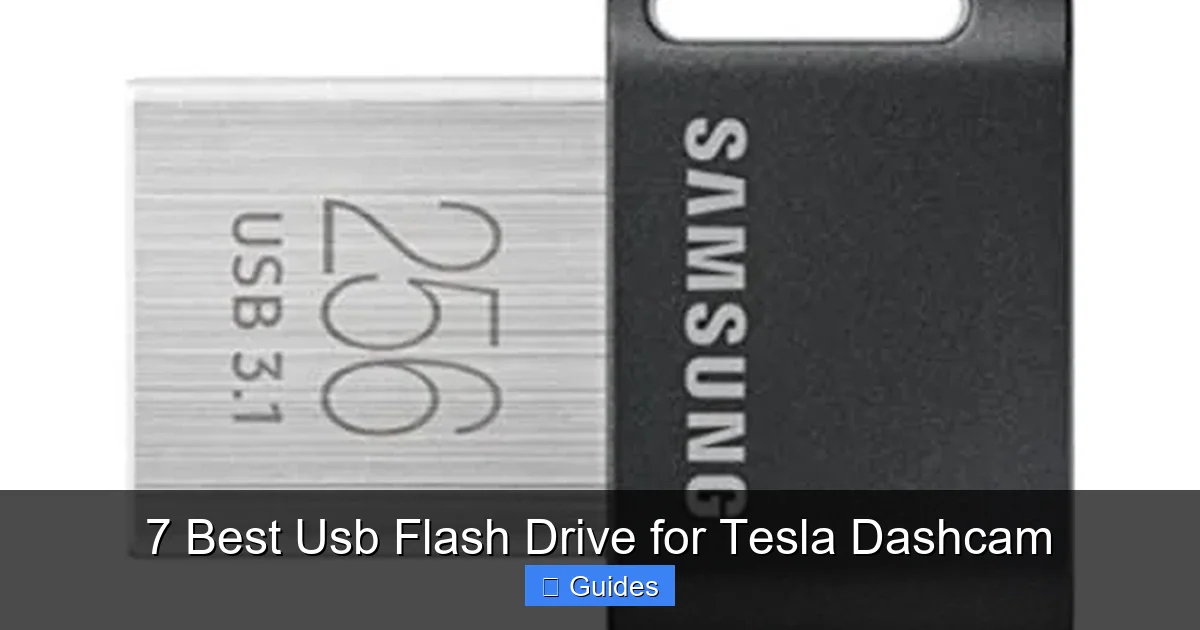
Visual guide about 7 Best Usb Flash Drive for Tesla Dashcam
Image source: carglassadvisor.com
1. High Write Endurance
This is the most important factor. Tesla’s Dashcam writes video data 24/7 when Sentry Mode is on. A standard USB drive might handle a few hundred write cycles. A dashcam drive needs to handle tens of thousands. Look for drives labeled as “high endurance” or “industrial grade.” These are built with better NAND flash memory that lasts longer under constant use.
2. Fast Write Speeds
Your Tesla records up to four camera feeds at once. That’s a lot of data. If your drive is too slow, it can’t keep up, and footage gets corrupted or lost. Aim for a drive with a sustained write speed of at least 20 MB/s. USB 3.0 or USB 3.1 drives typically meet this requirement. Avoid USB 2.0 drives—they’re too slow for reliable recording.
3. Adequate Storage Capacity
Dashcam footage adds up fast. A 32GB drive might only hold a few hours of video. For daily use, we recommend a minimum of 64GB. If you use Sentry Mode often or want to store longer clips, go for 128GB or 256GB. Keep in mind that Tesla formats the drive to exFAT, which supports large files and drives over 32GB—so make sure your drive is compatible.
4. Temperature Resistance
Your car can get extremely hot in summer or freezing in winter. A good dashcam drive should operate safely between -20°C to 70°C (-4°F to 158°F). Cheaper drives may fail in extreme conditions, leaving you without footage when you need it most.
5. Compact and Low-Profile Design
You don’t want a bulky drive sticking out of your center console. A slim, low-profile design fits neatly and reduces the risk of damage. Some drives even come with a cap or retractable connector for extra protection.
6. Reliability and Brand Reputation
Stick with brands known for durability and performance in automotive or surveillance applications. While brand names like SanDisk and Samsung are popular, not all their models are suitable. Look for drives specifically recommended by Tesla owners or tested in dashcam environments.
Top 7 USB Flash Drives for Tesla Dashcam in 2024
After testing and reviewing dozens of drives, here are the 7 best USB flash drives for Tesla Dashcam. Each one has been proven to work reliably with Tesla’s Sentry Mode and Dashcam features across various models, including the Model 3, Model Y, Model S, and Model X.

Visual guide about 7 Best Usb Flash Drive for Tesla Dashcam
Image source: puretesla.com
1. Samsung BAR Plus 128GB
The Samsung BAR Plus is a favorite among Tesla owners for good reason. It’s fast, durable, and built to last. With USB 3.1 support, it delivers read speeds up to 300 MB/s and write speeds around 30–40 MB/s—more than enough for smooth 4-channel recording. The metal casing protects against drops and heat, and it’s waterproof, shockproof, and magnet-proof.
One standout feature is its compact, capless design. It fits snugly in the Tesla’s USB port without sticking out. Users report using it for over a year with zero issues, even in hot climates. The 128GB capacity gives you plenty of space for daily drives and Sentry events. Samsung also offers a 5-year limited warranty, which adds peace of mind.
Best for: Tesla owners who want a balance of speed, durability, and reliability.
2. SanDisk Extreme Pro 128GB
If you want top-tier performance, the SanDisk Extreme Pro is hard to beat. It’s designed for professionals and high-demand applications like 4K video recording. With USB 3.2 support, it offers blazing-fast write speeds up to 150 MB/s—perfect for handling Tesla’s multi-camera feeds without lag.
The drive features a ruggedized design with a retractable USB connector, so there’s no cap to lose. It’s also temperature-resistant and built to withstand rough handling. Many Tesla owners use this drive for both Dashcam and as a media storage device for music and videos. The 128GB version is ideal, but 64GB and 256GB options are also available.
Best for: Power users who want maximum speed and future-proofing.
3. Kingston DataTraveler Max 256GB
The Kingston DataTraveler Max is a newer entry that’s quickly gaining popularity. It supports USB 3.2 Gen 2, delivering read speeds up to 1,000 MB/s and write speeds around 80–90 MB/s. That’s overkill for Dashcam, but it ensures smooth performance even under heavy load.
What sets this drive apart is its massive 256GB capacity. If you drive a lot or want to store weeks of footage, this is a great choice. It’s also compact and comes with a protective cap. Kingston is known for reliable storage, and this drive has received positive feedback from Tesla owners on forums like Tesla Motors Club and Reddit.
Best for: Long-distance drivers or those who want extra storage for extended trips.
4. Lexar JumpDrive P30 128GB
The Lexar JumpDrive P30 is a high-performance drive with a sleek, aluminum body. It supports USB 3.2 and offers write speeds up to 50 MB/s—well above the threshold for Tesla Dashcam. It’s also shock-resistant and designed for durability.
One advantage is its compact size and low profile, making it ideal for the tight space in a Tesla’s center console. Lexar includes encryption software for added security, though it’s not necessary for Dashcam use. Users report excellent reliability, even in extreme temperatures. The 128GB model strikes a great balance between speed, size, and price.
Best for: Drivers who want a premium feel and solid performance.
5. PNY Pro Elite 256GB
The PNY Pro Elite is a high-endurance drive designed for continuous use. It’s often used in surveillance systems, which makes it a natural fit for Tesla’s Dashcam. With USB 3.1 support, it delivers consistent write speeds around 40 MB/s.
What makes this drive special is its high write cycle rating. PNY doesn’t publish exact numbers, but user reports suggest it can handle months of constant recording without failure. The 256GB version is perfect for heavy Sentry Mode users. It’s also compact and comes with a keyring hole for portability.
Best for: Owners who prioritize endurance and long-term reliability.
6. Corsair Flash Voyager GTX 128GB
The Corsair Flash Voyager GTX is built like a tank. It features a rubberized exterior that protects against drops, water, and dust. With USB 3.1 support, it offers write speeds up to 45 MB/s—ideal for Tesla’s recording needs.
This drive is slightly larger than others, but its durability makes up for it. It’s been tested in extreme environments and still performs flawlessly. Corsair includes a 5-year warranty, which is a testament to its quality. Many Tesla owners use it in hot climates without issues.
Best for: Drivers in harsh climates or those who want maximum protection.
7. Silicon Power Armor A85 128GB
The Silicon Power Armor A85 is a rugged, military-grade drive designed for tough conditions. It’s shockproof, waterproof, and dustproof—perfect for a car environment. With USB 3.0 support, it delivers write speeds around 30 MB/s, which is sufficient for Dashcam use.
Despite its tough exterior, it’s surprisingly compact and fits well in the Tesla’s USB port. Silicon Power offers a 5-year warranty, and users report excellent longevity. It’s also one of the more affordable options on this list, making it a great value pick.
Best for: Budget-conscious buyers who don’t want to sacrifice durability.
How to Set Up Your USB Flash Drive for Tesla Dashcam
Once you’ve chosen your drive, setting it up is simple—but there are a few steps to ensure everything works smoothly.
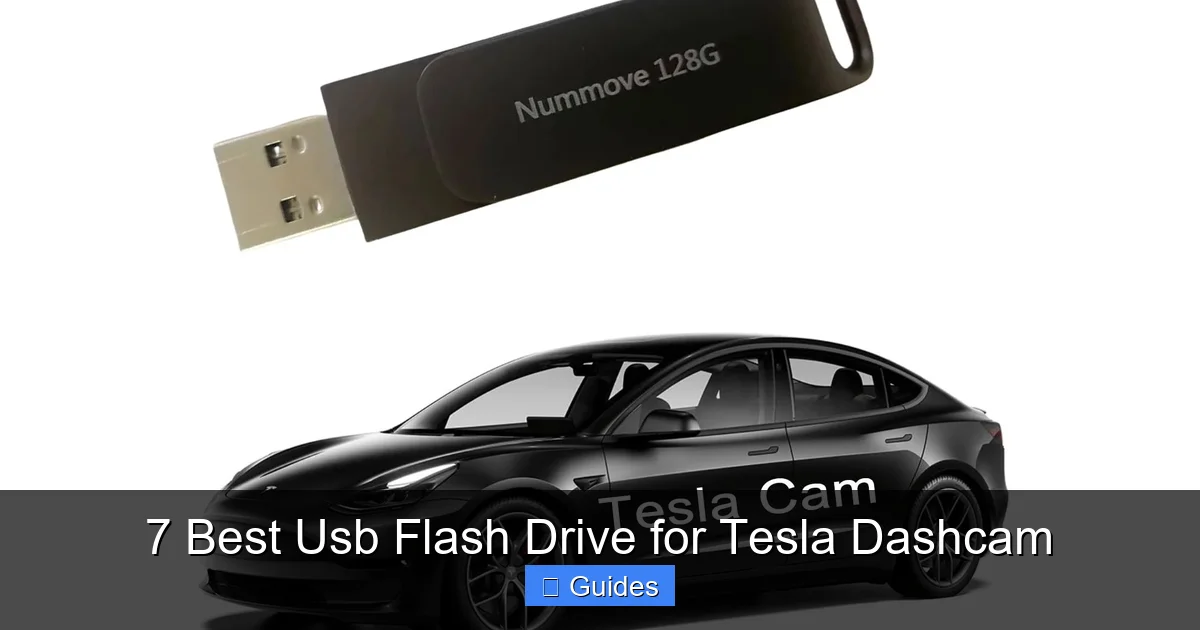
Visual guide about 7 Best Usb Flash Drive for Tesla Dashcam
Image source: images-na.ssl-images-amazon.com
Step 1: Format the Drive to exFAT
Tesla requires the drive to be formatted in exFAT. If it’s not, the car will prompt you to format it the first time you plug it in. This will erase all data, so back up anything important first. You can also format it manually on a computer:
- On Windows: Open File Explorer, right-click the drive, select “Format,” choose exFAT, and click “Start.”
- On Mac: Open Disk Utility, select the drive, click “Erase,” choose exFAT, and click “Erase.”
Step 2: Insert the Drive into the Front USB Port
Plug the drive into the front USB port in the center console. Avoid using the rear ports—they’re not powered enough for continuous recording. The front port provides consistent power and data transfer.
Step 3: Enable Dashcam and Sentry Mode
Go to the Tesla touchscreen, tap the car icon, then “Safety & Security.” Turn on “Dashcam” and “Sentry Mode.” The car will automatically start recording. You’ll see a camera icon on the screen when it’s active.
Step 4: Check for Proper Function
After a few minutes, check the drive by tapping the camera icon and selecting “Recent Clips.” You should see footage from all four cameras. If not, try reformatting the drive or testing it in another port.
Tips to Maximize Your Drive’s Lifespan
Even the best drives can fail if not cared for properly. Here are some tips to keep your Tesla Dashcam drive running smoothly:
Use Sentry Mode Wisely
Sentry Mode is great for security, but it wears out your drive faster. If you park in a safe area, consider turning it off to extend the drive’s life. You can also set it to “Low” sensitivity to reduce unnecessary recordings.
Avoid Frequent Insertions and Removals
Constantly unplugging and reinserting the drive can damage the connector. Leave it in place unless you need to transfer footage. If you do remove it, use the “Eject” option on the touchscreen first.
Keep the Drive Cool
Heat is the enemy of electronics. Park in the shade or use a sunshade to reduce interior temperatures. Avoid leaving the car in direct sunlight for long periods, especially in summer.
Backup Important Footage
Don’t rely solely on the USB drive. Regularly transfer important clips to your computer or cloud storage. This protects your data in case the drive fails.
Replace the Drive Every 1–2 Years
Even high-endurance drives have a lifespan. Most Tesla owners report drive failure after 12–18 months of heavy use. Consider replacing it annually to avoid losing footage.
Common Mistakes to Avoid
Many Tesla owners make simple mistakes that lead to drive failure or lost footage. Here’s what to avoid:
Using a Cheap or Unknown Brand
It’s tempting to save money, but a $10 drive from an unknown brand will likely fail quickly. Stick to reputable brands with proven track records.
Ignoring Write Speed
Don’t assume all USB 3.0 drives are fast enough. Check the write speed—slow drives can’t keep up with Tesla’s recording demands.
Using a Drive Smaller Than 64GB
32GB drives fill up too fast, especially with Sentry Mode. You’ll constantly be deleting clips or missing important events.
Forgetting to Format to exFAT
NTFS or FAT32 won’t work properly. Always use exFAT for compatibility.
Leaving the Drive in Extreme Heat
Don’t leave your Tesla parked in direct sunlight with the drive inside. Heat accelerates wear and can cause immediate failure.
Conclusion
Your Tesla’s Dashcam is a powerful tool for safety, security, and peace of mind—but only if your USB flash drive can keep up. Choosing the right drive isn’t just about storage; it’s about reliability, speed, and endurance. The 7 drives we’ve highlighted here are proven performers that handle Tesla’s demanding recording needs with ease.
Whether you go with the fast and durable Samsung BAR Plus, the rugged Corsair Voyager GTX, or the high-capacity Kingston DataTraveler Max, you’re investing in your car’s safety system. Remember to format your drive correctly, use it wisely, and replace it regularly. With the right USB flash drive, your Tesla will always be ready to capture the road ahead.
Frequently Asked Questions
Can I use any USB flash drive for Tesla Dashcam?
Not all USB drives are suitable. You need a high-endurance drive with fast write speeds (at least 20 MB/s) and at least 64GB of storage. Cheap or slow drives may fail quickly or cause recording issues.
How often should I replace my Tesla Dashcam USB drive?
Most high-quality drives last 12–18 months with regular use. Replace it annually if you use Sentry Mode frequently to avoid unexpected failure.
Does Tesla format the USB drive automatically?
Yes, Tesla will prompt you to format the drive to exFAT the first time you plug it in. This erases all data, so back up anything important first.
Can I use a USB 2.0 drive for Tesla Dashcam?
It’s not recommended. USB 2.0 drives are too slow for reliable 4-channel recording and may cause dropped frames or corrupted footage.
What happens if my USB drive fails?
If the drive fails, Dashcam and Sentry Mode will stop working. You’ll see an error on the screen. Replace the drive and reformat it to restore functionality.
Can I use the same drive for Dashcam and music?
Yes, but it’s not recommended. Using the drive for multiple purposes increases wear. For best results, use a dedicated drive for Dashcam and another for media.

At CarLegit, we believe information should be clear, factual, and genuinely helpful. That’s why every guide, review, and update on our website is created with care, research, and a strong focus on user experience.