
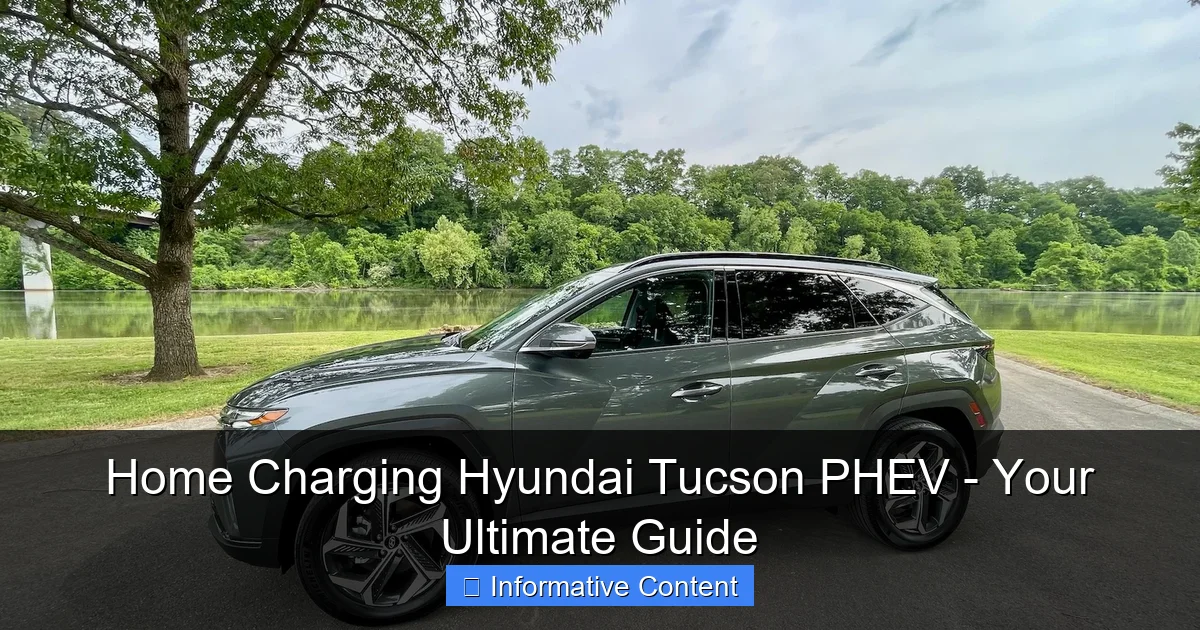
Featured image for How To Charge Hyundai Tucson Plug In Hybrid At Home
Image source: thecarhow.com
Charging your Hyundai Tucson PHEV at home is straightforward: use the included Level 1 cable for a standard outlet or install a Level 2 station for a full charge in about 2 hours. To maximize efficiency and safety, ensure you have a dedicated 240-volt circuit and follow all manufacturer guidelines during setup.
In This Article
- 1 Home Charging Hyundai Tucson PHEV – Your Ultimate Guide
- 1.1 Key Takeaways
- 1.2 📑 Table of Contents
- 1.3 Understanding Your Hyundai Tucson PHEV’s Charging Basics
- 1.4 Choosing the Right Home Charging Equipment
- 1.5 Installing Your Home Charging Station
- 1.6 How to Charge Your Tucson PHEV: Step-by-Step Guide
- 1.7 Maximizing Efficiency and Saving Money
- 1.8 Troubleshooting Common Home Charging Issues
- 1.9 Wrapping Up Your Home Charging Journey
- 1.10 Frequently Asked Questions
- 1.10.1 What do I need to charge my Hyundai Tucson Plug-In Hybrid at home?
- 1.10.2 How long does it take to charge the Tucson PHEV battery at home?
- 1.10.3 Can I use a regular wall outlet for home charging my Hyundai Tucson Plug-In Hybrid?
- 1.10.4 Is it expensive to install a home charging station for the Tucson Plug-In Hybrid?
- 1.10.5 What are the safety precautions for charging my Tucson PHEV at home?
- 1.10.6 How can I maximize efficiency when home charging my Hyundai Tucson Plug-In Hybrid?
Home Charging Hyundai Tucson PHEV – Your Ultimate Guide
Remember the first time you drove your Hyundai Tucson Plug-In Hybrid home? That mix of excitement and quiet efficiency is something special. You’ve got a vehicle that saves gas, cuts emissions, and zips around town on electric power. But then, reality hits. You pull into your driveway and think, “Okay, now what? How do I keep this battery full?”
If that sounds familiar, take a deep breath. You’re not alone. Figuring out home charging for your Hyundai Tucson PHEV can seem daunting at first. I felt the same way when I first plugged mine in. But here’s the good news: charging at home is simpler, cheaper, and more convenient than you might think. It quickly becomes as routine as charging your phone.
This guide is here to walk you through every step. We’ll ditch the jargon and talk plainly about cords, outlets, costs, and tips. By the end, you’ll be a confident pro at keeping your Tucson PHEV powered up and ready to go, all from the comfort of your own garage or driveway.
Key Takeaways
- Use the included Level 1 charger: Plug into any standard 120V outlet for convenient charging.
- Install a Level 2 charger: For faster charging, professionally install a 240V outlet.
- Verify your electrical system: Ensure your home’s wiring can support the charger safely.
- Utilize the Bluelink app: Monitor and schedule charging to optimize costs and convenience.
- Charge during off-peak hours: Save money by charging overnight when rates are lower.
- Keep equipment clean and dry: Maintain safety and charging efficiency with regular checks.
- Understand charging durations: Level 1 takes ~12 hours; Level 2 under 3 hours.
📑 Table of Contents
- Understanding Your Hyundai Tucson PHEV’s Charging Basics
- Choosing the Right Home Charging Equipment
- Installing Your Home Charging Station
- How to Charge Your Tucson PHEV: Step-by-Step Guide
- Maximizing Efficiency and Saving Money
- Troubleshooting Common Home Charging Issues
- Wrapping Up Your Home Charging Journey
Understanding Your Hyundai Tucson PHEV’s Charging Basics
Before we dive into plugs and stations, let’s get cozy with what we’re working with. Your Tucson PHEV isn’t like a full electric car that needs a huge battery charge every night. It’s a plug-in hybrid, which means it has a smaller battery designed for daily commutes. Once that battery is used up, the gasoline engine seamlessly takes over. Your goal with home charging is to top up that battery every day so you start with a full “tank” of electric range.
The Heart of the System: The Charging Port and Cord
Open the charging flap on your Tucson, usually on the front left fender. You’ll see a standard SAE J1772 port. This is the universal plug for all Level 1 and Level 2 charging in North America. Your car came with a charging cord. That cord is your key to home charging your Hyundai Tucson PHEV.
Level 1 vs. Level 2 Charging: What’s the Difference?
This is the core choice for home setup.
- Level 1 Charging: This uses the standard 120-volt household outlet (the same one for your lamp). You plug the included cord right into it. It’s slow, adding about 3-4 miles of range per hour. A full charge from empty might take 12 hours or more. But it requires no special installation.
- Level 2 Charging: This uses a 240-volt outlet, like your dryer or oven. You need a dedicated home charging station (also called an EVSE). It’s much faster, adding about 25-30 miles of range per hour. A full charge takes roughly 2-3 hours. This is the gold standard for convenient Hyundai Tucson PHEV home charging.
Think of it like filling a bathtub. Level 1 is a thin stream of water from the sink faucet. It works, but it’s slow. Level 2 is the full-force bathtub tap. It gets the job done quickly so you can move on with your day.
Choosing the Right Home Charging Equipment
Now, let’s talk gear. Your choice here depends on your daily driving, budget, and home’s electrical system.
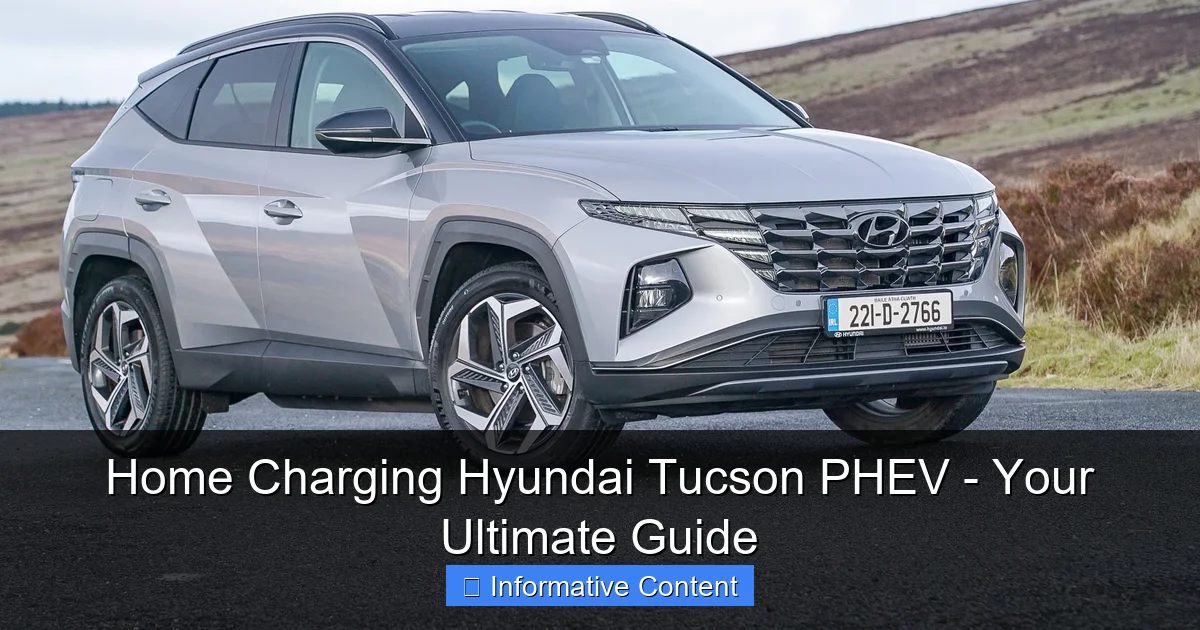
Visual guide about How To Charge Hyundai Tucson Plug In Hybrid At Home
Image source: completecar.ie
Sticking with the Included Level 1 Cord
That cord Hyundai gave you is perfectly fine for many people. If your daily drive is less than 30-40 miles and you can plug in overnight, Level 1 might be all you need. It’s a zero-cost option to start charging your Tucson PHEV at home. Just ensure the outlet is dedicated (not shared with other high-power devices) and in good condition.
Upgrading to a Level 2 Home Charging Station
If you want faster charging, more flexibility, or have a longer commute, a Level 2 station is worth it. Here’s what to look for:
- Cord Length: Get one that reaches your car’s port comfortably from where the station is mounted.
- Amperage: A 16-amp station is sufficient for the Tucson PHEV, but a 32-amp “smart” station is a common choice if you think you might get a full EV later.
- Smart Features: Some stations connect to Wi-Fi, allowing you to schedule charging for off-peak electricity rates, track energy use, or start charging via an app. This is great for maximizing savings.
- Certification: Always choose a station that is UL-listed or ETL-listed for safety.
My personal tip? If your budget allows, a smart Level 2 station feels like a luxury but quickly becomes a necessity. The ability to schedule home charging for my Hyundai Tucson PHEV to start at 11 PM when electricity is cheapest has saved me a noticeable amount on my bill.
Installing Your Home Charging Station
This is the part that might make you nervous, but it’s usually a straightforward process. Safety first: unless you are a licensed electrician, do not attempt this yourself.
Visual guide about How To Charge Hyundai Tucson Plug In Hybrid At Home
Image source: i.ytimg.com
The Installation Process, Step by Step
Here’s how a typical professional installation goes:
- Site Assessment: An electrician will look at your garage, driveway, and electrical panel to determine the best route for the new circuit.
- Permitting: Many localities require a permit for this work. A good electrician will handle this.
- Panel Upgrade Check: Your main electrical panel needs space for a new 240-volt circuit breaker. If it’s full, you might need a panel upgrade, which adds cost.
- Running the Wire: The electrician will run the appropriate gauge wire from the panel to your chosen charging spot.
- Mounting the Station: They’ll securely mount the home charging station on the wall and make all the connections.
- Final Inspection: Once done, a city inspector might need to approve the work (if a permit was pulled).
Understanding the Costs
Costs vary wildly based on your home. The station itself can cost $400-$700. Installation might range from $500 to $2,000, depending on the distance from your panel and complexity. The potential panel upgrade is the big variable, sometimes adding $1,500-$3,000. Get multiple quotes! Also, check for utility company rebates or federal tax credits that can significantly offset the cost of installing your Hyundai Tucson PHEV home charging setup.
How to Charge Your Tucson PHEV: Step-by-Step Guide
Let’s get to the fun part—actually plugging in. It’s a simple ritual.
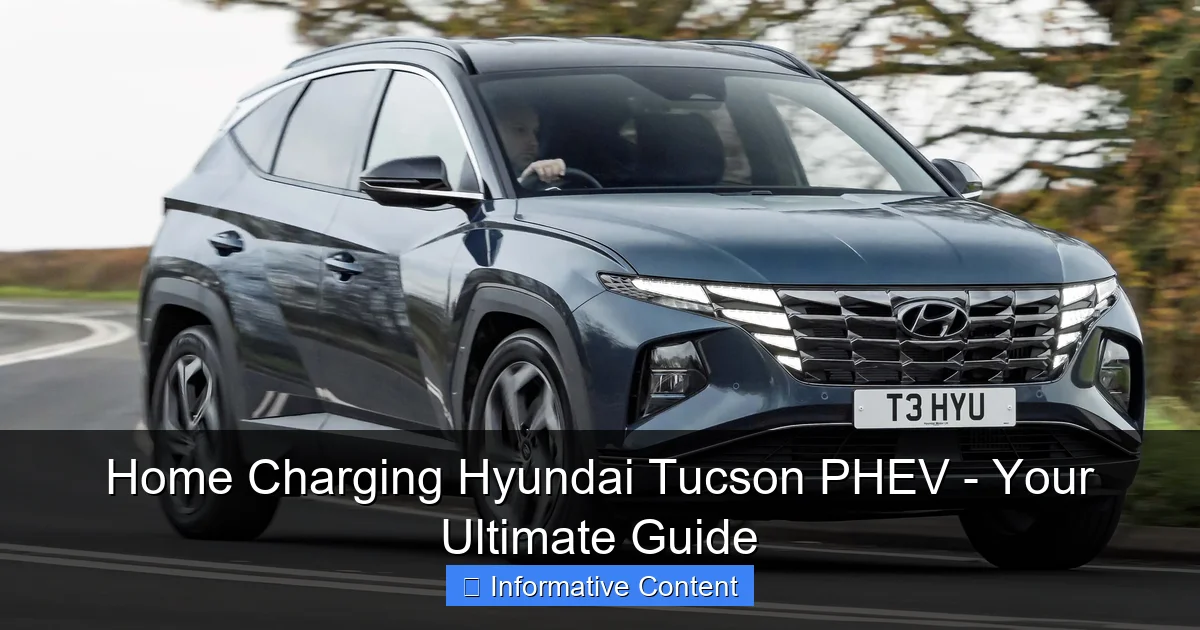
Visual guide about How To Charge Hyundai Tucson Plug In Hybrid At Home
Image source: media.drivingelectric.com
The Daily Charging Routine
Whether you’re using Level 1 or Level 2, the physical process is similar:
- Park and Power Down: Ensure your car is in Park and turned off.
- Open the Port: Unlock your car (the port cover usually unlocks with the doors) and open the charging flap.
- Connect to the Car: Take the charging handle and firmly push it into the J1772 port on your car. You’ll hear a click.
- Connect to Power: For Level 1, plug the other end into your wall outlet. For a Level 2 station, it’s already powered.
- Check the Lights: Look for indicator lights on your car’s dashboard or on the charging station itself. A solid or blinking green/blue light typically means it’s charging. The car’s instrument cluster will also show the estimated time to full.
When you’re ready to drive, just reverse the process: stop the charge (if your station has a button), unlock the car, and remove the handle. It’s that easy. This routine is the core of home charging for your Hyundai Tucson PHEV.
Using the Hyundai Bluelink App
Don’t forget about the Bluelink app! You can use it to remotely start or stop charging, check your charge status, and even pre-condition the cabin temperature while still plugged in. This is a huge perk of charging your Tucson PHEV at home—you can warm up or cool down the car using grid power, not your battery.
Maximizing Efficiency and Saving Money
Owning a PHEV is about saving money, right? Let’s make sure your home charging habits are as efficient as possible.
Smart Charging: Your Wallet’s Best Friend
Electricity rates are often lower at night (off-peak hours). By scheduling your home charging to occur during these times, you can cut your charging cost by 50% or more. You can do this through a smart charging station’s app, your car’s built-in scheduling (in the infotainment system), or the Bluelink app. I set mine to start at midnight. It’s a set-it-and-forget-it kind of saving.
Understanding Your Electricity Bill
Charging your Tucson PHEV will increase your home electricity use, but it drastically reduces gas purchases. To see the savings, you need to know your cost per kilowatt-hour (kWh). This is on your utility bill. The Tucson PHEV has a 13.8 kWh battery. If electricity costs $0.15 per kWh, a full charge costs about $2.07. That $2.07 buys you about 33 miles of electric range. Compare that to the cost of gas for 33 miles in hybrid mode, and the savings are clear.
Data Table: Cost Comparison Example
| Charging Method | Time for Full Charge (0-100%) | Estimated Electricity Cost per Full Charge* | Electric Range Gained |
|---|---|---|---|
| Level 1 (120V) | ~12-14 hours | $2.07 | ~33 miles |
| Level 2 (240V) | ~2-3 hours | $2.07 | ~33 miles |
*Assumes a 13.8 kWh battery and an electricity rate of $0.15 per kWh. Your actual costs will vary based on local rates and battery state.
This table shows that while Level 2 is faster, the energy cost is the same. The investment is in convenience, which for daily Hyundai Tucson PHEV home charging, is often worth every penny.
Troubleshooting Common Home Charging Issues
Sometimes, things don’t go as planned. Here are a few common hiccups and how to solve them.
The Car Won’t Start Charging
You plug in, but nothing happens. First, stay calm. Check these points:
- Is the car firmly in Park? It won’t charge in any other gear.
- Is the charging handle fully seated in the port? Give it a firm push until it clicks.
- Is the power source active? For Level 1, check if the outlet has power (try a lamp). For Level 2, check the circuit breaker.
- Is there a schedule set? Your car or station might be waiting for a scheduled time to begin.
Charging is Much Slower Than Usual
If your Level 2 charge is taking forever, the outlet or circuit might be overheating, causing the station to reduce power. Feel the plug and outlet. If it’s very hot, stop charging and call an electrician. Also, extreme cold can slow down home charging for your Hyundai Tucson PHEV slightly, as the battery management system works to protect the battery.
Error Lights on the Station or Dashboard
Consult your manuals. A solid red light usually means a fault. Try unplugging everything, waiting a minute, and plugging back in. If it persists, note the error code and contact the station manufacturer or your dealer. For simple home charging issues, a reset often does the trick.
Wrapping Up Your Home Charging Journey
Setting up home charging for your Hyundai Tucson PHEV might feel like a project, but it’s one with immediate and lasting rewards. Think about it: you’ll rarely visit gas stations for your daily rounds, your fuel costs will plummet, and you’ll start every day with a full, clean, electric range.
Start simple. Use the included cord for a week. See how it fits your life. If you crave more speed, then explore the Level 2 route. Remember, the goal is convenience and savings. Your Tucson PHEV is a brilliant piece of technology, and charging it at home unlocks its full potential. Welcome to the future of driving—it’s quiet, efficient, and starts right in your own driveway.
So go ahead, plug it in. Your wallet and the planet will thank you.
Frequently Asked Questions
What do I need to charge my Hyundai Tucson Plug-In Hybrid at home?
You primarily need the included Level 1 charging cable that plugs into a standard 120V household outlet. For faster charging, consider purchasing and installing a Level 2 home charging station, which requires a 240V electrical circuit.
How long does it take to charge the Tucson PHEV battery at home?
Using a standard 120V outlet, a full charge takes approximately 12 hours. With a dedicated 240V Level 2 charger, you can reduce charging time to about 2 to 3 hours for a complete charge from empty.
Can I use a regular wall outlet for home charging my Hyundai Tucson Plug-In Hybrid?
Yes, the vehicle comes with a portable charger designed for a standard 120V wall outlet, making it convenient for overnight charging. This is a simple and cost-effective way to start, though it is the slowest charging option.
Is it expensive to install a home charging station for the Tucson Plug-In Hybrid?
Installation costs vary based on your home’s electrical setup, but typically range from a few hundred to over a thousand dollars for a Level 2 station. This investment often pays off through faster charging and potential utility incentives or tax credits.
What are the safety precautions for charging my Tucson PHEV at home?
Always use the manufacturer-provided or certified charging equipment, and ensure the outlet and circuit are in good condition. Avoid using extension cords, and consider having a qualified electrician inspect your setup to prevent electrical hazards.
How can I maximize efficiency when home charging my Hyundai Tucson Plug-In Hybrid?
Charge during off-peak hours if your utility offers lower rates, and avoid letting the battery fully deplete regularly. Using a scheduled charging feature, if available, can help manage costs and reduce strain on the electrical grid.

At CarLegit, we believe information should be clear, factual, and genuinely helpful. That’s why every guide, review, and update on our website is created with care, research, and a strong focus on user experience.