
Featured image for what-kind-of-battery-does-an-acura-key-fob-take
Image source: i.ytimg.com
Most Acura key fobs use a standard CR2032 3V coin cell battery. Always confirm your specific model’s requirement via the owner’s manual or the old battery to ensure perfect compatibility and reliable performance.
In This Article
- 1 Find The Right Acura Key Fob Battery Type
- 1.1 Key Takeaways
- 1.2 📑 Table of Contents
- 1.3 Why Your Acura Key Fob Battery Matters More Than You Think
- 1.4 The Most Common Acura Key Fob Battery Types Explained
- 1.5 How to Identify Your Acura Key Fob Model and Battery
- 1.6 Your Stress-Free, Step-by-Step Battery Replacement Guide
- 1.7 Troubleshooting Common Key Fob Issues After Battery Change
- 1.8 Pro Tips for Extending Your Acura Key Fob Battery Life
- 1.9 Wrapping Up: Take Control of Your Convenience
- 1.10 Frequently Asked Questions
- 1.10.1 What kind of battery does an Acura key fob take?
- 1.10.2 How do I change the battery in my Acura key fob?
- 1.10.3 Is the Acura key fob battery the same for all models?
- 1.10.4 What is the battery number for an Acura key fob?
- 1.10.5 Can I replace my Acura key fob battery myself?
- 1.10.6 How often should I replace my Acura key fob battery?
Find The Right Acura Key Fob Battery Type
You’re running late for work, coffee in one hand, bag in the other. You press the button on your Acura key fob to unlock the door. Nothing happens. You press it again, a little harder, as if that will help. Still nothing. A tiny wave of panic hits. Is the car dead? Is the key fob broken? Chances are, it’s just a dead battery. It’s a small thing, but in that moment, it feels like a huge hassle.
I’ve been there. We all have. That little key fob is our gateway to convenience, and when it fails, it’s a stark reminder of how much we rely on it. But here’s the good news: replacing the battery in your Acura key fob is one of the easiest and most satisfying DIY fixes you can do. It takes minutes, costs just a few dollars, and you don’t need any special tools.
This guide is here to take the mystery out of it. We’re going to walk through everything you need to know about your Acura key fob battery type. By the end, you’ll be able to identify, buy, and replace the battery with confidence, saving you time, money, and that morning frustration. Let’s get started.
Key Takeaways
- Check your key fob model: Different Acura models use different battery types.
- Common battery is CR2032: This 3V lithium coin cell is widely used.
- Refer to your owner’s manual: It specifies the exact battery type for your vehicle.
- Open the key fob carefully: Use a small tool to pry it open without damage.
- Replace the battery correctly: Ensure the positive side faces up for proper function.
- Test the key fob after replacement: Press buttons to confirm it’s working.
📑 Table of Contents
- Why Your Acura Key Fob Battery Matters More Than You Think
- The Most Common Acura Key Fob Battery Types Explained
- How to Identify Your Acura Key Fob Model and Battery
- Your Stress-Free, Step-by-Step Battery Replacement Guide
- Troubleshooting Common Key Fob Issues After Battery Change
- Pro Tips for Extending Your Acura Key Fob Battery Life
- Wrapping Up: Take Control of Your Convenience
Why Your Acura Key Fob Battery Matters More Than You Think
It’s easy to see the key fob as just a button-clicker. But inside that sleek plastic case is a tiny radio transmitter talking to your car’s computer. The battery is its heart. A weak battery doesn’t just mean you have to stand closer to your car; it can cause glitches that make you think something is seriously wrong.
The High Cost of a Low Battery
A dying battery doesn’t always just stop working. It can start acting weird first. You might notice your remote start doesn’t work from as far away. The door locks might respond sluggishly. Sometimes, the car might not recognize the key fob at all, leaving you unable to start the engine. I once spent 10 minutes trying to start my friend’s Acura, only to realize the key fob battery was so low the push-button start couldn’t detect it. A simple battery swap fixed it instantly.
More Than Just Convenience
Think about safety, too. A reliable key fob means you can quickly lock your car in a dim parking lot. It ensures your panic alarm will work if you need it. Keeping the right Acura key fob battery type fresh is a small part of routine maintenance that keeps your daily life smooth and secure. It’s not just about avoiding annoyance; it’s about maintaining control over your vehicle.
The Most Common Acura Key Fob Battery Types Explained
Acura has used a few standard battery types over the years. The good news is that you won’t need to hunt for some exotic, expensive cell. You can find these batteries at any pharmacy, big-box store, or online. Let’s break down the usual suspects.
Visual guide about what-kind-of-battery-does-an-acura-key-fob-take
Image source: i.ytimg.com
CR2032: The Universal Workhorse
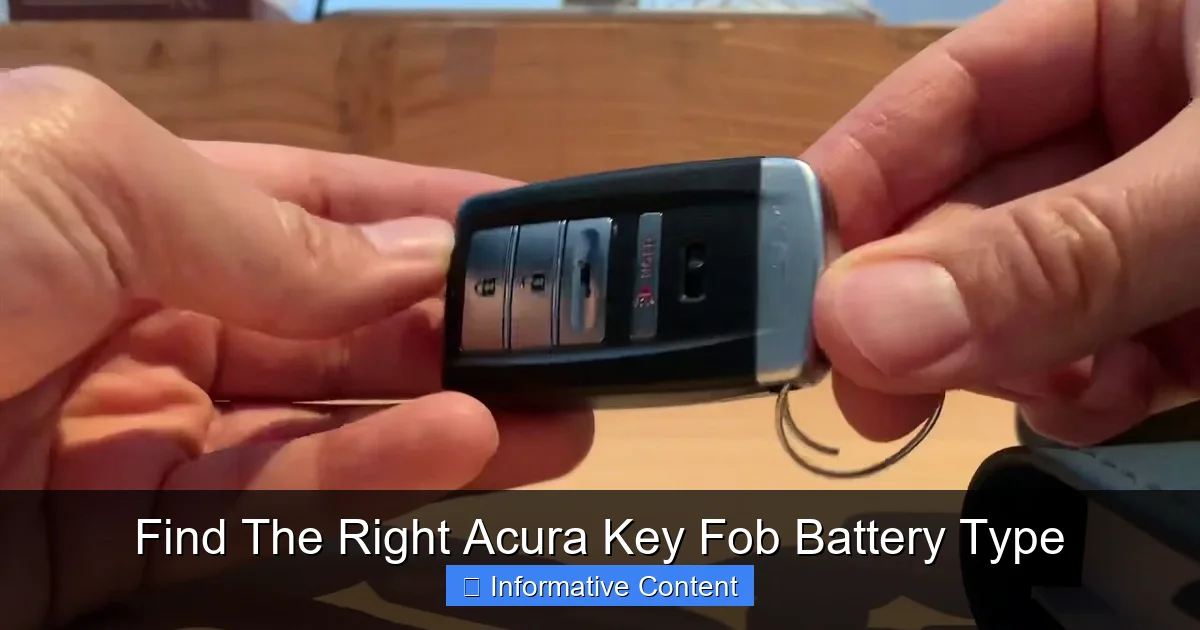
If you only remember one battery type, make it the CR2032. This is the single most common Acura key fob battery type. It’s a flat, round, 3-volt lithium coin cell about the size of a small coin. You’ll find it in key fobs for many Acura models from the mid-2000s up to recent years, including popular ones like the MDX, RDX, TL, and ILX. It’s powerful, has a long shelf life, and is incredibly common.
CR2025 and CR2016: The Close Cousins
These batteries are very similar to the CR2032 but thinner. The numbers tell the story: “CR” means lithium, “20” is the diameter in millimeters (about 0.79 inches), and the last two digits are the thickness in tenths of a millimeter. So, a CR2032 is 3.2mm thick, a CR2025 is 2.5mm thick, and a CR2016 is 1.6mm thick. Some older or specific Acura key fobs, like those for early 2000s models, might use a CR2025. It’s crucial to check your specific fob because using a thicker battery (like a CR2032 in a slot meant for a CR2016) can damage the casing.
Other Possibilities: CR2450 and CR1632
For some newer or more advanced key fobs, especially those with integrated remote start or two-way communication, you might encounter a larger battery like the CR2450. This one is thicker and has a higher capacity. Certain Acura models, like some TLX or newer RDX fobs, may use this. The CR1632 is another less common but possible type. The key takeaway is that while the CR2032 is the star, you must verify your specific Acura key fob battery type.
Acura Key Fob Battery Reference Table
This table gives you a general idea. Remember, the best way to be sure is to check your own key fob, which we’ll cover next.
| Acura Model (Typical Years) | Key Fob Style | Common Battery Type |
|---|---|---|
| MDX (2010-2020) | 3-button flip key or smart fob | CR2032 |
| RDX (2013-2022) | Smart fob with buttons | CR2032 or CR2450 (for advanced models) |
| TL/TLX (2009-2020) | Flip key or smart fob | CR2032 |
| ILX (2013-2022) | Standard remote | CR2032 |
| Older Models (e.g., 2005 TL) | Square remote | CR2025 |
| NSX (Newer) | Advanced smart fob | CR2450 |
Note: This is a general guide. Always open your fob to confirm the Acura key fob battery type printed on the old cell.
How to Identify Your Acura Key Fob Model and Battery
Don’t guess the battery. A wrong battery can lead to poor performance or damage. Here’s how to play detective and find the exact Acura key fob battery type you need.
Visual guide about what-kind-of-battery-does-an-acura-key-fob-take
Image source: i.ytimg.com
Step 1: Look at the Key Fob Itself
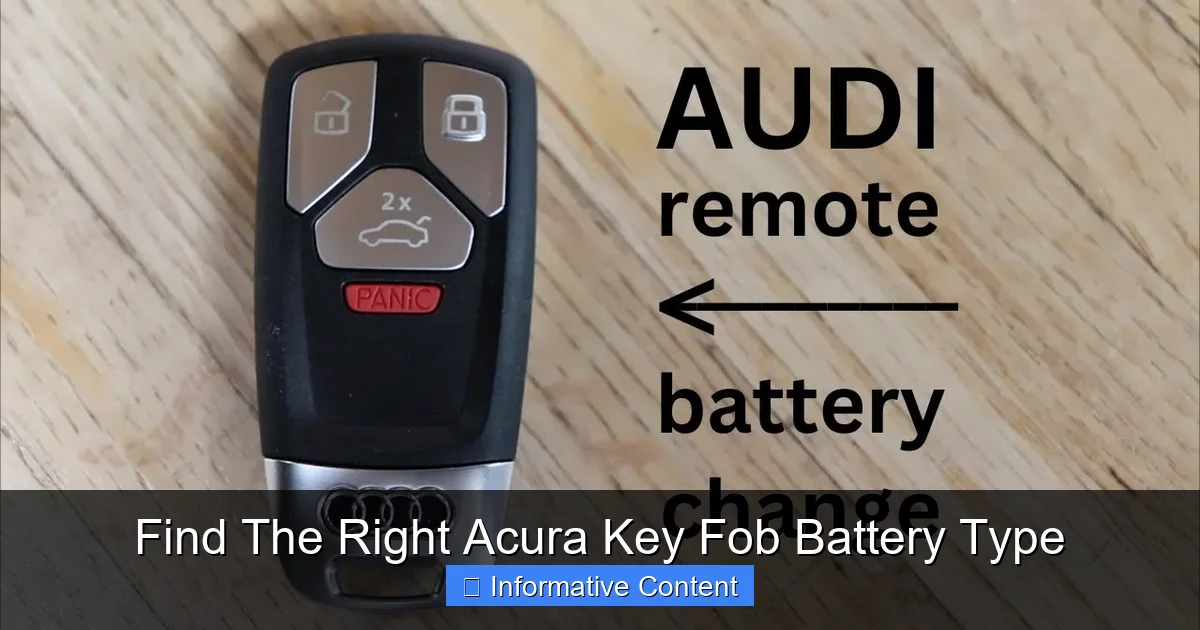
Your key fob has clues. Is it a flip key (where the metal key folds out)? Is it a smart fob (a rectangular fob with buttons, often used for push-button start)? Does it have a panic button, trunk release, or remote start? Newer models tend to use the smart fob style. The shape can point you toward the likely battery, but it’s not definitive.
Step 2: The Golden Rule – Open It Up
This is the only surefire way. You need to see the old battery. Most Acura key fobs are designed to be opened easily for battery replacement. Look for a small notch or seam. Often, you can use a thin coin or your fingernail to pry the two halves apart. Some flip keys require you to remove the metal key first, then look for a tiny screw. Don’t force it; if it’s not coming apart easily, you might be missing a screw.
Once open, the battery will be sitting in a clear compartment. Carefully pop it out. The Acura key fob battery type will be printed right on the battery itself—something like “CR2032” or “CR2025.” Write this down or take a picture with your phone. This is your shopping list.
Step 3: Check Your Owner’s Manual
If you have your Acura’s owner’s manual, it will almost always have a section on key fob battery replacement. It will specify the exact battery type for your model and year. It’s a great backup resource.
Your Stress-Free, Step-by-Step Battery Replacement Guide
Now for the main event. Let’s replace that battery. I promise it’s easier than assembling furniture. Here’s a universal method that works for most Acura key fobs.
Visual guide about what-kind-of-battery-does-an-acura-key-fob-take
Image source: i.ytimg.com
Gather Your Supplies
You’ll need two things:
- The correct new battery: Based on what you found when you opened the fob.
- A small, non-metallic tool: A plastic spudger, a guitar pick, or even a butter knife with a thin edge wrapped in tape. Avoid using a metal screwdriver directly on the seam to prevent scratches.
The Replacement Process
Follow these steps carefully:
- Open the Key Fob: Find the seam. Insert your tool and gently twist to separate the two halves. For flip keys, remove the physical key first, then look for a small screw on the back.
- Locate the Battery Compartment: Once open, you’ll see the circuit board and a small, round metal battery holder.
- Remove the Old Battery: Notice how the old battery is seated. It might be held in by a small plastic clip or just sitting in a recess. Use your fingernail or a toothpick to gently lift it out. Note the orientation: the positive side (+) is usually facing up.
- Insert the New Battery: Place the new battery in the same orientation as the old one. The positive side should match. You should feel it snap into place.
- Test Before Closing: This is a pro tip! Before you snap the case back together, press a button on the key fob while pointing it at your car (or even a TV—the signal can sometimes interfere). If you see a small LED light flash on the fob, or if your car’s lights flash, it’s working. If not, double-check the battery orientation.
- Reassemble: Align the two halves of the fob and press them firmly together until you hear a click on all sides.
That’s it! You’ve just successfully changed your Acura key fob battery type and saved yourself a trip to the dealership.
Troubleshooting Common Key Fob Issues After Battery Change
Sometimes, even after a battery change, things don’t work perfectly. Don’t worry. Here are some quick fixes for common problems.
Problem: The Key Fob Still Doesn’t Work
If you’ve put in a fresh battery and get no response, first re-check the battery. Is it seated correctly? Is the positive side up? Did you accidentally get a dead new battery (it happens)? Try another battery from a different pack.
Next, check the battery contacts inside the fob. Use a dry cotton swab to gently clean any dust or corrosion from the little metal tabs that touch the battery. Sometimes, the circuit board can get loose. Ensure it’s properly seated in the case.
Problem: The Car Won’t Start (Push-Button Ignition)
This can be scary. If your Acura has push-button start and doesn’t recognize the key fob even with a new battery, try this. Hold the key fob directly against the start button. Most Acuras have a backup system that reads the fob through direct contact when the battery is very low or there’s an issue. If it starts this way, the fob is working, but the signal might be weak, or the car’s receiver may need recalibration. Consult your manual for the “fob reset” procedure, which often involves pressing lock and unlock buttons in a sequence.
Problem: Only Some Buttons Work
If the lock works but the unlock doesn’t, it’s likely not the battery. The issue could be with the button contacts on the circuit board. You can try cleaning the rubber contact pads inside with a bit of rubbing alcohol on a swab. If that fails, the fob itself might have internal damage and need professional repair or replacement.
Pro Tips for Extending Your Acura Key Fob Battery Life
Want to make that new battery last as long as possible? Follow these simple habits. A typical Acura key fob battery type like the CR2032 should last 2-4 years, but you can stretch it.
Minimize Unnecessary Signals
Every button press sends a signal. Avoid repeatedly pressing buttons when you’re not near the car. The fob is always “listening” for the lock/unlock signal when you press, so pointless pressing drains the battery. Also, don’t use the panic button to find your car in a parking lot if you can avoid it; it uses more power.
Smart Storage is Key
Heat and moisture are enemies of batteries. Don’t leave your key fob on the dashboard in direct sun or in a humid environment. Store it in a cool, dry place. Also, avoid storing it near strong magnets or other electronic devices that can cause interference and force the fob to work harder.
The Two-Fob Strategy
If you have two key fobs, rotate their use. Using one for a few months, then switching to the other, can help both batteries last longer. It also ensures your spare fob is always functional in an emergency.
Buy Quality Batteries
Not all batteries are created equal. Stick with reputable brands like Duracell, Energizer, or Panasonic when buying your Acura key fob battery type. Cheap, no-name batteries may have a shorter life or even leak, damaging your fob. It’s worth spending an extra dollar for reliability.
Wrapping Up: Take Control of Your Convenience
Dealing with a dead key fob battery is a universal car owner experience. But as we’ve seen, it doesn’t have to be a crisis. Knowing your specific Acura key fob battery type is the first step to a quick and easy fix. Whether it’s the common CR2032 or another type, a few minutes of your time can restore full functionality.
Remember, it’s all about being prepared. Keep an extra battery of the right type in your glove box or at home. Get familiar with how to open your key fob. This small bit of knowledge saves you from dealership fees and last-minute store runs.
Your Acura key fob is a marvel of modern convenience. By giving it the simple care of a timely battery change, you ensure it keeps working smoothly for you, day in and day out. So next time that unlock button feels lazy, you’ll know exactly what to do. Happy driving!
Frequently Asked Questions
What kind of battery does an Acura key fob take?
Most Acura key fobs use a standard CR2032 lithium coin battery. However, some older models might require different types like CR2025 or CR1616, so it’s best to check your owner’s manual or the existing battery for confirmation.
How do I change the battery in my Acura key fob?
To change the battery, carefully pry open the key fob case with a small flat tool. Replace the old battery with a new one, ensuring the positive side faces up, then securely snap the case back together.
Is the Acura key fob battery the same for all models?
No, the Acura key fob battery type can vary by model and year. While CR2032 is common, always verify the specific battery for your vehicle to ensure compatibility and proper function.
What is the battery number for an Acura key fob?
The typical battery number for many Acura key fobs is CR2032. For accuracy, look at the number printed on the old battery or consult your vehicle’s documentation to find the exact match.
Can I replace my Acura key fob battery myself?
Yes, replacing an Acura key fob battery is a straightforward DIY task. You only need the correct battery and a small tool to open the fob, making it a quick and cost-effective solution.
How often should I replace my Acura key fob battery?
An Acura key fob battery usually lasts 2 to 4 years with normal use. Replace it if you notice decreased range or responsiveness to avoid being locked out unexpectedly.

At CarLegit, we believe information should be clear, factual, and genuinely helpful. That’s why every guide, review, and update on our website is created with care, research, and a strong focus on user experience.