

Featured image for how-to-reset-the-oil-light-on-a-chrysler-200
Image source: i.ytimg.com
Resetting the Chrysler 200’s oil light is a swift, key-cycle process you can perform in under a minute. Turn the ignition to “ON” without starting the engine, then fully depress the accelerator pedal three times to clear the warning. This immediate DIY fix maintains accurate service alerts and prevents unnecessary mechanic visits.
In This Article
- 1 Key Takeaways
- 2 📑 Table of Contents
- 3 Learn How To Reset The Oil Light On A Chrysler 200 Fast
- 4 What the Oil Light Really Means on Your Chrysler 200
- 5 Safety First: What to Do Before You Start
- 6 Step-by-Step Reset Guide for All Chrysler 200 Model Years
- 7 Troubleshooting Common Reset Problems
- 8 Chrysler 200 Oil Light Reset Method Comparison Table
- 9 Your Dashboard is Clear: Final Thoughts and Next Steps
- 10 Frequently Asked Questions
- 10.1 What does the oil light mean on a Chrysler 200?
- 10.2 How do I reset the oil light on a Chrysler 200?
- 10.3 Why won’t my Chrysler 200 oil light reset?
- 10.4 Do I need to reset the oil light after an oil change?
- 10.5 Can I reset the oil light without a tool?
- 10.6 How often should I reset the oil light on my Chrysler 200?
Key Takeaways
- Ensure ignition is on: Engine must be off but electrical systems active.
- Navigate to oil life display: Use the odometer button on the dashboard.
- Hold to reset: Press and hold the button until display resets.
- Confirm reset success: The oil light should turn off immediately.
- Change oil before resetting: Resetting without an oil change is misleading.
- Check owner’s manual: Steps can vary by model year and trim.
- Maintain regular intervals: Resetting helps track next oil change date.
📑 Table of Contents
- Learn How To Reset The Oil Light On A Chrysler 200 Fast
- What the Oil Light Really Means on Your Chrysler 200
- Safety First: What to Do Before You Start
- Step-by-Step Reset Guide for All Chrysler 200 Model Years
- Troubleshooting Common Reset Problems
- Chrysler 200 Oil Light Reset Method Comparison Table
- Your Dashboard is Clear: Final Thoughts and Next Steps
Learn How To Reset The Oil Light On A Chrysler 200 Fast
Picture this. You just got your oil changed. The car is running smooth, but there’s that little glowing reminder on your dashboard—the oil change light. It’s staring at you, a persistent yellow genie that won’t go back in its bottle.
You might feel a flash of annoyance. “But I just had it serviced!” Don’t worry, you’re not alone. This happens to countless Chrysler 200 owners. The mechanic might have forgotten to reset it, or perhaps you changed the oil yourself. That light isn’t a warning of low oil pressure (that’s a red light). This one is simply a maintenance reminder, a smart but sometimes pesky timer.
Resetting it yourself is a 60-second job that can save you a trip back to the shop or an unnecessary sense of dread every time you start the car. This guide will walk you through the simple steps to reset the oil light on your Chrysler 200. We’ll cover every model year, from the early ones to the last ones off the line. Let’s get that dashboard clean and your mind at ease.
What the Oil Light Really Means on Your Chrysler 200
Before we jump into the “how,” let’s talk about the “why.” Understanding your car’s signals turns you from a passive driver into an informed owner. It builds confidence.
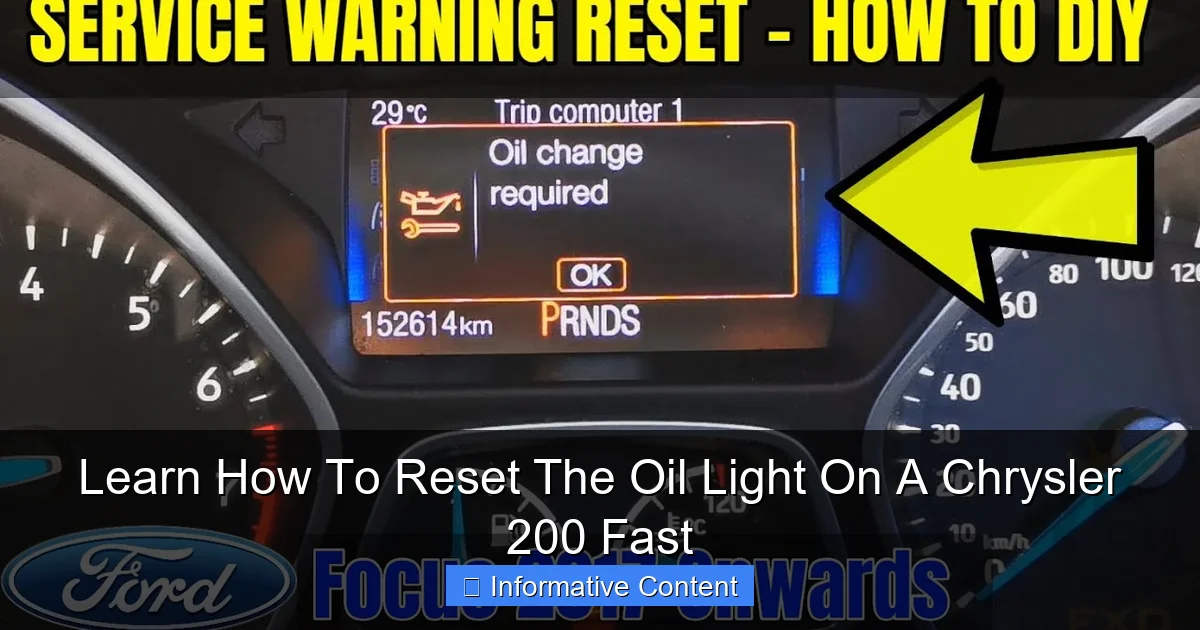
Visual guide about how-to-reset-the-oil-light-on-a-chrysler-200
Image source: i.ytimg.com
The Difference Between the Red Oil Light and the Yellow Change Light
This is crucial. Your Chrysler 200 has two different oil-related warnings.
The red oil can icon that says “ENGINE OIL PRESSURE” is a serious, stop-the-car-immediately warning. It means the engine isn’t getting enough oil pressure, which can lead to catastrophic damage in moments. If you see this light while driving, pull over safely and shut off the engine as soon as possible.
The yellow “Change Oil” or wrench icon is your topic today. It’s a maintenance minder. The car’s computer calculates mileage and engine run time since the last reset. When it hits a pre-programmed number (usually around 5,000 to 8,000 miles), it illuminates the light. It’s just a calendar alert for your car.
Why Resetting It Yourself Matters
Beyond just clearing an annoying light, a proper reset ensures your car’s next reminder is accurate. If you don’t reset it, the computer will think you’re still running on the old oil and might trigger the light again far too soon. Doing it yourself means you know it’s done right, and it connects you a little more to the machine you rely on every day. It’s a small win in car ownership.
Safety First: What to Do Before You Start
Even for a simple task like this, a tiny bit of preparation prevents headaches. Let’s set the stage for a smooth, 60-second reset.
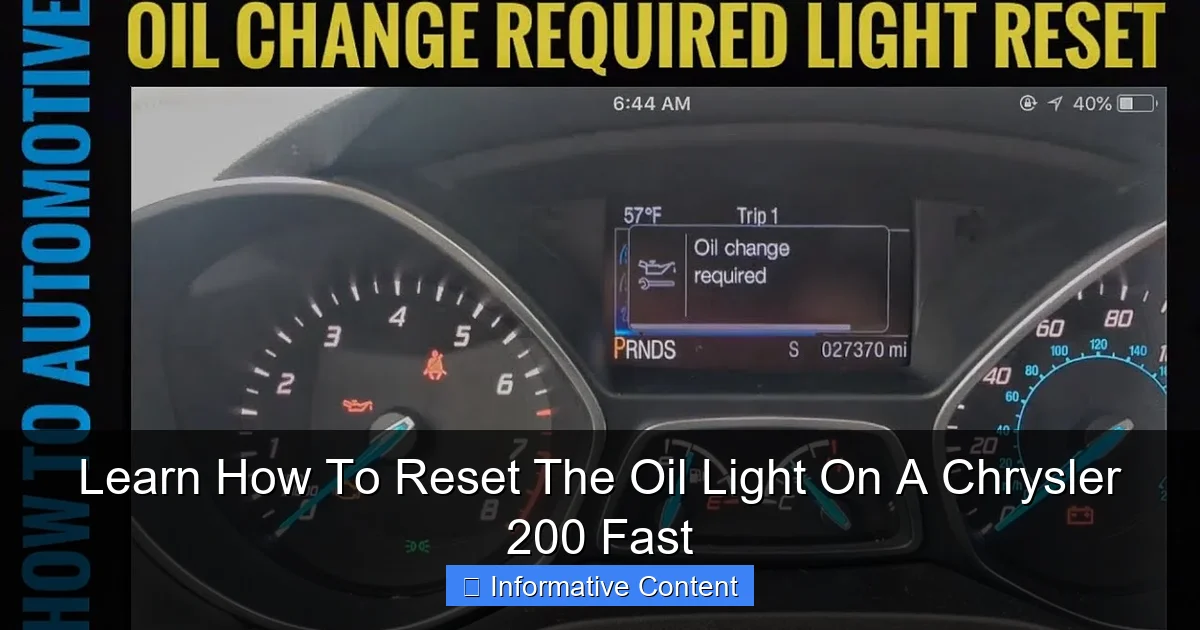
Visual guide about how-to-reset-the-oil-light-on-a-chrysler-200
Image source: i.ytimg.com
Gather Your Tools (You Won’t Need Many)
Honestly, your main “tool” is your finger. However, for some model years, you’ll need access to the ignition and pedals. So here’s your checklist:
- Your Chrysler 200, parked on a level surface.
- The key fob or key itself.
- Most importantly: Make sure you have actually performed the oil and filter change! Resetting the light without changing the oil is like turning off a smoke alarm while the toast is still burning. It defeats the purpose entirely.
Verify Your Oil Level
This is the perfect time to double-check your work or the mechanic’s work. While the engine is cool, pull the dipstick, wipe it clean, reinsert it fully, and pull it out again. Ensure the oil level is in the safe zone between the “MIN” and “MAX” marks. The oil should look clean and amber, not dark black or sludgy. Good oil is the lifeblood of your engine.
Step-by-Step Reset Guide for All Chrysler 200 Model Years
Here is the core of what you came for. The method changed slightly over the production run of the Chrysler 200 (2011-2017). The most significant change came with the 2015 model year refresh. Don’t worry; we’ve got you covered for every version.

Visual guide about how-to-reset-the-oil-light-on-a-chrysler-200
Image source: i.ytimg.com
For 2011-2014 Chrysler 200 Models (First Generation)
These earlier models use a classic pedal-and-ignition sequence. It feels a bit like a secret handshake with your car.
- Step 1: Get in the driver’s seat and close the door. Do not start the engine.
- Step 2: Turn the ignition to the “ON” position. You should see all your dashboard warning lights illuminate, including the yellow “Change Oil” message. Do not crank the engine.
- Step 3: Slowly press the gas pedal to the floor three times, within 10 seconds. A steady, full-down, full-up motion each time.
- Step 4: Turn the ignition back to the “OFF” position.
- Step 5: Wait a moment, then turn the ignition back to “ON” or start the engine. The “Change Oil” message should now be gone. If it isn’t, repeat the sequence, making sure you’re completing the pedal presses fully and within the 10-second window.
For 2015-2017 Chrysler 200 Models (Second Generation)
The refreshed 200 moved the reset function to the intuitive steering wheel and dashboard display controls. This is much more straightforward.
- Step 1: Start the engine. Let it run for a minute if it’s cold.
- Step 2: On your steering wheel, locate the arrow buttons (usually on the left side). Use them to navigate the instrument cluster display until you see the “Vehicle Info” menu.
- Step 3: Scroll within “Vehicle Info” until you find “Oil Life” or “Oil Change Reset.” Select it by pressing the “OK” button on the steering wheel.
- Step 4: The display will ask you to confirm. Select “Yes” or “Reset.” You may need to hold the “OK” button for a few seconds.
- Step 5: The display should confirm “Reset Complete” or show “Oil Life 100%.” You’re done!
Troubleshooting Common Reset Problems
Sometimes, the light is stubborn. If the steps above didn’t work, don’t panic. Here are the usual suspects and how to fix them.
The Light Won’t Go Off After Multiple Tries
This is frustrating. First, take a breath. For 2011-2014 models, the timing of the pedal presses is key. It must be three full presses within 10 seconds while the ignition is “ON” (engine off). Try a slightly faster, rhythmic pace: down-up, down-up, down-up. Ensure you’re not halfway pressing the pedal.
For 2015-2017 models, ensure you are in the correct menu. Sometimes it’s under “System Settings” or “Maintenance.” Consult your owner’s manual (often in the glovebox) for the exact menu tree.
What If I Hear a Beep or Honk?
On some 2011-2014 models, successfully entering the reset mode might be confirmed by a single or double chime or honk from the car. This is normal! It’s the car’s way of saying, “I got your signal.” Proceed to turn the ignition off and then back on to check the light.
When to Suspect a Deeper Issue
If you are absolutely certain you’re following the correct procedure and the light persists, there are two possibilities. First, the oil life monitoring system may have a glitch that requires a dealership scan tool to reset. This is rare. Second, and more importantly, if the light comes back on shortly after a reset and a confirmed oil change, it could be sensing a real problem, like a faulty oil pressure sensor. In this case, having a professional diagnose it is the wise move.
Chrysler 200 Oil Light Reset Method Comparison Table
This table gives you a quick, at-a-glance reference to find your method based on your model year and features.
| Model Years | Primary Method | Key Action | Dashboard Feedback |
|---|---|---|---|
| 2011, 2012, 2013, 2014 | Ignition & Accelerator Pedal | Three full pedal presses in 10 seconds with ignition ON (engine off). | Light may simply extinguish; sometimes a confirmation chime. |
| 2015, 2016, 2017 (with base cluster) | Steering Wheel Controls | Navigate menus using arrow and OK buttons on steering wheel. | On-screen confirmation message (“Reset Complete”). |
| 2015, 2016, 2017 (with premium cluster / 7″ display) | Steering Wheel Controls | Navigate through “Vehicle Info” or “System Settings” menus. | On-screen graphic showing oil life returning to 100%. |
Your Dashboard is Clear: Final Thoughts and Next Steps
And there you have it. That stubborn yellow light should now be a thing of the past. You didn’t need any special tools or a costly trip to the dealer—just a minute of your time and the right knowledge. It’s one of those satisfying little bits of car care that feels good to handle yourself.
Remember, this reset is part of a cycle. Jot down your current mileage or set a reminder in your phone for the next oil change interval recommended in your owner’s manual. Consistent maintenance is the single best thing you can do for your Chrysler 200’s health and longevity.
Now, with a clear dashboard, you can drive with the confidence that you’re up-to-date on your maintenance and truly in tune with your vehicle. The next time that light comes on, you’ll know it’s a genuine reminder for service, and you’ll know exactly how to reset the oil light on your Chrysler 200 fast. Safe travels!
Frequently Asked Questions
What does the oil light mean on a Chrysler 200?
The oil light on your Chrysler 200 typically indicates low oil pressure or that the oil change reminder is due. If it’s red and flashing, it could signal immediate attention is needed for oil pressure. If it’s a maintenance light, it simply reminds you to change the oil.
How do I reset the oil light on a Chrysler 200?
To reset the oil light on a Chrysler 200, turn the ignition to the “on” position without starting the engine. Then, fully press and release the accelerator pedal three times within 10 seconds. Turn the ignition off, and the light should be reset.
Why won’t my Chrysler 200 oil light reset?
If the oil light won’t reset, ensure you’re following the correct procedure precisely. It might also indicate that the oil change hasn’t been registered properly or there could be an underlying issue with the sensor.
Do I need to reset the oil light after an oil change?
Yes, you should reset the oil light after every oil change to ensure accurate maintenance tracking. This helps the vehicle’s system monitor when the next oil change is due based on mileage.
Can I reset the oil light without a tool?
Yes, resetting the oil light on a Chrysler 200 can be done without any special tools. The process involves using the ignition switch and accelerator pedal, as described in the owner’s manual.
How often should I reset the oil light on my Chrysler 200?
You should reset the oil light every time you perform an oil change, which is typically every 5,000 to 7,500 miles. Follow your vehicle’s recommended maintenance schedule for optimal performance.

At CarLegit, we believe information should be clear, factual, and genuinely helpful. That’s why every guide, review, and update on our website is created with care, research, and a strong focus on user experience.