
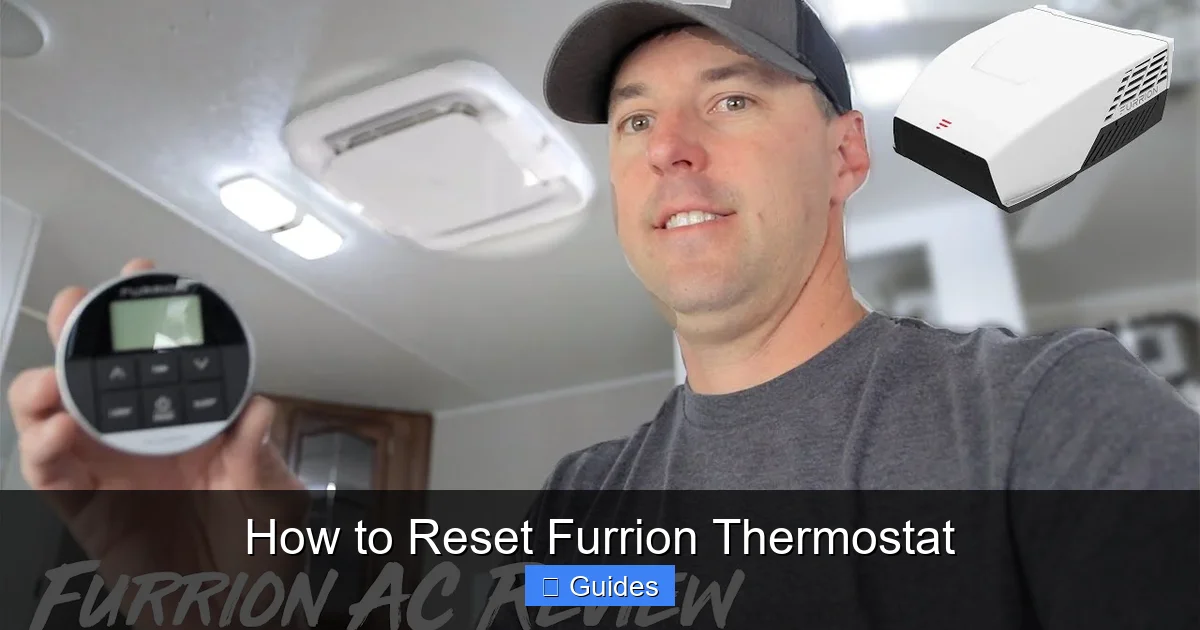
Resetting your Furrion thermostat can solve common issues like unresponsiveness, incorrect temperature readings, or system errors. This guide walks you through simple reset methods, from soft resets to factory restores, ensuring your RV or cabin climate control works smoothly.
If you’ve ever been stuck in an RV that’s either freezing cold or sweltering hot—despite cranking up the heat or AC—you know how frustrating a malfunctioning thermostat can be. The Furrion thermostat is a popular choice among RV owners and tiny home dwellers for its sleek design, digital display, and compatibility with Furrion’s climate control systems. But like any electronic device, it can occasionally act up. Maybe it’s not responding to touch, showing the wrong temperature, or simply refusing to turn on. Before you panic or call a technician, there’s a good chance you can fix it yourself with a simple reset.
Resetting your Furrion thermostat isn’t just about pressing a button—it’s about understanding what kind of reset your situation needs. There are different levels of resets, from a basic soft reset that refreshes the system to a full factory reset that wipes all custom settings. Knowing when and how to use each method can save you time, money, and a lot of frustration. In this guide, we’ll walk you through every step, explain why each reset works, and share insider tips to keep your Furrion thermostat running like new.
In This Article
- 1 Key Takeaways
- 2 📑 Table of Contents
- 3 Why Reset Your Furrion Thermostat?
- 4 Types of Furrion Thermostat Resets
- 5 Step-by-Step Guide to Resetting Your Furrion Thermostat
- 6 Troubleshooting Common Reset Issues
- 7 Preventing Future Thermostat Problems
- 8 When to Call a Professional
- 9 Conclusion
- 10 Frequently Asked Questions
- 10.1 How do I reset my Furrion thermostat if the screen is frozen?
- 10.2 Will resetting my Furrion thermostat delete my settings?
- 10.3 Why does my Furrion thermostat keep resetting on its own?
- 10.4 Can I reset my Furrion thermostat without turning off the power?
- 10.5 What should I do if my Furrion thermostat won’t turn on after a reset?
- 10.6 How often should I reset my Furrion thermostat?
Key Takeaways
- Soft resets fix minor glitches: A quick power cycle can resolve temporary issues without losing your settings.
- Hard resets restore factory defaults: Use this when your thermostat is frozen or malfunctioning—be ready to reconfigure settings afterward.
- Check power sources first: Ensure your RV or cabin has stable 12V DC power; low voltage can mimic thermostat failure.
- Firmware updates may be needed: Some Furrion models support updates that improve performance and fix bugs.
- Location matters: Avoid placing thermostats near heat sources or drafts for accurate temperature sensing.
- Contact support if problems persist: Furrion offers customer service for warranty-covered repairs or advanced troubleshooting.
- Regular maintenance prevents issues: Clean the unit and inspect wiring annually to keep it running reliably.
📑 Table of Contents
Why Reset Your Furrion Thermostat?
Thermostats are the brain of your heating and cooling system. When they stop working correctly, your entire climate control setup suffers. A Furrion thermostat might need a reset for several reasons. Sometimes, it’s just a temporary software hiccup—like when your phone freezes and needs a restart. Other times, it could be due to power fluctuations, outdated firmware, or even dust buildup inside the unit.
One of the most common issues is unresponsiveness. You tap the screen, but nothing happens. Or maybe the display is blank, even though the unit seems to have power. Another frequent complaint is inaccurate temperature readings. Your RV feels chilly, but the thermostat says it’s 75°F. That’s not just annoying—it can lead to wasted energy or discomfort.
Power-related problems are also common. RVs run on 12V DC power, and if your battery is low or your converter isn’t working properly, the thermostat might not get enough juice to operate. This can make it seem broken when it’s really just underpowered. Similarly, if you’ve recently disconnected your RV from shore power or switched batteries, a reset can help the thermostat re-sync with the system.
Firmware glitches are another culprit. Like any smart device, Furrion thermostats run on software. If an update was interrupted or the system encountered an error, it might freeze or behave oddly. A reset can clear these temporary errors and restore normal function.
Finally, environmental factors play a role. If your thermostat is mounted near a window, vent, or heat source, it might read temperatures incorrectly. While this doesn’t always require a reset, it’s good to check placement before assuming the unit is faulty.
Types of Furrion Thermostat Resets
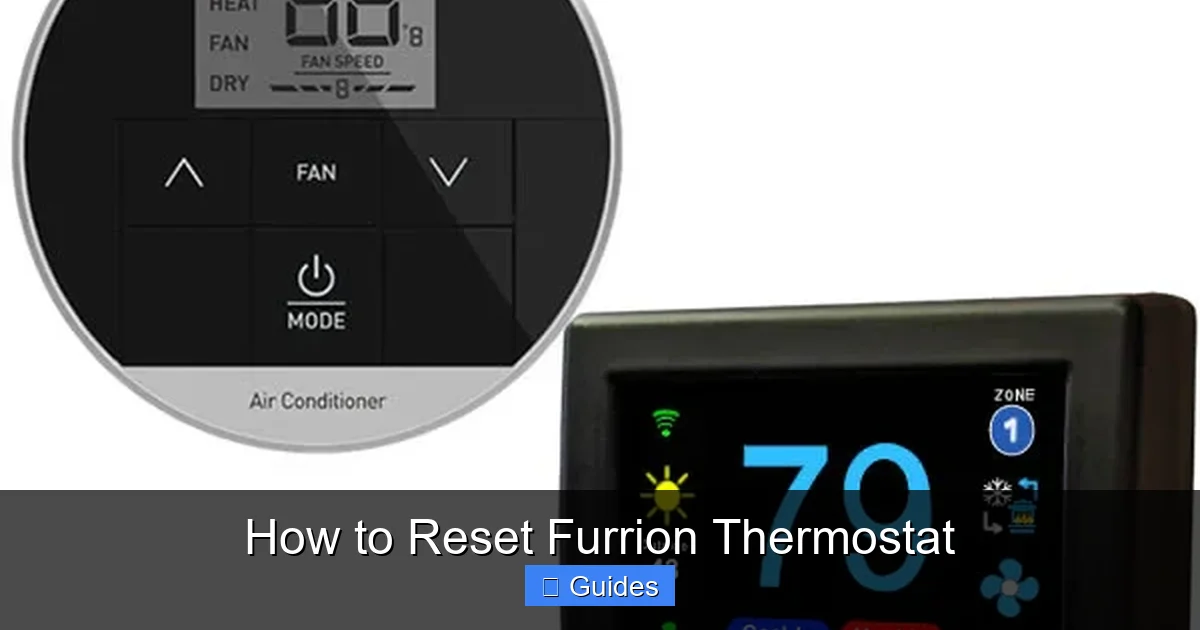
Visual guide about How to Reset Furrion Thermostat
Image source: microair.net
Not all resets are created equal. Understanding the difference between a soft reset and a hard reset is key to solving your problem without causing more issues.
Soft Reset (Power Cycle)
A soft reset is the simplest and safest option. It’s like restarting your computer—it clears temporary memory and refreshes the system without affecting your settings. This is ideal for minor glitches like a frozen screen, delayed response, or incorrect temperature display.
To perform a soft reset:
1. Turn off the thermostat using the power button or by switching off the breaker that controls it.
2. Wait at least 30 seconds. This gives the internal capacitors time to discharge.
3. Turn the power back on and wait for the thermostat to reboot.
You should see the Furrion logo appear, followed by the home screen. If the issue was temporary, this often fixes it. For example, if your thermostat was stuck on “Heat On” but your furnace wasn’t running, a soft reset might clear the false signal.
Hard Reset (Factory Reset)
A hard reset is more drastic. It restores the thermostat to its original factory settings, wiping out all custom preferences like temperature schedules, fan settings, and mode configurations. Use this only if a soft reset doesn’t work or if the unit is completely unresponsive.
To perform a hard reset:
1. Make sure the thermostat has power.
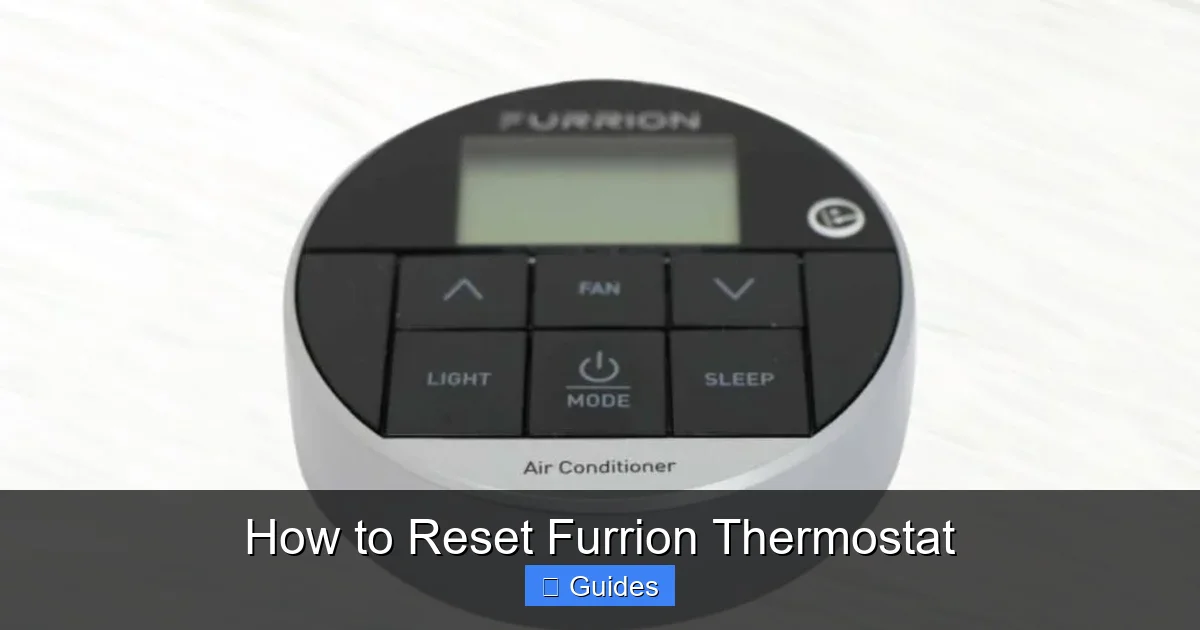
2. Press and hold the “Mode” and “Fan” buttons simultaneously for 10–15 seconds.
3. The screen will go blank, then display the setup menu.
4. Follow the on-screen prompts to reconfigure your settings.
Note: The exact button combination may vary slightly depending on your Furrion model. Check your user manual for specifics. After a hard reset, you’ll need to set your preferred temperature ranges, schedule, and system type (heat pump, gas furnace, etc.).
When to Use Each Reset
Use a soft reset for:
– Temporary freezes or lag
– Incorrect temperature readings that correct themselves after a reboot
– Minor display issues
Use a hard reset for:
– Complete unresponsiveness
– Error codes that won’t clear
– Persistent malfunctions after a soft reset
Always try the soft reset first. It’s faster, safer, and doesn’t require reconfiguration.
Step-by-Step Guide to Resetting Your Furrion Thermostat
Visual guide about How to Reset Furrion Thermostat
Image source: camperupgrade.com
Now that you know the types of resets, let’s walk through the actual process. These steps apply to most Furrion thermostat models, including the FURRION FAC12V1A and similar units.
Step 1: Confirm Power Supply
Before resetting, make sure your thermostat has adequate power. Check your RV’s battery voltage with a multimeter—it should read at least 12.4V when fully charged. If it’s below 12V, charge the battery or connect to shore power. Also, inspect the breaker panel to ensure the thermostat circuit hasn’t tripped.
Step 2: Perform a Soft Reset
1. Locate the power source. This could be a dedicated breaker, a switch on the thermostat, or the main power panel.
2. Turn off the power to the thermostat.
3. Wait 30–60 seconds.
4. Turn the power back on.
5. Wait for the unit to boot up (usually 30–60 seconds).
If the thermostat responds normally, you’re done! If not, proceed to a hard reset.
Step 3: Perform a Hard Reset
1. Ensure the thermostat is powered on.
2. Press and hold the “Mode” and “Fan” buttons at the same time.
3. Hold for 10–15 seconds until the screen goes blank.
4. Release the buttons when the setup screen appears.
5. Follow the prompts to reconfigure your system.
Tip: Take a photo of your current settings before resetting so you can easily restore them.
Step 4: Test the System
After resetting, test both heating and cooling modes. Set the thermostat to heat and verify that the furnace kicks on. Then switch to cool and ensure the air conditioner responds. Check that the fan operates in auto and on modes.
Step 5: Monitor for Recurring Issues
If the problem returns within a few days, it may indicate a deeper issue—like a faulty sensor, wiring problem, or failing control board. In that case, contact Furrion support.
Troubleshooting Common Reset Issues
Visual guide about How to Reset Furrion Thermostat
Image source: camperupgrade.com
Even with the right steps, you might run into hiccups. Here’s how to handle them.
Thermostat Won’t Turn Back On After Reset
If the screen stays blank after a reset, check the power source again. Use a multimeter to test voltage at the thermostat terminals. If there’s no power, inspect the wiring, breaker, and fuse. A blown fuse is a common cause—replace it with one of the same rating.
Buttons Don’t Respond During Hard Reset
Some models require precise timing. Try pressing the buttons immediately after powering on. If that doesn’t work, consult your manual—some units use different button combinations (e.g., “Up” + “Down”).
Settings Keep Resetting on Their Own
This suggests a power instability issue. Check your RV’s electrical system for loose connections, corroded terminals, or a failing converter. A voltage drop below 11V can cause the thermostat to reboot unexpectedly.
Error Codes Appear After Reset
Furrion thermostats may display error codes like “E1” (sensor fault) or “E2” (communication error). Refer to your manual for code meanings. Often, these require professional diagnosis.
Preventing Future Thermostat Problems
A reset fixes the symptom, but prevention keeps the problem from returning. Here’s how to maintain your Furrion thermostat.
Keep It Clean
Dust and debris can interfere with sensors and buttons. Use a soft, dry cloth to wipe the screen and vents monthly. Avoid harsh cleaners—water and mild soap are sufficient.
Ensure Stable Power
Invest in a quality battery maintainer or solar charger to keep your RV’s battery topped off. Consider a voltage monitor to alert you to drops.
Update Firmware When Available
Check Furrion’s website periodically for firmware updates. Some models allow updates via USB or Wi-Fi. Updated software can fix bugs and improve performance.
Check Mounting and Placement
Mount the thermostat away from direct sunlight, drafts, or heat sources. Ideal placement is on an interior wall, about 5 feet above the floor.
Inspect Wiring Annually
Loose or corroded wires can cause intermittent issues. Turn off power and check all connections at the thermostat and control board.
When to Call a Professional
Most reset issues can be handled at home. But if you’ve tried both soft and hard resets and the thermostat still doesn’t work, it’s time to call in help. Signs you need a technician include:
– No power despite confirmed voltage
– Burned smell or visible damage
– Persistent error codes
– Furnace or AC not responding even with a working thermostat
Furrion offers customer support and warranty service. Have your model number and purchase date ready when you call.
Conclusion
Resetting your Furrion thermostat is a simple yet powerful way to restore comfort and control in your RV or tiny home. Whether you’re dealing with a frozen screen, incorrect readings, or a complete system lockup, knowing how to perform a soft or hard reset can save you time and money. Start with a power cycle, and only move to a factory reset if necessary. Always check your power supply first—many issues are electrical, not mechanical.
With regular maintenance and smart placement, your Furrion thermostat can provide reliable performance for years. And if problems persist, don’t hesitate to reach out to Furrion’s support team. A little troubleshooting today can prevent a lot of discomfort tomorrow.
Frequently Asked Questions
How do I reset my Furrion thermostat if the screen is frozen?
Try a soft reset by turning off the power for 30 seconds, then turning it back on. If that doesn’t work, perform a hard reset by holding the “Mode” and “Fan” buttons for 10–15 seconds until the screen resets.
Will resetting my Furrion thermostat delete my settings?
A soft reset won’t delete any settings—it only refreshes the system. A hard reset will restore factory defaults and erase all custom preferences, so you’ll need to reconfigure them.
Why does my Furrion thermostat keep resetting on its own?
Frequent resets often point to power issues, such as a weak battery, faulty converter, or loose wiring. Check your RV’s electrical system and ensure stable 12V power.
Can I reset my Furrion thermostat without turning off the power?
No, a proper reset requires cutting power or using the button combination. Simply turning the thermostat off and on via the menu isn’t enough for a full reset.
What should I do if my Furrion thermostat won’t turn on after a reset?
Check the power source, breaker, and fuse. Use a multimeter to test voltage at the thermostat. If there’s no power, inspect wiring and connections for damage or corrosion.
How often should I reset my Furrion thermostat?
Only reset when you notice performance issues. Regular resets aren’t necessary—focus instead on maintenance, cleanliness, and stable power to prevent problems.

At CarLegit, we believe information should be clear, factual, and genuinely helpful. That’s why every guide, review, and update on our website is created with care, research, and a strong focus on user experience.