
Resetting the maintenance light on your 2017 Toyota Highlander is quick and easy—no mechanic required. With just a few button presses on your dashboard, you can clear the reminder and stay on top of your vehicle’s service schedule.
Owning a 2017 Toyota Highlander is a rewarding experience. It’s a reliable, spacious, and comfortable SUV perfect for families, road trips, and daily commutes. But like any vehicle, it needs regular maintenance to keep running smoothly. One of the most common reminders you’ll see is the maintenance light—a small icon on your dashboard that lights up to let you know it’s time for service.
This light isn’t something to ignore. It’s part of Toyota’s intelligent Maintenance Reminder System, designed to help you stay on top of essential services like oil changes, tire rotations, and brake inspections. However, once you’ve completed the service, the light doesn’t automatically turn off. That’s where many owners get stuck. They think they need to visit a dealership or pay a technician just to clear a simple reminder. The good news? You can reset the maintenance light on your 2017 Toyota Highlander in under two minutes—right from your driver’s seat.
In this guide, we’ll walk you through the entire process step by step. Whether you’ve just changed your oil at home or had your vehicle serviced at a shop, you’ll learn exactly how to turn off that persistent light. We’ll also explain why the maintenance light appears, what it means, and how to avoid common mistakes. By the end, you’ll feel confident handling this task yourself, saving time and money.
In This Article
- 1 Key Takeaways
- 2 📑 Table of Contents
- 3 Understanding the Maintenance Light on the 2017 Toyota Highlander
- 4 When Should You Reset the Maintenance Light?
- 5 Tools and Preparation Needed
- 6 Step-by-Step Guide to Reset the Maintenance Light
- 7 Troubleshooting Common Issues
- 8 Tips for Maintaining Your 2017 Toyota Highlander
- 9 Conclusion
- 10 Frequently Asked Questions
- 10.1 Can I reset the maintenance light without servicing my vehicle?
- 10.2 What if the maintenance light comes back on immediately after resetting?
- 10.3 Does the reset process work on all 2017 Highlander models?
- 10.4 How often should I service my 2017 Toyota Highlander?
- 10.5 Can I reset the maintenance light while the engine is running?
- 10.6 What should I do if the reset doesn’t work after multiple attempts?
Key Takeaways
- Know when to reset: Only reset the maintenance light after completing the required service, such as an oil change or tire rotation.
- Use the trip meter button: The primary tool for resetting the light is the trip meter button located on the instrument cluster.
- Turn the ignition on (not start): You don’t need to start the engine—just turn the key to the “ON” position or press the start button without pressing the brake.
- Follow the sequence precisely: Timing and order matter; missing a step can prevent the reset from working.
- Confirm the reset: The maintenance light should disappear from the dashboard once the process is complete.
- Keep service records: Always document maintenance to ensure you’re servicing your Highlander at the correct intervals.
- Consult the owner’s manual: If issues persist, refer to your vehicle’s manual or contact a Toyota service center.
📑 Table of Contents
Understanding the Maintenance Light on the 2017 Toyota Highlander
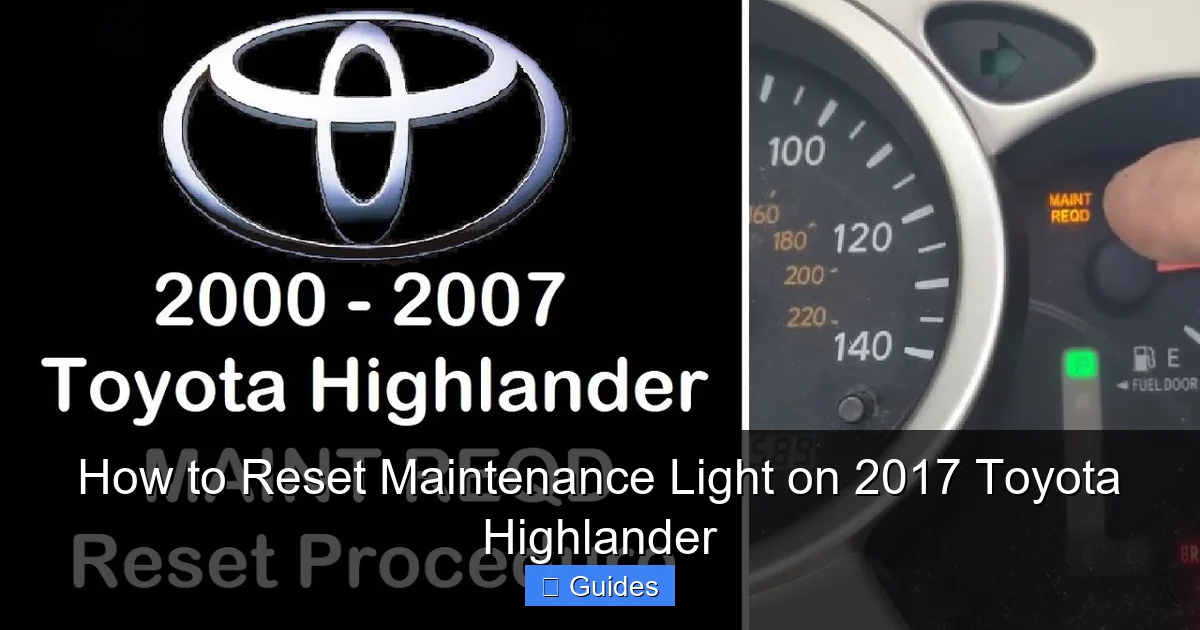
Before diving into the reset process, it’s important to understand what the maintenance light actually means. The 2017 Toyota Highlander is equipped with a sophisticated onboard computer system that monitors various aspects of your vehicle’s performance. This includes engine oil life, mileage, driving conditions, and more. Based on this data, the system calculates when your next service is due and triggers the maintenance light.
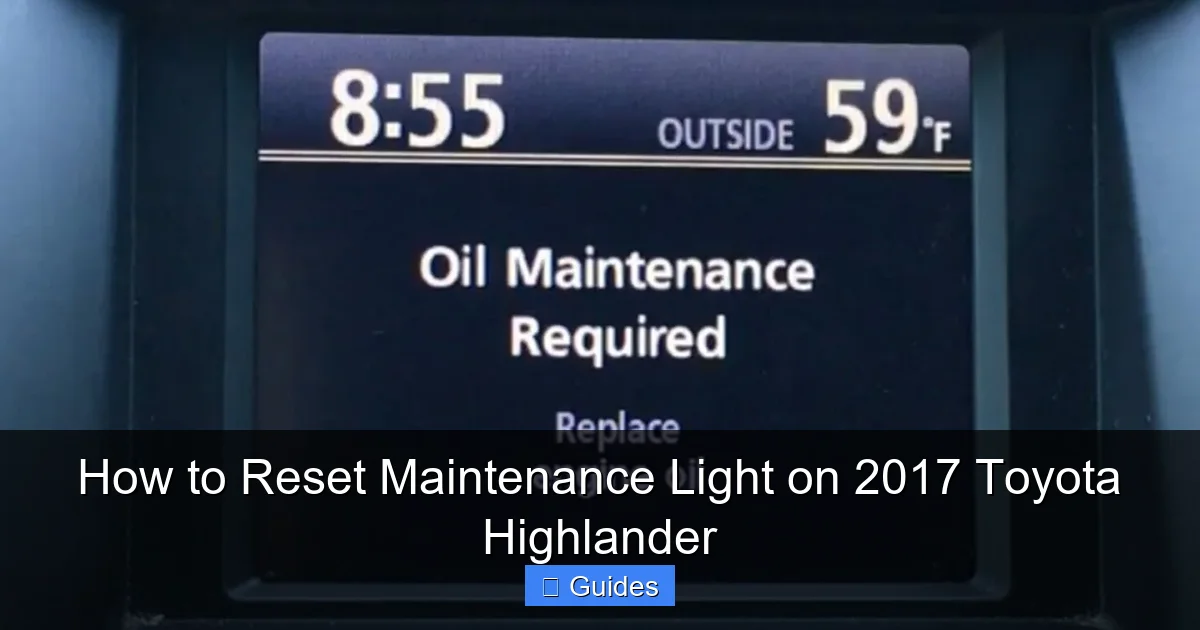
This light typically appears as a wrench icon or the word “MAINT REQD” on your instrument cluster. It’s not an emergency warning—like the check engine light—but rather a gentle nudge to schedule routine maintenance. Toyota recommends servicing your Highlander every 5,000 to 10,000 miles, depending on driving conditions. For example, if you frequently drive in stop-and-go traffic, tow heavy loads, or drive in extreme temperatures, your oil may degrade faster, prompting earlier service intervals.
The maintenance light is part of Toyota’s Oil Change Monitor System. Unlike older vehicles that relied solely on mileage, this system uses real-time data to determine oil life. It considers factors like engine temperature, idle time, and trip frequency. This means your Highlander might need an oil change at 7,500 miles one time and 9,000 miles the next—all based on actual usage.
It’s also worth noting that the maintenance light can appear for reasons beyond oil changes. It may remind you to rotate tires, replace cabin air filters, inspect brakes, or perform other scheduled services. Always check your owner’s manual or service history to confirm what work was done before resetting the light. Resetting it prematurely—without completing the required service—can lead to missed maintenance and potential engine problems down the road.
When Should You Reset the Maintenance Light?
Timing is everything when it comes to resetting the maintenance light. You should only reset it after you’ve completed the recommended service. This ensures your vehicle’s maintenance schedule stays accurate and prevents you from skipping important checks.
For example, if your mechanic just changed your oil and rotated your tires, that’s the perfect time to reset the light. Similarly, if you performed the service yourself—say, you drained and refilled the oil, replaced the filter, and checked fluid levels—you should reset the light immediately afterward. Doing so tells the vehicle’s computer that the service is complete and starts the countdown to the next interval.
One common mistake is resetting the light too early—before the service is done. Some owners see the light come on and immediately try to reset it, thinking they can “trick” the system. This is a bad idea. The maintenance light is there for a reason. Ignoring it or resetting it without servicing your vehicle can lead to reduced engine performance, increased wear, and even costly repairs.
Another scenario where resetting is appropriate is after a multi-point inspection. Toyota dealerships often perform a full vehicle check during routine visits. If they’ve inspected your brakes, suspension, fluids, and tires, and everything is in good condition, resetting the light confirms that your Highlander is up to date.
It’s also helpful to reset the light if you’ve recently purchased a used 2017 Highlander and aren’t sure when the last service was performed. In this case, it’s wise to have a full inspection done first. Once the service is complete, reset the light to establish a new baseline for future maintenance.
Tools and Preparation Needed
The beauty of resetting the maintenance light on a 2017 Toyota Highlander is that you don’t need any special tools or equipment. Everything you need is already built into your vehicle. However, a little preparation can make the process smoother and help avoid frustration.
First, make sure your vehicle is parked on a flat surface and the engine is off. You don’t need to start the car, but you will need to turn the ignition to the “ON” position. This powers up the dashboard and instrument cluster without engaging the engine. If your Highlander has a push-button start, simply press the start button once without pressing the brake pedal.
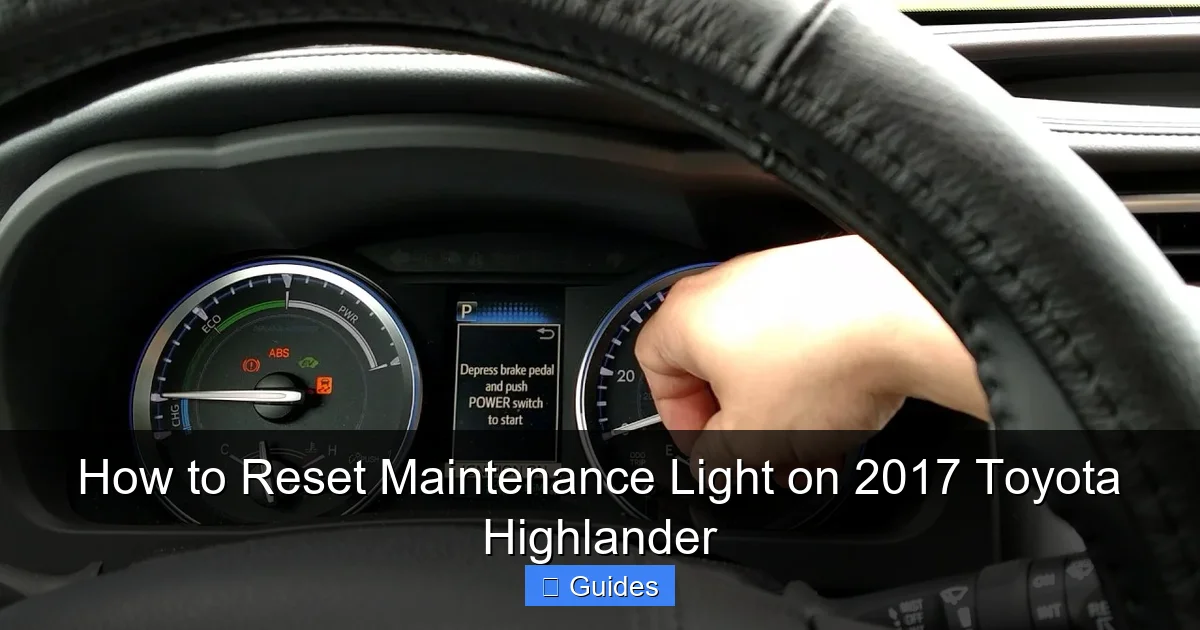
Next, locate the trip meter button on your instrument cluster. This is usually a small button on the right side of the speedometer, labeled “TRIP” or “ODO/TRIP.” It’s used to switch between trip odometer readings (Trip A and Trip B) and the main odometer. You’ll be using this button to navigate the reset sequence.
It’s also a good idea to have your owner’s manual nearby. While the steps are straightforward, having the manual can help if you run into any issues or if your dashboard behaves differently than expected. Some Highlanders may have slight variations in the instrument cluster layout, so the manual can clarify the exact location of buttons and indicators.
Finally, ensure your hands are dry and you’re not wearing gloves that might make it difficult to press small buttons. The trip meter button can be a bit stiff, so a firm press is often needed. If you’re doing this in cold weather, let the vehicle sit for a few minutes to allow the electronics to warm up slightly.
Step-by-Step Guide to Reset the Maintenance Light
Now that you’re prepared, let’s walk through the reset process. Follow these steps carefully, as timing and sequence are crucial. Missing a step or pressing the wrong button can prevent the reset from working.
Step 1: Turn the Ignition to the “ON” Position
Sit in the driver’s seat and turn the key to the “ON” position. If your Highlander has a push-button start, press the start button once without pressing the brake pedal. You should see the dashboard lights up, including the speedometer, fuel gauge, and warning indicators. The engine should not start—only the electronics should be active.
Visual guide about How to Reset Maintenance Light on 2017 Toyota Highlander
Image source: i.ytimg.com
Visual guide about How to Reset Maintenance Light on 2017 Toyota Highlander
Image source: i.ytimg.com
Visual guide about How to Reset Maintenance Light on 2017 Toyota Highlander
Image source: i.ytimg.com
Press the trip meter button repeatedly until you see either “Trip A” or “Trip B” displayed on the screen. It doesn’t matter which one you choose, as long as one of the trip readings is showing. This step ensures you’re in the correct mode to initiate the reset sequence.
Step 3: Turn the Ignition Off
Turn the key back to the “OFF” position or press the start button again to turn off the ignition. Do not remove the key if you’re using a traditional ignition. Wait about 30 seconds to allow the system to reset.
Step 4: Press and Hold the Trip Meter Button
While the ignition is off, press and hold the trip meter button. Keep it held down as you proceed to the next step.
Step 5: Turn the Ignition Back to “ON”
While still holding the trip meter button, turn the ignition back to the “ON” position. Continue holding the button. You should see the maintenance light begin to flash or blink. This indicates the system is in reset mode.
Step 6: Release the Button After 5-10 Seconds
After holding the button for about 5 to 10 seconds, release it. The maintenance light should turn off completely. If it disappears, the reset was successful. If it remains on or flashes, repeat the process from Step 1, ensuring you follow each step precisely.
Step 7: Confirm the Reset
Turn the ignition off and then back on to confirm the light stays off. If it doesn’t reappear, you’ve successfully reset the maintenance light. Your Highlander is now ready for the next service interval.
Troubleshooting Common Issues
Even with clear instructions, sometimes the reset doesn’t work on the first try. Don’t panic—this is more common than you might think. Here are some troubleshooting tips to help you succeed.
The Light Won’t Turn Off
If the maintenance light remains on after following the steps, double-check that you completed the service. Resetting the light without servicing the vehicle won’t work—the system knows. Also, ensure you’re holding the trip meter button long enough. Some owners release it too soon, before the system registers the reset.
The Dashboard Doesn’t Respond
If pressing the trip meter button does nothing, make sure the ignition is in the correct position. The system won’t respond if the engine is running or if the ignition is completely off. Also, check for any dashboard warning lights that might indicate an electrical issue.
The Light Flashes Instead of Turning Off
A flashing maintenance light usually means the reset sequence wasn’t completed correctly. Try the process again, paying close attention to the timing. Hold the button steadily and don’t rush the steps.
Different Dashboard Layout
Some 2017 Highlanders have slightly different instrument clusters, especially if they’re equipped with the optional multi-information display (MID). In these cases, the trip meter button might be located elsewhere or require a different sequence. Consult your owner’s manual for model-specific instructions.
Battery Was Recently Disconnected
If you recently disconnected the battery—for example, to replace it or perform repairs—the system may need time to recalibrate. In some cases, the maintenance light may reset automatically after a few drive cycles. If not, try the manual reset process again.
Tips for Maintaining Your 2017 Toyota Highlander
Resetting the maintenance light is just one part of keeping your Highlander in top shape. To get the most out of your vehicle, follow these practical tips for ongoing care.
Follow the Recommended Service Schedule
Toyota provides a detailed maintenance schedule in the owner’s manual. Stick to it. Regular oil changes, tire rotations, and brake inspections can extend the life of your engine and improve fuel efficiency.
Use Quality Parts and Fluids
Always use Toyota-recommended oil (typically 0W-20 synthetic) and genuine or high-quality aftermarket parts. Cheap fluids and filters can lead to engine problems over time.
Monitor Fluid Levels Monthly
Check your oil, coolant, brake fluid, and windshield washer fluid at least once a month. Top them off as needed and look for signs of leaks.
Keep Records
Maintain a log of all services performed, including dates, mileage, and work done. This helps you stay on schedule and adds value if you ever sell the vehicle.
Drive Smart
Aggressive driving, frequent short trips, and heavy towing can shorten service intervals. Adjust your maintenance schedule accordingly if you drive in severe conditions.
Use the Maintenance Light as a Reminder
Don’t ignore the light—but don’t panic either. Use it as a cue to schedule service, not as an emergency warning. Most routine maintenance can be done quickly and affordably.
Conclusion
Resetting the maintenance light on your 2017 Toyota Highlander is a simple task that anyone can do. With just a few button presses and a basic understanding of your vehicle’s system, you can clear the reminder and stay on top of your service schedule. No tools, no mechanic, no extra cost—just a few minutes of your time.
Remember, the maintenance light is there to help you, not hassle you. It’s a smart feature designed to keep your Highlander running smoothly for years to come. By resetting it correctly after each service, you ensure your vehicle’s computer stays accurate and your maintenance stays on track.
Whether you’re a DIY enthusiast or just looking to save a trip to the dealership, this guide gives you everything you need. Follow the steps, avoid common mistakes, and keep your Highlander in peak condition. After all, a well-maintained SUV isn’t just reliable—it’s a joy to drive.
Frequently Asked Questions
Can I reset the maintenance light without servicing my vehicle?
No, you should only reset the maintenance light after completing the required service. The system is designed to track actual maintenance, and resetting it prematurely can lead to missed service and potential engine issues.
What if the maintenance light comes back on immediately after resetting?
If the light returns right away, it may indicate a deeper issue, such as a faulty sensor or incomplete service. Double-check that the service was done correctly, and consider having a technician inspect the vehicle if the problem persists.
Does the reset process work on all 2017 Highlander models?
Yes, the reset procedure is the same for all 2017 Toyota Highlander trims, including LE, XLE, Limited, and Hybrid models. However, slight variations in the instrument cluster may require consulting the owner’s manual.
How often should I service my 2017 Toyota Highlander?
Toyota recommends servicing your Highlander every 5,000 to 10,000 miles, depending on driving conditions. Severe conditions—like frequent short trips or towing—may require more frequent oil changes.
Can I reset the maintenance light while the engine is running?
No, the engine must be off during the reset process. Turn the ignition to the “ON” position without starting the engine, and follow the steps carefully.
What should I do if the reset doesn’t work after multiple attempts?
If the light won’t turn off, consult your owner’s manual or visit a Toyota service center. There may be an electrical issue or a need for a professional reset using diagnostic tools.

At CarLegit, we believe information should be clear, factual, and genuinely helpful. That’s why every guide, review, and update on our website is created with care, research, and a strong focus on user experience.