
Resetting the service airbag light on your GMC Sierra doesn’t have to be stressful or expensive. With the right tools and knowledge, you can often resolve the issue yourself—whether it’s a simple sensor glitch or a deeper electrical problem. This guide walks you through every step, from diagnosis to reset, so you can drive with confidence.
In This Article
- 1 Key Takeaways
- 2 📑 Table of Contents
- 3 Understanding the Service Airbag Light on Your GMC Sierra
- 4 Why the Airbag Light Comes On in a GMC Sierra
- 5 Tools You’ll Need to Diagnose and Reset the Airbag Light
- 6 Step-by-Step Guide to Reset the Service Airbag Light
- 7 Common Mistakes to Avoid When Resetting the Airbag Light
- 8 When to Call a Professional
- 9 Preventing Future Airbag Light Issues
- 10 Conclusion
- 11 Frequently Asked Questions
- 11.1 Can I drive my GMC Sierra with the airbag light on?
- 11.2 Will disconnecting the battery reset the airbag light?
- 11.3 How much does it cost to reset the airbag light?
- 11.4 Can a bad battery cause the airbag light to come on?
- 11.5 How often should I check my airbag system?
- 11.6 Is it safe to reset the airbag light myself?
Key Takeaways
- Understand the cause first: The airbag light can trigger due to loose connections, faulty sensors, or system errors—don’t reset it blindly.
- Use an OBD2 scanner for accuracy: A reliable scanner helps read error codes and confirms if the issue is resolved before resetting.
- Check the passenger seat sensor: A common culprit is the occupant detection system—ensure nothing is pressing on the seat.
- Inspect under-seat wiring: Damaged or disconnected wires under the driver or passenger seat often cause false warnings.
- Reset only after fixing the root issue: Resetting without repairs may lead to recurring lights or unsafe conditions.
- Consult a professional if unsure: Airbag systems are safety-critical—when in doubt, visit a certified technician.
- Keep records of repairs: Document any fixes for future reference or resale value.
📑 Table of Contents
- Understanding the Service Airbag Light on Your GMC Sierra
- Why the Airbag Light Comes On in a GMC Sierra
- Tools You’ll Need to Diagnose and Reset the Airbag Light
- Step-by-Step Guide to Reset the Service Airbag Light
- Common Mistakes to Avoid When Resetting the Airbag Light
- When to Call a Professional
- Preventing Future Airbag Light Issues
- Conclusion
Understanding the Service Airbag Light on Your GMC Sierra
You’re driving your GMC Sierra down the highway, enjoying the smooth ride and powerful engine, when suddenly—a warning light flashes on your dashboard. It’s not the check engine light. It’s not the oil pressure warning. It’s the service airbag light. Your heart skips a beat. What does it mean? Is your truck unsafe to drive? Can you fix it yourself?
The service airbag light, often labeled as “SRS” (Supplemental Restraint System) or “Airbag,” is your vehicle’s way of saying something isn’t right with the airbag system. This system includes front and side airbags, seatbelt pretensioners, impact sensors, and control modules. When the light stays on or flashes, it means the onboard computer has detected a fault. Ignoring it could mean your airbags won’t deploy in a crash—putting you and your passengers at serious risk.
But here’s the good news: many airbag light issues are minor and fixable at home. From loose seat connections to faulty sensors, the root cause is often simple. The key is diagnosing the problem correctly before attempting a reset. In this guide, we’ll walk you through everything you need to know—from understanding why the light came on to safely resetting it and preventing future issues.
Why the Airbag Light Comes On in a GMC Sierra
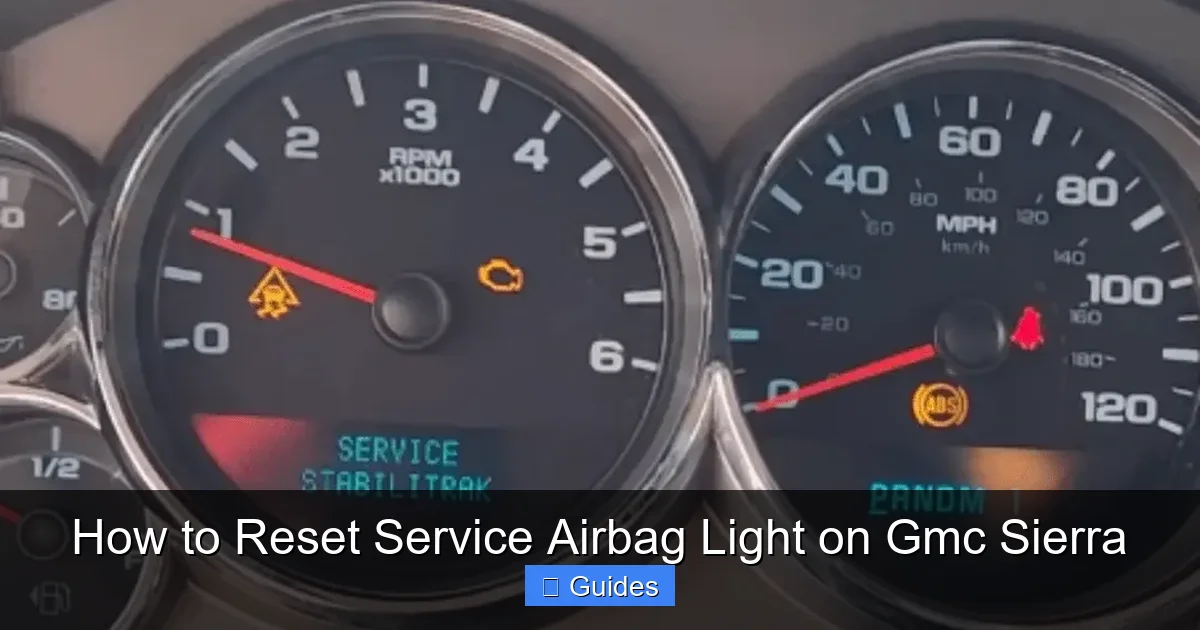
Before you reset the service airbag light, it’s crucial to understand why it turned on in the first place. The airbag system is designed to monitor itself continuously. If any component fails a self-test or loses communication, the light will illuminate. Here are the most common reasons you might see that dreaded warning:
Visual guide about How to Reset Service Airbag Light on Gmc Sierra
Image source: autoyolo.com
Loose or Disconnected Wiring Under the Seat
One of the top causes of airbag light issues in the GMC Sierra is wiring beneath the driver or passenger seat. These wires connect the seat’s sensors (like the occupant detection system) to the main airbag control module. Over time, frequent seat adjustments, cleaning, or wear can loosen or damage these connections. Even a small tug can disconnect a plug.
For example, if you’ve recently moved your seat forward or backward repeatedly, or had the seat removed for cleaning or repair, a wire might have come loose. This is especially common in trucks used for work or hauling, where seats get adjusted often.
Faulty Occupant Detection System (ODS)
The passenger seat in your Sierra has a sensor mat that detects whether someone is sitting there and how much they weigh. This system determines whether the passenger airbag should deploy in a crash. If the sensor is damaged, wet, or malfunctioning, it can send incorrect signals to the airbag module, triggering the warning light.
A common scenario: You spilled coffee on the passenger seat last week. Even if it dried, moisture may have seeped into the sensor mat, causing a short circuit. Or maybe you placed a heavy object (like a toolbox) on the seat for an extended period, overloading the sensor.
Damaged or Worn Clock Spring
The clock spring is a coiled wire behind the steering wheel that maintains electrical connection between the airbag and the vehicle’s wiring as you turn the wheel. Over time, this component can wear out, especially in older Sierras or those with high mileage. A failing clock spring often causes the airbag light to come on and may also disable the horn or cruise control.
Faulty Airbag Control Module
The airbag control module is the “brain” of the system. It processes data from sensors and decides whether to deploy airbags. If it malfunctions due to water damage, electrical surges, or age, it may trigger the service light. This is less common but more serious—and usually requires professional diagnosis.
Recent Repairs or Accidents
If your Sierra was recently in a minor fender bender or had bodywork done, the airbag system may have been disturbed. Even if no airbags deployed, sensors could have been jarred or disconnected. Mechanics sometimes forget to reconnect wiring after repairs, leading to a persistent warning light.
Low Battery Voltage or Electrical Issues
A weak battery or alternator problem can cause voltage drops that confuse the airbag system. When the electrical system isn’t stable, sensors may send false signals. This is especially common after jump-starting the vehicle or replacing the battery without proper reset procedures.
Tools You’ll Need to Diagnose and Reset the Airbag Light
You don’t need to be a mechanic to tackle this job—but you do need the right tools. Here’s what you should have on hand before starting:
Visual guide about How to Reset Service Airbag Light on Gmc Sierra
Image source: i.ytimg.com
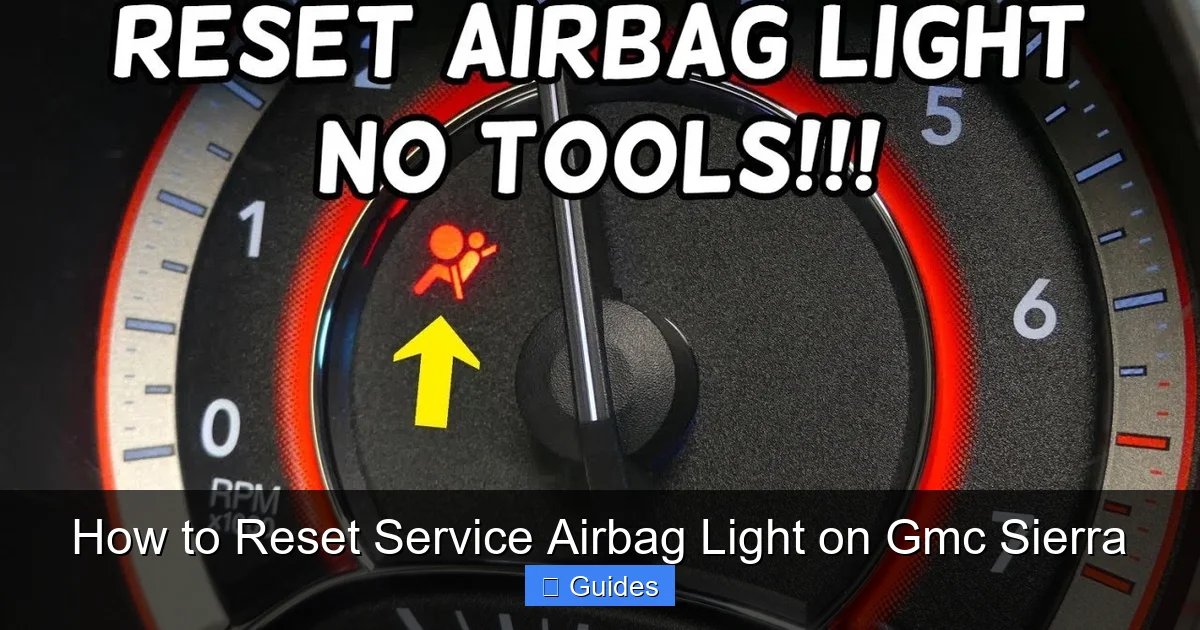
OBD2 Scanner with SRS Capability
Not all OBD2 scanners can read airbag codes. You need one that supports SRS (Supplemental Restraint System) diagnostics. Basic code readers only handle engine and emissions codes. Look for scanners labeled “full system” or “airbag/SRS compatible.” Popular options include the BlueDriver Bluetooth Scanner, Autel MaxiCOM, or Innova 3160g.
These scanners plug into the OBD2 port (usually under the dashboard near the steering column) and can read specific airbag fault codes like “B0012” (driver side airbag circuit) or “B0022” (passenger side). This helps pinpoint the exact issue.
Basic Hand Tools
You’ll need a few standard tools for inspecting under the seat:
- Phillips and flathead screwdrivers
- Socket wrench set (especially 10mm sockets)
- Flashlight or work light
- Needle-nose pliers (for reconnecting small plugs)
Most seat bolts in the GMC Sierra are 10mm, so a socket wrench makes removal quick and easy.
Electrical Contact Cleaner
If you find corroded or dirty connectors, a spray of electrical contact cleaner can restore proper connection. Avoid using water or household cleaners—these can cause further damage.
Multimeter (Optional but Helpful)
A multimeter lets you test continuity and voltage in wiring. If you suspect a broken wire or short circuit, this tool can confirm it. Set it to “ohms” to check for breaks in the circuit.
Safety Gear
Always disconnect the battery before working on airbag systems. Wait at least 10–15 minutes to ensure the system is fully powered down. Wear safety glasses and avoid static electricity (which can accidentally deploy airbags).
Step-by-Step Guide to Reset the Service Airbag Light
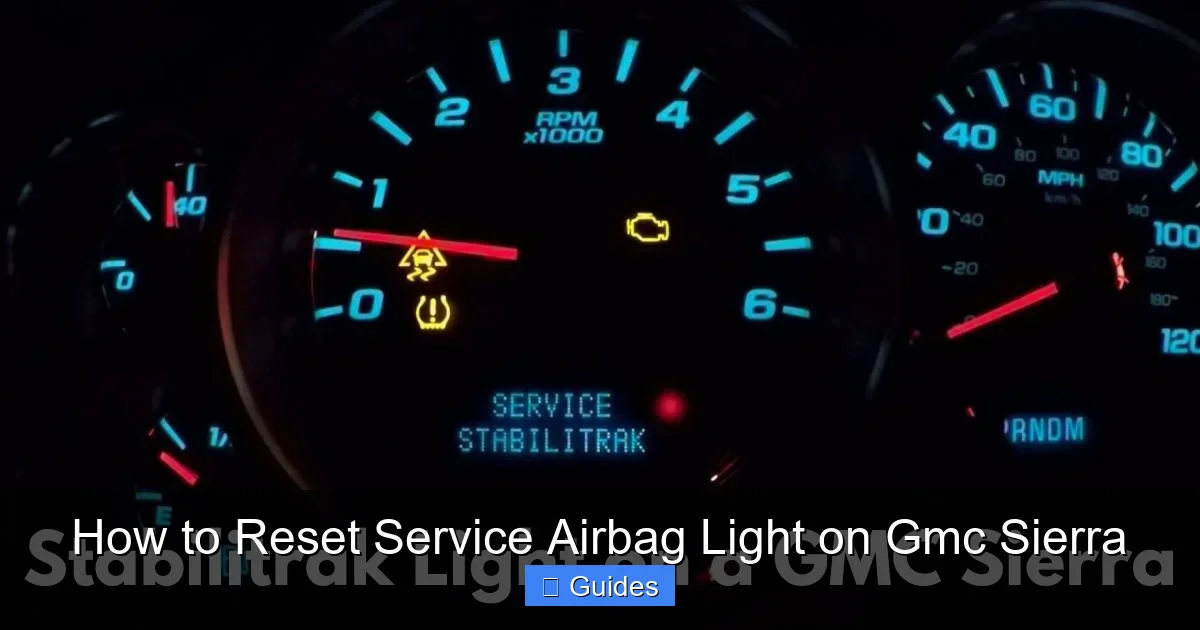
Now that you understand the causes and have your tools ready, let’s walk through the process of diagnosing and resetting the airbag light on your GMC Sierra. Follow these steps carefully—safety first!
Visual guide about How to Reset Service Airbag Light on Gmc Sierra
Image source: autorexa.com
Step 1: Disconnect the Battery
Before touching any airbag components, disconnect the negative terminal of the battery. Use a wrench to loosen the clamp and remove the cable. Wait at least 15 minutes to allow the airbag system’s backup power to drain. This prevents accidental deployment while you’re working.
Pro tip: Place the disconnected cable away from the terminal to avoid accidental contact.
Step 2: Inspect Under the Seats
Kneel beside the driver and passenger seats and look underneath. You’ll see wiring harnesses connected to the seat frame. Gently wiggle the connectors to see if any are loose. If you find a disconnected plug, reconnect it firmly until it clicks.
Check for signs of damage: frayed wires, melted insulation, or corrosion. If you see any, you may need to repair or replace the harness. For minor corrosion, use electrical contact cleaner and a soft brush.
Step 3: Check the Passenger Seat Sensor
Sit in the passenger seat and press down gently on the cushion. Does the airbag light change? If it flickers or turns off temporarily, the occupant detection sensor may be faulty or misaligned.
Also, ensure nothing is placed on the seat—even a laptop or backpack can trigger the sensor. Remove all items and see if the light behaves differently.
Step 4: Scan for Airbag Codes
Reconnect the battery and turn the ignition to the “ON” position (don’t start the engine). Plug your OBD2 scanner into the OBD2 port and follow the prompts to read SRS codes.
Write down any codes you see. For example:
- B0012: Driver side airbag circuit low
- B0022: Passenger side airbag circuit low
- B1001: System voltage issue
These codes help identify the exact component at fault. Refer to your scanner’s manual or online databases for code meanings.
Step 5: Address the Underlying Issue
Based on the code and your inspection, take action:
- If a wire was loose, reconnect it securely.
- If the sensor is wet or damaged, dry it thoroughly or consider replacement.
- If the clock spring is suspected, you may need professional help—this requires removing the steering wheel.
- If the control module is faulty, it often needs reprogramming or replacement by a dealer.
Never reset the light without fixing the root cause. Doing so may mask a serious problem.
Step 6: Clear the Codes and Reset the Light
Once the issue is resolved, use your OBD2 scanner to clear the fault codes. Most scanners have a “Clear Codes” or “Reset SRS” option. Select it and confirm.
Turn the ignition off, wait 10 seconds, then turn it back on. The airbag light should come on briefly (as part of the normal startup sequence) and then turn off. If it stays off after driving for a few minutes, the reset was successful.
Step 7: Test Drive and Monitor
Take your Sierra for a short drive—accelerate, brake, and turn normally. Watch the dashboard. If the light returns, the problem wasn’t fully resolved. Re-scan for codes and recheck connections.
Common Mistakes to Avoid When Resetting the Airbag Light
Even with the best intentions, it’s easy to make mistakes when dealing with airbag systems. Here are some common pitfalls and how to avoid them:
Resetting Without Diagnosing
One of the biggest errors is clearing the code without fixing the problem. The light will likely come back—and you’ll waste time and money. Always scan for codes first.
Ignoring the Passenger Seat
Many owners focus only on the driver’s side. But the passenger seat sensor is a frequent culprit. Don’t skip inspecting it.
Using the Wrong Scanner
A basic OBD2 reader won’t read airbag codes. Make sure your scanner supports SRS diagnostics.
Working on a Live System
Never touch airbag components with the battery connected. Always disconnect and wait 15 minutes. Airbags can deploy with as little as 10 volts.
Overlooking Simple Fixes
Sometimes, the solution is as easy as removing a heavy object from the passenger seat or reconnecting a loose plug. Don’t assume it’s a major repair.
Not Documenting Repairs
Keep a record of what you did—codes read, parts checked, actions taken. This helps if the issue returns or if you sell the truck.
When to Call a Professional
While many airbag light issues can be resolved at home, some situations require expert help. Consider visiting a certified technician if:
- The airbag light returns immediately after reset.
- You suspect clock spring or control module failure.
- You’re uncomfortable working with electrical systems.
- The vehicle was in a recent accident.
- You don’t have access to an SRS-compatible scanner.
Dealerships and specialized auto repair shops have advanced diagnostic tools and can reprogram modules if needed. While it may cost more, it ensures your safety system is fully functional.
Preventing Future Airbag Light Issues
An ounce of prevention is worth a pound of cure. Here’s how to keep your airbag system in top shape:
- Secure loose items: Don’t place heavy objects on the passenger seat.
- Clean carefully: Avoid soaking seat cushions with liquids.
- Inspect after repairs: After any work under the seat or dashboard, double-check connections.
- Maintain battery health: Replace old batteries and check alternator output.
- Use quality parts: If replacing sensors or modules, choose OEM or high-quality aftermarket parts.
Conclusion
Resetting the service airbag light on your GMC Sierra is a manageable task—if you approach it methodically. Start by understanding why the light came on, use the right tools to diagnose the issue, and only reset it after making necessary repairs. Whether it’s a loose wire under the seat or a faulty sensor, most problems have straightforward solutions.
Remember, your airbag system is a critical safety feature. Never ignore the warning light, and always prioritize safety over convenience. With the knowledge from this guide, you can tackle the issue confidently—and get back to driving your Sierra with peace of mind.
Frequently Asked Questions
Can I drive my GMC Sierra with the airbag light on?
Technically, yes—but it’s not safe. The airbag system may not deploy in a crash, putting you at risk. It’s best to diagnose and fix the issue as soon as possible.
Will disconnecting the battery reset the airbag light?
Sometimes, but not reliably. A temporary power loss may clear the light briefly, but if the underlying issue remains, the light will return. Use an OBD2 scanner for a proper reset.
How much does it cost to reset the airbag light?
If you do it yourself with a scanner, it’s free after the initial tool purchase. Professional reset at a shop typically costs $50–$150, depending on diagnosis time.
Can a bad battery cause the airbag light to come on?
Yes. Low voltage or electrical instability can confuse the airbag system. Check your battery and alternator if the light appears after jump-starting or replacing the battery.
How often should I check my airbag system?
There’s no set schedule, but inspect under the seats after any repairs, spills, or seat adjustments. Also, pay attention if the light comes on unexpectedly.
Is it safe to reset the airbag light myself?
Yes, as long as you follow safety procedures: disconnect the battery, wait 15 minutes, and avoid touching airbag components directly. If unsure, consult a professional.

At CarLegit, we believe information should be clear, factual, and genuinely helpful. That’s why every guide, review, and update on our website is created with care, research, and a strong focus on user experience.