
Turning off X Mode on your Subaru Outback is simple and can be done in seconds using the dashboard button or touchscreen. This guide walks you through the process for every model year, explains when to disable it, and shares safety tips for optimal performance.
If you’ve ever driven a Subaru Outback through snow, mud, or steep mountain trails, you’ve probably noticed a little button or icon labeled “X Mode” on your dashboard. It’s one of Subaru’s most praised features—designed to help you maintain control when the road gets rough. But what happens when you’re back on smooth pavement and want to return to normal driving? That’s where knowing how to turn off X Mode on your Subaru Outback becomes essential.
X Mode isn’t just a fancy name—it’s a sophisticated traction control system that adjusts how your vehicle responds to slippery or uneven surfaces. It works by managing engine output, braking individual wheels, and optimizing the all-wheel-drive system to keep you stable. But while it’s incredibly useful in the right conditions, leaving it on when you don’t need it can actually hurt your fuel economy and put extra strain on your vehicle. That’s why understanding when and how to disable it is key to getting the most out of your Outback.
Whether you’re a new Subaru owner or you’ve been driving one for years, this guide will walk you through everything you need to know about turning off X Mode. We’ll cover the step-by-step process for different model years, explain why and when you should disable it, and share practical tips to keep your Outback running smoothly. By the end, you’ll feel confident managing this powerful feature like a pro.
In This Article
Key Takeaways
- X Mode is designed for off-road and low-traction conditions: It optimizes traction, braking, and throttle response for snow, mud, or steep terrain.
- You can turn off X Mode at any time: Simply press the X Mode button or use the touchscreen menu—no need to stop the vehicle.
- X Mode automatically deactivates above 25 mph: Once you exceed this speed, the system turns off to protect drivetrain components.
- Disabling X Mode improves fuel efficiency on paved roads: The system increases engine load, so turning it off saves gas during normal driving.
- Knowing when to turn it off prevents unnecessary wear: Using X Mode on dry pavement can strain the transmission and reduce performance.
- All Subaru Outback models from 2015 onward have X Mode: The location of the control varies slightly by year and trim level.
- Always re-engage X Mode when returning to rough terrain: For safety and performance, reactivate it before driving on snow, gravel, or steep hills.
📑 Table of Contents
What Is X Mode and How Does It Work?
Before we dive into how to turn it off, let’s take a moment to understand what X Mode actually does. Think of it as your Outback’s “off-road assistant.” When activated, X Mode takes over several key systems to help you maintain traction and control in challenging conditions. It’s especially useful when driving on snow-covered roads, muddy trails, loose gravel, or steep inclines.
When you turn on X Mode, the system does three main things: it reduces engine power to prevent wheel spin, applies brake pressure to individual wheels that are slipping, and adjusts the all-wheel-drive system to send more torque to the wheels with the most grip. This combination helps your vehicle crawl slowly and steadily over obstacles without losing control.
For example, imagine you’re driving up a snowy hill. Without X Mode, your wheels might spin, and you could slide backward. But with X Mode on, the system gently applies the brakes and manages power delivery, allowing you to climb smoothly and safely. It’s like having a co-pilot who knows exactly how to handle tricky terrain.
X Mode also includes a feature called Hill Descent Control, which automatically maintains a slow, steady speed when going downhill. This is especially helpful on steep, slippery slopes where you might otherwise have to constantly tap the brakes. The system does the work for you, so you can focus on steering.
It’s important to note that X Mode is not meant for high-speed driving. In fact, it’s designed to be used at low speeds—typically under 25 mph. Once you exceed that speed, the system automatically turns off to protect your drivetrain and ensure normal vehicle performance. This built-in safety feature prevents damage that could occur from prolonged use at higher speeds.
Why You Should Turn Off X Mode
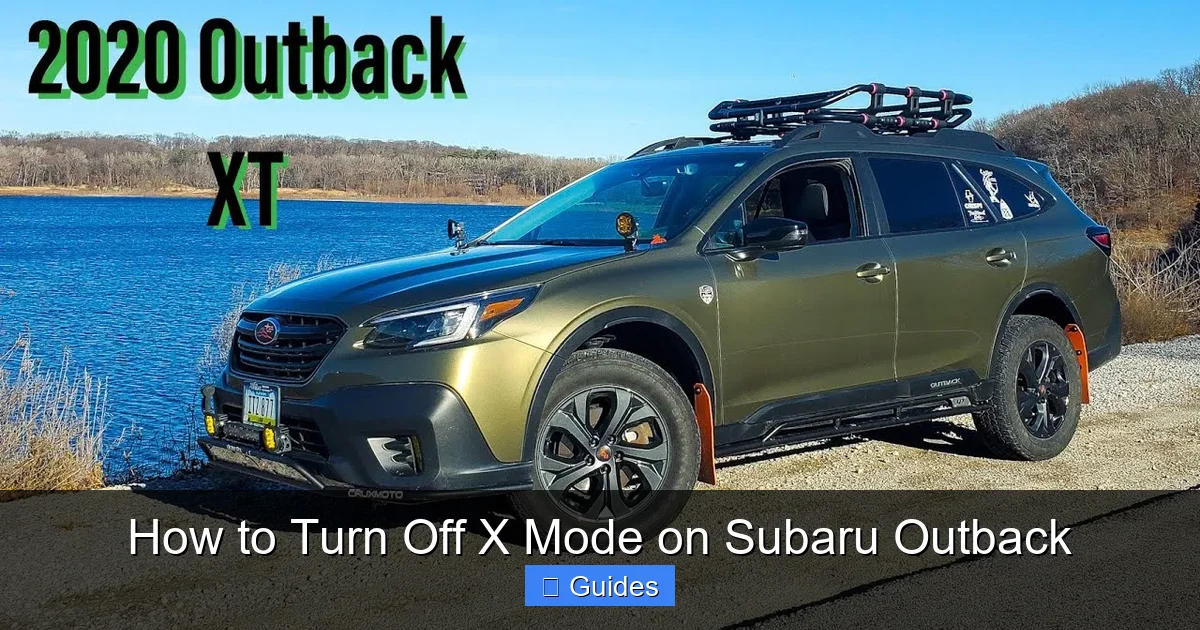
Visual guide about How to Turn Off X Mode on Subaru Outback
Image source: i.ytimg.com
Now that you know what X Mode does, let’s talk about why you might want to turn it off. While it’s a fantastic tool for off-road adventures and winter driving, using it unnecessarily can have downsides. Here are the top reasons to disable X Mode when you’re back on regular roads.
First, X Mode increases engine load and reduces fuel efficiency. Because the system is constantly managing power and braking, it uses more fuel than normal driving mode. If you leave it on while cruising on the highway or driving around town, you’ll notice your gas mileage dropping. Turning it off when you don’t need it helps you save money at the pump.
Second, prolonged use of X Mode on dry pavement can cause unnecessary wear on your transmission and drivetrain. The system is engineered for low-traction environments, not smooth asphalt. Using it on regular roads can lead to overheating and premature component wear, especially if you drive at higher speeds with it engaged.
Third, X Mode can make your vehicle feel sluggish and unresponsive. Since it limits throttle input and reduces engine power, acceleration feels slower and less dynamic. If you’re trying to merge onto a highway or pass another vehicle, you’ll want full power—not the restrained output that X Mode provides.
Finally, leaving X Mode on when it’s not needed can confuse other drivers. The system may cause your vehicle to behave differently—like slowing down unexpectedly or braking without input. This can be disconcerting to others on the road and increase the risk of accidents.
In short, X Mode is a tool—not a default setting. Use it when you need it, and turn it off when you don’t. Doing so keeps your Outback running efficiently, protects its mechanical components, and ensures a smoother, more responsive driving experience.
How to Turn Off X Mode on Different Subaru Outback Models
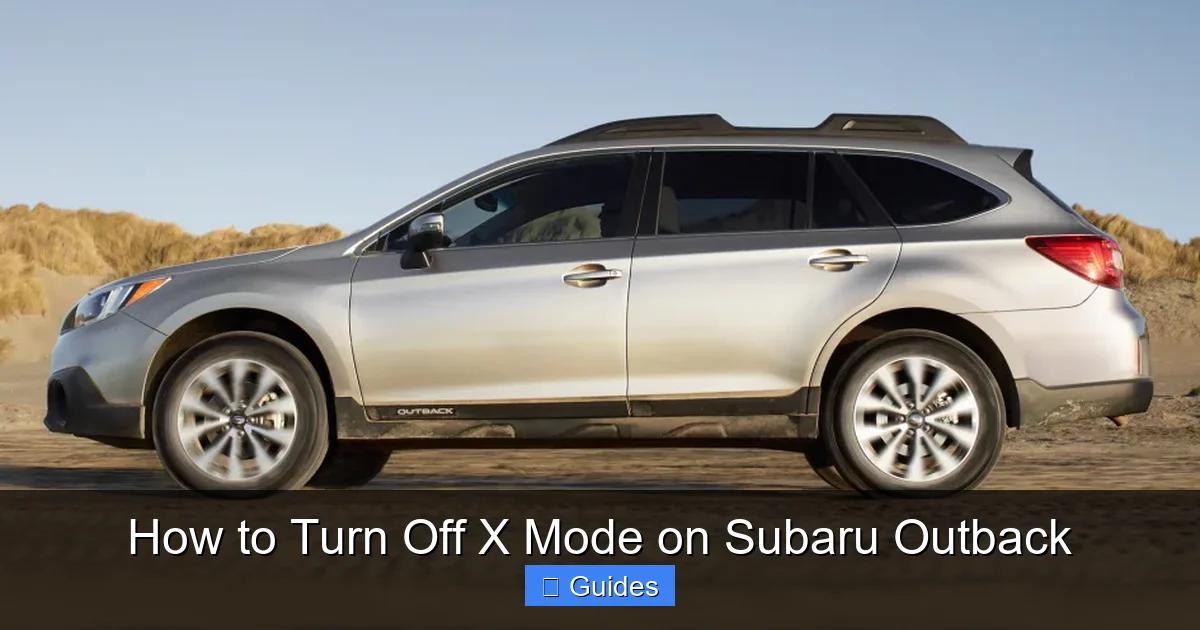
Visual guide about How to Turn Off X Mode on Subaru Outback
Image source: kk-auto.com.ua
The process for turning off X Mode is straightforward, but the exact steps can vary slightly depending on your Outback’s model year and trim level. Below, we’ll break it down by generation so you can find the method that applies to your vehicle.
2015–2019 Subaru Outback Models
For Outbacks made between 2015 and 2019, X Mode is controlled by a physical button located on the center console, usually near the gear shifter or climate controls. The button has an “X MODE” label and often includes an LED indicator light.
To turn off X Mode:
1. Make sure your vehicle is running.
2. Locate the X Mode button on the center console.
3. Press the button once. The LED light should turn off, indicating that X Mode is disabled.
4. You may also see a message on the instrument cluster confirming that X Mode has been turned off.
If the button doesn’t respond, check that the vehicle is not in Park or Neutral—some models require the car to be in Drive or Reverse for the button to work. Also, ensure that the system hasn’t automatically turned off due to high speed (over 25 mph).
2020–2024 Subaru Outback Models
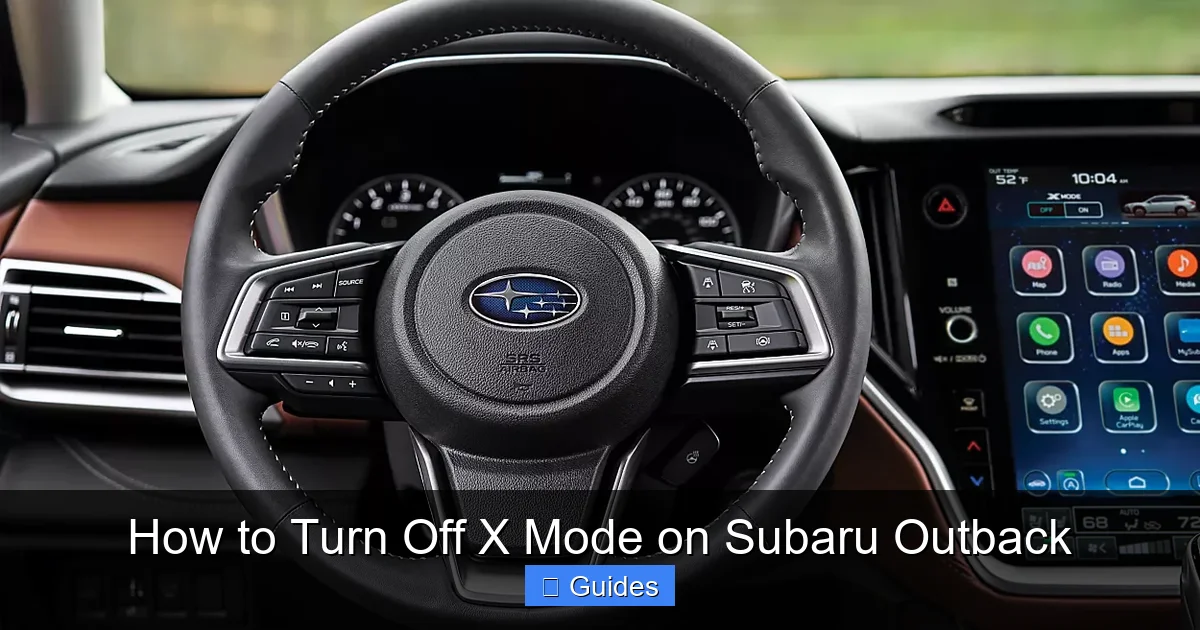
Starting in 2020, Subaru updated the Outback’s interior with a larger touchscreen and revised controls. On these models, X Mode can be turned off either through a physical button or the touchscreen menu.
Method 1: Using the Physical Button
– Look for the X Mode button on the center console (similar to earlier models).
– Press it once to turn off the system. The LED will go out, and a confirmation message may appear on the dashboard.
Method 2: Using the Touchscreen
– Tap the “Settings” icon on the main screen.
– Navigate to “Vehicle” or “Driving Assist.”
– Select “X Mode” and toggle it off.
– The system will confirm the change with a pop-up message.
Some higher trims, like the Touring and Limited, may also allow you to customize X Mode settings or set it to auto-engage under certain conditions. Check your owner’s manual for model-specific features.
Hybrid and Wilderness Trim Considerations
The Subaru Outback Wilderness, introduced in 2022, comes with enhanced off-road capabilities and a more robust X Mode system. It includes two X Mode settings: Standard and Deep Snow/Mud. Even with these advanced options, turning off X Mode follows the same basic steps.
For the Wilderness trim:
– Use the physical X Mode button or the touchscreen menu.
– If you’ve selected Deep Snow/Mud mode, pressing the button once will switch to Standard mode. Press it again to turn X Mode off completely.
– The system will display the current mode on the instrument cluster.
Hybrid models (like the 2023 Outback Hybrid) also use the same controls. The electric motor doesn’t change how X Mode functions, so the shutdown process remains identical.
When Should You Turn Off X Mode?
Visual guide about How to Turn Off X Mode on Subaru Outback
Image source: s7d1.scene7.com
Knowing how to turn off X Mode is one thing—knowing when to do it is just as important. Here are the most common situations where disabling X Mode is recommended.
After Off-Roading or Winter Driving
Once you’ve returned to paved roads after driving on snow, mud, or trails, it’s time to turn off X Mode. There’s no benefit to keeping it on, and doing so can reduce fuel efficiency and increase wear. Make it a habit to disable it as soon as you’re back on smooth surfaces.
During Highway Driving
X Mode is not designed for high-speed travel. If you’re merging onto a highway or driving at speeds above 25 mph, the system will turn off automatically—but it’s better to disable it manually before reaching that speed. This prevents any sudden changes in vehicle behavior and ensures smoother acceleration.
When Fuel Economy Matters
If you’re trying to maximize your miles per gallon, especially on long road trips, turn off X Mode. The system increases engine load and reduces efficiency, so disabling it can help you save fuel. Even a small improvement in MPG adds up over time.
In Warm, Dry Weather
Unless you’re driving on loose gravel or uneven terrain, there’s no need for X Mode in dry conditions. Save it for when you actually need extra traction. Using it unnecessarily is like wearing snow boots to the beach—functional, but overkill.
Before Performing Maintenance
If you’re taking your Outback in for service or an inspection, let the technician know whether X Mode was recently used. Some shops may want to check the transmission and drivetrain for signs of stress, especially if the vehicle was driven off-road. Turning off X Mode before service ensures a more accurate assessment.
Common Mistakes and Safety Tips
Even though turning off X Mode is simple, there are a few common mistakes drivers make. Avoid these pitfalls to keep your Outback in top shape.
One mistake is forgetting to turn it off after off-roading. It’s easy to get back on the road and drive away without thinking about it. Make it a habit to check the X Mode status as soon as you return to pavement.
Another error is assuming X Mode works like cruise control. It doesn’t maintain speed on flat roads—it’s only for low-traction situations. Using it on dry highways won’t improve performance and may actually make your vehicle feel sluggish.
Also, don’t rely on X Mode to replace safe driving practices. It helps with traction, but it won’t prevent accidents caused by speeding, distracted driving, or poor judgment. Always drive according to conditions, whether X Mode is on or off.
For safety, always re-engage X Mode before entering challenging terrain. If you’re about to drive through snow, mud, or steep hills, turn it on before you need it. This gives the system time to activate and ensures maximum protection.
Finally, if your X Mode light stays on or won’t turn off, have your vehicle inspected. A malfunctioning sensor or software issue could be to blame. Don’t ignore warning lights—address them promptly to avoid bigger problems.
Conclusion
Turning off X Mode on your Subaru Outback is a quick and easy process that can improve your driving experience, save fuel, and protect your vehicle. Whether you’re using the physical button or the touchscreen, the steps are simple and can be done in seconds. Just remember to disable it when you’re back on paved roads, during highway driving, or in dry conditions.
X Mode is a powerful tool, but like any tool, it’s meant to be used when needed—not all the time. By understanding how it works and when to turn it off, you’ll get the most out of your Outback while keeping it running smoothly for years to come.
So the next time you return from a snowy mountain pass or a muddy trail, take a moment to press that button. Your wallet, your transmission, and your fellow drivers will thank you.
Frequently Asked Questions
Can I turn off X Mode while driving?
Yes, you can safely turn off X Mode while driving. There’s no need to stop the vehicle—just press the button or use the touchscreen menu. The system will deactivate immediately.
Does X Mode turn off automatically?
Yes, X Mode automatically turns off when your speed exceeds 25 mph. This protects the drivetrain and ensures normal vehicle performance at higher speeds.
Will turning off X Mode improve gas mileage?
Yes, disabling X Mode can improve fuel efficiency. The system increases engine load, so turning it off on paved roads helps reduce fuel consumption.
Is it bad to drive with X Mode on all the time?
Yes, using X Mode on dry pavement can cause unnecessary wear on the transmission and reduce performance. Only use it in low-traction conditions like snow, mud, or steep hills.
Why won’t my X Mode turn off?
If the button or touchscreen isn’t responding, check that the vehicle is in Drive or Reverse. Also, ensure the system isn’t locked due to a fault—consult your owner’s manual or a Subaru dealer if the issue persists.
Do all Subaru Outbacks have X Mode?
All Outback models from 2015 onward come with X Mode as standard or optional, depending on the trim. Earlier models (pre-2015) do not have this feature.

At CarLegit, we believe information should be clear, factual, and genuinely helpful. That’s why every guide, review, and update on our website is created with care, research, and a strong focus on user experience.