
If your Nissan Altima displays a “Key ID Incorrect” message, it’s usually a sign of a communication issue between your key fob and the vehicle’s immobilizer system. This guide walks you through simple fixes, advanced troubleshooting, and professional solutions to get your car running again—without costly dealership visits.
In This Article
- 1 Key Takeaways
- 2 📑 Table of Contents
- 3 Introduction: What Does “Key ID Incorrect” Mean on a Nissan Altima?
- 4 Common Causes of the “Key ID Incorrect” Error
- 5 Step-by-Step Fixes for “Key ID Incorrect” Nissan Altima
- 6 Advanced Troubleshooting and Professional Solutions
- 7 When to Visit a Professional
- 8 Prevention Tips to Avoid Future Issues
- 9 Conclusion: You Can Fix “Key ID Incorrect” on Your Nissan Altima
- 10 Frequently Asked Questions
- 10.1 Why does my Nissan Altima say “Key ID Incorrect”?
- 10.2 Can I start my Altima if the key ID is incorrect?
- 10.3 How do I reset the key fob on a Nissan Altima?
- 10.4 How much does it cost to fix a “Key ID Incorrect” error?
- 10.5 Can a locksmith fix my Nissan Altima key?
- 10.6 Will disconnecting the car battery fix the key ID issue?
Key Takeaways
- Understand the cause: The “Key ID Incorrect” error typically stems from a weak battery, damaged key fob, or sync issues between the key and the car’s immobilizer.
- Check the key fob battery first: A dead or low battery is the most common fix—replace it with a fresh CR2032 battery.
- Try the manual key override: Use the physical key blade to unlock the door and start the car in emergency mode.
- Re-sync your key fob: Follow the vehicle-specific relearn procedure to re-establish communication with the immobilizer.
- Inspect for physical damage: Cracked casings, water damage, or worn buttons can prevent proper signal transmission.
- Use diagnostic tools if needed: Advanced scanners like Nissan Consult or OBD2 tools can reset the system when basic fixes fail.
- Visit a professional when necessary: If all else fails, a certified technician can reprogram or replace the key and immobilizer module.
📑 Table of Contents
- Introduction: What Does “Key ID Incorrect” Mean on a Nissan Altima?
- Common Causes of the “Key ID Incorrect” Error
- Step-by-Step Fixes for “Key ID Incorrect” Nissan Altima
- Advanced Troubleshooting and Professional Solutions
- When to Visit a Professional
- Prevention Tips to Avoid Future Issues
- Conclusion: You Can Fix “Key ID Incorrect” on Your Nissan Altima
Introduction: What Does “Key ID Incorrect” Mean on a Nissan Altima?
You’re ready to head out, you press the start button, and instead of the engine turning over, your Nissan Altima flashes a frustrating message: “Key ID Incorrect.” Your heart sinks. You know you have the right key—you’ve used it every day. So what’s going on?
This error message is your car’s way of saying it doesn’t recognize the key fob you’re trying to use. It’s not a mechanical failure, but rather a security feature at work. Modern Nissan Altimas come equipped with an advanced immobilizer system designed to prevent theft. This system communicates with a microchip embedded in your key fob. If the car can’t read or verify that chip, it won’t allow the engine to start—even if the key physically fits in the ignition or you’re pressing the start button.
Don’t panic. This is a common issue, especially in models from 2007 to 2020, and it’s usually fixable without a trip to the dealership. Whether you’re driving a 2010 Altima or a newer 2019 model, the root causes and solutions are often similar. The good news? Most “Key ID Incorrect” problems can be resolved with a few simple steps at home.
Common Causes of the “Key ID Incorrect” Error
Before jumping into fixes, it helps to understand why this error occurs. The immobilizer system in your Nissan Altima relies on a secure handshake between the key fob and the car’s computer. When that handshake fails, you get the dreaded message. Here are the most common reasons:
1. Weak or Dead Key Fob Battery
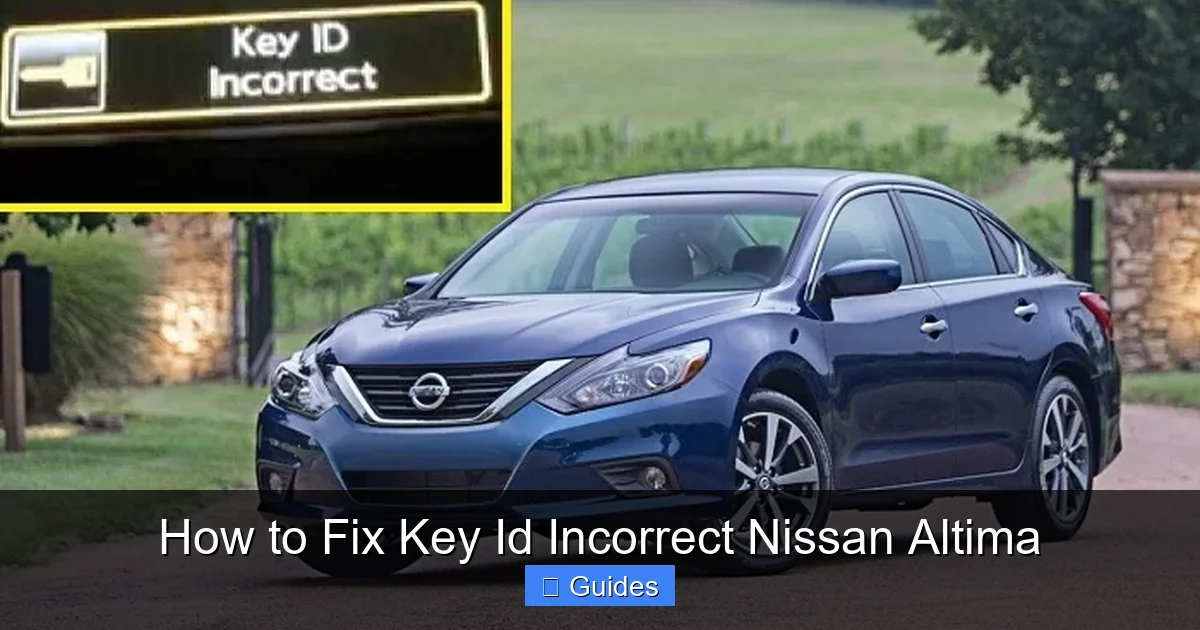
The most frequent culprit is a dying battery in your key fob. Even if the buttons still work for locking and unlocking, the signal strength might be too weak to communicate with the immobilizer. Most Nissan key fobs use a CR2032 coin cell battery, which lasts 2–4 years. If your key is older than that, or you’ve noticed slower response times, it’s time for a replacement.
Visual guide about How to Fix Key Id Incorrect Nissan Altima
Image source: topicmotor.com
2. Damaged or Worn Key Fob
Physical damage—like cracks, water exposure, or worn-out buttons—can interfere with the internal circuitry. Dropping your key or leaving it in a wet environment (like a rainy jacket pocket) can corrode the chip or antenna. Even minor damage can disrupt the signal.
3. Key Not Properly Synced
Sometimes, the key fob loses synchronization with the car’s immobilizer system. This can happen after a battery change, a jump-start, or even a power surge. The car no longer recognizes the key’s unique ID code, triggering the error.
4. Faulty Immobilizer Antenna Ring
Located around the ignition cylinder or start button, the antenna ring reads the key’s chip. If it’s loose, damaged, or dirty, it can’t detect the key properly. This is more common in older models or vehicles with high mileage.
5. Multiple Keys Causing Confusion
If you’ve recently added a new key or used a spare, the system might be confused. Nissan’s immobilizer can store up to four keys, but if one is malfunctioning or not programmed correctly, it can cause errors even with the original key.
6. Electrical or Software Glitches
Like any computer system, your car’s electronics can experience temporary glitches. A drained 12-volt battery, a faulty fuse, or a software bug in the Body Control Module (BCM) can disrupt communication between components.
Understanding these causes helps you target the right solution. Start with the simplest fixes—like checking the battery—before moving on to more complex diagnostics.
Step-by-Step Fixes for “Key ID Incorrect” Nissan Altima
Now that you know what might be causing the problem, let’s walk through practical solutions. These steps are designed for DIYers and can save you time and money.
Step 1: Replace the Key Fob Battery
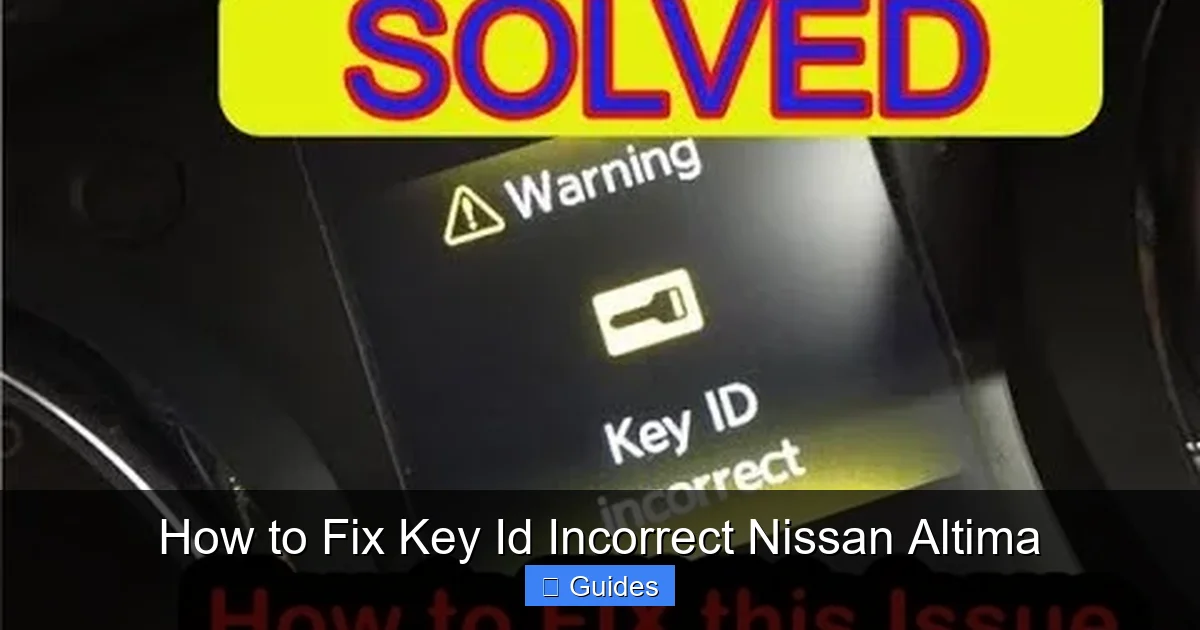
This is the first thing you should try. A weak battery is the #1 reason for key recognition issues.
Visual guide about How to Fix Key Id Incorrect Nissan Altima
Image source: autoowa.com
- Locate the small seam on your key fob. Use a flathead screwdriver or a coin to gently pry it open.
- Remove the old CR2032 battery. Note its orientation (positive side up).
- Insert a new CR2032 battery, ensuring it’s seated correctly.
- Snap the fob back together and test it.
After replacing the battery, try starting the car. If the message disappears, you’ve solved the problem. If not, move to the next step.
Step 2: Use the Manual Key Override
Every Nissan Altima key fob has a hidden physical key blade. This allows you to unlock the door and start the car manually if the electronic system fails.
- Find the small release button or slider on the key fob. Press it to eject the metal key blade.
- Use the blade to unlock the driver’s side door.
- Once inside, place the key fob directly against the start button (or in the designated slot, depending on your model).
- Press the brake pedal and push the start button. The car should recognize the key in “emergency mode.”
This bypasses the wireless signal and forces the immobilizer to read the chip directly. It’s a great temporary fix while you troubleshoot further.
Step 3: Re-Sync the Key Fob
If the battery is good and the manual start works, the key may just need to be re-synced. Here’s a simple relearn procedure for most Nissan Altimas (2007–2020):
- Sit in the driver’s seat with all doors closed.
- Insert the key into the ignition (or hold the fob near the start button).
- Turn the key to the “ON” position (dashboard lights on, engine off) and wait 5 seconds.
- Turn it back to “OFF” and remove the key.
- Repeat this cycle 3–5 times, ending in the “OFF” position.
- On the final cycle, leave the key in the “ON” position for 10–15 seconds.
- Turn to “OFF” and try starting the car.
This process resets the immobilizer’s memory and often restores communication. If it works, great! If not, proceed to the next step.
Step 4: Check for Physical Damage or Interference
Inspect your key fob for signs of damage. Look for cracks, water stains, or loose buttons. If it’s been dropped or exposed to moisture, internal components may be compromised.
Also, check for signal interference. Strong electromagnetic fields—like those near power lines, radio towers, or even other electronic keys—can disrupt the fob’s signal. Try starting the car in a different location.
Additionally, clean the antenna ring around the ignition. Use a cotton swab and isopropyl alcohol to gently wipe away dirt or corrosion. A clean connection improves signal reception.
Step 5: Test with a Spare Key
If you have a second key fob, try using it. If the spare works, the problem is likely with the original key. If neither works, the issue may be with the car’s immobilizer system or antenna.
This test helps isolate whether the problem is key-specific or system-wide. If only one key fails, focus on repairing or replacing that fob. If both fail, move to advanced diagnostics.
Advanced Troubleshooting and Professional Solutions
If the basic fixes don’t work, it’s time to dig deeper. These steps require a bit more technical know-how but can resolve stubborn cases.
Use an OBD2 Scanner with Immobilizer Function
Standard OBD2 scanners read engine codes, but some advanced models (like the Foxwell NT510 or Autel MaxiCOM) can access the immobilizer system. These tools can:
Visual guide about How to Fix Key Id Incorrect Nissan Altima
Image source: thecarkeyman.co.uk
- Read immobilizer-specific error codes
- Reset the key programming
- Sync new keys
Connect the scanner to the OBD2 port (usually under the dashboard), follow the on-screen prompts, and select “Immobilizer” or “Key Programming.” If the scanner detects a fault, it may offer a reset option. This is especially useful if the system has locked out the key due to repeated failed attempts.
Check the 12-Volt Car Battery
A weak or dying car battery can cause electrical glitches that affect the immobilizer. Use a multimeter to check the voltage. It should read 12.6V when the car is off and 13.7–14.7V when running.
If the voltage is low, charge or replace the battery. A weak battery can cause the BCM to malfunction, leading to key recognition errors. After replacing the battery, drive the car for 20–30 minutes to allow the system to relearn and stabilize.
Inspect Fuses and Relays
The immobilizer system relies on specific fuses and relays. Check your owner’s manual for the fuse box diagram. Look for fuses labeled “ECM,” “BCM,” or “Immobilizer.” Replace any blown fuses.
Common fuse locations include the interior fuse box (under the dashboard) and the engine bay fuse box. Use a fuse puller or needle-nose pliers to remove and inspect each one. A single blown fuse can disable the entire system.
Reprogram the Key Fob
If you’ve tried everything and the key still isn’t recognized, it may need to be reprogrammed. This usually requires a professional tool like the Nissan Consult III or a compatible aftermarket scanner.
Some locksmiths and auto shops offer key programming services for a fraction of the dealership cost. They can clone your existing key or program a new one using the vehicle’s VIN and security codes.
Note: Reprogramming often requires all existing keys to be present. If you’ve lost a key, the process becomes more complex and may involve replacing the immobilizer module.
When to Visit a Professional
There are times when DIY fixes just won’t cut it. If you’ve tried all the steps above and the “Key ID Incorrect” message persists, it’s time to seek help.
Dealership vs. Independent Mechanic
A Nissan dealership has access to factory tools and software, making them the most reliable option for complex immobilizer issues. However, they can be expensive—often charging $150–$300 just for diagnostics.
Independent mechanics or specialized auto locksmiths can be more affordable and equally effective. Look for shops with experience in Nissan immobilizer systems. Many offer mobile services, coming to your location to program keys on the spot.
Signs You Need Professional Help
- The key fob is physically damaged and needs replacement
- The immobilizer antenna ring is faulty and requires replacement
- Multiple keys are not working
- The car’s BCM or immobilizer module is malfunctioning
- You’ve lost all keys and need a new set programmed
In these cases, professional intervention is the safest and most efficient solution. Don’t risk damaging the system by forcing a start or using incompatible tools.
Prevention Tips to Avoid Future Issues
Once you’ve fixed the problem, take steps to prevent it from happening again.
Maintain Your Key Fob
Replace the battery every 2–3 years, even if it seems to be working. Store your key in a dry, safe place—avoid leaving it in hot cars or near water. Consider using a protective case to prevent drops and scratches.
Keep a Spare Key Handy
Always have a working spare key. Store it in a secure location, like a lockbox at home or with a trusted family member. This ensures you’re never stranded if the primary key fails.
Avoid Signal Interference
Don’t store your key near other electronic devices, especially smartphones, tablets, or RFID-blocking wallets. These can interfere with the chip’s signal. Keep keys in a dedicated pocket or pouch.
Regular Vehicle Maintenance
Include the immobilizer system in your routine checks. If you notice slow response from the key fob or intermittent starting issues, address them early. Catching problems before they escalate saves time and money.
Conclusion: You Can Fix “Key ID Incorrect” on Your Nissan Altima
The “Key ID Incorrect” message on your Nissan Altima is frustrating, but it’s rarely a sign of a major mechanical failure. In most cases, it’s a simple communication issue between your key fob and the car’s immobilizer system—something you can fix at home with a few basic tools and a little patience.
Start with the easiest solutions: replace the battery, use the manual override, and re-sync the key. If those don’t work, move on to checking for damage, testing with a spare key, and using diagnostic tools. And if all else fails, don’t hesitate to call in a professional.
By understanding how your car’s security system works and taking preventive measures, you can avoid this problem in the future. Remember, your key fob is more than just a remote—it’s a vital part of your vehicle’s anti-theft system. Treat it with care, and it will keep you moving safely for years to come.
With the right approach, you’ll be back on the road in no time—no dealership appointment required.
Frequently Asked Questions
Why does my Nissan Altima say “Key ID Incorrect”?
This message appears when the car’s immobilizer system can’t recognize the key fob’s chip. Common causes include a dead battery, damaged fob, or sync issues between the key and the vehicle.
Can I start my Altima if the key ID is incorrect?
Yes, you can often start the car using the manual key override. Insert the physical key blade into the door, then place the fob directly against the start button and press it while holding the brake.
How do I reset the key fob on a Nissan Altima?
Try the re-sync procedure: turn the key to “ON” and “OFF” several times in a row, ending in “ON” for 10–15 seconds. This resets the immobilizer and often restores communication.
How much does it cost to fix a “Key ID Incorrect” error?
DIY fixes like battery replacement cost under $10. Professional reprogramming ranges from $50–$200, depending on the shop and whether new keys are needed.
Can a locksmith fix my Nissan Altima key?
Yes, many auto locksmiths can reprogram or replace Nissan key fobs. They often charge less than dealerships and can come to your location.
Will disconnecting the car battery fix the key ID issue?
Sometimes. A power reset can clear temporary glitches in the immobilizer system. Disconnect the negative terminal for 10–15 minutes, then reconnect and try starting the car.

At CarLegit, we believe information should be clear, factual, and genuinely helpful. That’s why every guide, review, and update on our website is created with care, research, and a strong focus on user experience.