
Resetting the tire pressure sensor on your Nissan Murano is simple with the right steps. This guide walks you through the process, tools needed, and common issues to avoid. Whether you’ve rotated tires or replaced a sensor, follow these instructions to keep your TPMS working perfectly.
In This Article
- 1 Key Takeaways
- 2 📑 Table of Contents
- 3 Why Your Nissan Murano’s Tire Pressure Sensor Matters
- 4 Tools and Preparation Before Resetting
- 5 Step-by-Step Guide to Resetting the TPMS on a Nissan Murano
- 6 Troubleshooting Common TPMS Reset Issues
- 7 Maintaining Your TPMS for Long-Term Reliability
- 8 When to Visit a Nissan Dealer or Mechanic
- 9 Conclusion: Keep Your Murano Safe and Efficient
- 10 Frequently Asked Questions
- 10.1 How often should I reset the TPMS on my Nissan Murano?
- 10.2 Can I reset the TPMS without driving the car?
- 10.3 Why does the TPMS light come on in cold weather?
- 10.4 Do I need a special tool to reset the TPMS?
- 10.5 Can I drive with the TPMS light on?
- 10.6 How much does it cost to replace a TPMS sensor?
Key Takeaways
- Understand TPMS Basics: The Tire Pressure Monitoring System (TPMS) alerts you when tire pressure is too low, helping prevent blowouts and improve fuel efficiency.
- Know When to Reset: Reset the sensor after tire rotation, inflation changes, or replacing a damaged sensor.
- Use the Correct Method: Most Nissan Murano models (2009–2024) use a manual reset button or dashboard menu—no scan tool required.
- Check Tire Pressure First: Always inflate tires to the recommended PSI before resetting to avoid false warnings.
- Drive After Reset: A short drive (5–10 minutes) helps the system relearn tire positions and confirm the reset.
- Troubleshoot Persistent Warnings: If the light stays on, check for sensor damage, battery failure, or system faults.
- Seek Professional Help if Needed: For older models or complex issues, a certified Nissan technician can diagnose and reset the system.
📑 Table of Contents
- Why Your Nissan Murano’s Tire Pressure Sensor Matters
- Tools and Preparation Before Resetting
- Step-by-Step Guide to Resetting the TPMS on a Nissan Murano
- Troubleshooting Common TPMS Reset Issues
- Maintaining Your TPMS for Long-Term Reliability
- When to Visit a Nissan Dealer or Mechanic
- Conclusion: Keep Your Murano Safe and Efficient
Why Your Nissan Murano’s Tire Pressure Sensor Matters
Driving with underinflated tires isn’t just uncomfortable—it’s dangerous. Low tire pressure increases the risk of blowouts, reduces fuel efficiency, and wears out your tires faster. That’s where the Tire Pressure Monitoring System (TPMS) comes in. On your Nissan Murano, this system constantly checks the air pressure in each tire and alerts you with a warning light on the dashboard if something’s off.
The TPMS isn’t just a convenience feature—it’s a safety essential. Since the 2008 model year, all vehicles sold in the U.S. are required by law to have TPMS. The Nissan Murano, known for its smooth ride and family-friendly design, comes equipped with a direct TPMS system. This means each tire has its own sensor that transmits real-time pressure data to the vehicle’s computer.
But what happens when you rotate your tires, replace a damaged sensor, or simply top off your air? The system may not recognize the new setup, and that warning light might stay on—even if your tires are perfectly fine. That’s when you need to reset the tire pressure sensor. It’s a simple process, but doing it wrong can leave you with a persistent warning or inaccurate readings.
How the TPMS Works in Your Murano
The Nissan Murano uses a direct TPMS, which means each wheel has a small sensor mounted inside the tire, usually attached to the valve stem. These sensors measure the actual air pressure and temperature inside each tire and send that data wirelessly to the vehicle’s control module.
When the pressure in any tire drops below the recommended level—typically 25% below the manufacturer’s specification—the system triggers a warning light on your dashboard. This light looks like a cross-section of a tire with an exclamation point inside. It may flash briefly when you start the car, but if it stays on, it means one or more tires need attention.
The sensors are powered by small batteries that last about 5 to 10 years. Over time, these batteries can die, especially in older Murano models. When that happens, the sensor stops transmitting data, and the TPMS light may stay on even after resetting. In such cases, the sensor needs to be replaced.
When Should You Reset the TPMS?
You don’t need to reset the tire pressure sensor every time you check your tires. But there are specific situations when a reset is necessary:
– After rotating your tires (front to back or side to side)
– When you’ve added or released air to adjust pressure
– After replacing a damaged or faulty TPMS sensor
– Following a tire repair or replacement
– If the TPMS warning light comes on and won’t turn off after inflating tires
For example, let’s say you just had your tires rotated at the shop. The technician inflated them to the correct PSI, but the TPMS light is still on. That’s because the system still “remembers” the old sensor positions. Resetting tells the car to relearn which sensor is in which wheel.
Another common scenario: you’re preparing for a winter road trip and decide to increase your tire pressure for better traction. After inflating, the light comes on. Don’t panic—just reset the system, and it should clear once the car confirms the new pressure levels.
Tools and Preparation Before Resetting
Visual guide about How to Reset Tire Pressure Sensor Nissan Murano
Image source: i1.wp.com
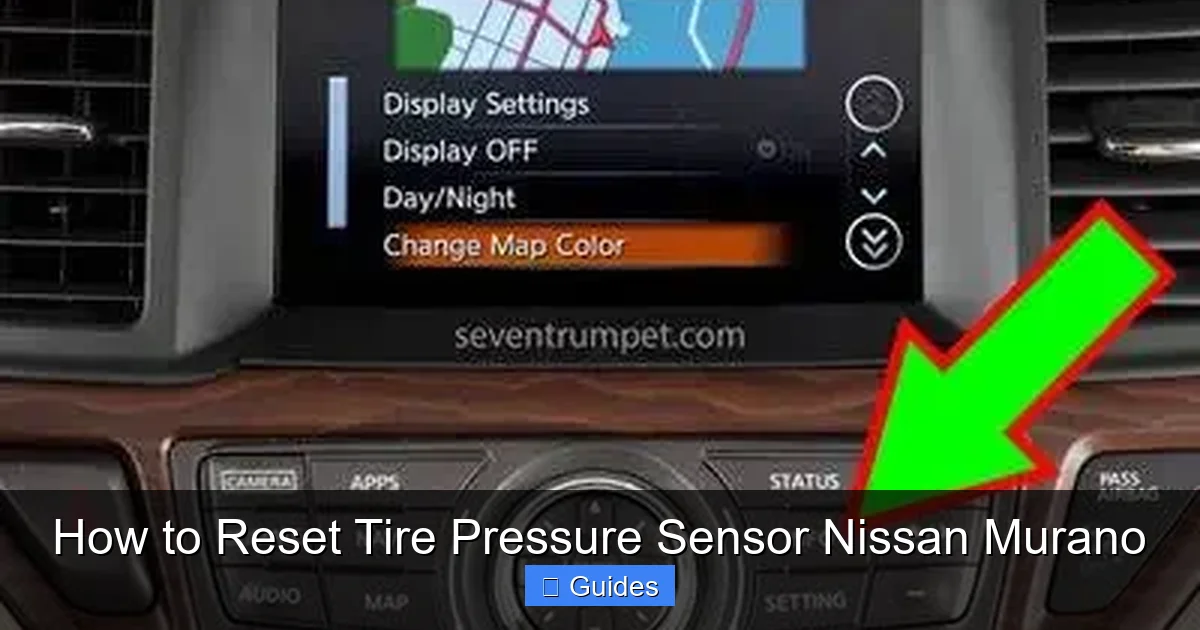
Before you start the reset process, it’s important to gather the right tools and prepare your vehicle. The good news? You don’t need expensive equipment or a trip to the dealership. Most Nissan Murano models allow you to reset the TPMS using just the dashboard controls or a simple button.
What You’ll Need
– A tire pressure gauge (digital or analog)
– An air compressor or access to one (gas stations often have them)
– Your vehicle’s owner’s manual (for model-specific instructions)
– A few minutes of your time
Start by checking your current tire pressure. Use the gauge to measure each tire, including the spare if your Murano has one. Compare the readings to the recommended PSI, which you can find on the sticker inside the driver’s side door jamb. For most Murano models, the recommended pressure is between 32 and 35 PSI when cold.
If any tire is underinflated, use the air compressor to bring it up to the correct level. Overinflated tires should be deflated slightly. Never reset the TPMS if your tires aren’t at the proper pressure—this can cause the system to give false readings later.
Parking and Safety Tips
Make sure your Murano is parked on a flat, level surface with the engine off. Engage the parking brake for safety. If you’ve just driven the car, wait at least 15–20 minutes for the tires to cool down. TPMS sensors measure cold pressure, so driving can heat up the air inside and give inaccurate readings.
Also, ensure all doors are closed and the key is in the “on” position (but the engine doesn’t need to be running). This powers the dashboard and allows the system to communicate with the sensors.
Step-by-Step Guide to Resetting the TPMS on a Nissan Murano
Visual guide about How to Reset Tire Pressure Sensor Nissan Murano
Image source: i.ytimg.com
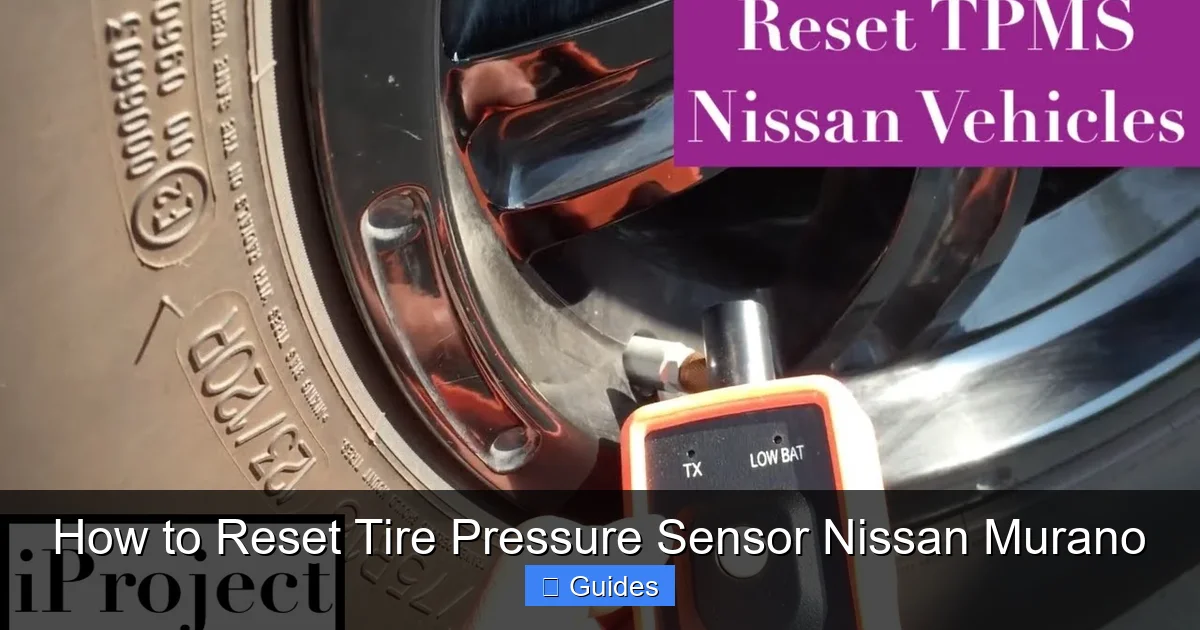
Now that you’re prepared, let’s walk through the reset process. The exact steps can vary slightly depending on your Murano’s model year, but the general method is consistent across most 2009–2024 models.
Method 1: Using the TPMS Reset Button (2009–2014 Models)
Many older Nissan Murano models (2009–2014) have a physical TPMS reset button located under the dashboard, near the steering column. Here’s how to use it:
1. Turn the ignition to the “ON” position (do not start the engine).
2. Locate the TPMS reset button. It’s usually a small, round button labeled “TPMS” or “RESET.” You may need to look under the dashboard or refer to your owner’s manual.
3. Press and hold the button for about 3–5 seconds. You should see the TPMS warning light on the dashboard flash three times.
4. Release the button. The system is now in reset mode.
5. Start the engine and drive the vehicle at speeds above 15 mph for at least 5–10 minutes. This allows the system to relearn the sensor positions and confirm the reset.
After driving, check the dashboard. The TPMS light should turn off. If it remains on, repeat the process or check for other issues.
Method 2: Using the Dashboard Menu (2015–2024 Models)
Newer Murano models (2015 and later) use a digital menu system instead of a physical button. Here’s how to reset the TPMS through the infotainment screen:
1. Turn the ignition to the “ON” position.
2. Press the “Menu” button on the steering wheel or center console.
3. Navigate to “Settings” > “Vehicle” > “Tire Pressure Monitor.”
4. Select “Reset TPMS” or “Initialize TPMS.”
5. Confirm the reset when prompted. The system will display a message like “TPMS Reset in Progress.”
6. Start the engine and drive the vehicle at speeds above 15 mph for 5–10 minutes.
The system will automatically detect the sensors and update the readings. Once complete, the warning light should disappear.
Method 3: Using the Instrument Cluster (Alternative for Some Models)
Some Murano owners report success using the instrument cluster buttons. This method works on select 2013–2017 models:
1. Turn the ignition to “ON.”
2. Press and hold the “Trip” button on the instrument cluster until the TPMS reset option appears.
3. Use the button to select “Reset” and confirm.
4. Drive the vehicle as described above.
Always refer to your owner’s manual for model-specific instructions, as button layouts and menu options can vary.
Troubleshooting Common TPMS Reset Issues
Visual guide about How to Reset Tire Pressure Sensor Nissan Murano
Image source: seventrumpet.com
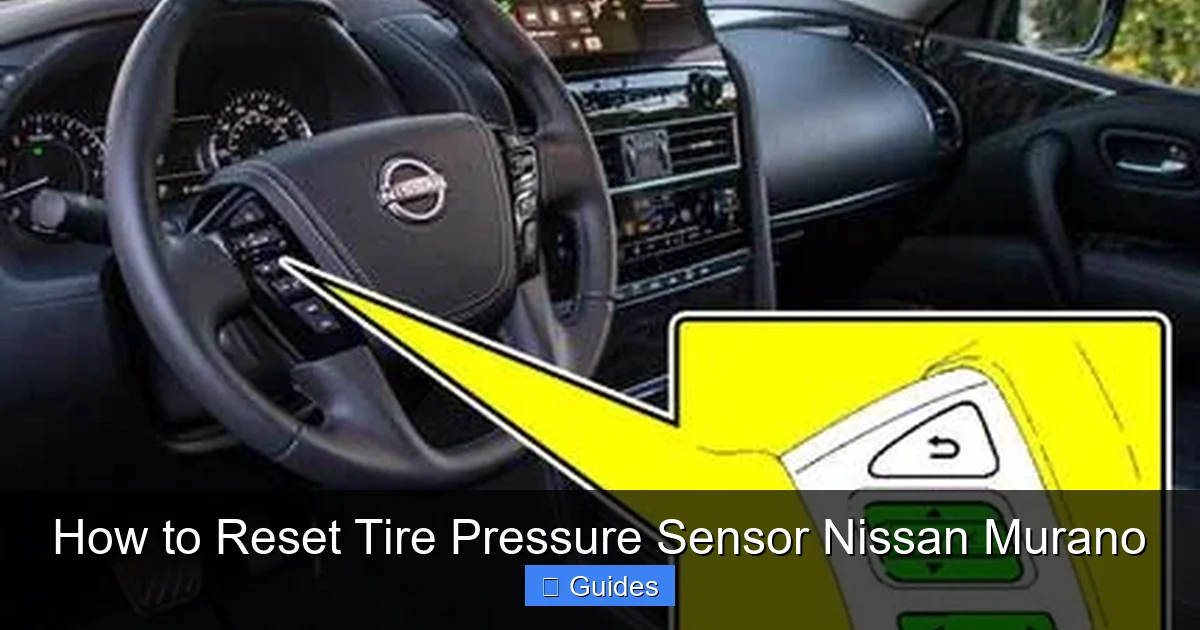
Even with the correct steps, you might run into problems. Don’t worry—most issues are easy to fix with a little patience.
The TPMS Light Won’t Turn Off
If the warning light stays on after resetting, there could be several reasons:
– One or more sensors are damaged or have a dead battery.
– The tire pressure is still incorrect.
– The system hasn’t completed the relearn process.
First, double-check your tire pressure with a reliable gauge. Even a small difference can trigger the light. If the pressure is correct, try driving the car for a longer period—sometimes the system needs 15–20 minutes of driving to fully reset.
If the light persists, one of the sensors may be faulty. TPMS sensors have internal batteries that can’t be replaced. When the battery dies (usually after 7–10 years), the entire sensor must be replaced. This is common in older Murano models from 2009–2014.
Sensor Not Detected After Tire Rotation
After rotating tires, the system may not recognize the new sensor positions. This is normal and usually resolves after a reset and a short drive. However, if the system still can’t detect a sensor, it may be due to:
– A weak or dead sensor battery
– Interference from metal wheels or aftermarket rims
– A damaged sensor from installation
In such cases, a professional scan tool may be needed to manually relearn the sensor IDs. Some auto shops and tire centers offer this service for a small fee.
Aftermarket Tires or Wheels Cause Problems
If you’ve installed aftermarket wheels or tires, they may not be compatible with the TPMS sensors. Some aluminum or chrome-plated valve stems can interfere with the signal. In these cases, you may need to install new TPMS sensors that are compatible with your wheels.
Always consult a tire professional before making changes. They can ensure your new setup works with the Murano’s TPMS system.
Maintaining Your TPMS for Long-Term Reliability
Resetting the TPMS is important, but regular maintenance ensures it keeps working properly. Here are some tips to keep your system in top shape:
Check Tire Pressure Monthly
Make it a habit to check your tire pressure at least once a month. Use a quality gauge and compare readings to the door jamb sticker. Even small changes in temperature can affect pressure—tires lose about 1 PSI for every 10°F drop in temperature.
Inspect Sensors During Tire Service
Whenever you rotate, balance, or replace tires, ask the technician to inspect the TPMS sensors. Look for cracks, corrosion, or loose fittings. Damaged sensors should be replaced immediately.
Replace Sensors When Needed
TPMS sensors don’t last forever. Most have a lifespan of 5–10 years. If your Murano is over 7 years old and the TPMS light comes on frequently, it’s likely time for new sensors. Replacement costs vary, but expect to pay $50–$150 per sensor, including installation.
Avoid Extreme Temperatures
While you can’t control the weather, try to park in shaded or covered areas when possible. Extreme heat or cold can stress the sensors and shorten their life.
When to Visit a Nissan Dealer or Mechanic
While most TPMS resets can be done at home, there are times when professional help is needed.
Persistent Warning Light
If the TPMS light won’t turn off after multiple resets and pressure checks, there may be a deeper issue. A certified Nissan technician can use a diagnostic scan tool to read error codes and identify faulty sensors or wiring problems.
Multiple Sensor Failures
If two or more sensors stop working around the same time, it could indicate a system-wide issue, such as a faulty control module. This requires professional diagnosis.
After Accident or Suspension Work
If your Murano has been in an accident or had suspension repairs, the TPMS sensors may have been damaged. A mechanic can inspect and recalibrate the system.
Software Updates
Nissan occasionally releases software updates for the TPMS system. A dealer can check if your vehicle is eligible and perform the update if needed.
Conclusion: Keep Your Murano Safe and Efficient
Resetting the tire pressure sensor on your Nissan Murano is a simple but important task. It ensures your TPMS works correctly, keeps you safe on the road, and helps maintain optimal fuel efficiency and tire life. Whether you’re using the reset button or the dashboard menu, the process takes just a few minutes—and can save you from bigger problems down the line.
Remember to always check your tire pressure before resetting, drive the vehicle after the reset, and address any persistent warnings promptly. With regular maintenance and a little know-how, your Murano’s TPMS will continue to protect you mile after mile.
Don’t let a flashing warning light stress you out. Now that you know how to reset the tire pressure sensor on your Nissan Murano, you can handle it with confidence—no dealership visit required.
Frequently Asked Questions
How often should I reset the TPMS on my Nissan Murano?
You only need to reset the TPMS after tire rotation, pressure changes, or sensor replacement. There’s no need to reset it regularly if the system is working properly.
Can I reset the TPMS without driving the car?
No, a short drive (5–10 minutes at speeds above 15 mph) is required after resetting. This allows the system to relearn sensor positions and confirm the reset.
Why does the TPMS light come on in cold weather?
Cold temperatures reduce tire pressure. Check and inflate your tires to the recommended PSI, then reset the system if needed.
Do I need a special tool to reset the TPMS?
Most Nissan Murano models allow resetting via a button or dashboard menu. No special tools are required unless sensors are faulty.
Can I drive with the TPMS light on?
It’s safe to drive short distances, but you should check tire pressure immediately. Driving with low pressure can damage tires and reduce safety.
How much does it cost to replace a TPMS sensor?
Replacement costs range from $50 to $150 per sensor, including parts and labor. Prices vary by location and shop.

At CarLegit, we believe information should be clear, factual, and genuinely helpful. That’s why every guide, review, and update on our website is created with care, research, and a strong focus on user experience.