
Locking your Toyota Highlander with the engine running is possible and safe when done correctly. This guide walks you through the steps, safety tips, and model-specific instructions to keep your vehicle secure while idling.
In This Article
- 1 Key Takeaways
- 2 📑 Table of Contents
- 3 Why Would You Want to Lock a Toyota Highlander with the Engine Running?
- 4 Understanding Your Toyota Highlander’s Locking System
- 5 Step-by-Step Guide: How to Lock Toyota Highlander with Engine Running
- 6 Safety Tips and Best Practices
- 7 Troubleshooting Common Issues
- 8 Model-Specific Notes
- 9 Conclusion
- 10 Frequently Asked Questions
- 10.1 Can I lock my Toyota Highlander with the engine running?
- 10.2 Will the Highlander lock if the key fob is inside?
- 10.3 Does the walk-away lock work with the engine running?
- 10.4 Is it safe to idle my Highlander in a garage?
- 10.5 What if my key fob battery is low?
- 10.6 Can I lock the Highlander using the Toyota app?
Key Takeaways
- Use the key fob remote: Press the lock button on your key fob while inside or near the vehicle to lock all doors with the engine running.
- Ensure all doors are closed: The vehicle won’t lock if any door, including the liftgate, is open or ajar.
- Stay within range: Keep the key fob within 20–30 feet of the vehicle for the signal to work properly.
- Automatic lock feature: Some Highlander models automatically lock when you walk away with the key fob (Smart Key system).
- Never leave children or pets unattended: Even with the engine running, it’s unsafe to leave passengers alone in a locked vehicle.
- Check your owner’s manual: Procedures may vary slightly by model year and trim level.
- Use the manual lock override: In rare cases, use the physical key or door lock switch if the remote fails.
📑 Table of Contents
Why Would You Want to Lock a Toyota Highlander with the Engine Running?
You might be wondering—why would anyone want to lock their Toyota Highlander while the engine is still running? It sounds counterintuitive, right? After all, most of us are taught to turn off the car before locking it. But in real-world situations, there are actually several practical and completely safe reasons to do this.
For example, imagine you’re parked at a drive-thru coffee shop, waiting for your order. You want to keep the engine running to maintain cabin temperature—especially on a cold winter morning or a hot summer afternoon. Or maybe you’re parked near your home, running the engine to charge your phone or let the car warm up, and you need to step out briefly to grab the mail or talk to a neighbor. In these cases, you want the peace of mind that your vehicle is secure and no one can get in or drive it away.
Another common scenario is when you’re parked at a gas station or convenience store. You might run inside to pay or grab a snack, leaving the engine on for climate control. Locking the doors ensures your belongings stay safe and prevents unauthorized access. Some drivers also use this feature when parked in driveways or private areas, especially if they have pets or children who need to stay comfortable while the parent steps out momentarily.
The good news? Toyota designed the Highlander with these real-life situations in mind. Thanks to advanced keyless entry systems and smart safety features, you can lock your Highlander with the engine running—no need to shut off the motor or fumble with keys. It’s a convenient, secure, and perfectly normal function when used responsibly.
Understanding Your Toyota Highlander’s Locking System
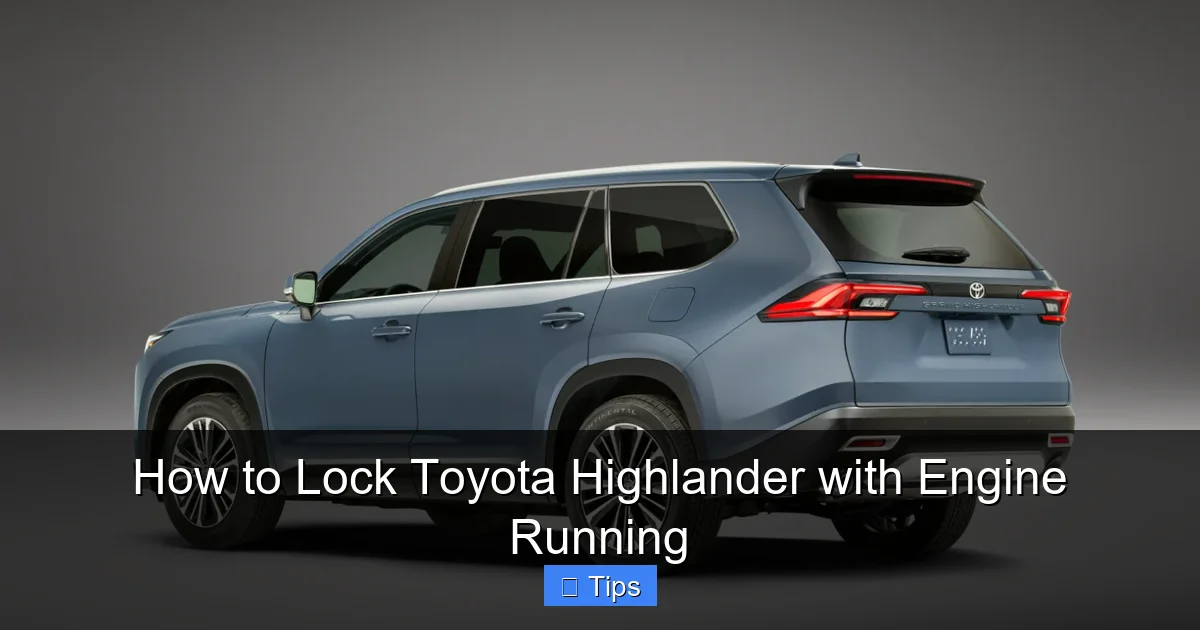
Visual guide about How to Lock Toyota Highlander with Engine Running
Image source: 2025toyota.com
Before diving into the step-by-step process, it’s important to understand how your Toyota Highlander’s locking system works. The Highlander comes equipped with one of two primary key systems: the traditional key fob with buttons, or the more advanced Smart Key system (also known as keyless entry or push-button start).
If your Highlander has a Smart Key, you’ll notice that the key fob doesn’t have a physical key blade—or if it does, it’s tucked away in a small slot. This system allows you to start the car with the push of a button as long as the key fob is inside the vehicle. It also enables features like walk-away auto-lock, where the car locks itself when you walk a certain distance away with the key.
On the other hand, older or base-model Highlanders may use a standard key fob with a physical key. These still allow remote locking and unlocking, but you’ll need to insert the key to start the engine manually.
Both systems support locking the vehicle while the engine is running. The key difference lies in how you interact with the car. With a Smart Key, you can lock the doors remotely even if the engine is on and you’re outside the vehicle—as long as the key fob is with you. With a traditional fob, you’ll need to be within range and press the lock button.
Another important feature is the interior door lock switch. Located on the driver’s side door panel, this switch allows you to lock or unlock all doors at once. However, if the engine is running and you’re inside the car, pressing the lock switch won’t physically lock the doors from the outside—this is a safety feature to prevent you from accidentally locking yourself in.
Understanding these systems helps you use them effectively and safely. Whether you’re using a Smart Key or a standard fob, the goal is the same: keep your Highlander secure while the engine runs, without compromising safety or convenience.
Step-by-Step Guide: How to Lock Toyota Highlander with Engine Running
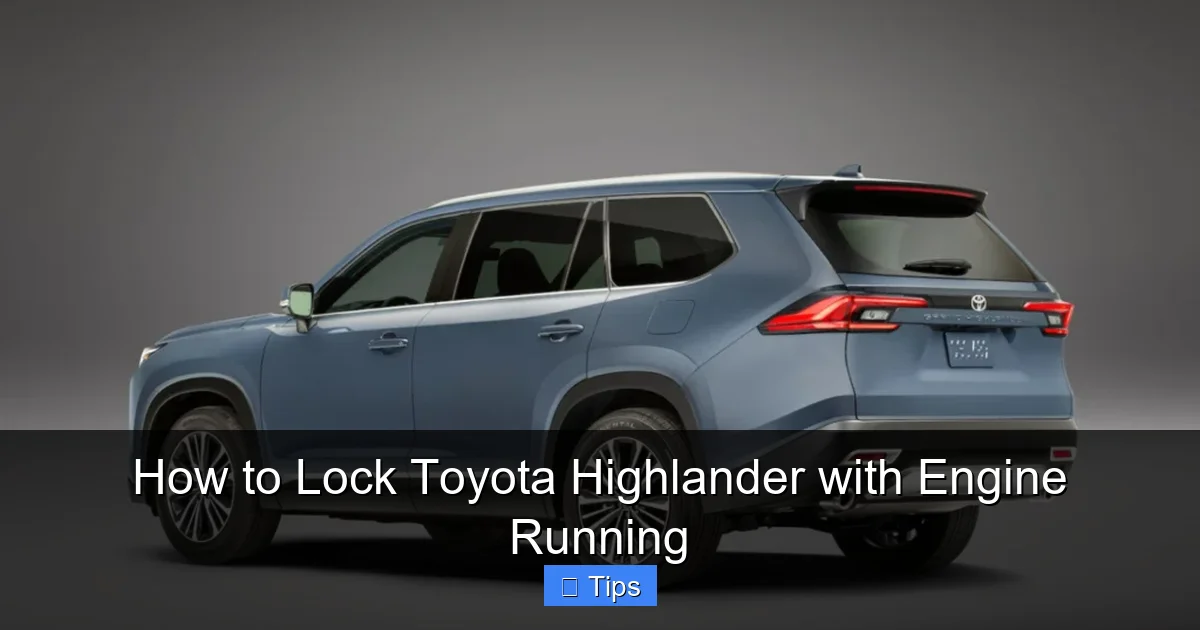
Visual guide about How to Lock Toyota Highlander with Engine Running
Image source: 2025toyota.com
Now that you understand the basics, let’s walk through the actual process of locking your Toyota Highlander while the engine is running. The steps are simple, but they depend on your key type and model year. Below is a clear, step-by-step guide that works for most Highlander models from 2014 onward.
Step 1: Start the Engine
First, start your Highlander’s engine. If you have a Smart Key, simply press the “Start/Stop” button with your foot on the brake. If you’re using a traditional key, insert it into the ignition and turn it to the “On” position. Make sure the engine is running smoothly and the climate control is set to your preference.
Step 2: Ensure All Doors Are Closed
Before you can lock the vehicle, all doors—including the driver’s door, passenger doors, and the rear liftgate—must be fully closed. The Highlander’s system won’t allow remote locking if any door is open or ajar. This is a safety feature to prevent accidental lockouts. Take a quick look around or check the dashboard display to confirm all doors are shut.
Step 3: Exit the Vehicle (If Needed)
If you’re stepping out of the car, make sure you take your key fob with you. This is crucial—especially with Smart Key systems. The vehicle can only lock remotely if the key fob is outside the car. If you leave the fob inside, the car may not lock, or it could unlock automatically when it detects the key nearby.
Step 4: Use the Key Fob to Lock
With the engine running and all doors closed, press the “Lock” button on your key fob. You should hear a beep or see the hazard lights flash once, confirming that the doors are locked. On some models, you may also hear the locks engage with a solid “thunk” sound.
If you’re using a Smart Key and are standing near the vehicle, you can also lock it by pressing the lock button on the door handle (if equipped). This is called the “touch sensor” lock and works even with the engine running.
Step 5: Verify the Lock
Always double-check that the vehicle is locked. Try pulling the door handle from the outside to confirm it doesn’t open. You can also look for visual cues like the flashing hazard lights or listen for the locking sound. Some Highlander models also display a “Doors Locked” message on the dashboard or infotainment screen.
Alternative: Use the Interior Lock Switch
If you’re still inside the vehicle and want to lock the doors, you can use the interior lock switch on the driver’s door panel. Press the “Lock” button—this will lock all doors from the inside. However, note that this won’t prevent someone from opening the door from the outside if they have access to the key or if the child safety locks aren’t engaged.
Pro Tip: Use the “Walk-Away Lock” Feature
If your Highlander has a Smart Key with walk-away auto-lock, you don’t even need to press a button. Simply start the engine, close all doors, exit the vehicle with the key fob, and walk about 6–10 feet away. The car will automatically lock itself after a few seconds. This is one of the most convenient features Toyota offers, and it works seamlessly with the engine running.
Safety Tips and Best Practices
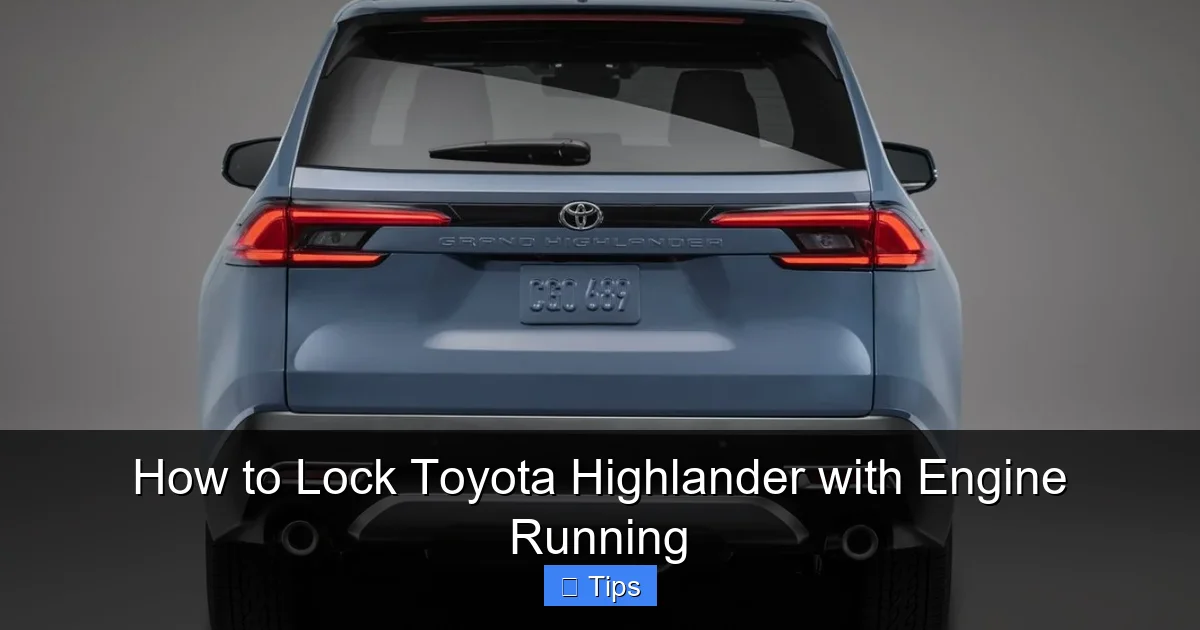
Visual guide about How to Lock Toyota Highlander with Engine Running
Image source: 2025toyota.com
While locking your Toyota Highlander with the engine running is safe and convenient, it’s important to follow some best practices to ensure you’re not putting yourself, your passengers, or your vehicle at risk.
Never Leave Children or Pets Unattended
This cannot be stressed enough: even if the engine is running and the doors are locked, never leave children or pets alone in the vehicle. Temperatures inside a car can rise or drop rapidly, creating dangerous conditions. A locked car with the engine on is not a safe place for unsupervised passengers, especially in extreme weather.
Be Mindful of Carbon Monoxide
If you’re parked in an enclosed space like a garage—even with the door open—running the engine can lead to carbon monoxide buildup. This colorless, odorless gas is deadly. Always ensure your vehicle is in a well-ventilated area when idling. If you’re in a driveway or outdoor parking spot, you’re generally safe, but avoid idling in attached garages or tight spaces.
Keep the Key Fob Secure
Always take your key fob with you when you exit the vehicle. If you leave it inside, the car may not lock properly, or it could unlock automatically when it detects the key nearby. This defeats the purpose of locking the vehicle in the first place. Consider using a key fob pouch or lanyard to keep it handy.
Avoid Idling for Long Periods
While modern engines are designed to idle efficiently, running your Highlander for extended periods without driving can waste fuel and increase emissions. If you’re going to be parked for more than a few minutes, consider turning off the engine unless you need it for climate control or charging devices.
Use the Parking Brake
Always engage the parking brake when idling, especially on inclines. This adds an extra layer of security and prevents the vehicle from rolling if something goes wrong. It’s a simple step that takes just a second but can prevent accidents.
Check Local Laws
In some areas, it’s illegal to leave a vehicle running and unattended—even if it’s locked. Check your local regulations to avoid fines or penalties. Most laws are designed to prevent theft or accidents, so they’re worth following even if your Highlander is secure.
Test the System Regularly
Make it a habit to test your locking system occasionally. Try locking the vehicle with the engine running in a safe, private area to ensure everything works as expected. This helps you identify any issues early and gives you confidence in the system.
Troubleshooting Common Issues
Even with a well-designed system, you might run into occasional issues when trying to lock your Highlander with the engine running. Here are some common problems and how to fix them.
The Car Won’t Lock Remotely
If pressing the lock button on your key fob doesn’t work, check the following:
– Is the key fob battery low? Replace it if needed.
– Are you within range? Move closer to the vehicle.
– Is a door open? Close all doors and try again.
– Is the key fob inside the car? If so, the system may prevent locking for safety.
The Doors Lock but Then Unlock Automatically
This usually happens with Smart Key systems. If the car detects the key fob is still inside or nearby, it may unlock as a safety feature. Make sure you take the key fob with you when you exit.
The Interior Lock Switch Doesn’t Work
If you’re inside the car and the lock button on the door panel doesn’t respond, check if the child safety locks are engaged or if there’s a system malfunction. Try using the key fob instead.
The Walk-Away Lock Isn’t Activating
Ensure the feature is enabled in your vehicle settings. On some models, you can adjust or disable this feature through the infotainment system. Also, make sure you’re walking far enough away—usually 6–10 feet.
The Engine Shuts Off When You Try to Lock
This shouldn’t happen under normal circumstances. If your engine turns off when you press the lock button, there may be a sensor issue or a problem with the key fob. Consult your owner’s manual or visit a Toyota service center.
Model-Specific Notes
While the general process is similar across most Toyota Highlander models, there are some differences based on the year and trim level.
2014–2019 Toyota Highlander
These models typically come with either a standard key fob or a Smart Key system. The locking procedure is the same: press the lock button on the fob with the engine running. The walk-away lock feature is available on higher trims like the Limited and Platinum.
2020–2024 Toyota Highlander
Newer models have enhanced Smart Key systems with improved range and reliability. The walk-away lock is standard on most trims, and some models include a “Remote Connect” feature via the Toyota app, allowing you to lock or unlock the vehicle remotely—even with the engine running.
Hybrid Models
The Highlander Hybrid uses the same locking system as the gas-powered version. The only difference is that the engine may not run continuously—it may shut off and restart to save fuel. However, you can still lock the vehicle while it’s in “Ready” mode (indicated by a green light on the dashboard).
Third-Row Seating and Cargo Area
If you have a Highlander with third-row seating, make sure the rear doors are fully closed before attempting to lock. The same goes for the liftgate—even if it’s slightly ajar, the system may not lock.
Conclusion
Locking your Toyota Highlander with the engine running is not only possible—it’s a smart and convenient feature designed for real-world use. Whether you’re waiting in a drive-thru, warming up the car on a cold day, or stepping out briefly, you can keep your vehicle secure without turning off the engine.
By following the steps outlined in this guide—using your key fob, ensuring all doors are closed, and taking the key with you—you can lock your Highlander safely and confidently. Just remember to prioritize safety: never leave children or pets unattended, avoid idling in enclosed spaces, and always be aware of your surroundings.
With the right knowledge and a few simple habits, you can make the most of your Highlander’s advanced locking system. It’s one of those small conveniences that makes a big difference in daily driving. So the next time you need to step out with the engine running, you’ll know exactly what to do—and your Toyota will be right where you left it, secure and ready to go.
Frequently Asked Questions
Can I lock my Toyota Highlander with the engine running?
Yes, you can safely lock your Toyota Highlander with the engine running using the key fob or Smart Key system. Just make sure all doors are closed and the key fob is with you.
Will the Highlander lock if the key fob is inside?
No, the vehicle typically won’t lock remotely if the key fob is detected inside. This is a safety feature to prevent lockouts. Take the key fob with you when exiting.
Does the walk-away lock work with the engine running?
Yes, the walk-away auto-lock feature works even when the engine is running. Simply exit the vehicle with the key fob and walk about 6–10 feet away.
Is it safe to idle my Highlander in a garage?
No, never idle your Highlander in an enclosed garage—even with the door open. Carbon monoxide can build up quickly and is extremely dangerous.
What if my key fob battery is low?
A low battery may prevent the remote lock from working. Replace the battery or use the physical key or interior lock switch as a backup.
Can I lock the Highlander using the Toyota app?
Yes, if your model supports Remote Connect, you can lock or unlock the vehicle remotely via the Toyota app—even with the engine running.

At CarLegit, we believe information should be clear, factual, and genuinely helpful. That’s why every guide, review, and update on our website is created with care, research, and a strong focus on user experience.