
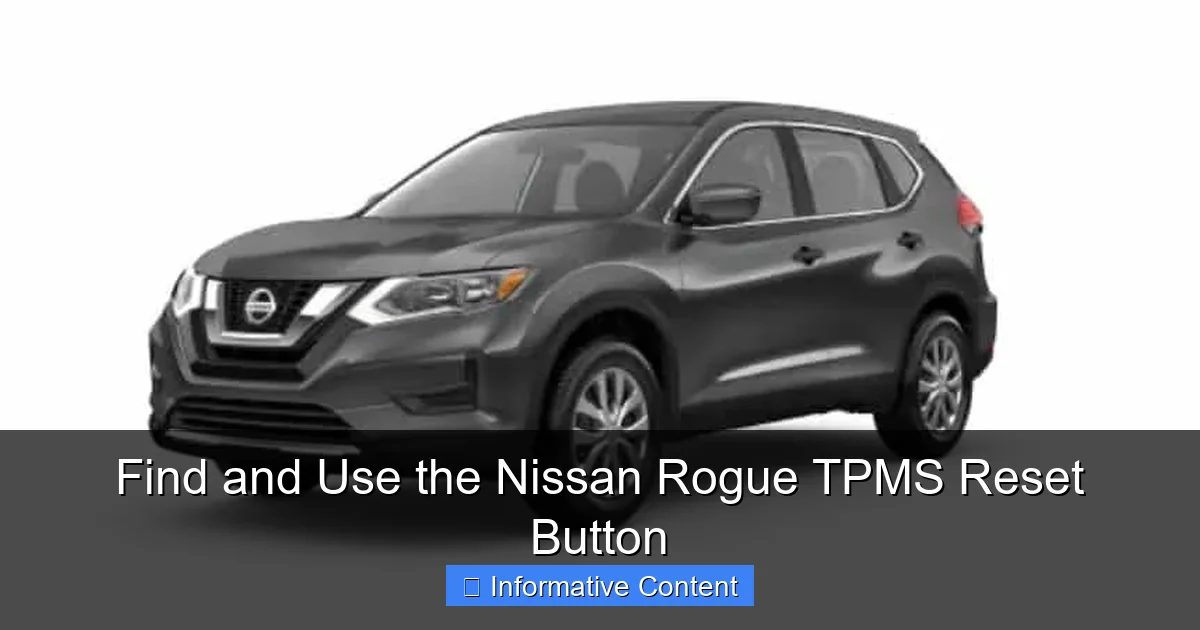
The TPMS reset button on the Nissan Rogue is crucial for resetting the tire pressure monitoring system after tire maintenance. Typically located under the steering wheel, using it involves a simple press-and-hold procedure that ensures accurate alerts and vehicle safety.
In This Article
- 1 Find and Use the Nissan Rogue TPMS Reset Button: Your Complete Guide
- 1.1 Key Takeaways
- 1.2 📑 Table of Contents
- 1.3 What is TPMS and Why Does Your Nissan Rogue Have It?
- 1.4 Locating the Nissan Rogue TPMS Reset Button: A Step-by-Step Search
- 1.5 The Complete TPMS Reset Procedure for Your Nissan Rogue
- 1.6 When the Reset Button Doesn’t Work: Troubleshooting Tips
- 1.7 Nissan Rogue TPMS Model Variations and Specifications
- 1.8 Maintaining Your TPMS for the Long Haul
- 1.9 Empowerment is Just a Button (Or Menu) Away
- 1.10 Frequently Asked Questions
- 1.10.1 What is the TPMS reset button on a Nissan Rogue?
- 1.10.2 Where is the TPMS reset button located on a Nissan Rogue?
- 1.10.3 How do I use the TPMS reset button on my Nissan Rogue?
- 1.10.4 Why is my TPMS light still on after using the TPMS reset button?
- 1.10.5 Do I need to use the TPMS reset button after rotating tires on my Nissan Rogue?
- 1.10.6 Can I reset the TPMS without the TPMS reset button on a Nissan Rogue?
Find and Use the Nissan Rogue TPMS Reset Button: Your Complete Guide
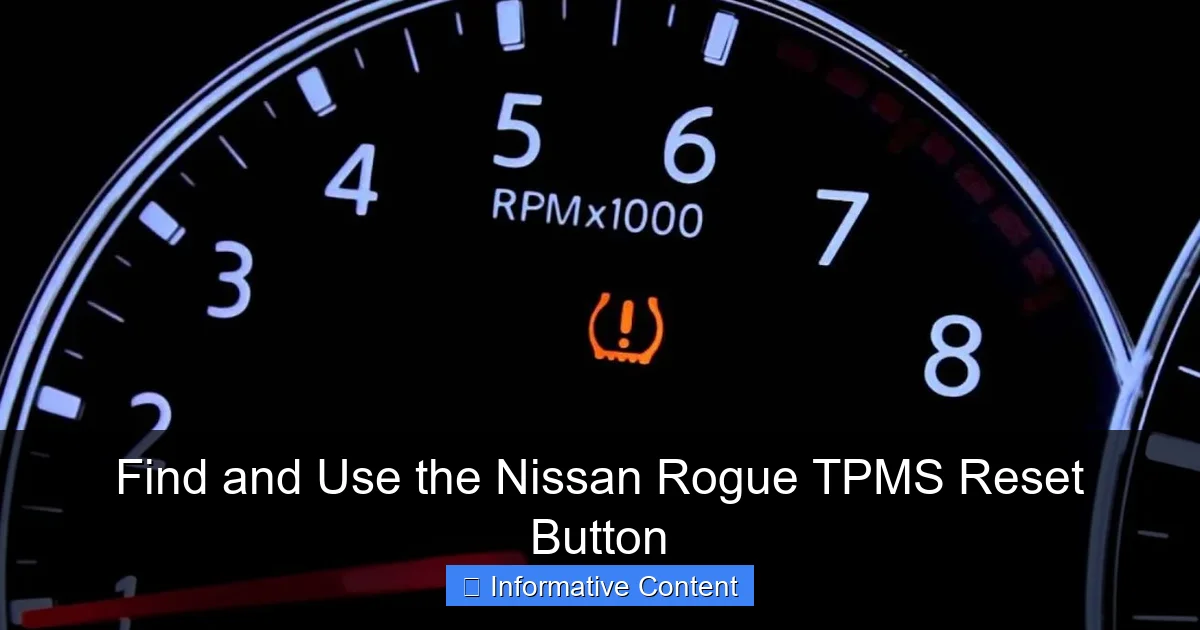
Let’s be honest. That little yellow light on your dashboard—the one that looks like a flat tire with an exclamation point—can be a real source of anxiety. You see it glow to life, and your mind races. Is it a flat? A slow leak? Did I hit a pothole too hard? If you drive a Nissan Rogue, you’ve probably been there.
Here’s a little story. Last fall, after the first big temperature drop, the light in my Rogue came on. I pulled over, checked all four tires, and they looked and felt perfectly fine. I was baffled. A quick call to my mechanic buddy saved me a trip to the shop. “It’s probably just the cold weather affecting the tire pressure,” he said. “You likely just need to find your Nissan Rogue TPMS reset button and recalibrate the system.” That was the moment I realized how empowering a little bit of car knowledge can be.
This guide is here to turn that moment of panic into a moment of confidence. We’re going to walk through everything about the Tire Pressure Monitoring System (TPMS) in your Nissan Rogue. Most importantly, we’ll show you exactly how to find and use the Nissan Rogue TPMS reset button yourself. No fancy tools needed, just a few minutes of your time.
Key Takeaways
- Locate the button below the steering wheel: Common placement for easy access.
- Use after tire pressure changes or rotation: Recalibrates the monitoring system.
- Hold button until TPMS light blinks: Signals reset process has started.
- Drive to complete the recalibration: System learns new tire pressures.
- Verify correct tire pressure first: Prevents inaccurate system calibration.
- Consult your owner’s manual: Procedures can vary by model year.
- Regular resets ensure accurate warnings: Maintains safety and performance.
📑 Table of Contents
- What is TPMS and Why Does Your Nissan Rogue Have It?
- Locating the Nissan Rogue TPMS Reset Button: A Step-by-Step Search
- The Complete TPMS Reset Procedure for Your Nissan Rogue
- When the Reset Button Doesn’t Work: Troubleshooting Tips
- Nissan Rogue TPMS Model Variations and Specifications
- Maintaining Your TPMS for the Long Haul
- Empowerment is Just a Button (Or Menu) Away
What is TPMS and Why Does Your Nissan Rogue Have It?
Before we go hunting for buttons, let’s understand what we’re dealing with. TPMS stands for Tire Pressure Monitoring System. It’s a safety feature required by law in many countries, including the United States. Its sole job is to alert you when one or more of your tires is significantly under-inflated.
Think of it as an early warning system. Driving on under-inflated tires isn’t just bad for your fuel economy; it’s dangerous. It can lead to poor handling, increased stopping distances, excessive tire wear, and even a blowout. The TPMS is your car’s way of giving you a heads-up before a minor issue becomes a major problem.
How the TPMS in Your Nissan Rogue Works
Your Rogue uses a direct TPMS. This means each wheel (including the spare on some models) has a tiny sensor mounted inside, attached to the valve stem. This sensor constantly measures the air pressure and sends a wireless signal to your car’s computer. If the pressure drops about 25% below the recommended level, the computer triggers that dashboard warning light.
It’s a brilliant system, but it can be confused. The most common triggers for a false alarm are seasonal temperature swings (cold air contracts, lowering pressure) and routine tire rotations. That’s where the reset function comes in.
Locating the Nissan Rogue TPMS Reset Button: A Step-by-Step Search
This is the part that frustrates many owners. Nissan, like many automakers, doesn’t always put a physical, dedicated “TPMS reset button” in an obvious place. In fact, for many modern Rogues, the reset function is built into the vehicle information display. Let’s break it down by model years.

Visual guide about Where Is The Tpms Reset Button On A Nissan Rogue
Image source: turbochaos.com
For Nissan Rogue Models (Typically 2014 and Newer)
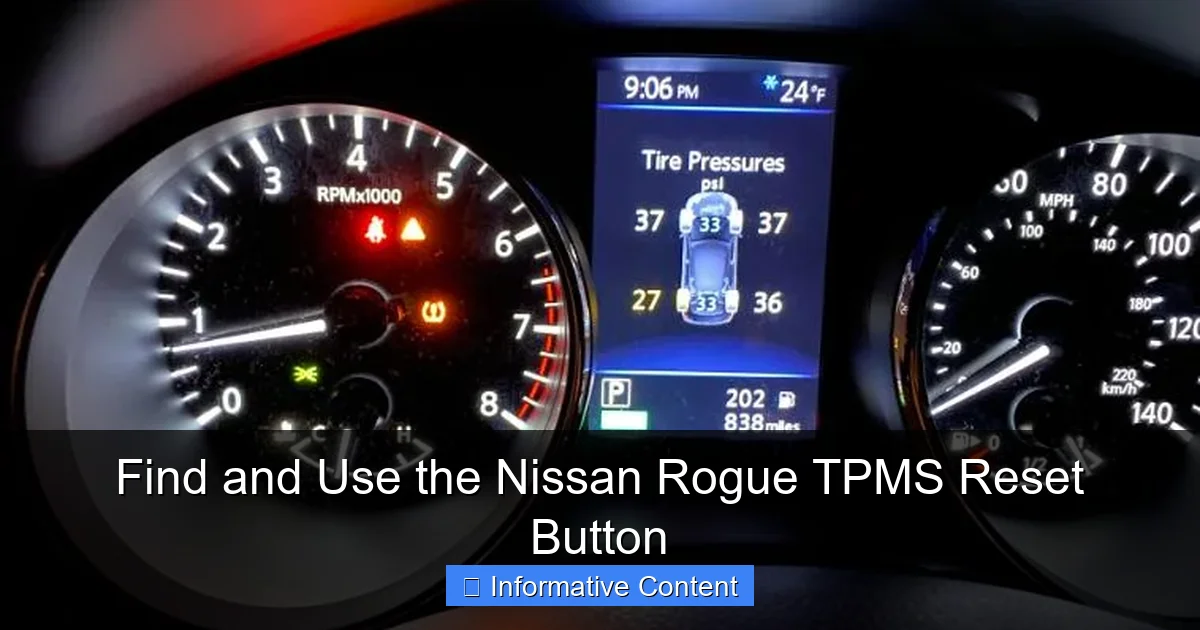
If you have a newer Rogue, you won’t find a standalone button. Instead, you’ll use the controls on your steering wheel and the instrument cluster display.
- Step 1: Make sure your vehicle is parked, and the ignition is in the “ON” position (or the engine is running).
- Step 2: Look for the menu buttons on your steering wheel. You’re looking for a button that says “ENTER” or has an “i” (information) symbol, or arrow keys to scroll.
- Step 3: Scroll through the menu options on your driver information display (between the speedometer and tachometer) until you find a settings or maintenance menu.
- Step 4: Look for an option labeled “TPMS,” “Tire Pressure,” “Tire Settings,” or “Vehicle Settings.” Select it.
- Step 5: Inside that menu, you should find the option to “Initialize” or “Reset” the TPMS system. This is your virtual Nissan Rogue TPMS reset button.
For Older Nissan Rogue Models (Pre-2014)
Some earlier models may have a physical button. The most common location is below and to the left of the steering wheel, on the dashboard near the driver’s side knee panel. It’s a small, unmarked button that you would typically press and hold with a pen or key. However, consulting your owner’s manual for the exact year is always the best first step.
The Complete TPMS Reset Procedure for Your Nissan Rogue
Finding the button or menu is only half the battle. The reset procedure must be done in a specific sequence to work correctly. Follow these steps carefully.
Visual guide about Where Is The Tpms Reset Button On A Nissan Rogue
Image source: turbochaos.com
Step 1: The Essential Pre-Reset Checklist
You can’t reset the system properly if the tires aren’t ready. Do this first:
- Check & Adjust Pressure: Using a reliable tire gauge, check the pressure of all four tires (and the spare, if it has a sensor) when they are cold (not driven for 3+ hours). Inflate them to the exact pressure listed on the driver’s side door jamb sticker. Do not use the number on the tire sidewall.
- Visual Inspection: Give each tire a quick look for any obvious damage, nails, or debris.
- Turn the Ignition On: Put the key in the “ON” position, or press the ignition button twice without your foot on the brake. Do not start the engine.
Step 2: Executing the Reset
Now, let’s initialize the system. The exact wording in your menu may vary.
- Navigate to the TPMS reset menu as described in the previous section.
- Select “Initialize” or “Reset.” A confirmation message will likely appear, asking if you are sure because the procedure will clear all learned sensor IDs.
- Confirm “Yes.” You may hear a beep, and the TPMS warning light on the dash will usually flash a few times.
- Turn the ignition off. The reset process is now complete.
Step 3: The Crucial Drive Cycle
This is the step people often miss. The system doesn’t learn immediately.
Start the engine and drive the vehicle at a steady speed above 16 mph (25 km/h) for about 10-20 minutes. This allows the car’s computer to receive signals from each sensor and relearn their positions. The TPMS light should turn off during this drive. If it remains on or flashes, there may be a deeper issue with a sensor.
When the Reset Button Doesn’t Work: Troubleshooting Tips
Sometimes, you follow all the steps and that stubborn light just won’t go away. Don’t worry. Here’s what to check next.
Visual guide about Where Is The Tpms Reset Button On A Nissan Rogue
Image source: turbochaos.com
Common Reasons for a Failed Reset
- Spare Tire Pressure: If your Rogue has a full-size spare with a sensor, it’s part of the system. A low spare can trigger the light.
- Faulty or Dead Sensor Battery: The sensors have batteries that last 5-10 years. When they die, the sensor needs replacement.
- Sensor Damage: A sensor can be damaged during tire service or by road hazards.
- System Not in Learn Mode: Some resets require a specific sequence, like using a magnet or a special tool to trigger each sensor. This is more common after tire rotations.
- Recent Tire Work: If tires were recently rotated or replaced, the sensor positions may need to be relearned by a professional tool.
What to Do Next
If you’ve tried the reset twice and driven the required cycle, it’s time to visit a tire shop or dealership. They have a TPMS scan tool that can communicate with each sensor directly, diagnose which one is faulty, and properly reprogram the system. It’s a quick and usually inexpensive service.
Nissan Rogue TPMS Model Variations and Specifications
Not all Nissan Rogue TPMS systems are identical. Changes were made over the model years. The table below gives a quick overview to help you understand what system your vehicle likely has.
| Model Year Range | TPMS Type | Reset Method | Spare Tire Sensor? | Key Notes |
|---|---|---|---|---|
| 2008-2013 | Direct TPMS | Possible physical button or dealer tool. | Sometimes (if full-size) | Consult the owner’s manual for the exact reset procedure. |
| 2014-2020 | Direct TPMS | Via steering wheel menu display. | Often (if full-size) | The “Initialize” procedure in the settings is standard. |
| 2021-Present | Direct TPMS | Via touchscreen/display menu. | Often (if full-size) | Interface may be in the central touchscreen. Features like Easy-Fill Tire Alert may be present. |
Maintaining Your TPMS for the Long Haul
A little care goes a long way in preventing TPMS headaches. Make these simple habits part of your routine.
Monthly Pressure Checks
Don’t wait for the light! Use a good digital gauge to check pressures monthly when tires are cold. This keeps you ahead of slow leaks and seasonal changes.
Communication During Service
Always tell your tire technician that your vehicle has TPMS sensors. This reminds them to use care during dismounting and to reseal or replace the valve cores and caps (metal caps are best).
Sensor Life Expectancy
Plan for sensor replacement around the 7-10 year mark. When you get new tires, it’s a smart time to have the sensors checked and replaced if they’re near the end of their lifespan.
Empowerment is Just a Button (Or Menu) Away
That little yellow light doesn’t have to ruin your day. As we’ve explored, finding and using the Nissan Rogue TPMS reset button—whether it’s a physical switch or a menu option—is a straightforward task you can absolutely handle. It’s a perfect example of modern car maintenance: a blend of simple physical checks (tire pressure) and smart digital recalibration (the reset procedure).
Remember the core steps: inflate cold tires to the door jamb spec, navigate to the reset menu, initialize the system, and complete the drive cycle. This process solves the vast majority of false alarms caused by weather changes or routine maintenance. For the times it doesn’t, you now know the likely culprits—a dead sensor or a deeper issue—and can seek professional help with confidence, not confusion.
So, the next time that symbol glows on your dash, take a deep breath. You’ve got this. Grab your tire gauge, find your menu buttons, and take back control. Safe driving!
Frequently Asked Questions
The TPMS reset button on a Nissan Rogue is a feature that allows you to recalibrate the Tire Pressure Monitoring System after adjusting tire pressures or replacing tires. It helps ensure the system accurately monitors tire pressure for safety and efficiency.
The TPMS reset button is typically found inside the vehicle, often near the steering column or in the glove compartment. Refer to your owner’s manual for the exact location as it may vary by model year.
To use the TPMS reset button, first ensure all tires are properly inflated. Then, with the ignition on, press and hold the button until the TPMS light blinks, and drive the vehicle for a few minutes to complete the reset process.
If the TPMS light remains on after resetting, it could indicate low tire pressure, a faulty sensor, or an issue with the reset procedure. Check all tire pressures and repeat the reset steps, or consult a professional if the problem persists.
Yes, after rotating tires, you should reset the TPMS using the reset button to ensure the system recognizes the new tire positions. This helps maintain accurate pressure monitoring for each wheel.
Some Nissan Rogue models may allow TPMS reset through the vehicle’s settings menu if a physical button isn’t available. However, for models with a dedicated button, using it is the standard method; check your owner’s manual for alternatives.

At CarLegit, we believe information should be clear, factual, and genuinely helpful. That’s why every guide, review, and update on our website is created with care, research, and a strong focus on user experience.