
Starting your Hyundai with a key is easier than you think, whether you have a traditional key or a smart key fob. This guide walks you through every step, from inserting the key to troubleshooting common issues, so you can get on the road confidently and safely.
In This Article
- 1 Key Takeaways
- 2 📑 Table of Contents
- 3 Introduction: Starting Your Hyundai with Confidence
- 4 Understanding Your Hyundai Key: Types and Functions
- 5 Step-by-Step: How to Start Your Hyundai with a Key
- 6 Troubleshooting Common Starting Issues
- 7 Safety Tips and Best Practices
- 8 Conclusion: Start Your Hyundai with Ease
- 9 Frequently Asked Questions
Key Takeaways
- Know your Hyundai’s ignition type: Some models use a traditional key slot, while others rely on push-button start with a smart key fob.
- Always ensure the key fob battery is charged: A dead battery can prevent your Hyundai from starting, even if the key is inside the car.
- Use the physical key blade as a backup: Most smart keys have a hidden metal key for unlocking doors and starting older models.
- Check the gear shift position: Your Hyundai must be in Park (P) or Neutral (N) to start the engine safely.
- Press the brake pedal when using push-button start: This is required for safety and prevents accidental engine engagement.
- Keep the key fob close to the start button if it’s not working: Sometimes proximity issues can be resolved by holding the fob near the ignition area.
- Consult your owner’s manual for model-specific instructions: Hyundai designs vary by year and trim, so always refer to your vehicle’s guide.
📑 Table of Contents
Introduction: Starting Your Hyundai with Confidence
So, you’ve just gotten into your Hyundai, turned the key—or pressed the button—and nothing happens. Don’t panic. Starting your Hyundai with a key, whether it’s a traditional metal key or a modern smart fob, is usually straightforward. But like any vehicle, there are nuances depending on your model, year, and key type. Whether you’re a new Hyundai owner or just need a refresher, this guide will walk you through everything you need to know to start your car safely and efficiently.
Hyundai has evolved significantly over the years, transitioning from classic key-turn ignitions to sleek push-button systems. While this shift makes driving more convenient, it can also cause confusion—especially if you’re used to older cars or are helping someone else with their Hyundai. The good news? Once you understand how your specific model works, starting your Hyundai becomes second nature. This article covers all the bases: from identifying your key type to troubleshooting when things go wrong.
Understanding Your Hyundai Key: Types and Functions
Visual guide about How Do I Start My Hyundai with Key
Image source: cdn.shopify.com
Before you can start your Hyundai, it’s important to know what kind of key you’re working with. Hyundai offers two main types of keys: the traditional mechanical key and the smart key fob (also known as a proximity key). Each has its own way of interacting with your vehicle, and understanding the difference is the first step to starting your car smoothly.
Traditional Metal Key
Older Hyundai models—typically from the early 2000s to around 2010—use a standard metal key that you insert into a physical ignition slot. This key turns to start the engine, much like in older cars. If your Hyundai has a visible keyhole on the steering column, you’re dealing with a traditional key system. These keys are simple, reliable, and don’t require batteries. However, they lack the convenience features of modern smart keys, such as keyless entry or push-button start.
To start your Hyundai with a traditional key, simply insert it into the ignition slot, usually located on the right side of the steering wheel. Turn the key clockwise to the “ON” position (you’ll see dashboard lights illuminate), then continue turning to the “START” position. Release the key once the engine starts—it will automatically return to the “ON” position. Always make sure the gear shift is in Park (P) before turning the key.
Smart Key Fob (Proximity Key)
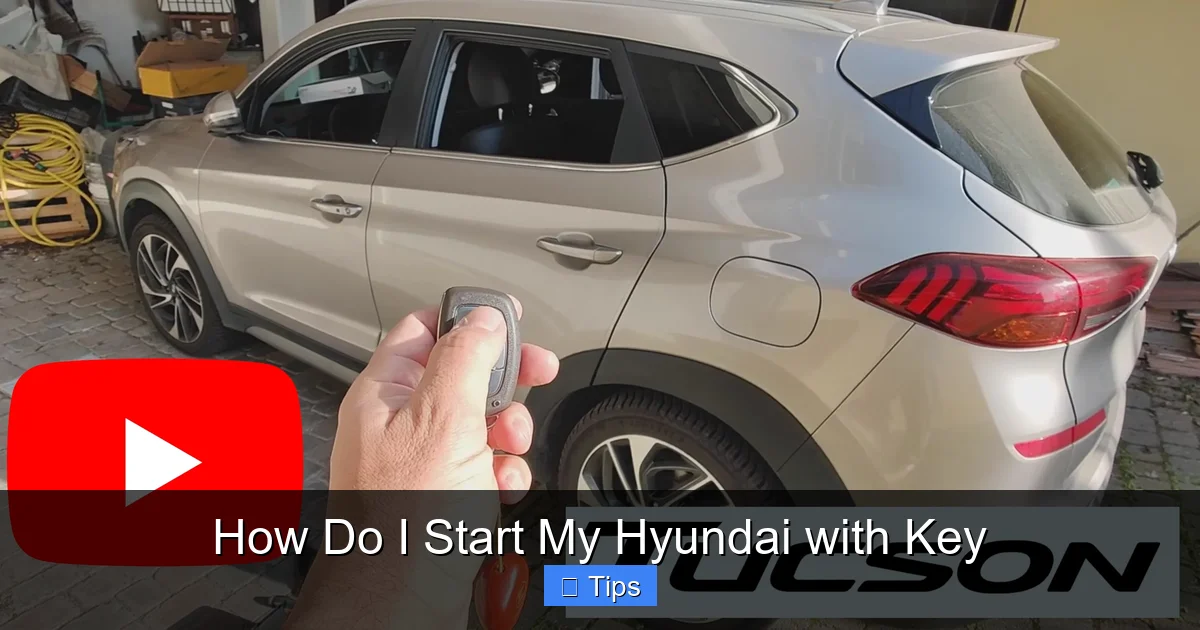
Most modern Hyundai vehicles—such as the 2020 Hyundai Sonata, Tucson, or Santa Fe—come equipped with a smart key fob. This sleek, plastic remote doesn’t need to be inserted into the car. Instead, it communicates with your vehicle via radio frequency. As long as the fob is inside the car (usually in your pocket or purse), you can start the engine with the push of a button.
The smart key fob typically has several buttons: lock, unlock, trunk release, and sometimes a panic alarm. It also has a hidden physical key blade that can be used to unlock the driver’s door manually if the battery dies. The fob runs on a small lithium battery, which typically lasts 2–4 years. If the battery is low, you may notice reduced range or difficulty starting the car.
To use the smart key fob, ensure it’s inside the vehicle. Press the brake pedal (for automatic transmissions), then press the “Engine Start/Stop” button. The car will start if the fob is detected and the system is functioning properly. Some models also allow you to start the engine remotely using the fob—press the lock button twice, then hold the remote start button for a few seconds.
Hybrid and Electric Hyundai Models
Hyundai’s hybrid and electric vehicles—like the Hyundai Ioniq or Kona Electric—also use smart key fobs, but with some added features. These models often include remote climate control, allowing you to pre-heat or cool the cabin before you get in. The starting process is similar: press the brake pedal and push the start button. However, since these vehicles are electric or hybrid, you may not hear a traditional engine roar—just a quiet hum or dashboard indicator showing the car is ready to drive.
Step-by-Step: How to Start Your Hyundai with a Key

Visual guide about How Do I Start My Hyundai with Key
Image source: mykeysupply.com
Now that you know your key type, let’s walk through the actual process of starting your Hyundai. Whether you’re using a traditional key or a smart fob, the steps are designed to be safe and user-friendly. Follow these instructions carefully to avoid common mistakes.
Starting a Hyundai with a Traditional Key
If your Hyundai uses a metal key, here’s how to start it:
1. **Approach the vehicle and unlock the door.** Use the key to turn the lock cylinder on the driver’s side door. Some older models may require you to insert the key and turn it counterclockwise to unlock.
2. **Enter the car and locate the ignition slot.** It’s usually on the right side of the steering column. Make sure the key is clean and undamaged—dirt or wear can prevent it from turning smoothly.
3. **Insert the key fully into the ignition.** Push it in until it stops. You should feel a slight resistance, but it shouldn’t require excessive force.
4. **Check the gear shift.** Ensure the car is in Park (P). If it’s in any other gear, the engine won’t start. For manual transmissions, press the clutch pedal and ensure the car is in neutral.
5. **Turn the key to the “ON” position.** This is the second click when turning clockwise. Dashboard lights will illuminate, and you’ll hear the fuel pump priming. Do not start the engine yet.
6. **Turn the key to “START.”** Continue turning past “ON” to the “START” position. The engine should crank and start. Release the key as soon as the engine fires—it will snap back to “ON.”
7. **Let the engine idle for a few seconds.** This allows oil to circulate, especially in cold weather. Then, you’re ready to drive.
Starting a Hyundai with a Smart Key Fob
For vehicles with push-button start, follow these steps:
1. **Ensure the key fob is inside the car.** It doesn’t need to be in the ignition—just somewhere inside the cabin (e.g., in your pocket, purse, or cup holder).
2. **Press and hold the brake pedal.** This is a safety feature. Without pressing the brake, the engine won’t start, even if you press the button.
3. **Press the “Engine Start/Stop” button.** It’s usually located on the dashboard or center console, marked with a circular arrow or “START.” Press it firmly once.
4. **Wait for the engine to start.** You’ll hear the engine turn over and see dashboard indicators light up. The car is now ready to drive.
5. **Release the button and brake pedal.** Once the engine is running, you can release both. The car will remain on until you press the button again or turn off the ignition.
Using the Physical Key Blade (Backup Method)
If your smart key fob battery is dead, you can still start your Hyundai using the hidden metal key. Here’s how:
1. **Locate the key release button on the fob.** Press it to slide out the metal key blade.
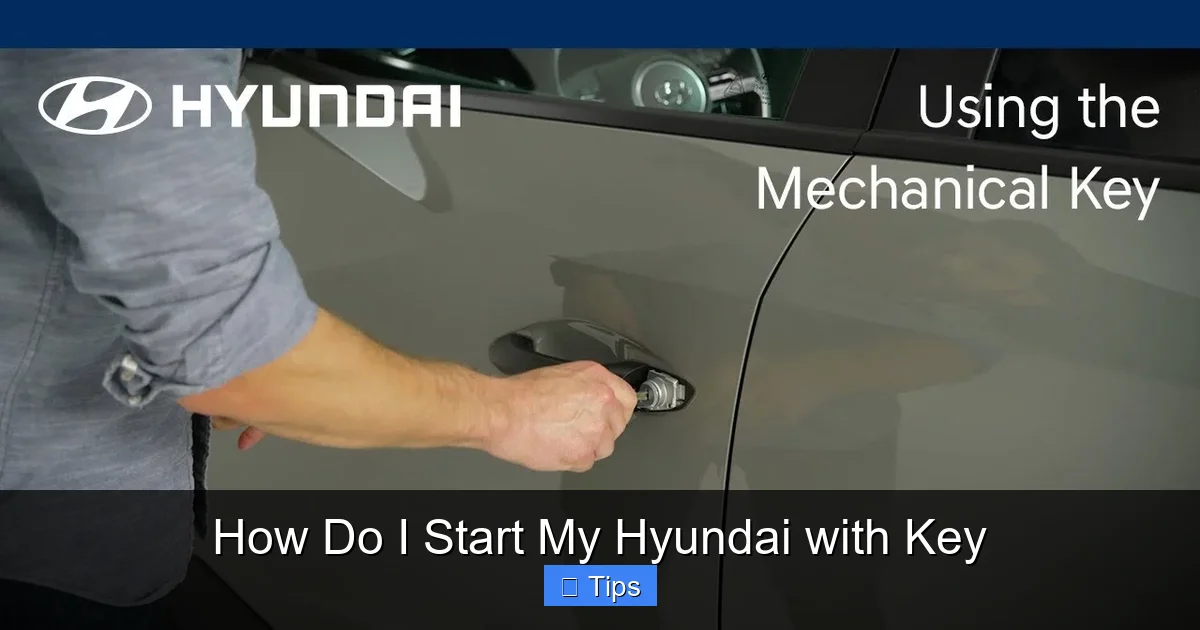
2. **Unlock the driver’s door manually.** Insert the key into the door lock and turn it counterclockwise to unlock.
3. **Enter the car and place the fob near the start button.** Some Hyundai models have a designated “fob slot” near the ignition—usually a small indentation or marked area. Place the fob there to ensure it’s detected.
4. **Press the brake pedal and start the engine.** The car should recognize the fob and allow you to start it normally.
This backup method is a lifesaver when you’re stranded with a dead fob battery. Always keep a spare battery (typically CR2032) in your glove compartment for emergencies.
Troubleshooting Common Starting Issues
Visual guide about How Do I Start My Hyundai with Key
Image source: i.ytimg.com
Even with the right steps, you might run into problems when trying to start your Hyundai. Don’t worry—most issues are easy to fix once you know what to look for. Here are the most common problems and how to resolve them.
Key Fob Battery Is Dead
A dead battery is the number one reason a smart key fob stops working. Symptoms include:
– The car doesn’t respond when you press the start button.
– The key fob range is reduced (you have to be very close to the car).
– The unlock/lock buttons don’t work.
**Solution:** Replace the battery. Most Hyundai fobs use a CR2032 coin cell battery. To replace it:
1. Use a small flathead screwdriver to pry open the fob along the seam.
2. Remove the old battery and insert the new one, ensuring the positive (+) side faces up.
3. Snap the fob back together.
After replacing the battery, test the fob by locking and unlocking the doors from a distance. If it works, you should be able to start the car normally.
Car Doesn’t Recognize the Key Fob
Sometimes, even with a working battery, the car won’t detect the fob. This can happen if the fob is too far from the start button or if there’s interference from electronic devices.
**Solution:** Try placing the fob directly on or near the start button. Some Hyundai models have a “fob slot” or inductive area that boosts signal strength. You can also try starting the car with the fob in different locations—like the center console or cup holder.
If that doesn’t work, use the physical key blade to unlock the door and start the car as described earlier.
Gear Shift Not in Park
Your Hyundai won’t start if the gear shift isn’t in Park (P) or Neutral (N). This is a safety feature to prevent accidental movement.
**Solution:** Check the gear shift position. If it’s in Drive (D) or Reverse (R), move it to Park. You may need to press the shift lock button (usually a small button on the side of the shifter) to move it.
For manual transmissions, ensure the clutch is fully depressed and the car is in neutral.
Brake Pedal Not Pressed
With push-button start, you must press the brake pedal to start the engine. If you don’t, the car will only enter “accessory” mode (dashboard lights on, but engine off).
**Solution:** Press the brake pedal firmly while pressing the start button. Make sure your foot is fully on the pedal—partial pressure won’t register.
Faulty Ignition Switch or Starter Motor
If you’ve ruled out key and battery issues, the problem might be mechanical. A faulty ignition switch or starter motor can prevent the engine from cranking.
**Symptoms:**
– You hear a clicking sound when turning the key or pressing the start button.
– The dashboard lights flicker or go out.
– The engine doesn’t turn over at all.
**Solution:** This requires professional diagnosis. Visit a Hyundai dealership or certified mechanic. They can test the electrical system and replace faulty components.
Safety Tips and Best Practices
Starting your Hyundai safely goes beyond just turning a key or pressing a button. Follow these best practices to protect yourself, your passengers, and your vehicle.
Always Park in “P” Before Starting
Never attempt to start your Hyundai while it’s in Drive or Reverse. This can cause the car to lurch forward or backward, leading to accidents. Always ensure the gear shift is in Park (P) before starting the engine.
Use the Parking Brake on Inclines
If you’re parked on a hill, engage the parking brake (also called the emergency brake) before turning off the engine. This prevents the car from rolling when you restart it.
Keep Your Key Fob Away from Interference
Electronic devices like smartphones, tablets, or other key fobs can interfere with your smart key’s signal. Store your fob away from these items, especially when starting the car.
Regularly Check the Key Fob Battery
Don’t wait until the battery dies. Replace it every 2–3 years or when you notice reduced range. Keeping a spare battery in your car can save you from being stranded.
Never Leave the Key Fob in the Car
If you lock the car with the fob inside, you won’t be able to start it again without breaking a window or calling for help. Always take the fob with you when exiting the vehicle.
Conclusion: Start Your Hyundai with Ease
Starting your Hyundai with a key—whether traditional or smart—is a simple process once you understand how your vehicle works. By knowing your key type, following the correct steps, and troubleshooting common issues, you can ensure a smooth and safe start every time. Remember to keep your key fob battery charged, always press the brake pedal when using push-button start, and consult your owner’s manual for model-specific guidance.
Hyundai’s commitment to innovation means their vehicles are designed for convenience and reliability. With this guide, you’re now equipped to handle any starting situation with confidence. Whether you’re commuting to work, running errands, or heading out on a road trip, starting your Hyundai should be the least of your worries—not a source of stress.
So the next time you slide into the driver’s seat, take a deep breath, follow these steps, and enjoy the ride. Your Hyundai is ready when you are.
Frequently Asked Questions
Can I start my Hyundai without the key fob?
Yes, if your smart key fob battery is dead, you can use the hidden physical key blade to unlock the door and start the car. Place the fob near the start button or in the designated fob slot to ensure it’s detected.
Why won’t my Hyundai start even with the key inside?
This could be due to a dead key fob battery, the gear shift not being in Park, or not pressing the brake pedal. Try replacing the battery, checking the gear position, and pressing the brake firmly.
How do I know if my key fob battery is low?
Signs include reduced range, buttons not responding, or the car not starting when the fob is inside. Replace the battery (usually CR2032) if you notice these symptoms.
Can I start my Hyundai remotely?
Yes, many Hyundai models with smart keys allow remote start. Press the lock button twice, then hold the remote start button for 3–5 seconds. Check your owner’s manual for specific instructions.
What should I do if my Hyundai won’t start at all?
Check the key fob battery, gear shift position, and brake pedal. If those are fine, the issue may be mechanical—such as a faulty starter or ignition switch—and requires professional help.
Is it safe to start my Hyundai in cold weather?
Yes, but allow the engine to idle for 30–60 seconds in extreme cold. This helps oil circulate and reduces wear. Avoid revving the engine immediately after starting.

At CarLegit, we believe information should be clear, factual, and genuinely helpful. That’s why every guide, review, and update on our website is created with care, research, and a strong focus on user experience.