
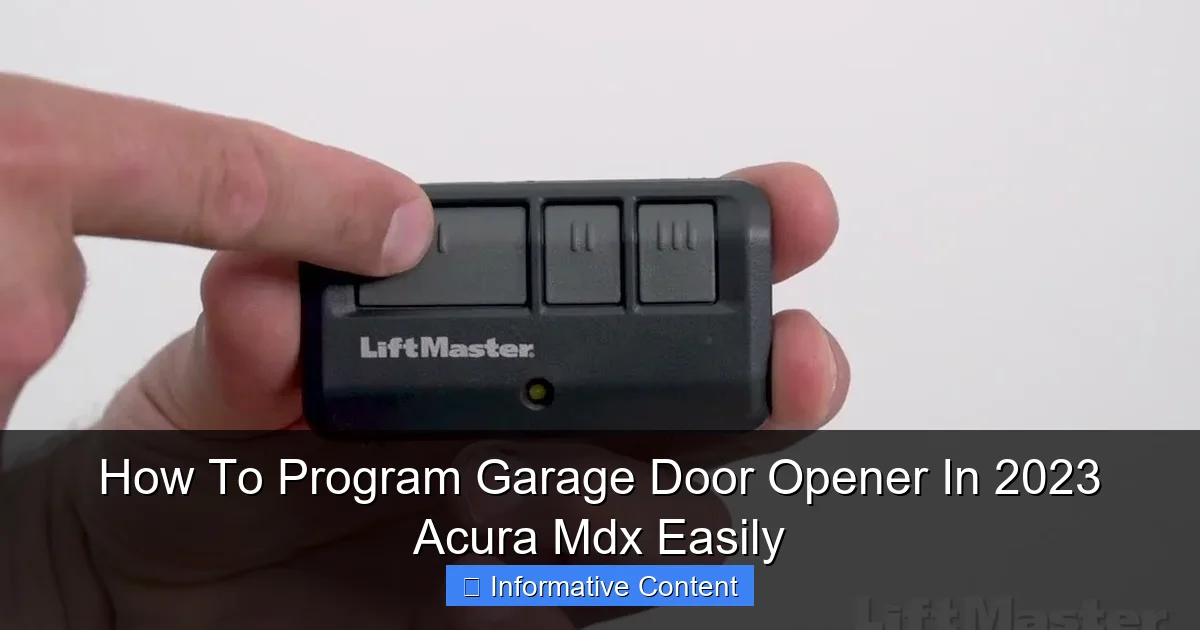
Featured image for how-to-program-garage-door-opener-in-2023-acura-mdx
Image source: i.ytimg.com
Programming the garage door opener in your 2023 Acura MDX is a simple, do-it-yourself task using the vehicle’s built-in HomeLink system. Complete the process in minutes by following the clear instructions to sync with your garage door for keyless convenience.
Let’s be honest. That little remote clipped to your visor is a first-world problem, but it’s a real one. It’s one more thing to lose, its battery always seems to die at the worst possible moment, and it clutters up your otherwise sleek car interior. If you’ve just gotten behind the wheel of a 2023 Acura MDX, you’ve got a brilliant solution built right into your rearview mirror: the HomeLink Universal Transmitter.
Programming your garage door opener to your new Acura MDX might seem like a daunting tech task, but I promise you, it’s not. I’ve been through the process myself, and with the right guide, it’s a straightforward 15-minute job. The feeling of pulling up to your house, pressing a single, integrated button on your mirror, and watching the door glide open without fumbling for a remote is a small but significant upgrade to your daily life.
This guide is here to walk you through every single step, from locating the buttons to troubleshooting the pesky “rolling code” systems most modern doors use. We’ll ditch the jargon and speak plainly. By the end, you’ll not only have a programmed garage door opener but also the confidence to add other devices like gates or lights. Let’s turn that high-tech feature in your 2023 Acura MDX from a mystery into a daily convenience.
In This Article
- 1 Key Takeaways
- 2 📑 Table of Contents
- 3 Understanding Your 2023 Acura MDX’s HomeLink System
- 4 Gathering What You Need Before You Start
- 5 The Step-by-Step Programming Process
- 6 Programming Other Devices and Useful Tips
- 7 Troubleshooting Common Programming Issues
- 8 HomeLink and Modern Integration: A Quick Overview
- 9 Final Thoughts and Next Steps
- 10 Frequently Asked Questions
- 10.1 How do I program my garage door opener to my 2023 Acura MDX?
- 10.2 What is the Homelink system in the Acura MDX?
- 10.3 Can I program multiple garage doors in my 2023 Acura MDX?
- 10.4 Why won’t my garage door opener program to my Acura MDX?
- 10.5 Do I need the original remote to program the garage door opener in my 2023 Acura MDX?
- 10.6 How do I reset the Homelink system to reprogram my garage door opener?
Key Takeaways
- Verify HomeLink compatibility: Confirm your garage opener works with the system.
- Clear previous codes first: Prevent interference by erasing old programming.
- Locate the learn button: Find it on your garage door motor.
- Follow the precise sequence: Sync devices using correct button presses.
- Watch for LED confirmation: Blinking lights indicate successful programming steps.
- Test multiple times: Ensure reliable operation before finalizing.
- Keep the original remote handy: Use it during the programming process.
📑 Table of Contents
Understanding Your 2023 Acura MDX’s HomeLink System
Before we start pressing buttons, it’s helpful to know what we’re working with. Your 2023 Acura MDX’s garage door opener system isn’t a generic add-on; it’s HomeLink. Think of HomeLink as the universal language translator for radio frequencies between your car and your garage door, gate, or home lighting system.
Housed discreetly in the driver’s side sun visor or the overhead console (depending on your trim), the HomeLink system is that cluster of three identical buttons. They are often backlit for night use and feel solid to the press. This system is powered by your vehicle’s battery, so you’ll never need to replace a coin cell again. More importantly, it’s designed to “learn” the unique signal of your existing remote, making it a replacement for up to three different devices.
HomeLink vs. Other Systems
You might wonder how this differs from using Apple CarPlay or Android Auto. Those systems control apps on your phone. HomeLink is different. It’s a dedicated, stand-alone hardware system that directly mimics the radio signal from your physical remote. It works whether your phone is dead, out of range, or not even in the car. It’s a reliable, hardwired convenience feature that’s a hallmark of luxury and utility vehicles.
Gathering What You Need Before You Start
A little preparation prevents a lot of frustration. You don’t need a degree in electrical engineering, but you do need a few key items. Trust me, running back and forth from your car to your garage because you forgot something is a mood-killer.
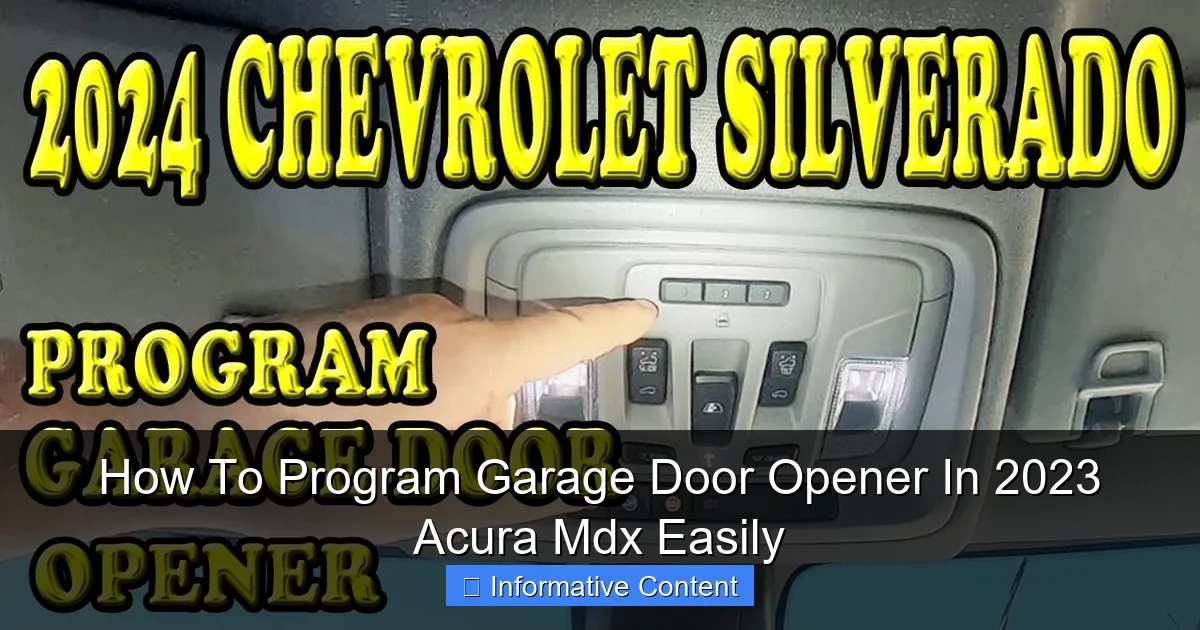
Visual guide about how-to-program-garage-door-opener-in-2023-acura-mdx
Image source: i.ytimg.com
Essential Tools and Information
- Your 2023 Acura MDX: Obviously. Make sure it’s parked outside, directly facing the garage door you want to program. The engine can be off, but for some steps, you might need to turn the ignition to the “ON” or “ACC” position (we’ll specify when).
- The Garage Door Opener Remote You Currently Use: This is the teacher. Your car’s HomeLink system will learn from it.
- A Stepladder (Possibly): To reach your garage door opener motor unit, which is mounted on the ceiling.
- Your Garage Door Opener’s Manual: This is crucial. It has the specific instructions for putting your *garage door motor* into “learn” or “programming” mode. The brand and model matter greatly here (LiftMaster, Chamberlain, Genie, etc.).
- Patience: The process involves precise timing. Don’t rush it.
Identifying Your Garage Door Opener Type
This is the most critical step. Garage doors made before the mid-1990s often used a simple, fixed code. Modern doors (almost all after 1995) use rolling code technology for security. This means the code changes every time you use it. Your 2023 Acura MDX’s HomeLink is designed for this, but it requires an extra “syncing” step with the motor unit itself. Check your motor unit for a logo or model number. If you see “Security+”, “Intellicode,” or “Rolling Code,” you have a rolling code system.
The Step-by-Step Programming Process
Here is the main event. Follow these steps in order. I’ve combined the standard HomeLink procedure with the vital rolling code step. We’ll do it in two phases: teaching the car and then syncing with the door.
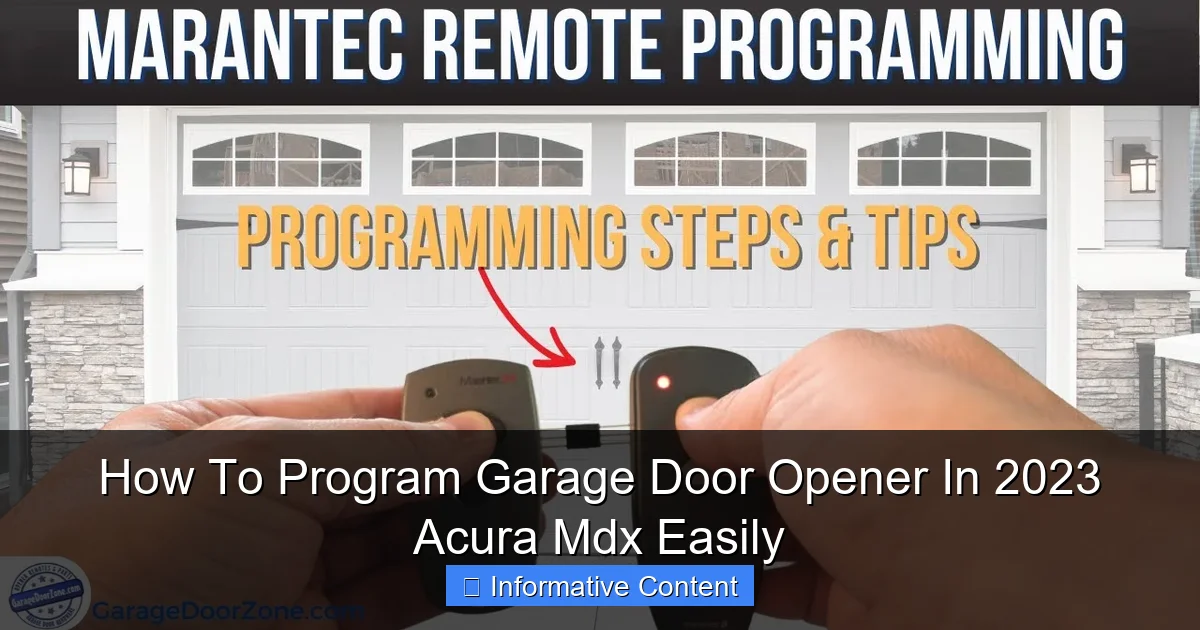
Visual guide about how-to-program-garage-door-opener-in-2023-acura-mdx
Image source: i.ytimg.com
Phase 1: Programming HomeLink to Your Remote
- Clear the HomeLink buttons (if needed). Press and hold the two outer buttons on the HomeLink panel for about 20 seconds until the indicator light flashes rapidly, then turns solid. Release. This clears any old codes.
- Hold your original garage remote 1-3 inches away from the HomeLink buttons. You want them close.
- Simultaneously press and hold the button on your *original remote* AND the HomeLink button you wish to program (e.g., Button 1). Do not let go.
- The HomeLink indicator light will start slow, then change to a rapid flash. Once it flashes rapidly (this takes about 30 seconds), you can release both buttons. The car has now learned the signal.
Phase 2: Syncing with the Garage Door Motor (The Crucial Step!)
This is where many people get stuck. Learning the remote is only half the battle. Now you must tell the garage door motor to accept your car as a new remote.
- Go to your garage door opener motor unit on the ceiling. Locate the “LEARN” or “PROGRAM” button. It’s usually near a hanging antenna wire and is often yellow, red, purple, or green.
- Press and release this LEARN button. You will have about 30 seconds to complete the next step. A light on the motor will usually glow or blink to indicate it’s in learning mode.
- Quickly return to your 2023 Acura MDX. Turn the ignition to the ON (or ACC) position. You do not need to start the engine.
- Press and hold the newly programmed HomeLink button. Hold it down for about 2 seconds, then release. You may need to press and hold it a second time.
- The garage door motor’s light should flash or you may hear a click. This means it has accepted the code.
- Test the system. Press the HomeLink button in your MDX. Your garage door should now activate!
Programming Other Devices and Useful Tips
Once you’ve conquered the garage door, those other two HomeLink buttons are begging to be used. The process is nearly identical for other rolling-code devices like security gates.
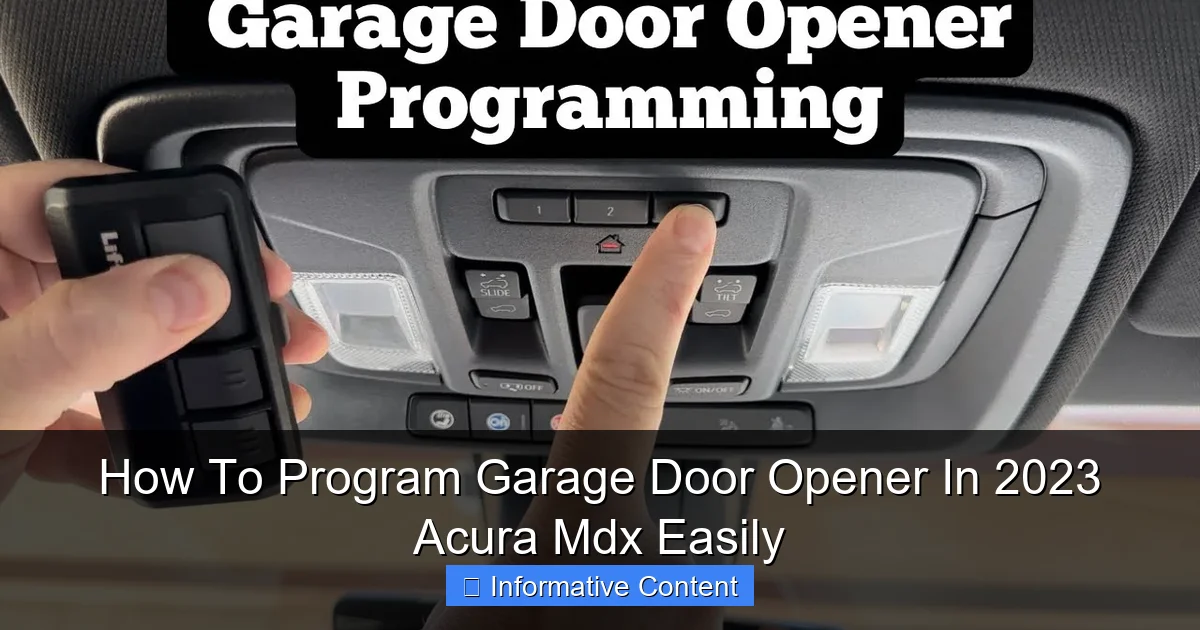
Visual guide about how-to-program-garage-door-opener-in-2023-acura-mdx
Image source: i.ytimg.com
For Lighting Systems or Fixed-Code Doors
If you’re programming outdoor lights or an older, fixed-code garage door, you often skip Phase 2. After programming the button with the remote (Phase 1), simply test it. If it works, you’re done. For lights, you usually hold the remote for the light system next to HomeLink and follow its specific programming guide.
Pro Tips for Success
- Slow and Steady: The timing of holding buttons is key. Don’t rush the 30-second learn period in Phase 1.
- Reprogramming is Easy: If you mess up, just start over. Clear the button and go through the steps again.
- Battery Check: If your original remote is weak, it can fail to program HomeLink. Use a fresh battery.
- Label Your Buttons: Use a small piece of tape or your memory to note which HomeLink button corresponds to which door or device.
Troubleshooting Common Programming Issues
Even with the best guide, sometimes things don’t go as planned. Here are the most common hiccups and how to fix them.
The HomeLink Light Won’t Flash Rapidly
If the light stays solid or doesn’t change during Phase 1, you’re likely too far from the remote. Bring them closer—almost touching. Ensure you are pressing both buttons (remote and HomeLink) firmly and simultaneously.
HomeLink Learns But The Door Doesn’t Move
This is almost always because you skipped Phase 2. The car knows the code, but the garage door motor hasn’t been introduced to the car. You must press that LEARN button on the motor unit. Go back and complete the syncing step.
The Door Moves Erratically or Partially
This could indicate an interference issue or a programming glitch. First, try clearing the HomeLink button and reprogramming from scratch. Ensure there are no large metal objects between your car and the garage door motor during programming.
When To Consult the Manuals
If you’ve tried the steps twice and it still fails, re-read both your Acura MDX manual’s HomeLink section and your garage door opener manual. Some brands (like Genie) have very specific sequences. The garage door motor’s manual is your ultimate authority for its unique “learn” mode procedure.
HomeLink and Modern Integration: A Quick Overview
While HomeLink is a fantastic standalone system, it’s worth noting how it fits into the broader tech ecosystem of your 2023 Acura MDX. It operates independently of your vehicle’s infotainment system, which is both a strength (reliability) and a limitation (no touchscreen control).
For a complete picture of vehicle-integrated control, here’s a simple comparison:
| Feature | HomeLink System | Smartphone App (via CarPlay/Android Auto) |
|---|---|---|
| Primary Control | Hard buttons on mirror/console | Touchscreen in infotainment system |
| Connection | Direct radio signal to door/gate | Internet → Cloud → Smart Home Hub → Door |
| Works Without Phone? | Yes | No |
| Works Without Internet? | Yes | No |
| Best For | Reliable, instant door/gate operation | Remote checking status, scheduling, multi-user access |
As you can see, programming your garage door opener in your 2023 Acura MDX via HomeLink provides a fundamental, always-available layer of control. For advanced features, you might later integrate a smart garage door opener (like myQ) that can work with both.
Final Thoughts and Next Steps
Programming your garage door opener in your 2023 Acura MDX is a perfect example of using technology to simplify a daily routine. It might take one focused 15-minute session, but the payoff is months and years of seamless entry and exit. You’ve invested in a vehicle designed for thoughtful convenience—this is a key part of that experience.
Remember, the core process is always: 1) Teach the car from the remote, and 2) Introduce the car to the garage door motor. Keep your manuals handy, be patient with the button-holding timing, and don’t skip the syncing step at the motor unit.
Once you’ve successfully programmed that first button, a world of clutter-free visors and effortless access opens up. Go ahead and program your other doors or gates to the remaining buttons. Enjoy the sophisticated, integrated feel of driving up to your home and watching the door open as if by magic—because you made it happen.
Frequently Asked Questions
How do I program my garage door opener to my 2023 Acura MDX?
To program garage door opener in 2023 Acura MDX, first ensure your vehicle is in park with the ignition on. Then, press and hold the desired Homelink button until the light flashes, and use your garage door remote to complete the syncing process as prompted.
What is the Homelink system in the Acura MDX?
Homelink is an integrated universal remote system that allows you to control compatible garage doors, gates, and lights. In the 2023 Acura MDX, it is typically located on the overhead console for easy access and convenience.
Can I program multiple garage doors in my 2023 Acura MDX?
Yes, you can program up to three different devices using the three Homelink buttons available. Simply repeat the programming steps for each additional garage door or accessory you wish to control from your vehicle.
Why won’t my garage door opener program to my Acura MDX?
If you’re having trouble, ensure you are within close range of the garage door opener and that your remote has fresh batteries. Also, verify that your garage door opener is compatible with Homelink, as some older models may require additional steps.
Do I need the original remote to program the garage door opener in my 2023 Acura MDX?
Yes, you usually need the original garage door remote during programming to transmit the signal to Homelink. However, some openers can be programmed using the learn button on the motor unit if you don’t have the remote handy.
How do I reset the Homelink system to reprogram my garage door opener?
To reset, press and hold the two outer Homelink buttons until the indicator light flashes, which erases all stored settings. After resetting, you can easily reprogram garage door opener in 2023 Acura MDX by following the standard instructions.

At CarLegit, we believe information should be clear, factual, and genuinely helpful. That’s why every guide, review, and update on our website is created with care, research, and a strong focus on user experience.