
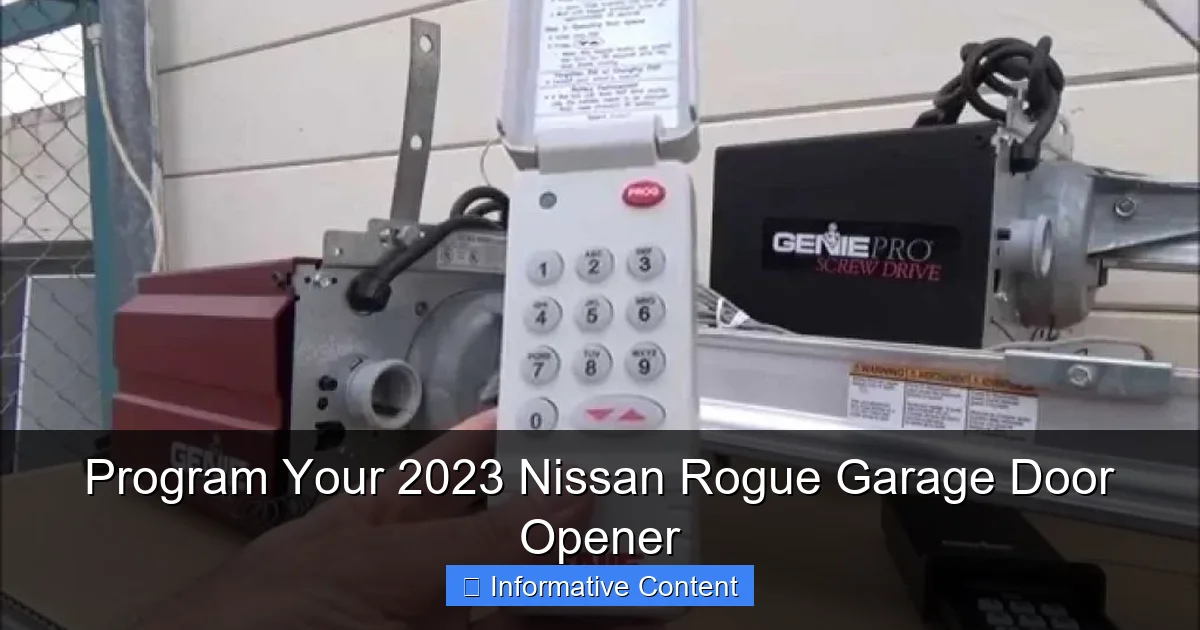
Programming your 2023 Nissan Rogue’s built-in garage door opener is a quick, three-step process you can complete from the driver’s seat. First, clear any existing codes, then press the “learn” button on your garage door opener motor unit. Finally, press and hold your desired Rogue HomeLink button until the indicator light changes, syncing your vehicle to your garage.
In This Article
- 1 Key Takeaways
- 2 📑 Table of Contents
- 3 Program Your 2023 Nissan Rogue Garage Door Opener: A Complete Guide
- 4 Understanding Your Rogue’s HomeLink System
- 5 Step-by-Step Programming Instructions
- 6 Clearing and Reprogramming HomeLink Buttons
- 7 Troubleshooting Common Issues
- 8 Helpful Tips and Best Practices
- 9 Data Table: Quick Reference for Programming Steps
- 10 Conclusion: Enjoy Your Newfound Convenience
- 11 Frequently Asked Questions
- 11.1 How do I program the garage door opener on my 2023 Nissan Rogue?
- 11.2 Why won’t my 2023 Nissan Rogue learn the garage door remote?
- 11.3 Can I program the garage door opener to multiple buttons?
- 11.4 How do I reset the programmed garage door opener settings?
- 11.5 What if my garage door opener uses a rolling code?
- 11.6 Where is the garage door opener button in the 2023 Nissan Rogue?
Key Takeaways
- Clear the system first: Erase old codes for a fresh start.
- Press the learn button: Find it on your garage door opener motor.
- Hold the HomeLink button: Hold until the indicator light changes.
- Test the programming: Always test the opener from a safe distance.
- Reprogram if needed: Repeat the process if the first try fails.
- Consult your manual: Check for vehicle-specific or opener-specific steps.
📑 Table of Contents
- Program Your 2023 Nissan Rogue Garage Door Opener: A Complete Guide
- Understanding Your Rogue’s HomeLink System
- Step-by-Step Programming Instructions
- Clearing and Reprogramming HomeLink Buttons
- Troubleshooting Common Issues
- Helpful Tips and Best Practices
- Data Table: Quick Reference for Programming Steps
- Conclusion: Enjoy Your Newfound Convenience
Program Your 2023 Nissan Rogue Garage Door Opener: A Complete Guide
Let’s be honest. The most satisfying part of a new car isn’t always the shiny paint or the new car smell. Sometimes, it’s the little conveniences. For me, that moment came when I finally linked my 2023 Nissan Rogue’s built-in garage door opener to my actual garage door. No more fumbling for a separate clicker in the cup holder. No more watching the garage door close in my rearview mirror, wondering if I remembered to press the button. It’s pure, seamless magic.
But getting to that magic? That can feel like trying to solve a puzzle without all the pieces. The manual is helpful, but it’s written for every possible scenario. I remember sitting in my driveway, manual in one hand, staring at my HomeLink buttons on the rearview mirror, feeling a bit lost. If you’re in that same spot, take a deep breath. You’re not alone, and it’s much easier than it seems.
This guide is here to walk you through every single step, just like I wish someone had done for me. We’ll cover everything from gathering your tools to troubleshooting that one stubborn garage door. By the end, you’ll have your 2023 Nissan Rogue programmed and ready for effortless entry and exit. Let’s turn that small frustration into a major win for your daily routine.
Understanding Your Rogue’s HomeLink System
Before we start pressing buttons, it’s good to know what we’re working with. Your 2023 Nissan Rogue doesn’t have a generic “garage door opener.” It’s equipped with a sophisticated system called HomeLink. Think of HomeLink as a universal, learnable brain built right into your car. It can talk to and control not just garage doors, but also gates, outdoor lights, and other radio-frequency (RF) devices.
Visual guide about 2023 Nissan Rogue garage door programming
Image source: turbochaos.com
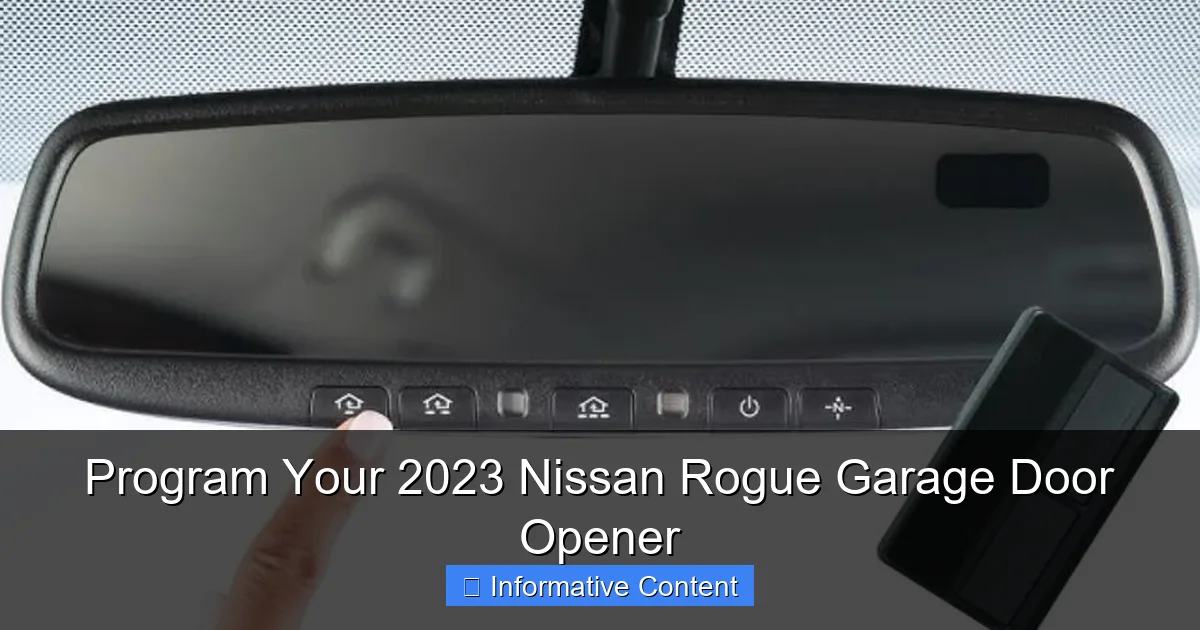
The physical controls are typically located on the underside of your rearview mirror. You’ll see three round buttons. They might be black or a color that matches your interior. These are your programmable buttons. Above them, you’ll usually find a small LED indicator light. This light is your communication buddy—it flashes and changes colors to tell you what’s happening during programming.
It’s crucial to know that HomeLink works by “learning” the signal from your existing remote. It doesn’t just magically know your garage door’s code. This learning process is a two-way conversation between your car and your garage door opener motor unit. Understanding this sets you up for success and a lot less head-scratching.
What You’ll Need Before You Start
Gathering a few things before you head out to the car will make the process smooth. Here’s your pre-programming checklist:
- Your 2023 Nissan Rogue: Parked outside, close to the garage door, with the ignition in the “ON” or “ACC” position. (Don’t start the engine, just turn on the electronics).
- The garage door remote you currently use: Have this in hand. Its battery should be working.
- A ladder (possibly): You might need to access the garage door opener motor unit, which is mounted on the ceiling.
- Your garage door opener’s manual: If you have it. This is especially helpful for finding the “learn” button on the motor unit.
- A helper (optional but great): Someone to watch the garage door or press buttons inside can be a huge help.
Step-by-Step Programming Instructions
Now for the main event. This process has two main phases: programming HomeLink to your remote, and then syncing it with the garage door opener motor. Follow these steps in order.
Visual guide about 2023 Nissan Rogue garage door programming
Image source: turbochaos.com
Phase 1: Teaching HomeLink Your Remote’s Signal
This step copies the unique code from your handheld remote into your car’s HomeLink system.
- Turn your Rogue’s ignition to “ON” or “ACC.” You should see the dashboard lights come on.
- Choose one of the three HomeLink buttons on the mirror. You’ll program this button first. Let’s call it Button 1.
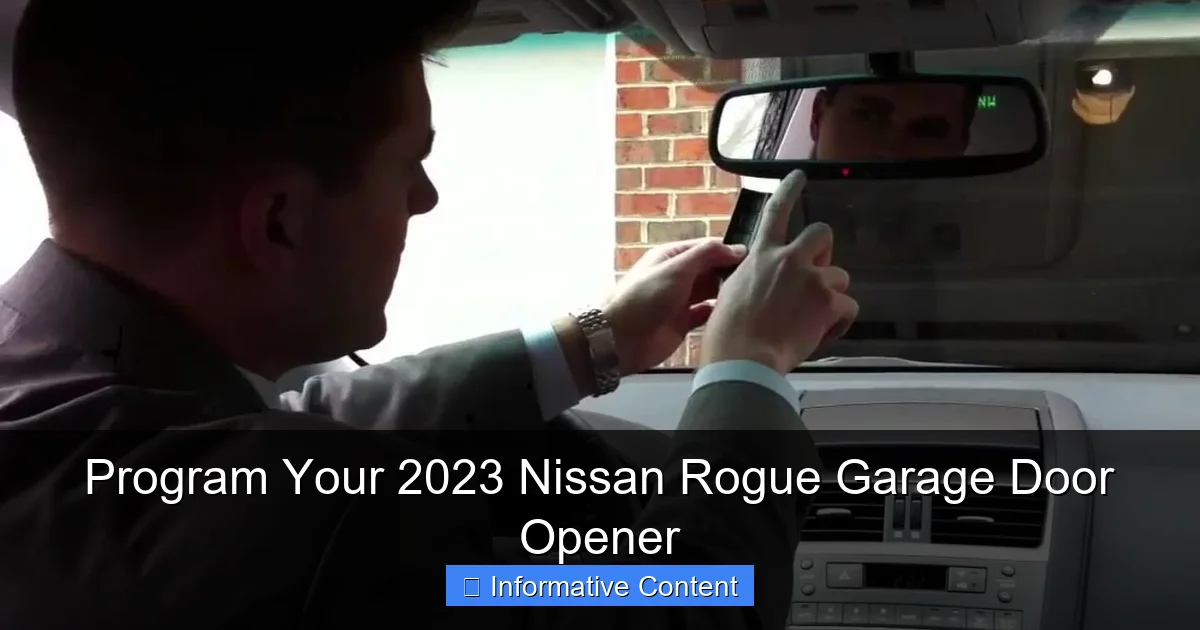
- Press and HOLD your chosen HomeLink button (Button 1) AND the button on your original handheld remote AT THE SAME TIME.
- Keep holding both buttons. The HomeLink indicator light will start to flash slowly (usually amber). Then, it will change to a rapid flash. This can take 10-30 seconds. Don’t let go!
- Once the HomeLink light flashes rapidly, you can release both buttons. The light may now be solid or a different color. This means your car has successfully learned the remote’s signal.
Phase 2: Syncing with the Garage Door Opener Motor
Now we need to introduce your car’s newly learned signal to the garage door opener itself.
- Locate the “LEARN” or “PROGRAM” button on your garage door opener motor unit. This is the box on your garage ceiling. The button is often colored (yellow, purple, red, or green) or labeled. You may need a ladder.
- Press and release this “LEARN” button on the motor unit. You typically have about 30 seconds to do the next step. A light on the motor unit will often blink or turn on to indicate it’s in learning mode.
- Go back to your Rogue. Within those 30 seconds, press and HOLD the programmed HomeLink button (Button 1) you just set up. Hold it for about 2 seconds, then release.
- You should see the garage door move! It might close or open. Press the HomeLink button again to test it in the opposite direction. The programming is now complete.
Clearing and Reprogramming HomeLink Buttons
Made a mistake? Want to change which door is on which button? No problem. HomeLink is easy to reset.
Visual guide about 2023 Nissan Rogue garage door programming
Image source: turbochaos.com
To erase ALL programmed buttons on your 2023 Nissan Rogue’s HomeLink system, follow this simple reset procedure:
- Press and hold the two OUTER HomeLink buttons (Button 1 and Button 3) at the same time.
- Keep holding them for about 20 seconds, until the indicator light flashes amber and then turns off.
- Release the buttons. All previous programming is now cleared.
You can now start fresh with the step-by-step instructions above. To reprogram just one button without clearing the others, you can usually just start the “Phase 1” process on the desired button. It will overwrite the previous command stored there.
Troubleshooting Common Issues
Sometimes, things don’t go perfectly on the first try. Here are the most common hiccups and how to fix them.
The Garage Door Doesn’t Respond After Programming
This is frustrating, but common. First, try reprogramming the entire sequence again, slowly and carefully. If it still fails, check these points:
- Distance: Was your Rogue close enough to the garage during programming? Try moving it a bit closer.
- Old Opener Technology: Garage door openers made before 1995 may use a different, non-rolling code. HomeLink can often still learn them, but you may need to use a different “cycling” method. Consult your garage door opener manual.
- Learn Button Timing: Did you wait too long after pressing the motor unit’s “LEARN” button? You usually only have 30 seconds to press the HomeLink button in the car.
The HomeLink Light Won’t Flash or Learn
If the indicator light on your mirror isn’t responding:
- Check Ignition: Is the car’s ignition truly in “ON” or “ACC”? The system needs power.
- Remote Battery: Your original handheld remote might have a weak battery. Replace it and try again.
- Obstructions: Is anything blocking the signal between the mirror and the garage? Large metal objects or thick walls can interfere during programming.
Helpful Tips and Best Practices
A few insights from experience can make your life easier.
- Label Your Buttons: Once programmed, use a small piece of tape or a label maker to note which button controls which door or gate. “Left Door,” “Gate,” etc. It saves confusion later.
- Program All at Once: If you have multiple doors or gates, program them all in one sitting. It keeps the process fresh in your mind.
- Safety First: Always program with your vehicle in Park and outside the garage. Never program while the garage door is closing or with people or objects in the door’s path.
- Test the Limits: After programming, use the HomeLink button to close the garage door. Wait outside and watch it close completely. This ensures it’s working correctly and you’re comfortable with the range.
Data Table: Quick Reference for Programming Steps
Here’s a simple table to summarize the core process. Keep this on your phone as a quick guide.
| Phase | Action | Location | Key Indicator |
|---|---|---|---|
| Preparation | Gather remote, turn car ignition to ON. | Driver’s seat | Dashboard lights are on. |
| Phase 1: Learn Remote | Hold HomeLink button & handheld remote button together. | Inside vehicle | HomeLink light flashes slow, then fast. |
| Release buttons when light flashes fast. | Inside vehicle | Light may turn solid. | |
| Phase 2: Sync to Motor | Press & release “LEARN” button on garage ceiling motor. | Garage ceiling (use ladder) | Motor unit light activates. |
| Within 30 sec, press & hold programmed HomeLink button for 2 sec. | Inside vehicle | Garage door should move. |
Conclusion: Enjoy Your Newfound Convenience
And there you have it. Programming the garage door opener on your 2023 Nissan Rogue might seem like a technical task, but it’s really just about following a clear, patient sequence. Once it’s done, you’ll wonder how you ever managed without it. That smooth press of the button as you turn onto your street, watching the door rise to welcome you home—it’s a small luxury that makes every drive just a little bit better.
Remember, if you hit a snag, the troubleshooting steps are your friend. And for very old garage door openers or persistent issues, a quick call to a garage door technician or your Nissan dealer can provide the final piece of the puzzle. Now, go enjoy that perfectly programmed, clicker-free drive. Your future self, who isn’t digging through a purse or console for a remote, will thank you.
Frequently Asked Questions
How do I program the garage door opener on my 2023 Nissan Rogue?
First, ensure your vehicle is parked outside near the garage door. Press and hold the two outer HomeLink buttons on your rearview mirror until the indicator light begins to flash amber, which enters programming mode. Then, press and hold the button you wish to program while simultaneously pressing and holding your handheld garage door remote’s button until the car’s light flashes rapidly.
Why won’t my 2023 Nissan Rogue learn the garage door remote?
This is often due to a weak battery in your handheld remote or being too far from the garage door motor during programming. Ensure you are within 1-3 feet of the garage door opener motor unit and that your handheld remote has fresh batteries. Also, verify you are following the “rolling code” programming steps if your system requires them.
Yes, the HomeLink system in your 2023 Nissan Rogue can control up to three different devices. Simply repeat the standard programming process for each individual garage door, gate, or home lighting system you want to connect, assigning each one to a different button on the mirror.
How do I reset the programmed garage door opener settings?
To clear all programmed buttons, press and hold the two outer HomeLink buttons for about 20 seconds until the indicator light changes from amber to a solid red and then turns off. This factory reset erases all previous programming, allowing you to start the setup process fresh for your 2023 Nissan Rogue.
What if my garage door opener uses a rolling code?
Most modern openers do. After the initial programming step, you must locate the “learn” or “smart” button on your garage door opener motor unit itself. Press it, then return to your vehicle and press the programmed HomeLink button in your Rogue twice to transmit the rolling code and complete the secure pairing.
The built-in universal garage door opener is integrated into the rearview mirror. Look for the three programmable HomeLink buttons, typically located on the bottom of the mirror’s housing. The system is designed for seamless, clutter-free operation without the need for a separate visor remote.

At CarLegit, we believe information should be clear, factual, and genuinely helpful. That’s why every guide, review, and update on our website is created with care, research, and a strong focus on user experience.