
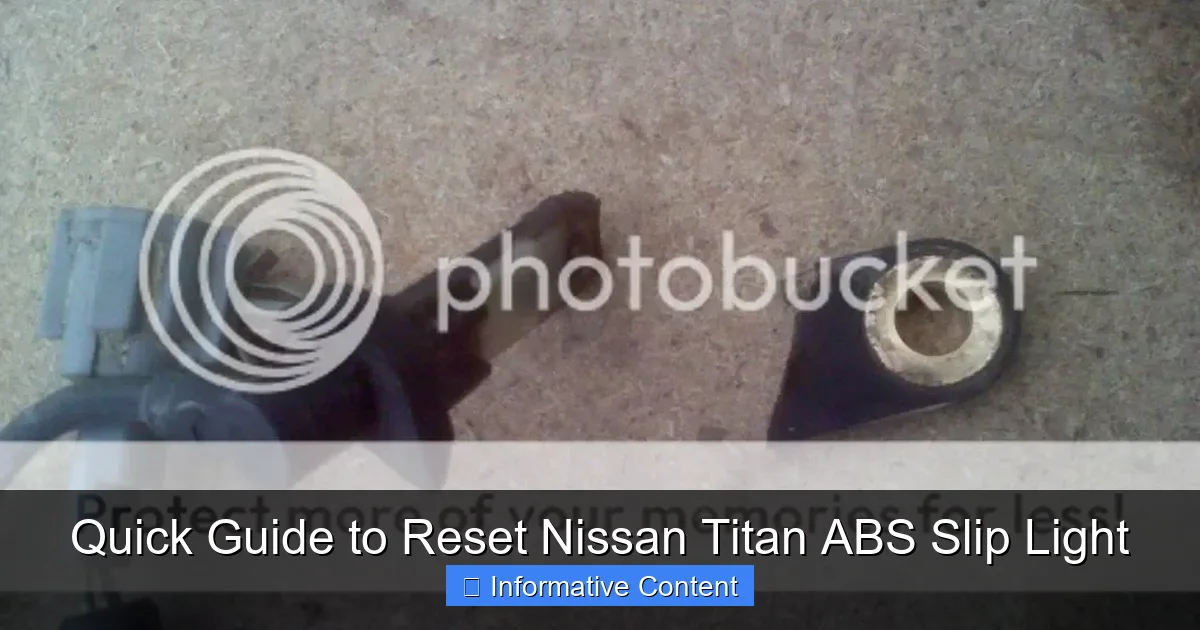
Featured image for How To Reset Abs And Slip Light On Nissan Titan
Image source: i51.photobucket.com
To reset the Nissan Titan’s ABS and slip lights, disconnect the vehicle’s battery for 10-15 minutes to clear the temporary fault codes from its computer. If the lights return after this reset, a persistent sensor or system issue exists and must be professionally diagnosed to ensure safe driving performance.
In This Article
- 1 Quick Guide to Reset Nissan Titan ABS Slip Light
- 1.1 Key Takeaways
- 1.2 📑 Table of Contents
- 1.3 Understanding Your Titan’s Warning Lights: ABS vs. Slip
- 1.4 Common Reasons Why These Lights Illuminate
- 1.5 Step-by-Step: How to Diagnose Before You Reset
- 1.6 Methods to Reset the ABS and Slip Light on Your Nissan Titan
- 1.7 When Resetting Doesn’t Work: Next Steps and Repairs
- 1.8 Data Table: ABS/Slip Light Reset Method Summary
- 1.9 Keeping Your Titan’s Safety Systems Healthy
- 1.10 Conclusion
- 1.11 Frequently Asked Questions
- 1.11.1 What causes the ABS and slip light to come on in my Nissan Titan?
- 1.11.2 How do I reset the ABS slip light on my Nissan Titan?
- 1.11.3 Can I reset the Nissan Titan ABS light myself, or do I need a mechanic?
- 1.11.4 What tools do I need to reset the ABS and slip light on a Nissan Titan?
- 1.11.5 Why won’t my Nissan Titan ABS light reset after trying the standard method?
- 1.11.6 Is it safe to drive my Nissan Titan with the ABS and slip lights on?
Quick Guide to Reset Nissan Titan ABS Slip Light
You’re driving your trusty Nissan Titan, maybe with a load in the bed or cruising down a rainy highway, when suddenly you see it. Two little lights on your dashboard, glowing with an ominous yellow-orange hue: the ABS light and the Slip light.
Your heart might skip a beat. Is it safe to drive? Is this a major repair? I’ve been there. That sudden illumination can turn a great day into a stressful one in an instant. The good news is, it’s not always a sign of catastrophic failure. In fact, sometimes the fix is simpler than you think.
This guide is here to walk you through the process, step-by-step, in plain English. We’ll explore what these lights mean, why they come on, and most importantly, several methods you can try to reset the ABS and Slip light on your Nissan Titan. Consider this a friendly chat from someone who’s spent time under the dash and hood, not a complex service manual.
Key Takeaways
- Diagnose before resetting: Identify the root cause to prevent recurring issues.
- Check brake fluid level: Low fluid often triggers the ABS and slip lights.
- Inspect wheel speed sensors: Clean or replace dirty or damaged sensors.
- Use an OBD-II scanner: Retrieve error codes for accurate diagnosis.
- Disconnect the battery: A simple reset method by removing power briefly.
- Fix underlying problems: Resetting without repairs may lead to light returning.
- Seek professional help: Consult a mechanic for complex or persistent issues.
📑 Table of Contents
- Understanding Your Titan’s Warning Lights: ABS vs. Slip
- Common Reasons Why These Lights Illuminate
- Step-by-Step: How to Diagnose Before You Reset
- Methods to Reset the ABS and Slip Light on Your Nissan Titan
- When Resetting Doesn’t Work: Next Steps and Repairs
- Data Table: ABS/Slip Light Reset Method Summary
- Keeping Your Titan’s Safety Systems Healthy
- Conclusion
Understanding Your Titan’s Warning Lights: ABS vs. Slip
Before we jump into resetting anything, it’s crucial to know what you’re dealing with. These two lights are related but control different systems. Think of them as cousins in your Titan’s safety family.
The ABS Light: Your Anti-Lock Braking System
The ABS light looks like a circle with parentheses around it and the letters “ABS” inside. This system is a superstar in preventing wheel lock-up during hard braking. It lets you maintain steering control even when you slam on the brakes on a slick road. When this light is on, it means the truck’s computer has detected a fault in the anti-lock brake system. Your regular brakes will still work, but that precious anti-lock function might not.
The Slip Light: Traction and Stability Control
The Slip light (often an icon of a car with squiggly lines behind it or the word “SLIP”) represents your Vehicle Dynamic Control (VDC) and Traction Control System (TCS). This is the system that helps prevent wheel spin when accelerating and can gently apply brakes to individual wheels to help keep you stable in a turn. When this light is on, those electronic stability aids are disabled.
On many Nissan Titans, these systems are deeply interconnected. They share wheel speed sensors and a central computer module. That’s why it’s so common to see both the ABS and Slip light come on together—a fault in one often affects the other.
Common Reasons Why These Lights Illuminate
You can’t fix a problem if you don’t know the cause. Let’s talk about the usual suspects behind these glowing dashboard warnings. Some are simple, some are more involved.
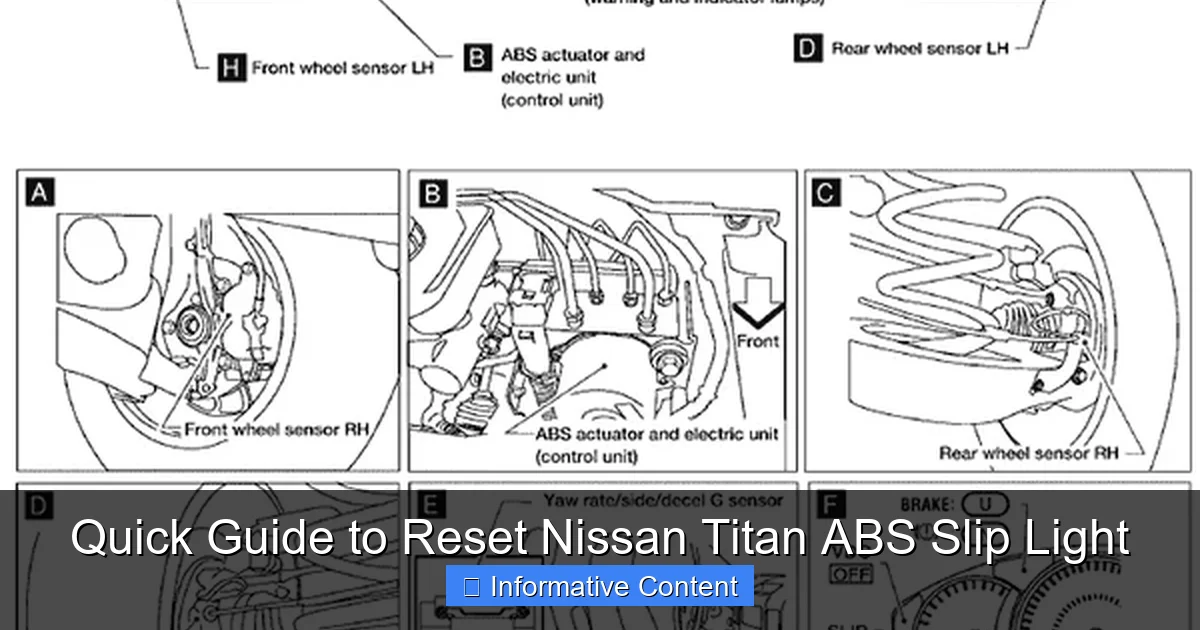
Visual guide about How To Reset Abs And Slip Light On Nissan Titan
Image source: ww2.justanswer.com
The Simple Culprits
Sometimes, it’s not a breakdown, just a hiccup.
- Low Battery Voltage: A weak or dying battery, or a jump-start, can cause temporary voltage drops that confuse the sensitive computers.
- Loose Gas Cap: It sounds unrelated, but a loose or faulty fuel cap can trigger the “SLIP” light on some models as part of the emissions system check.
- Blown Fuse: A simple fuse for the ABS/VDC module can blow and disable the entire system.
The Mechanical and Sensor Issues
These are the more likely causes that require a bit of detective work.
- Faulty Wheel Speed Sensor: This is the #1 suspect. Each wheel has a sensor that monitors its rotation. If one gets dirty, damaged, or fails, the system panics and shuts down.
- Bad ABS Tone Ring: The sensor reads a notched ring on the wheel hub or axle. If this ring is cracked, corroded, or has a chunk missing, the signal is lost.
- Low Brake Fluid: The ABS module is part of your brake hydraulic system. Low fluid level can trigger a warning.
- Worn Brake Pads or Components: Severely worn pads or issues with calipers can sometimes affect the system.
Step-by-Step: How to Diagnose Before You Reset
Resetting the light without fixing the problem is like putting a bandage on a splinter without removing it. The light will just come back. Let’s do some basic checks first.
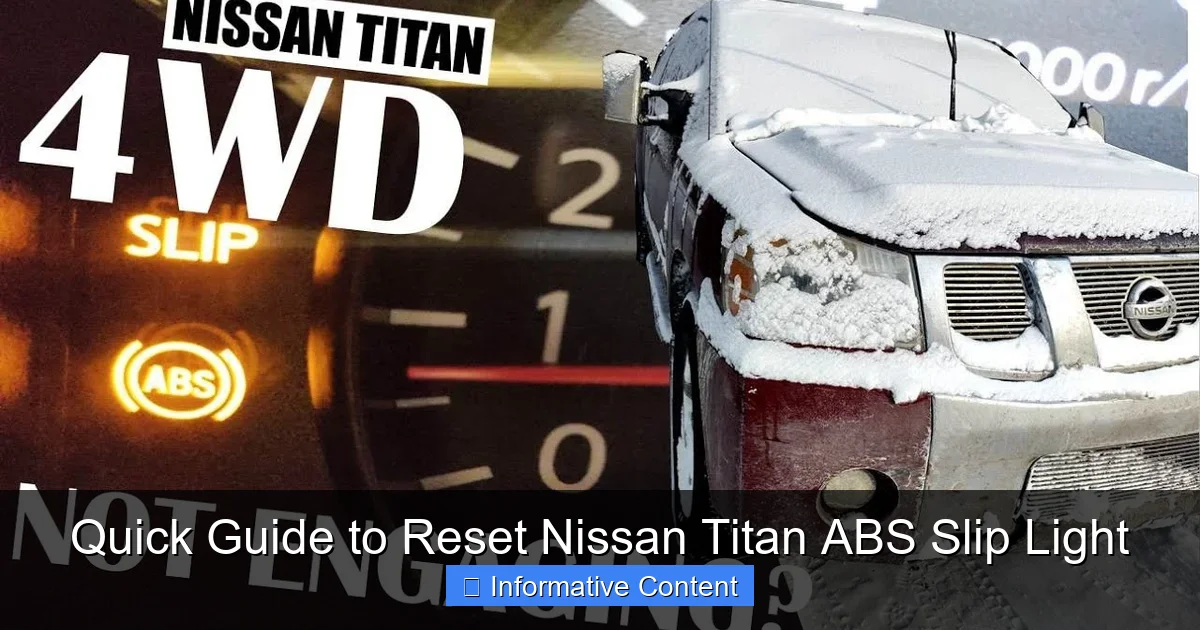
Visual guide about How To Reset Abs And Slip Light On Nissan Titan
Image source: i.ytimg.com
Visual Inspection and Basic Checks
Start with the easy stuff. Pop the hood and check your brake fluid level in the master cylinder reservoir. Walk around your Titan and visually inspect each wheel. Look for damaged wiring going to the brakes. Ensure your gas cap is clicked tight at least three times. Check your owner’s manual for the ABS fuse location and see if it’s intact.
The “Drive Cycle” Test
After checking the basics, try this. Find a safe, empty parking lot or quiet street. Drive the truck in a straight line at a slow speed (15-25 mph) for about 30 seconds. Sometimes, this simple act can allow the computer to re-calibrate the wheel speed sensors and clear a temporary glitch. It’s a long shot for a persistent light, but it costs nothing to try.
Methods to Reset the ABS and Slip Light on Your Nissan Titan
Now, for the main event. Here are the most common and effective methods to try, from simplest to more advanced. Always start with Method 1.
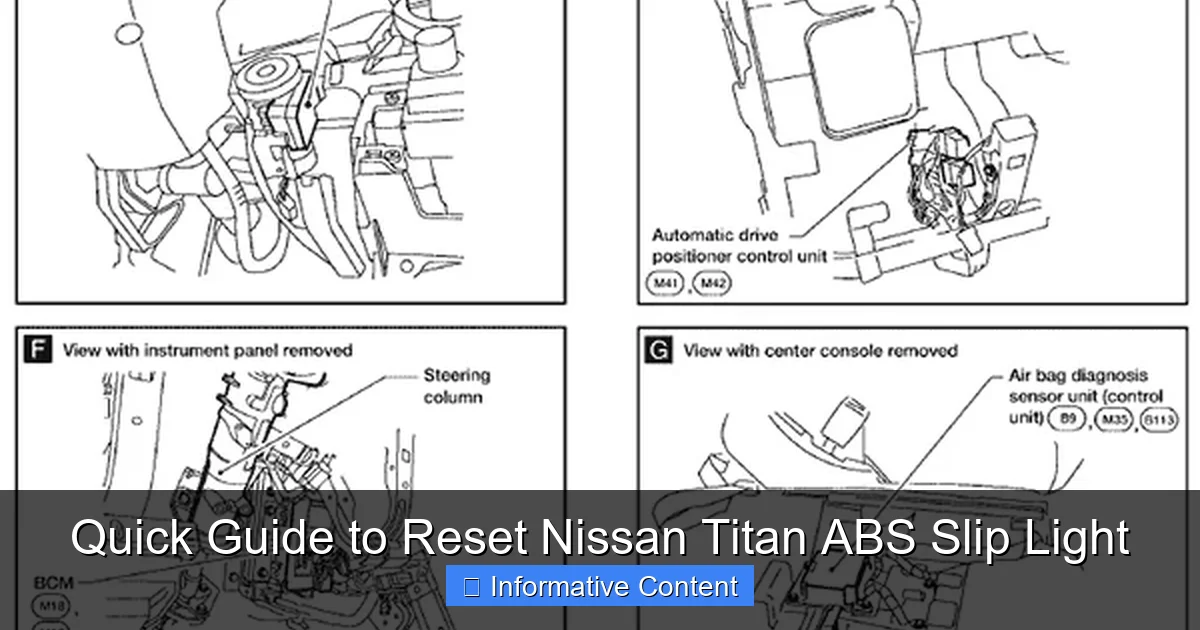
Visual guide about How To Reset Abs And Slip Light On Nissan Titan
Image source: ww2.justanswer.com
Method 1: The Battery Disconnect Reset (The Classic Fix)
This is the universal first step. It clears temporary codes and resets the truck’s computers.
- Turn off the ignition and remove the key.
- Open the hood and locate the battery.
- Using a wrench, disconnect the NEGATIVE (black) battery cable. Tuck it away so it can’t touch the battery terminal.
- Wait at least 10-15 minutes. This ensures all capacitors in the computers fully discharge.
- Reconnect the negative cable tightly.
- Start the truck. The lights may still be on at first. Drive the truck for a few miles at varying speeds. The lights should turn off within 5-10 minutes of driving if the fault was temporary.
Tip: You may need to reset your clock and radio presets after this.
Method 2: Using an OBD2 Scanner
If the battery reset didn’t work, you likely have a stored trouble code. You’ll need an OBD2 scanner. Not all cheap scanners can read ABS/VDC codes, so you may need a more advanced one.
- Locate the OBD2 port under the dashboard, near the driver’s knees.
- Plug in your scanner and turn the ignition to “ON” (don’t start the engine).
- Follow the scanner’s menu to read “ABS” or “Chassis” codes (not just engine codes).
- Note the code (e.g., C1101 – Right Front Wheel Speed Sensor).
- The scanner will often have an option to “Clear” or “Erase” trouble codes. Select it.
- Once cleared, start the engine and see if the lights are off. If the problem is fixed, they’ll stay off.
Method 3: The Pedal Dance (For Certain Model Years)
Some Nissan models have a manual reset procedure. This is less common for the Titan but worth a try if you have an older model.
- Ensure the truck is in Park and the ignition is OFF.
- Turn the ignition to ON (engine off).
- Within 5 seconds, pump the brake pedal rapidly 10 times.
- Turn the ignition OFF.
- Wait 10 seconds.
- Start the engine. If successful, the ABS light will blink and then go out.
This doesn’t always work on Titans, but it’s a harmless trick to attempt.
When Resetting Doesn’t Work: Next Steps and Repairs
If you’ve tried the resets and the lights stubbornly return, you have a physical problem that needs addressing. Don’t ignore it.
Interpreting Common Trouble Codes
Here’s what some common codes point toward:
- C1101-C1104: These codes point directly to a specific wheel speed sensor circuit (e.g., C1101 = RF, C1102 = LF, etc.).
- C1145, C1146: Often related to the ABS actuator or pump motor.
- U1000, U1010: Communication errors between control modules, often after a battery issue.
Common Fixes You Can DIY
If you’re handy, some repairs are manageable.
- Replacing a Wheel Speed Sensor: This usually involves removing the wheel, unbolting a single sensor, unplugging it, and installing the new one. The hard part is sometimes they’re seized from rust.
- Cleaning a Tone Ring: If you remove a sensor, use a flashlight to look at the notched ring. Clean it with a brush and brake cleaner if it’s just packed with mud or grime.
- Topping Off Brake Fluid: Use only the type specified in your manual (usually DOT 3). Don’t overfill.
Data Table: ABS/Slip Light Reset Method Summary
Here’s a quick reference to guide your troubleshooting journey.
| Method | Best For | Tools Needed | Difficulty |
|---|---|---|---|
| Battery Disconnect | Temporary glitches, voltage spikes, post-jump start issues. | Wrench | Very Easy |
| OBD2 Scanner | Persistent lights, diagnosing specific fault codes, professional-level reset. | Advanced OBD2 Scanner | Easy to Moderate |
| Pedal Dance Procedure | Older Nissan models (limited success on Titans). | None | Very Easy |
| Drive Cycle | Clearing adaptation after a repair or battery change. | None | Very Easy |
Keeping Your Titan’s Safety Systems Healthy
Prevention is always better than a cure. A little regular attention can help you avoid seeing these lights altogether.
Routine Maintenance Tips
- During brake pad changes, have a look at the wheel speed sensors for damage or debris.
- Keep your battery in good health. A 5-year-old battery is living on borrowed time.
- Wash your truck regularly, including the undercarriage in winter, to prevent salt corrosion on sensor rings and connections.
- Always tighten your gas cap until it clicks three times.
When to See a Professional Mechanic
Don’t hesitate to call in the pros if:
- The lights come back immediately after a reset.
- You get codes for the ABS pump/actuator (these are complex, expensive components).
- You hear grinding or unusual noises from the wheels.
- You’re just not comfortable with electrical or brake system work. Safety first.
Conclusion
Seeing the ABS and Slip light on your Nissan Titan’s dashboard is never fun, but it’s also not a reason to panic. More often than not, it’s a manageable issue. Start with the simple fixes—check the basics, try the battery disconnect, and see if that clears it. If not, a code reader is your best friend to point you in the right direction.
Remember, these systems are there for your safety. Resetting the light without solving the underlying problem only hides the issue. Use this guide as a roadmap to diagnose, understand, and address the warning your truck is giving you. With a little patience and methodical troubleshooting, you can often get those lights turned off and restore your Titan’s full suite of safety features, giving you peace of mind for every mile ahead.
Now, go grab your wrench or your scanner, and show those dashboard lights who’s boss. You’ve got this.
Frequently Asked Questions
What causes the ABS and slip light to come on in my Nissan Titan?
These warning lights often activate due to faults in the anti-lock braking system or traction control, such as a malfunctioning wheel speed sensor, low brake fluid, or issues with the ABS module. It’s crucial to diagnose the specific problem before attempting any reset to ensure proper repair and safety.
How do I reset the ABS slip light on my Nissan Titan?
You can reset the ABS slip light by disconnecting the vehicle’s battery for about 15 minutes to clear temporary codes. For a more reliable method, use an OBD-II scanner to read and erase diagnostic trouble codes stored in the system, which directly addresses the reset process for your Nissan Titan.
Can I reset the Nissan Titan ABS light myself, or do I need a mechanic?
Yes, many owners successfully reset the Nissan Titan ABS light themselves using an OBD-II scanner or battery disconnect method. However, if the light reappears, it may signal a persistent issue that requires professional diagnostic tools and expertise for accurate repair.
What tools do I need to reset the ABS and slip light on a Nissan Titan?
The essential tool is an OBD-II scanner, which allows you to access and clear fault codes related to the ABS and slip systems. Additionally, basic tools like a wrench for battery disconnection can be helpful for a hard reset, but always consult your owner’s manual for model-specific steps.
Why won’t my Nissan Titan ABS light reset after trying the standard method?
If the ABS light won’t reset, it typically indicates an unresolved underlying issue, such as a damaged wheel sensor, wiring harness problem, or faulty ABS pump. Persistent lights should prompt a thorough inspection by a technician to identify and fix the root cause for safe driving.
Is it safe to drive my Nissan Titan with the ABS and slip lights on?
Driving with these lights on is not recommended, as it means your anti-lock brakes and traction control may be disabled, reducing vehicle stability in emergencies. Have the system checked as soon as possible to restore full safety features and avoid potential accidents.

At CarLegit, we believe information should be clear, factual, and genuinely helpful. That’s why every guide, review, and update on our website is created with care, research, and a strong focus on user experience.