
Turning off daytime running lights (DRLs) on a Hyundai Palisade isn’t always straightforward, but it’s possible with the right steps. This guide walks you through built-in settings, fuse modifications, and professional options to disable DRLs safely and effectively.
In This Article
- 1 Key Takeaways
- 2 📑 Table of Contents
- 3 Why You Might Want to Turn Off Daytime Running Lights on Your Hyundai Palisade
- 4 Understanding How DRLs Work in the Hyundai Palisade
- 5 Method 1: Using the Infotainment System to Disable DRLs
- 6 Method 2: Removing the DRL Fuse (Permanent Solution)
- 7 Method 3: Professional Reprogramming at a Hyundai Dealership
- 8 Legal and Safety Considerations
- 9 Alternative Solutions and Tips
- 10 Conclusion
- 11 Frequently Asked Questions
- 11.1 Can I turn off DRLs on a Hyundai Palisade using the dashboard switch?
- 11.2 Will disabling DRLs affect my warranty?
- 11.3 Do I need special tools to remove the DRL fuse?
- 11.4 Are DRLs required by law in the United States?
- 11.5 Can I reactivate DRLs after turning them off?
- 11.6 Do DRLs drain the battery when the car is off?
Key Takeaways
- DRLs improve visibility and safety during daytime driving but may not be desired in all situations, such as parking or low-light conditions.
- The Hyundai Palisade does not have a direct dashboard toggle to turn off DRLs, requiring alternative methods like menu settings or fuse removal.
- Using the vehicle’s infotainment system allows temporary DRL deactivation via the lighting settings menu.
- Removing the DRL fuse is a permanent solution but should be done carefully to avoid affecting other electrical systems.
- Professional reprogramming at a Hyundai dealership can disable DRLs permanently without voiding your warranty.
- Always check local laws before disabling DRLs, as some regions require them for road legality.
- Consider using parking lights or fog lights as alternatives when DRLs are turned off for better visibility.
📑 Table of Contents
- Why You Might Want to Turn Off Daytime Running Lights on Your Hyundai Palisade
- Understanding How DRLs Work in the Hyundai Palisade
- Method 1: Using the Infotainment System to Disable DRLs
- Method 2: Removing the DRL Fuse (Permanent Solution)
- Method 3: Professional Reprogramming at a Hyundai Dealership
- Legal and Safety Considerations
- Alternative Solutions and Tips
- Conclusion
Why You Might Want to Turn Off Daytime Running Lights on Your Hyundai Palisade
Daytime running lights (DRLs) are a standard safety feature on modern vehicles, including the Hyundai Palisade. Designed to increase your vehicle’s visibility to other drivers during daylight hours, DRLs automatically turn on when the engine starts and the parking brake is released. They typically use lower-intensity headlights or dedicated LED strips, helping reduce the risk of daytime collisions.
While DRLs are great for safety, there are times when you might want to turn them off. For example, if you’re parking in a dimly lit garage or driveway, the bright DRLs can be distracting or even annoying to others nearby. Some drivers also prefer the look of fully off headlights when the vehicle is idling or parked. Additionally, in certain weather conditions—like heavy fog or rain—DRLs can create glare, reducing visibility instead of improving it.
Another reason people seek to disable DRLs is for aesthetic or customization purposes. Enthusiasts modifying their Palisade’s lighting setup may want full control over when and how the lights operate. Whether you’re installing aftermarket LED bars, upgrading to adaptive headlights, or simply prefer a cleaner look when parked, turning off DRLs gives you more control.
Understanding How DRLs Work in the Hyundai Palisade

Visual guide about How to Turn Off Daytime Running Lights Hyundai Palisade
Image source: thecarhow.com
Before attempting to disable the daytime running lights, it’s important to understand how they function in the Hyundai Palisade. Unlike older vehicles where DRLs were simple circuits tied to the ignition, modern Palisades use advanced body control modules (BCMs) and software integration to manage lighting.
When you start your Palisade, the vehicle’s computer detects engine operation and automatically activates the DRLs—usually the low-beam headlights or dedicated LED daytime lights—while the parking lights and taillights remain off. The system is designed to deactivate the DRLs when you turn on the full headlights, fog lights, or when the vehicle is shifted into reverse.
One key point to note is that the Palisade does not include a physical switch or button on the dashboard to toggle DRLs on and off. This is a deliberate design choice by Hyundai to comply with safety regulations and simplify the driver interface. However, this lack of a direct control means you’ll need to use alternative methods to disable them.
The Palisade’s lighting system is also interconnected with other features like automatic headlights, rain-sensing wipers, and driver assistance systems. Tampering with the DRL circuit without proper knowledge could potentially trigger warning lights on the dashboard or affect other functions. That’s why it’s crucial to use safe, reversible methods when attempting to turn off DRLs.
Method 1: Using the Infotainment System to Disable DRLs
Visual guide about How to Turn Off Daytime Running Lights Hyundai Palisade
Image source: i.ytimg.com
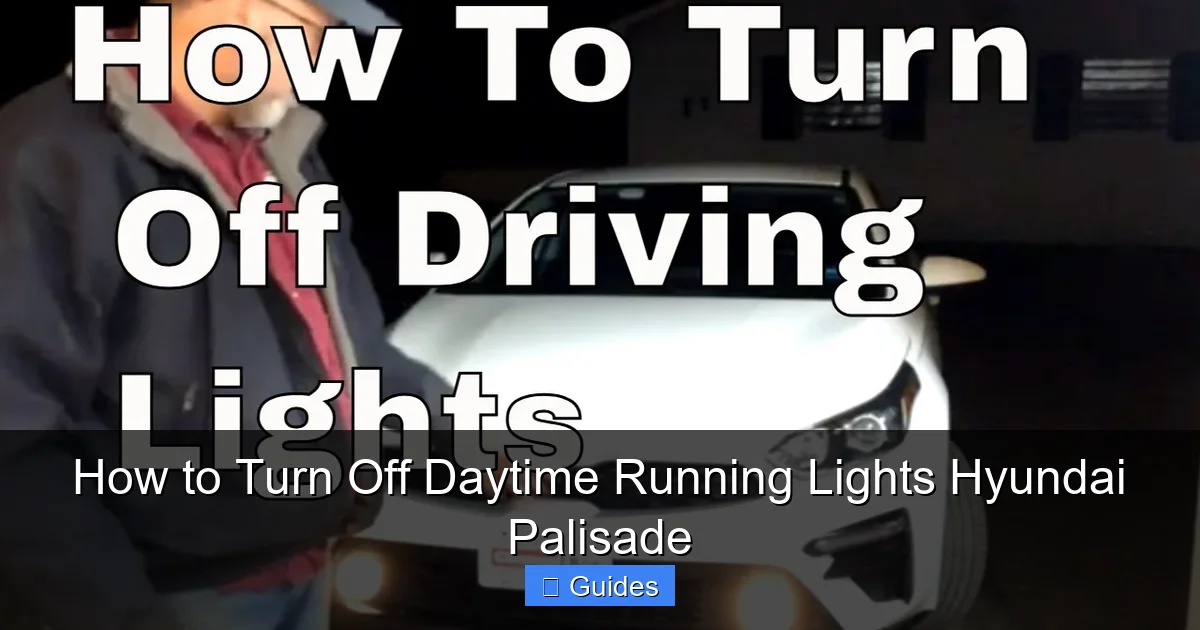
The easiest and safest way to turn off daytime running lights on a Hyundai Palisade is through the vehicle’s built-in settings menu. This method doesn’t require any tools or modifications and can be reversed at any time. Here’s how to do it step by step.
Accessing the Lighting Settings
Start your Palisade and ensure the engine is running. From the main screen of the infotainment system, tap on the “Settings” icon—usually represented by a gear or wrench symbol. Navigate to the “Vehicle” or “Car” settings section, then look for “Lighting” or “Exterior Lighting.”
Once inside the lighting menu, you’ll see several options, including “Auto Headlights,” “Welcome Light,” and “Daytime Running Lights.” Tap on the DRL option. You should see a toggle switch that allows you to turn the feature on or off. Simply switch it to “Off,” and the DRLs will no longer activate when you start the vehicle.
Important Notes and Limitations
While this method is convenient, it’s worth noting that the DRL setting may reset after a software update or if the vehicle’s battery is disconnected. Some Palisade trims or model years may have slightly different menu layouts, so refer to your owner’s manual if you can’t find the option.
Also, keep in mind that turning off DRLs through the infotainment system only disables them temporarily. If you restart the vehicle or drive it again, you may need to re-disable them unless the setting is saved. This is a safety feature to ensure DRLs remain active by default.
Practical Example
Imagine you’re parking your Palisade in a quiet residential area at dusk. The DRLs are still on, and the bright lights are reflecting off nearby windows, disturbing your neighbors. Instead of fumbling with fuses or visiting a mechanic, you simply pull up the lighting menu on your touchscreen, toggle off the DRLs, and enjoy a more discreet parking experience. It’s quick, easy, and completely reversible.
Method 2: Removing the DRL Fuse (Permanent Solution)
Visual guide about How to Turn Off Daytime Running Lights Hyundai Palisade
Image source: i.ytimg.com
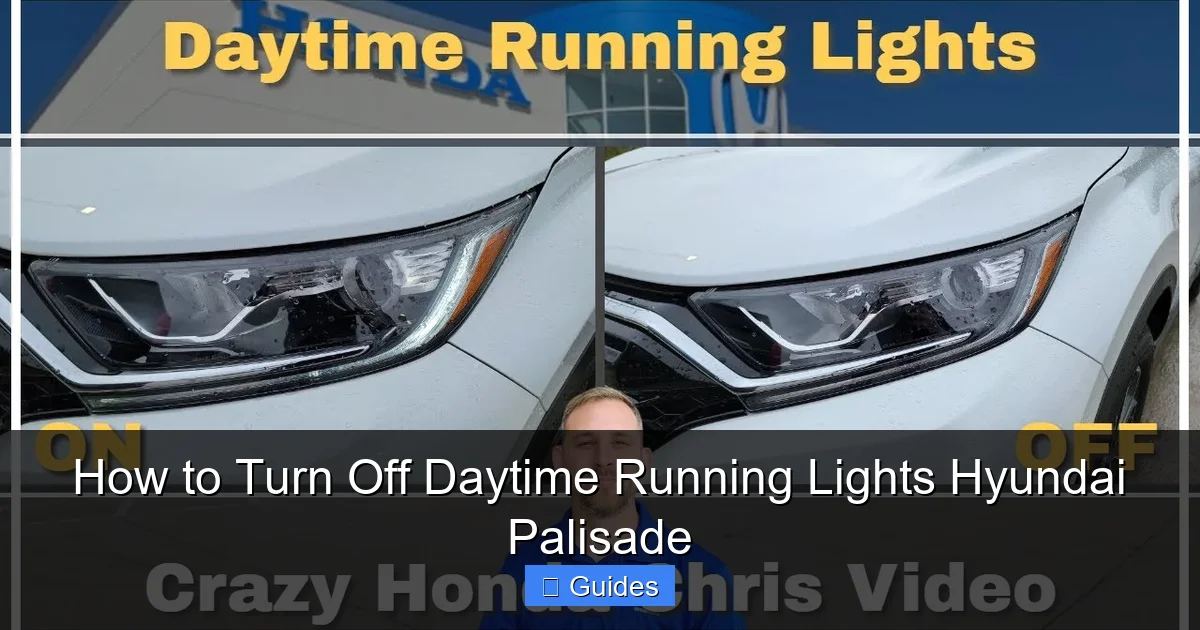
If you want a more permanent way to disable the daytime running lights, removing the DRL fuse is a common DIY approach. This method physically interrupts the electrical circuit that powers the DRLs, preventing them from turning on. However, it requires some caution and basic knowledge of your vehicle’s fuse box.
Locating the DRL Fuse
The Hyundai Palisade has two main fuse boxes: one under the dashboard on the driver’s side and another in the engine compartment. The DRL fuse is typically located in the engine compartment fuse box. Refer to your owner’s manual or the fuse box cover diagram to identify the correct fuse. It’s usually labeled as “DRL,” “Daytime,” or “Headlight (Low).”
Once you’ve located the fuse, use a fuse puller tool (often included in the fuse box) or a pair of needle-nose pliers to gently remove it. Be careful not to damage the fuse or surrounding components.
Testing the Results
After removing the fuse, start your Palisade and check if the DRLs remain off. If they do, the method worked. However, be aware that removing the DRL fuse may also disable other related functions, such as automatic headlight leveling or certain dashboard indicators. In some cases, the vehicle’s computer may detect a fault and trigger a warning light.
Reversing the Process
To re-enable the DRLs, simply reinsert the fuse into its original slot. This makes the method fully reversible, which is a major advantage over permanent modifications.
Safety and Warranty Considerations
While fuse removal is generally safe, it’s important to avoid touching other fuses or electrical components. If you’re unsure, consult a professional. Additionally, modifying your vehicle’s electrical system could potentially affect your warranty, especially if it leads to other issues. Always weigh the risks before proceeding.
Method 3: Professional Reprogramming at a Hyundai Dealership
For drivers who want a clean, permanent, and warranty-safe solution, visiting a Hyundai dealership is the best option. Certified technicians can reprogram the vehicle’s body control module (BCM) to disable the DRLs entirely. This method ensures that no physical modifications are made and that all systems continue to function normally.
How Reprogramming Works
The technician connects your Palisade to Hyundai’s diagnostic software using a specialized scanner. They then access the lighting control settings and disable the DRL function at the software level. This change is permanent and won’t be affected by battery disconnections or software updates.
Benefits of Professional Service
One major advantage of this method is that it preserves your vehicle’s warranty. Since no physical alterations are made, Hyundai cannot claim that you’ve voided coverage by tampering with the electrical system. Additionally, the technician can verify that all other lighting functions—such as automatic headlights, fog lights, and brake lights—are working correctly.
Cost and Time
The cost of reprogramming varies by dealership and location, but it typically ranges from $50 to $150. The process usually takes less than an hour, making it a convenient option if you’re already scheduling routine maintenance.
When to Choose This Method
If you’re uncomfortable working with fuses or prefer a hassle-free solution, professional reprogramming is ideal. It’s also recommended if you plan to keep your Palisade for many years and want a reliable, long-term fix.
Legal and Safety Considerations
Before disabling your daytime running lights, it’s essential to understand the legal and safety implications. While DRLs are not mandatory in all regions, many countries and U.S. states encourage or require them for improved road safety.
Check Local Laws
In the United States, the National Highway Traffic Safety Administration (NHTSA) supports the use of DRLs but does not mandate them for all vehicles. However, some states have their own regulations. For example, vehicles registered in Canada must have functioning DRLs by law. Always check your local Department of Motor Vehicles (DMV) or transportation authority to ensure compliance.
Safety Trade-Offs
Disabling DRLs may reduce your vehicle’s visibility to other drivers, especially in overcast conditions or during dawn and dusk. Studies show that DRLs can reduce daytime multi-vehicle crashes by up to 5.7%. If you choose to turn them off, consider using parking lights or fog lights when idling or driving in low-visibility conditions.
Insurance and Liability
In rare cases, disabling safety features like DRLs could affect your insurance coverage or liability in the event of an accident. While unlikely, it’s worth discussing with your insurance provider if you plan to make permanent changes.
Alternative Solutions and Tips
If you’re not ready to disable your DRLs permanently, there are several alternative approaches to manage their operation.
Use Parking Lights When Idling
Instead of turning off DRLs entirely, you can shift into “Park” and turn on your parking lights. This reduces glare while still maintaining some visibility. Some Palisade models also allow you to activate the parking lights via the stalk switch, even when the engine is running.
Install Aftermarket DRL Controllers
For advanced users, aftermarket DRL controllers can be installed to give you full control over when the lights turn on. These devices allow you to set timers, brightness levels, or even integrate with your vehicle’s GPS to adjust lighting based on location.
Upgrade to Adaptive Lighting
If you frequently drive in varying conditions, consider upgrading to adaptive headlights. These systems automatically adjust beam patterns based on speed, steering angle, and ambient light, offering better visibility without the need to disable DRLs.
Regular Maintenance Checks
Ensure your Palisade’s lighting system is in good condition. Burned-out bulbs, faulty sensors, or software glitches can cause DRLs to behave unpredictably. Regular inspections can help maintain optimal performance.
Conclusion
Turning off daytime running lights on your Hyundai Palisade is possible through several methods, each with its own pros and cons. The infotainment system offers a quick and reversible solution, while fuse removal provides a permanent fix for DIY enthusiasts. For those seeking a professional, warranty-safe option, dealership reprogramming is the way to go.
Always consider the legal and safety implications before making changes. While DRLs may seem unnecessary in certain situations, they play a vital role in preventing accidents and improving road safety. If you do decide to disable them, use alternative lighting when needed and stay informed about local regulations.
With the right approach, you can customize your Palisade’s lighting to suit your preferences without compromising safety or functionality. Whether you’re parking in a quiet neighborhood or personalizing your ride, these methods give you the control you’re looking for.
Frequently Asked Questions
Can I turn off DRLs on a Hyundai Palisade using the dashboard switch?
No, the Hyundai Palisade does not have a physical dashboard switch to turn off daytime running lights. You must use the infotainment menu, remove a fuse, or visit a dealership for reprogramming.
Will disabling DRLs affect my warranty?
Disabling DRLs via the infotainment system or fuse removal typically won’t void your warranty, but dealership reprogramming is the safest option to avoid any issues. Always consult your dealer if unsure.
Do I need special tools to remove the DRL fuse?
No special tools are required. A fuse puller (often included in the fuse box) or needle-nose pliers will work. Be gentle to avoid damaging the fuse or surrounding components.
Are DRLs required by law in the United States?
DRLs are not federally mandated in the U.S., but some states encourage their use. Canada, however, requires DRLs on all new vehicles. Check your local laws before disabling them.
Can I reactivate DRLs after turning them off?
Yes. If you used the infotainment menu, simply toggle the setting back on. If you removed a fuse, reinsert it. Reprogrammed vehicles can also be reset at the dealership.
Do DRLs drain the battery when the car is off?
No, DRLs only operate when the engine is running. They do not draw power when the vehicle is off, so battery drain is not a concern.

At CarLegit, we believe information should be clear, factual, and genuinely helpful. That’s why every guide, review, and update on our website is created with care, research, and a strong focus on user experience.