
Turning off headlights in a Cadillac Escalade is simple but varies slightly by model year and trim. Whether you’re driving a newer model with automatic lights or an older one with manual controls, this guide walks you through every step to ensure your lights are off and your battery stays charged.
If you’ve ever stepped out of your Cadillac Escalade only to realize the headlights are still on—or worse, come back to a dead battery—you’re not alone. It’s a common frustration, especially with modern vehicles that blend automatic features with manual controls. The Cadillac Escalade, known for its luxury, power, and advanced technology, is no exception. While it’s designed to make driving easier, sometimes the simplest tasks—like turning off your headlights—can feel confusing if you’re not familiar with the layout or settings.
Thankfully, turning off the headlights in a Cadillac Escalade is straightforward once you know where to look and what to do. Whether you’re driving a 2024 Escalade Platinum or a 2010 Luxury trim, the process is similar but has subtle differences based on the year and technology package. This guide will walk you through every step, from locating the headlight switch to adjusting automatic settings and understanding why certain lights might stay on even when you think they’re off.
By the end of this article, you’ll know exactly how to turn off your headlights, avoid accidental battery drain, and feel confident managing your Escalade’s lighting system like a pro. Whether you’re a new owner or just need a refresher, we’ve got you covered with clear, practical advice tailored to real-world use.
In This Article
- 1 Key Takeaways
- 2 📑 Table of Contents
- 3 Understanding the Cadillac Escalade Headlight System
- 4 Locating the Headlight Switch
- 5 Turning Off Headlights in Older Cadillac Escalade Models (2007–2014)
- 6 Turning Off Headlights in Newer Cadillac Escalade Models (2015–Present)
- 7 Dealing with Daytime Running Lights (DRLs)
- 8 Preventing Battery Drain from Headlights
- 9 Using the Infotainment System to Manage Lighting
- 10 Troubleshooting Common Headlight Issues
- 11 Conclusion
- 12 Frequently Asked Questions
- 12.1 Can I turn off the headlights completely in a Cadillac Escalade?
- 12.2 Why do my headlights stay on even after I turn them off?
- 12.3 How do I disable daytime running lights in my Escalade?
- 12.4 Will turning off the headlights save my battery?
- 12.5 Can I adjust how long the headlights stay on after turning off the engine?
- 12.6 What should I do if my headlights won’t turn off at all?
Key Takeaways
- Know your model year: Newer Escalades (2015+) often have automatic headlight systems, while older models use manual switches.
- Use the headlight switch: Located on the left side of the steering wheel, this is the primary control for turning lights on and off.
- Turn off automatic settings: If your Escalade has auto headlights, switch the dial to “Off” to disable them manually.
- Check for daytime running lights (DRLs): These may stay on even when headlights are off—adjust settings via the infotainment system if needed.
- Prevent battery drain: Always double-check that headlights are off when exiting the vehicle, especially after night drives.
- Use the parking lights setting wisely: This mode keeps side lights on but doesn’t fully turn off all illumination.
- Consult your owner’s manual: For model-specific instructions, the manual is the most reliable source.
📑 Table of Contents
- Understanding the Cadillac Escalade Headlight System
- Locating the Headlight Switch
- Turning Off Headlights in Older Cadillac Escalade Models (2007–2014)
- Turning Off Headlights in Newer Cadillac Escalade Models (2015–Present)
- Dealing with Daytime Running Lights (DRLs)
- Preventing Battery Drain from Headlights
- Using the Infotainment System to Manage Lighting
- Troubleshooting Common Headlight Issues
- Conclusion
Understanding the Cadillac Escalade Headlight System
Before diving into the steps, it’s important to understand how the headlight system works in the Cadillac Escalade. Unlike older cars where you simply flip a switch, modern Escalades come equipped with a combination of manual controls and smart features like automatic headlights, daytime running lights (DRLs), and even adaptive lighting in higher trims.
The headlight switch is typically located on the left side of the steering column, within easy reach of the driver. It’s a rotating dial with several positions: Off, Parking Lights, Auto, and On. Each setting serves a different purpose, and knowing what they do can help you manage your lights more effectively.
For example, the “Auto” mode uses sensors to detect ambient light levels. When it gets dark, the headlights turn on automatically. While this is convenient, it can sometimes lead to confusion—especially if you park in a dimly lit garage or under a tree. The system might not always turn the lights off when you expect it to.
Additionally, many Escalades come with daytime running lights, which are designed to improve visibility during the day. These lights are usually dimmer than full headlights and may remain on even when the main headlights are off. In some models, DRLs can’t be turned off completely without adjusting settings in the vehicle’s infotainment system.
Understanding these features is the first step to mastering your Escalade’s lighting. It’s not just about flipping a switch—it’s about knowing how the system interacts with your driving environment and how to override it when needed.
Locating the Headlight Switch
Visual guide about How to Turn Off Headlights in Cadillac Escalade
Image source: i0.wp.com
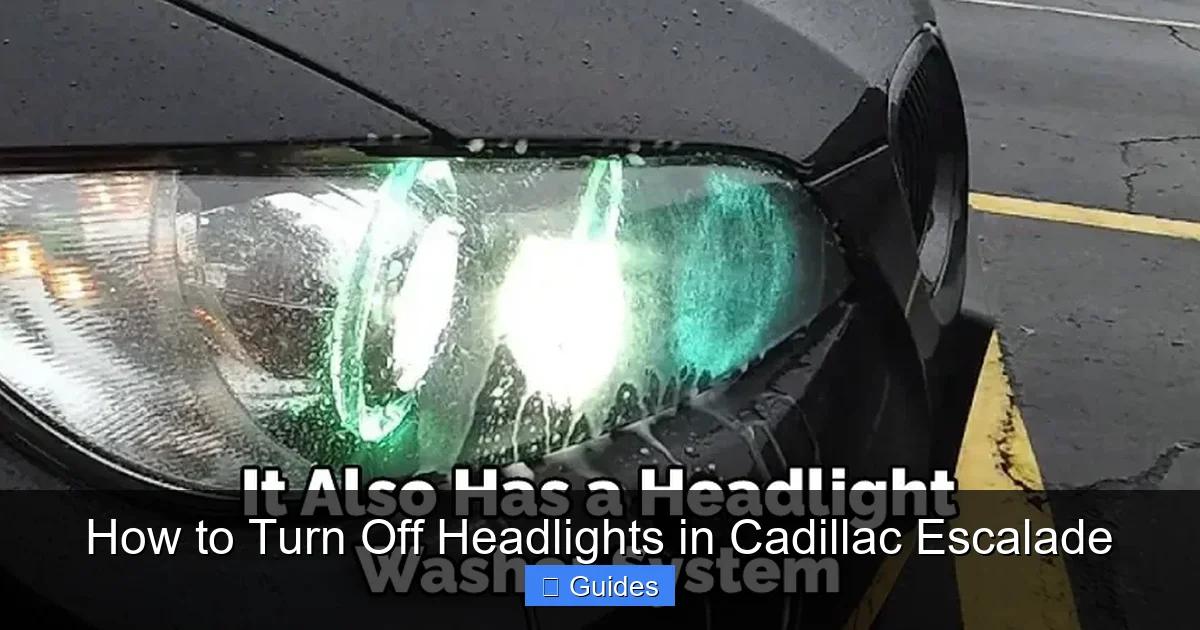
The headlight switch is your main control point for managing lights in the Cadillac Escalade. It’s usually found on the left side of the steering wheel, mounted on the steering column. The switch is a round dial that you rotate to select different lighting modes.
On most models, the switch has four main positions:
– Off: This turns off all exterior lights, including headlights and parking lights. It’s the setting you want when you’re parked and don’t want any lights drawing power from the battery.
– Parking Lights: This activates the front and rear side marker lights. It’s useful when you’re parked in a dim area and want to be visible, but it still uses some battery power.
– Auto: This enables the automatic headlight system. The car uses a light sensor (usually near the windshield) to detect darkness and turn the headlights on or off accordingly.
– On: This manually turns the headlights on, regardless of lighting conditions.
To turn off the headlights, simply rotate the dial to the “Off” position. You’ll know it’s off when the dashboard indicator light (a headlight symbol) disappears.
If you can’t find the switch, look for a small icon near the dial that looks like a headlight or a car with beams. Some newer models may also have touch-sensitive controls or integrate lighting settings into the center touchscreen, but the physical dial is still the most common and reliable method.
Turning Off Headlights in Older Cadillac Escalade Models (2007–2014)
Visual guide about How to Turn Off Headlights in Cadillac Escalade
Image source: i0.wp.com
If you’re driving an older Cadillac Escalade—say, from 2007 to 2014—the process of turning off the headlights is fairly straightforward. These models typically use a traditional rotary switch without the advanced automation found in newer versions.
To turn off the headlights:
1. Sit in the driver’s seat and locate the headlight switch on the left side of the steering column.
2. Rotate the dial to the “Off” position. You’ll see the headlight icon on the dashboard go dark.
3. Double-check by looking at the front of the vehicle—no lights should be illuminated.
One thing to note: older Escalades may not have automatic headlights, so you’re in full control. However, they often still have daytime running lights (DRLs), which might stay on even when the main headlights are off. These are usually low-beam lights that activate when the engine is running and the parking brake is released.
If your DRLs are on and you want them off, you may need to adjust settings through the Driver Information Center (DIC). Press the “Menu” button on the steering wheel, navigate to “Vehicle Settings,” then “Lighting,” and look for an option to disable DRLs. Not all older models allow this, so check your owner’s manual for specifics.
Another tip: if you frequently forget to turn off your lights, consider using a reminder sticker on your dashboard or setting a phone alarm when you park. It’s a simple habit that can save you from a dead battery.
Turning Off Headlights in Newer Cadillac Escalade Models (2015–Present)
Visual guide about How to Turn Off Headlights in Cadillac Escalade
Image source: i0.wp.com
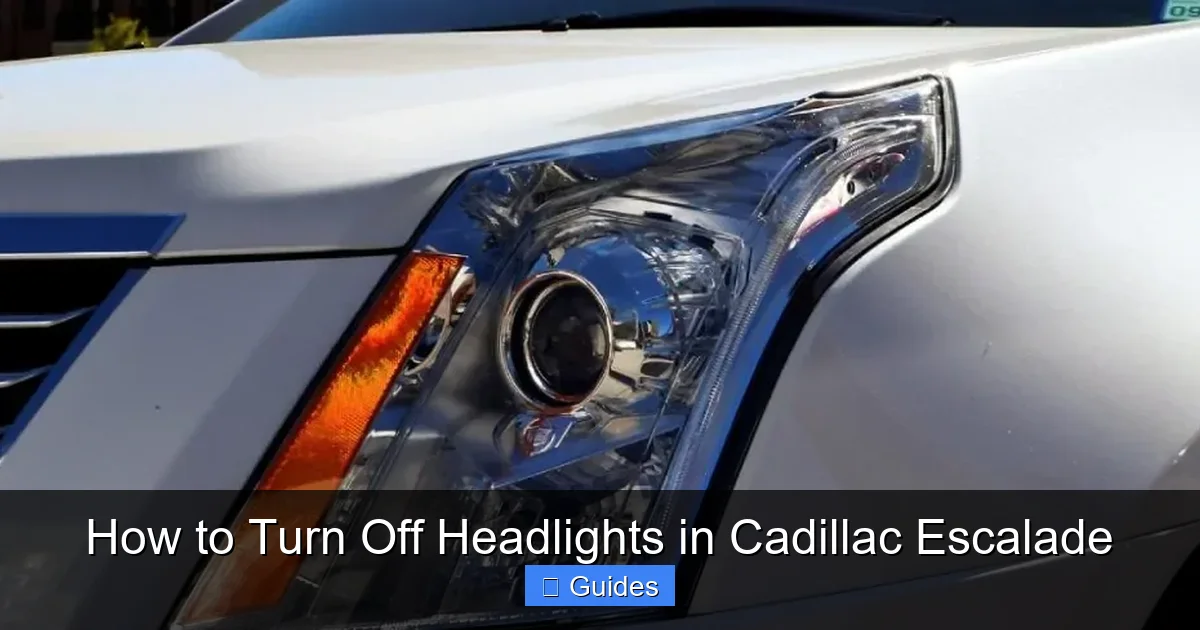
Newer Cadillac Escalades—from 2015 onward—come with more advanced lighting systems, including automatic headlights, adaptive lighting, and integrated touchscreen controls. While this adds convenience, it can also make turning off the headlights a bit more complex if you’re not familiar with the setup.
The headlight switch is still present on the left side of the steering column, but it now includes an “Auto” mode that many drivers rely on. To manually turn off the headlights:
1. Rotate the headlight switch to the “Off” position.
2. Confirm the dashboard headlight indicator is off.
3. Check the front of the vehicle to ensure no lights are on.
However, if your Escalade is set to “Auto,” the headlights may turn back on if the system detects low light—even if you just turned them off. This can happen if you’re parked in a garage or under a canopy. To prevent this, always switch the dial to “Off” instead of leaving it in “Auto.”
Some newer models also allow you to customize lighting behavior through the infotainment system. For example, you can adjust how sensitive the auto-headlight sensor is or disable daytime running lights.
To access these settings:
– Press the “Settings” button on the center console or touchscreen.
– Navigate to “Vehicle” > “Lighting.”
– Look for options like “Auto Headlights,” “Daytime Running Lights,” or “Exterior Lighting Delay.”
Disabling DRLs can help ensure all lights are off when the vehicle is parked. Keep in mind that in some states, DRLs are required by law, so check local regulations before turning them off permanently.
Dealing with Daytime Running Lights (DRLs)
One of the most common reasons people think their headlights are still on—even after turning them off—is daytime running lights (DRLs). These are low-intensity lights that automatically turn on when the engine is running and the parking brake is released. They’re designed to increase visibility during the day, especially in low-light conditions like fog or overcast skies.
In the Cadillac Escalade, DRLs are typically the front headlights operating at reduced brightness. They’re not the same as full headlights, but they’re bright enough to be noticeable—and to drain your battery if left on for extended periods.
Unfortunately, DRLs can’t always be turned off using the headlight switch alone. On many models, they remain active even when the switch is in the “Off” position. This is by design, as DRLs are considered a safety feature.
However, you can often disable them through the vehicle’s settings menu:
1. Start the engine and ensure the parking brake is released.
2. Press the “Menu” or “Settings” button on the steering wheel or center console.
3. Navigate to “Vehicle” or “Lighting” settings.
4. Look for “Daytime Running Lights” and toggle it off.
Not all Escalades allow this, especially older models. If you can’t find the option, consult your owner’s manual or contact a Cadillac dealer for assistance.
Another workaround is to engage the parking brake. On some models, DRLs turn off when the parking brake is applied. This can be useful if you’re parked and want to ensure no lights are drawing power.
Preventing Battery Drain from Headlights
Leaving your headlights on—even for a short time—can drain your car battery, especially if the vehicle is off. This is a common issue with luxury SUVs like the Escalade, which have powerful electrical systems and large batteries that still deplete if lights are left on.
To prevent battery drain:
– Always turn the headlight switch to “Off” when exiting the vehicle.
– Use the “Auto” mode wisely—don’t assume it will turn off the lights when you park.
– Check the dashboard for the headlight indicator light.
– If you frequently forget, consider installing a headlight reminder chime or using a phone reminder.
Some newer Escalades come with a feature called “Exterior Lighting Delay,” which keeps the headlights on for a short time after you turn off the engine—useful for walking to your door at night. While helpful, this feature can also lead to accidental battery drain if you don’t realize the lights are still on.
You can adjust or disable this feature in the lighting settings menu. Look for “Lighting Delay” or “Exit Lighting” and set it to “Off” or a shorter duration.
Another tip: if you’re parking in a dark area and want to be visible, use the parking lights instead of full headlights. They use less power and are sufficient for short-term visibility.
Using the Infotainment System to Manage Lighting
Modern Cadillac Escalades integrate many vehicle functions—including lighting—into the central infotainment system. This allows for greater customization but can also make simple tasks like turning off headlights more complex if you’re not familiar with the menu structure.
To access lighting settings:
1. Press the “Settings” icon on the touchscreen.
2. Select “Vehicle.”
3. Tap “Lighting.”
4. Here, you’ll find options for:
– Auto Headlights (on/off)
– Daytime Running Lights (on/off)
– Exterior Lighting Delay (timer settings)
– Adaptive Headlights (if equipped)
For example, if your headlights keep turning on automatically, you can disable the “Auto Headlights” feature and rely on manual control. This gives you full authority over when the lights are on or off.
You can also adjust the sensitivity of the auto-headlight sensor. If your Escalade turns on the headlights too early (e.g., in a shaded parking lot), lowering the sensitivity can help.
Keep in mind that changes made in the infotainment system may override the physical headlight switch. So if you turn off auto headlights in the menu, the “Auto” position on the dial may no longer function as expected.
Always test your settings after making changes. Turn the car on and off, park in different lighting conditions, and observe how the lights behave.
Troubleshooting Common Headlight Issues
Even with the right knowledge, you might encounter issues when trying to turn off your Escalade’s headlights. Here are some common problems and how to fix them:
Headlights won’t turn off: If the lights stay on even after switching to “Off,” check if the auto-headlight sensor is malfunctioning. Dirt or obstruction on the sensor (usually near the windshield) can cause it to misread light levels. Clean the sensor with a soft cloth.
Dashboard indicator stays on: This could mean a bulb is out or there’s an electrical issue. Use the vehicle’s built-in diagnostic system (via the DIC) to check for lighting faults.
DRLs won’t turn off: As mentioned earlier, DRLs may require menu adjustments. If you can’t disable them, consult your dealer—some models have firmware limitations.
Battery drains overnight: If your battery keeps dying, it might not be the headlights. Check for other power draws like interior lights, aftermarket accessories, or a faulty alternator. Use a multimeter to test battery voltage.
If problems persist, visit a certified Cadillac service center. They can run diagnostics and ensure your lighting system is functioning correctly.
Conclusion
Turning off the headlights in a Cadillac Escalade is a simple task once you understand the system. Whether you drive an older model with a basic switch or a newer one with smart features, the key is knowing where the controls are and how they interact with your environment.
Always start by locating the headlight switch on the left side of the steering column and rotating it to “Off.” If your Escalade has automatic headlights, make sure to disable that feature if you want full manual control. Don’t forget about daytime running lights—they may stay on even when the main headlights are off, so check your settings menu if needed.
By following the steps in this guide, you can avoid battery drain, reduce wear on your lights, and drive with confidence knowing your Escalade’s lighting system is under your control. And when in doubt, your owner’s manual is always the best resource for model-specific details.
With a little practice, turning off your headlights will become second nature—just like everything else in your luxury SUV.
Frequently Asked Questions
Can I turn off the headlights completely in a Cadillac Escalade?
Yes, you can turn off the headlights completely by rotating the headlight switch to the “Off” position. However, daytime running lights (DRLs) may still remain on unless disabled through the vehicle settings menu.
Why do my headlights stay on even after I turn them off?
This usually happens when the vehicle is in “Auto” mode and the light sensor detects low ambient light. Switch the dial to “Off” instead of “Auto” to prevent this.
How do I disable daytime running lights in my Escalade?
Go to the infotainment system, select “Settings” > “Vehicle” > “Lighting,” and toggle off “Daytime Running Lights.” Not all models allow this, so check your owner’s manual.
Will turning off the headlights save my battery?
Yes, turning off the headlights—especially when the engine is off—helps prevent battery drain. Always double-check the switch before exiting the vehicle.
Can I adjust how long the headlights stay on after turning off the engine?
Yes, many Escalades have an “Exterior Lighting Delay” feature in the lighting settings. You can adjust the timer or turn it off completely.
What should I do if my headlights won’t turn off at all?
Check for a malfunctioning auto-headlight sensor or a stuck switch. Clean the sensor near the windshield, or visit a Cadillac service center for diagnostics.

At CarLegit, we believe information should be clear, factual, and genuinely helpful. That’s why every guide, review, and update on our website is created with care, research, and a strong focus on user experience.