
Is the tire pressure light on your Honda Civic driving you crazy? You’re not alone. This guide walks you through simple, effective ways to reset the TPMS light—whether you’ve just inflated your tires or replaced a sensor. No mechanic required!
In This Article
- 1 Key Takeaways
- 2 📑 Table of Contents
- 3 Why Is the Tire Pressure Light On in Your Honda Civic?
- 4 Understanding TPMS in Honda Civics
- 5 Step-by-Step: How to Turn Off the Tire Pressure Light on a Honda Civic
- 6 Troubleshooting Common TPMS Issues
- 7 When to Replace TPMS Sensors
- 8 Preventing Future TPMS Light Issues
- 9 Conclusion
- 10 Frequently Asked Questions
- 10.1 Why won’t my Honda Civic TPMS light turn off after inflating the tires?
- 10.2 Can I drive with the tire pressure light on?
- 10.3 How often should I check my tire pressure?
- 10.4 Do I need a special tool to reset the TPMS light?
- 10.5 Can a dead TPMS sensor cause the light to stay on?
- 10.6 Will the TPMS light come on if I use a spare tire?
Key Takeaways
- Check tire pressure first: Always verify that all tires are inflated to the recommended PSI before attempting to reset the light.
- Use the TPMS reset button: Most Honda Civics from 2006–2015 have a physical reset button under the dashboard—press it after driving for a few minutes.
- Drive to reset (newer models): Civics from 2016 onward often require a driving cycle to automatically reset the TPMS system.
- Use a TPMS tool for advanced resets: If the light won’t turn off, a professional scan tool or OBD2 scanner with TPMS function may be needed.
- Replace faulty sensors if necessary: A dead or damaged TPMS sensor can keep the light on—replacement costs $50–$150 per sensor.
- Seasonal changes matter: Cold weather can lower tire pressure and trigger the light—check tires monthly in winter.
- Don’t ignore the light: Driving with underinflated tires reduces fuel efficiency, handling, and safety.
📑 Table of Contents
Why Is the Tire Pressure Light On in Your Honda Civic?
If you’ve ever been driving your Honda Civic and noticed a yellow or orange light shaped like a tire cross-section with an exclamation point, you’ve seen the Tire Pressure Monitoring System (TPMS) warning. This light isn’t just annoying—it’s your car’s way of saying, “Hey, something’s not right with your tires.” But don’t panic. In most cases, it’s a simple fix.
The TPMS light can come on for several reasons: low tire pressure, a sudden drop in temperature, a faulty sensor, or even after you’ve recently rotated or replaced your tires. Honda Civics have used TPMS since the mid-2000s, and while the system is designed to keep you safe, it can sometimes be overly sensitive or tricky to reset. The good news? You don’t need to visit a dealership or pay a mechanic every time this light pops up. With a little know-how, you can turn off the tire pressure light on your Honda Civic yourself—quickly and safely.
In this guide, we’ll walk you through everything you need to know, from understanding how TPMS works in your Civic to step-by-step reset methods for different model years. Whether you drive a 2006 Civic or a 2023 model, we’ve got you covered. Let’s get that light turned off and get you back on the road with confidence.
Understanding TPMS in Honda Civics
Before we dive into how to turn off the tire pressure light, it helps to understand what TPMS is and how it works in your Honda Civic. TPMS stands for Tire Pressure Monitoring System, and it’s a safety feature required in all vehicles sold in the U.S. since 2008. Its job is to monitor the air pressure in your tires and alert you if one or more tires are significantly underinflated—typically 25% below the recommended pressure.
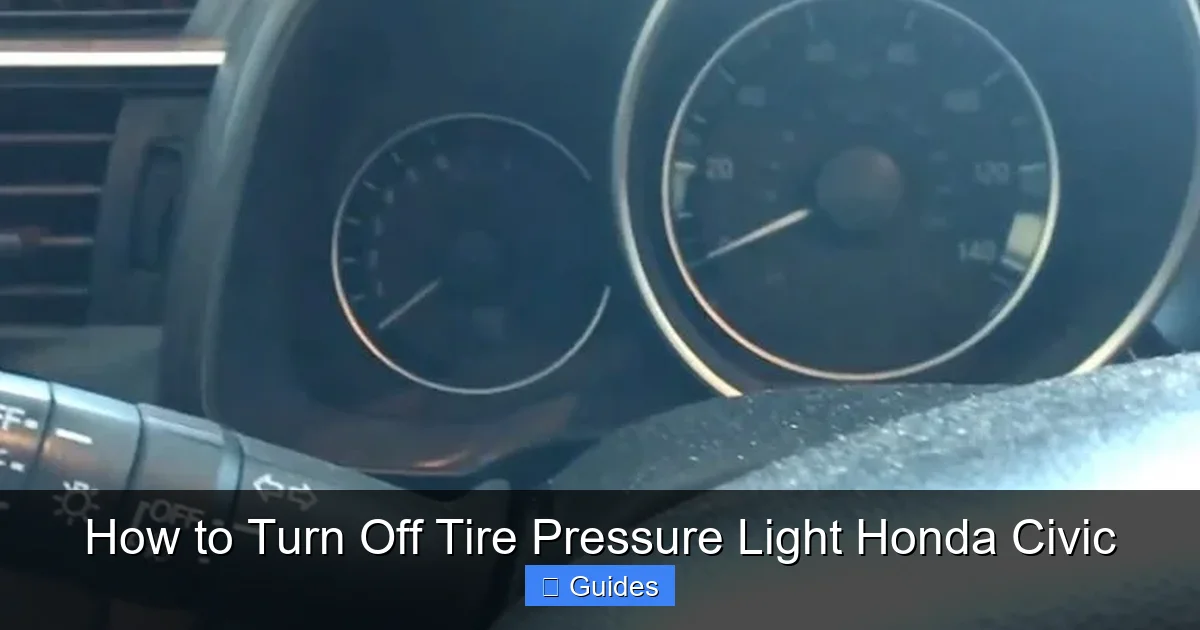
Visual guide about How to Turn Off Tire Pressure Light Honda Civic
Image source: hondatheotherside.com
Direct vs. Indirect TPMS
Honda Civics use a direct TPMS system. This means each tire has a sensor mounted inside the wheel that measures the actual air pressure and sends that data wirelessly to your car’s computer. These sensors are usually located near the valve stem and are powered by a small battery that lasts 5–10 years. When the system detects low pressure, it triggers the warning light on your dashboard.
In contrast, some older or budget vehicles use an indirect TPMS, which relies on wheel speed sensors to detect differences in tire rotation (a sign of underinflation). But Civics use the more accurate direct system, which gives you real-time pressure readings and more precise alerts.
How TPMS Sensors Work
Each TPMS sensor in your Civic’s tire transmits a unique radio frequency signal to the car’s onboard computer. The system continuously monitors these signals and compares the pressure in all four tires. If one tire drops below the threshold, the light comes on. Some newer Civics (2016 and later) even display individual tire pressures on the dashboard screen, so you can see exactly which tire is low.
These sensors are sensitive and can be affected by temperature changes, battery life, or physical damage. For example, if you drive over a pothole or hit a curb, a sensor could get knocked loose or damaged. Also, when you replace a tire or have your wheels serviced, the sensors may need to be recalibrated or reprogrammed.
Why the Light Might Come On
Here are the most common reasons the tire pressure light appears in your Honda Civic:
- Low tire pressure: The #1 cause. Tires naturally lose air over time—about 1–2 PSI per month.
- Cold weather: Air contracts in cold temperatures. A 10°F drop can reduce tire pressure by 1–2 PSI.
- Recent tire service: After rotating tires or replacing a tire, the system may need a reset.
- Faulty or dead sensor: TPMS sensors have batteries that eventually die. A dead sensor can’t send data, so the system assumes the tire is low.
- Sensor miscommunication: Sometimes the system just gets “confused” and needs a reset.
Understanding these causes helps you troubleshoot more effectively. For example, if the light comes on during a cold snap, it’s likely just the weather—not a leak. But if it stays on after inflating the tires, you may have a deeper issue.
Step-by-Step: How to Turn Off the Tire Pressure Light on a Honda Civic
Now for the main event: how to actually turn off that pesky tire pressure light. The method depends on your Civic’s model year, so we’ll break it down by generation. But first, a universal rule: always check and adjust your tire pressure before trying to reset the light. If your tires are underinflated, resetting the system won’t fix the problem—and the light will just come back on.
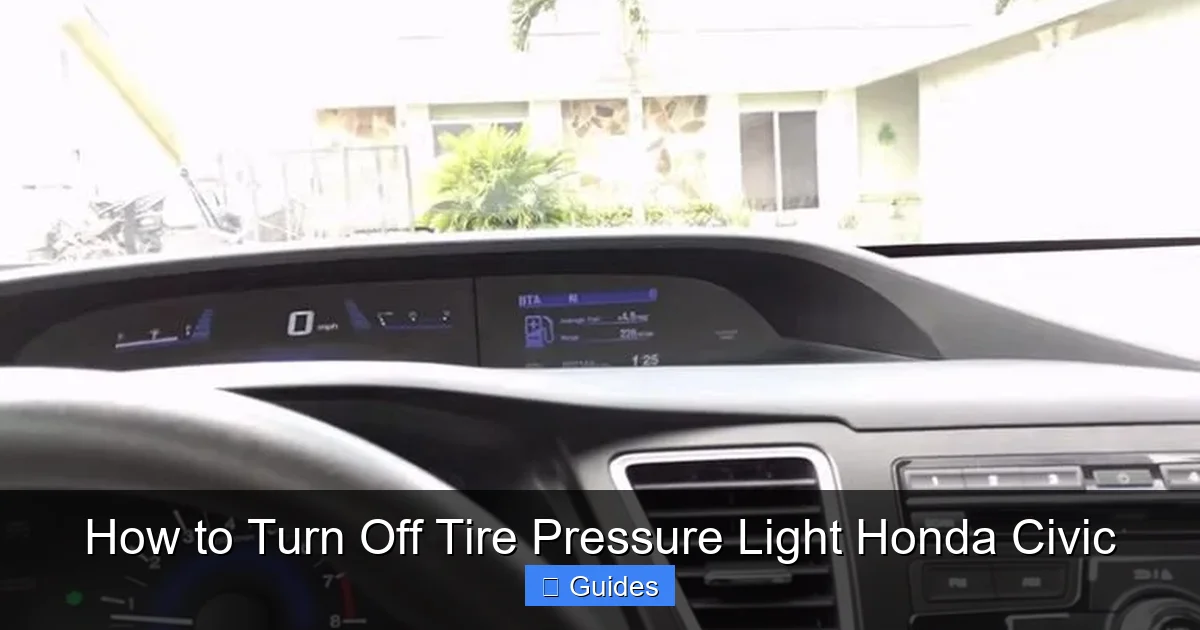
Visual guide about How to Turn Off Tire Pressure Light Honda Civic
Image source: hondatheotherside.com
Step 1: Check and Inflate Your Tires
Start by checking the air pressure in all four tires, including the spare if your Civic has one. You’ll find the recommended PSI on a sticker inside the driver’s door jamb or in your owner’s manual. For most Civics, it’s between 30–35 PSI.
Use a reliable tire pressure gauge (digital ones are more accurate) and check each tire when they’re cold—meaning the car hasn’t been driven for at least 3 hours. If any tire is low, inflate it to the correct pressure. Don’t overinflate! Too much air can be just as dangerous as too little.
Pro tip: Keep a portable air compressor in your trunk. Many gas stations have air pumps, but they’re not always accurate or free. A small 12V compressor lets you top off your tires anytime, anywhere.
Step 2: Reset the TPMS Light (2006–2015 Honda Civics)
If you drive a 2006 to 2015 Honda Civic, you’re in luck—these models have a physical TPMS reset button. Here’s how to use it:
- Turn the ignition to the “ON” position (don’t start the engine).
- Locate the TPMS reset button. It’s usually under the dashboard, near the steering column. Look for a small button labeled “TPMS” or “RESET.”
- Press and hold the button for about 3–5 seconds until the TPMS light blinks twice.
- Release the button and start the engine.
- Drive the car for at least 10–15 minutes at speeds above 30 mph. This allows the system to recalibrate and confirm the tire pressures are correct.
After driving, the light should turn off. If it doesn’t, repeat the process or check for other issues.
Step 3: Reset the TPMS Light (2016–2023 Honda Civics)
Newer Civics (2016 and later) don’t have a physical reset button. Instead, they use an automatic reset process that happens while driving. Here’s what to do:
- Make sure all tires are inflated to the correct PSI.
- Turn the ignition to “ON” and wait for the dashboard to fully light up.
- Use the steering wheel controls to navigate to the “Settings” menu on the dashboard display.
- Find the “Vehicle Settings” or “TPMS” option and select “Calibrate” or “Reset.”
- Confirm the reset when prompted.
- Drive the car for 10–20 minutes at a steady speed (ideally 30–60 mph). The system will automatically detect the correct pressures and turn off the light.
Note: Some newer Civics may require you to drive in a specific pattern—like accelerating, braking, and turning—to help the system “learn” the new pressures. Refer to your owner’s manual for model-specific instructions.
Step 4: Use a TPMS Tool (For Persistent Lights)
If the light still won’t turn off after inflating the tires and following the reset steps, you may need a TPMS scan tool. These devices communicate directly with your car’s computer and can reset the system or reprogram sensors.
You can buy a basic TPMS tool for $50–$100, or rent one from an auto parts store. Some advanced OBD2 scanners also have TPMS functions. Simply plug the tool into your Civic’s OBD2 port (under the dashboard), follow the on-screen prompts, and let it do the work.
Professional mechanics and tire shops use these tools daily, so if you’re not comfortable doing it yourself, a quick visit to a trusted shop might be worth the $20–$50 fee.
Troubleshooting Common TPMS Issues
Even with the right steps, sometimes the tire pressure light just won’t cooperate. Here are some common problems and how to fix them.
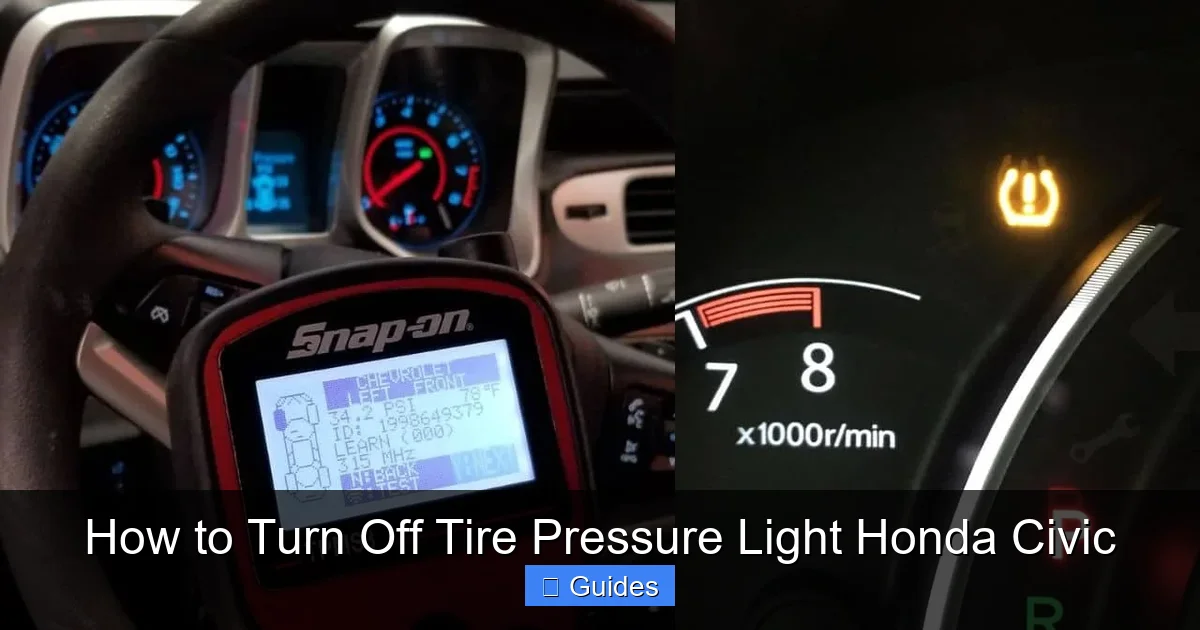
Visual guide about How to Turn Off Tire Pressure Light Honda Civic
Image source: tiresgym.com
The Light Won’t Turn Off After Reset
If you’ve followed all the steps and the light is still on, there could be a deeper issue. First, double-check that all tires are properly inflated. Then, consider these possibilities:
- Faulty sensor: One of your TPMS sensors may have a dead battery or be damaged. This is common in older Civics (10+ years). A mechanic can diagnose which sensor is failing.
- Sensor not recognized: After a tire rotation or replacement, the system may not recognize the new sensor IDs. This requires reprogramming with a TPMS tool.
- System glitch: Sometimes the car’s computer just needs a hard reset. Try disconnecting the battery for 10–15 minutes, then reconnecting it. This can clear temporary errors.
The Light Comes On and Off Randomly
Intermittent TPMS warnings are often caused by temperature fluctuations. Cold mornings can drop tire pressure enough to trigger the light, but as the tires warm up during driving, the pressure increases and the light turns off.
To prevent this, check your tire pressure regularly during cold months. Consider using nitrogen instead of regular air—it’s less affected by temperature changes and leaks slower. Many tire shops offer nitrogen fills for a small fee.
The Light Stays On After Replacing a Tire
If you’ve recently had a tire replaced or rotated, the TPMS system may need to be recalibrated. New sensors or repositioned wheels can confuse the system. In this case, a TPMS tool is usually required to reprogram the sensor IDs.
Some tire shops include TPMS reprogramming in their service, so ask before you leave. If not, you may need to return for a quick reset.
When to Replace TPMS Sensors
TPMS sensors don’t last forever. Most have a battery life of 5–10 years, and once it dies, the sensor can’t send data. When this happens, the TPMS light may stay on permanently or flash intermittently.
Replacing a TPMS sensor costs $50–$150 per wheel, including labor. Some shops charge a core fee if you don’t return the old sensor. You can buy sensors online and have them installed, or let a professional handle it.
Tip: If one sensor is dead, consider replacing all four at the same time. It’s more cost-effective in the long run and prevents future surprises.
Preventing Future TPMS Light Issues
The best way to deal with the tire pressure light is to avoid it altogether. Here are some proactive tips:
- Check tire pressure monthly: Make it a habit, especially before long trips or in winter.
- Use a quality gauge: Don’t rely on gas station gauges—they’re often inaccurate.
- Rotate tires regularly: This helps wear them evenly and keeps the TPMS system balanced.
- Inspect tires for damage: Look for cracks, bulges, or punctures that could cause slow leaks.
- Keep a tire repair kit handy: A plug kit or sealant can fix small punctures and prevent pressure loss.
By staying on top of tire maintenance, you’ll not only avoid the TPMS light but also improve your car’s fuel efficiency, handling, and safety.
Conclusion
The tire pressure light in your Honda Civic doesn’t have to be a source of stress. With the right knowledge and tools, you can turn it off quickly and confidently. Whether you’re using a reset button, driving to recalibrate, or investing in a TPMS tool, the key is to act promptly and address the root cause—usually low tire pressure or a sensor issue.
Remember: safety first. Underinflated tires can lead to poor handling, reduced fuel economy, and even blowouts. So don’t ignore that light. Check your tires, reset the system, and keep rolling with peace of mind. Your Civic—and your passengers—will thank you.
Frequently Asked Questions
Why won’t my Honda Civic TPMS light turn off after inflating the tires?
The light may not turn off if the system hasn’t been reset or if a sensor is faulty. Try the reset procedure for your model year, or use a TPMS tool to recalibrate the system.
Can I drive with the tire pressure light on?
It’s not recommended. Driving with underinflated tires can reduce fuel efficiency, cause uneven wear, and increase the risk of a blowout. Check and inflate your tires as soon as possible.
How often should I check my tire pressure?
Check your tire pressure at least once a month and before long trips. Cold weather can cause pressure to drop, so be extra vigilant in winter.
Do I need a special tool to reset the TPMS light?
Most Civics from 2006–2015 use a reset button, while newer models reset automatically. If the light won’t turn off, a TPMS scan tool may be needed.
Can a dead TPMS sensor cause the light to stay on?
Yes. A dead or damaged sensor can’t send pressure data, so the system assumes the tire is low. Replacement is usually required.
Will the TPMS light come on if I use a spare tire?
Most spare tires (especially compact “donut” spares) don’t have TPMS sensors, so the light may come on temporarily. This is normal and should turn off once you return to your regular tires.

At CarLegit, we believe information should be clear, factual, and genuinely helpful. That’s why every guide, review, and update on our website is created with care, research, and a strong focus on user experience.