
Turning on Forward Collision Warning (FCW) in your Jeep Grand Cherokee is simple and essential for safer driving. This guide walks you through every step, from locating the controls to understanding system alerts, so you can activate FCW confidently and reduce the risk of accidents.
Driving a Jeep Grand Cherokee means enjoying power, comfort, and advanced safety technology—especially when it comes to features like Forward Collision Warning (FCW). Whether you’re navigating busy city streets or cruising down the highway, having FCW active can make a big difference in preventing accidents. But what if you’re not sure how to turn it on? Don’t worry—you’re not alone. Many Jeep owners aren’t fully aware of how to activate or customize this vital safety system.
In this comprehensive guide, we’ll walk you through everything you need to know about turning on FCW in your Jeep Grand Cherokee. From identifying where the controls are located to understanding how the system works in real-world scenarios, we’ve got you covered. We’ll also cover troubleshooting tips, maintenance advice, and answers to common questions so you can drive with confidence.
By the end of this article, you’ll not only know how to turn on FCW, but you’ll also understand how to get the most out of it. Let’s dive in and make your Jeep Grand Cherokee even safer.
In This Article
- 1 Key Takeaways
- 2 📑 Table of Contents
- 3 What Is Forward Collision Warning (FCW)?
- 4 How to Turn On FCW in Your Jeep Grand Cherokee
- 5 Customizing FCW Settings for Your Driving Style
- 6 Troubleshooting Common FCW Issues
- 7 Maintaining Your FCW System
- 8 Real-World Examples and Tips
- 9 Conclusion
- 10 Frequently Asked Questions
Key Takeaways
- FCW enhances safety: Forward Collision Warning helps detect potential front-end collisions and alerts you with visual, audio, or haptic signals.
- Easy activation: You can turn on FCW using the Uconnect system or steering wheel controls, depending on your model year.
- Model year matters: FCW availability and setup steps vary slightly between 2014–2024 Jeep Grand Cherokee models.
- Customizable settings: Adjust sensitivity levels (high, medium, low) to match your driving style and road conditions.
- System limitations: FCW doesn’t replace driver attention—it works best in clear weather and at speeds above 15 mph.
- Regular checks recommended: Ensure sensors are clean and unobstructed for optimal FCW performance.
- Professional help available: If FCW won’t activate, visit a certified Jeep dealer for diagnostics and recalibration.
📑 Table of Contents
What Is Forward Collision Warning (FCW)?
Forward Collision Warning is an advanced driver assistance system (ADAS) designed to help prevent or reduce the severity of front-end collisions. Using a combination of radar, cameras, and sensors, FCW continuously monitors the road ahead of your vehicle. When it detects that you’re approaching another vehicle or obstacle too quickly, it sends an alert to warn you—giving you time to brake or steer away.
This system is especially helpful in situations where distractions might cause delayed reactions, such as when you’re adjusting the radio, talking on the phone, or simply zoning out during a long drive. FCW doesn’t automatically apply the brakes (that’s what Automatic Emergency Braking does, if equipped), but it gives you the crucial heads-up you need to take action.
In the Jeep Grand Cherokee, FCW is part of a broader suite of safety technologies that may include Blind Spot Monitoring, Lane Departure Warning, and Adaptive Cruise Control. These systems work together to create a safer driving environment, but FCW is one of the most fundamental and widely used.
How FCW Works in the Jeep Grand Cherokee
The FCW system in the Grand Cherokee uses a forward-facing radar sensor, typically located behind the front grille or bumper, and sometimes a camera mounted near the rearview mirror. These sensors scan the road up to several hundred feet ahead, calculating the distance and relative speed between your vehicle and the one in front.
If the system determines that a collision is likely—based on your speed, following distance, and the speed of the vehicle ahead—it triggers an alert. In most Grand Cherokee models, this comes in the form of:
– A visual warning (flashing icon on the instrument cluster)
– An audible beep or chime
– A vibration in the steering wheel (on higher trims with haptic feedback)
Some models also integrate FCW with Adaptive Cruise Control, allowing the system to not only warn you but also slow the vehicle automatically if you don’t respond in time.
Benefits of Using FCW
Activating FCW offers several key benefits:
– **Reduced accident risk:** Studies show that vehicles with FCW have fewer rear-end collisions.
– **Increased awareness:** The alerts help keep you focused, especially on long drives.
– **Peace of mind:** Knowing your vehicle is actively monitoring the road can reduce stress.
– **Insurance discounts:** Some insurers offer lower premiums for vehicles equipped with active safety systems.
Even if you’re a cautious driver, FCW adds an extra layer of protection that can make all the difference in unexpected situations.
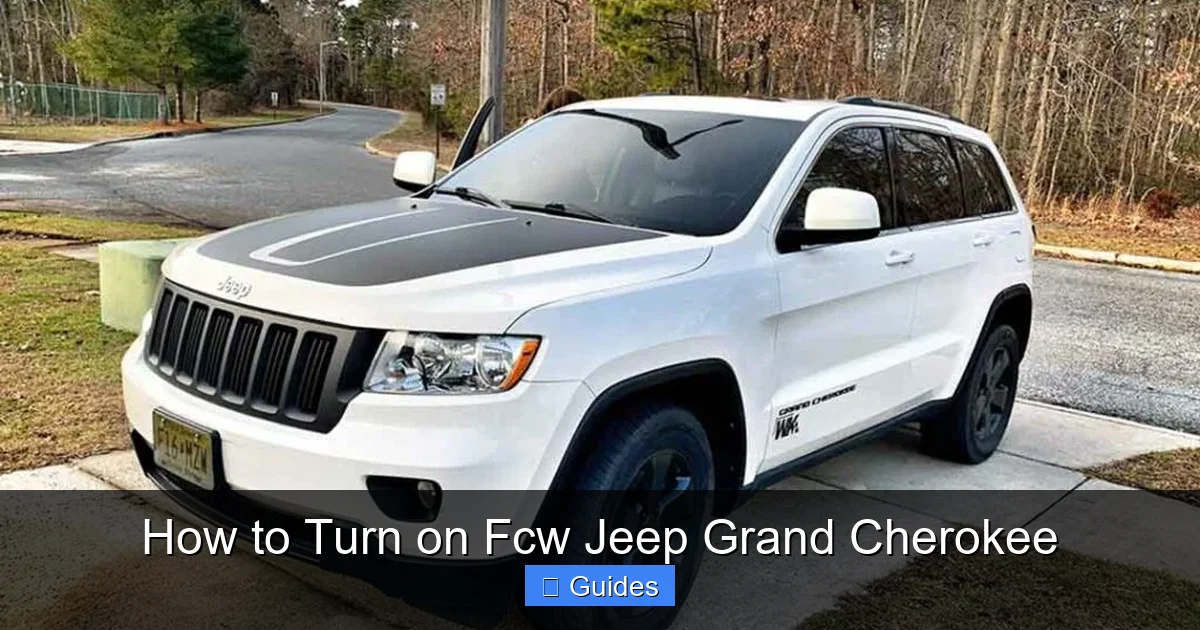
How to Turn On FCW in Your Jeep Grand Cherokee
Visual guide about How to Turn on Fcw Jeep Grand Cherokee
Image source: jeepmaven.com
Now that you understand what FCW is and why it’s important, let’s get into the practical steps of turning it on. The process varies slightly depending on your Grand Cherokee’s model year and trim level, but the core steps remain consistent. Below, we’ll cover the most common methods used across 2014–2024 models.
Method 1: Using the Uconnect Touchscreen (2014–2024 Models)
Most modern Jeep Grand Cherokees come equipped with the Uconnect infotainment system, which is your central hub for vehicle settings—including safety features like FCW. Here’s how to activate it:
1. **Start your vehicle** and ensure the ignition is on.
2. **Tap the “Settings” icon** on the Uconnect touchscreen (usually looks like a gear or wrench).
3. **Select “Safety & Driving Assistance”** from the menu.
4. **Look for “Forward Collision Warning”** and tap it.
5. **Toggle the switch to “On.”**
6. **(Optional) Adjust sensitivity:** Choose between High, Medium, or Low based on your preference.
Once activated, you’ll see a confirmation message on the screen, and the FCW icon may briefly appear on your instrument cluster.
Method 2: Using the Steering Wheel Controls (2018–2024 Models)
Some newer Grand Cherokee models allow you to access FCW settings directly from the steering wheel buttons, which is handy if you prefer not to use the touchscreen while driving.
1. **Press the “Menu” or “Info” button** on the left side of the steering wheel.
2. **Navigate to “Driver Assistance”** using the arrow keys.
3. **Select “Forward Collision Warning.”**
4. **Press the “OK” or “Select” button** to toggle it on.
5. **Use the arrows to adjust sensitivity** if desired.
This method is especially useful for quick adjustments during a drive, though it’s best done when parked for safety.
Method 3: Through the Instrument Cluster (Older Models)
For earlier models (2014–2017) without advanced Uconnect systems, FCW settings may be accessed directly through the instrument cluster:
1. **Turn the ignition to “On”** (you don’t need to start the engine).
2. **Press and hold the “Trip/Odo” button** on the dashboard until the menu appears.
3. **Use the button to scroll** to “Safety Settings” or “Driver Assistance.”
4. **Select “Forward Collision Warning”** and toggle it on.
Note: The exact menu labels may vary. Refer to your owner’s manual for model-specific instructions.
Verifying FCW Is Active
After turning on FCW, it’s a good idea to confirm it’s working:
– Look for the FCW icon (usually a car with a warning triangle) on your instrument cluster.
– Test it in a safe environment: Drive behind a slow-moving vehicle at a safe distance and see if the system alerts you when you get too close.
– Check for any warning messages like “FCW Unavailable” or “Sensor Blocked,” which indicate an issue.
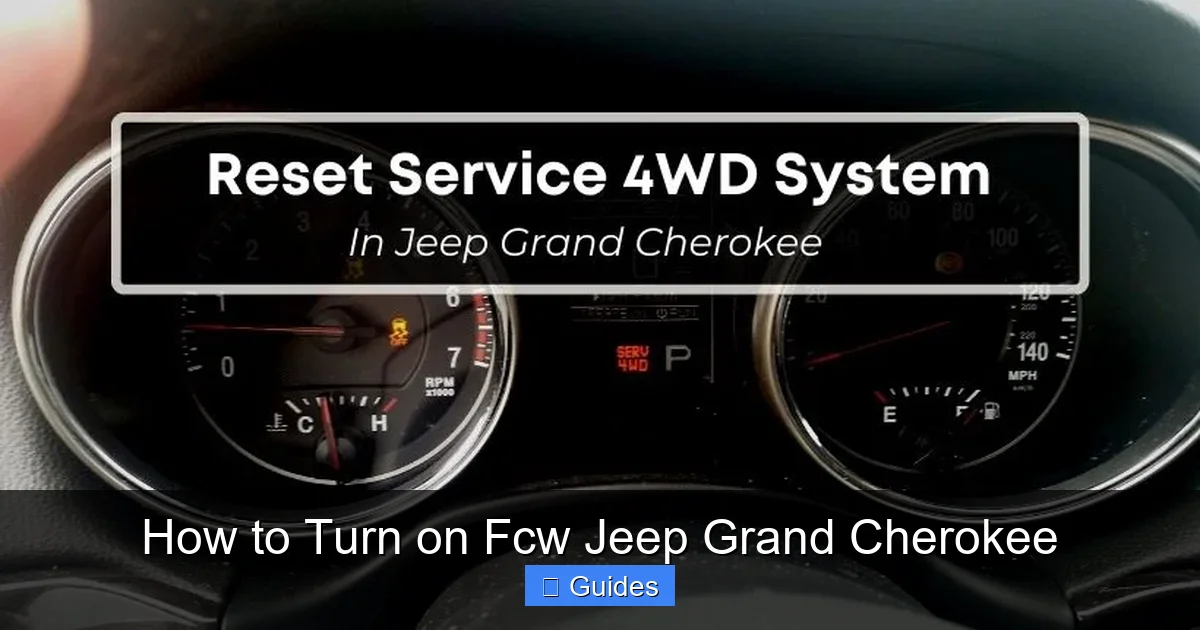
Customizing FCW Settings for Your Driving Style
Visual guide about How to Turn on Fcw Jeep Grand Cherokee
Image source: vehiclesphere.com
One of the great things about FCW in the Jeep Grand Cherokee is that it’s customizable. You can adjust how sensitive the system is, which helps reduce false alarms while maintaining safety.
Choosing the Right Sensitivity Level
Most models offer three sensitivity settings:
– **High:** The system alerts you earlier, ideal for city driving or heavy traffic. Best for cautious drivers.
– **Medium:** Balanced response—good for everyday highway and suburban driving.
– **Low:** Fewer alerts, better for open roads or experienced drivers who prefer minimal interruptions.
To change sensitivity:
1. Go to the FCW menu (via Uconnect or steering wheel).
2. Select “Sensitivity” or “Alert Timing.”
3. Choose your preferred level.
When to Adjust Settings
– **City driving:** Use High sensitivity to catch sudden stops.
– **Highway driving:** Medium or Low may be better to avoid over-alerting.
– **Rainy or foggy conditions:** Consider High sensitivity, as visibility is reduced.
– **Towing or carrying heavy loads:** Increase sensitivity, as stopping distance increases.
Remember, higher sensitivity means more alerts—some of which may feel unnecessary. But it’s better to be warned too often than not enough.
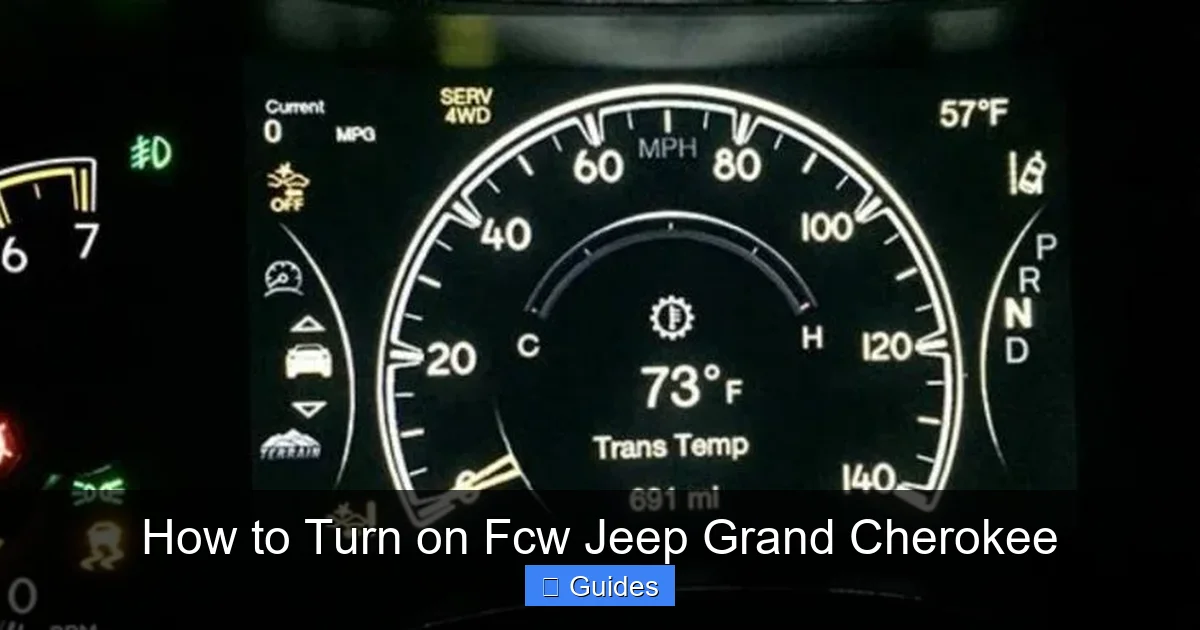
Troubleshooting Common FCW Issues
Visual guide about How to Turn on Fcw Jeep Grand Cherokee
Image source: vehiclesphere.com
Even with proper setup, you might encounter issues with FCW. Here’s how to handle the most common problems.
FCW Won’t Turn On
If you can’t activate FCW, try these steps:
– **Check the owner’s manual** to confirm your trim level includes FCW (not all base models have it).
– **Ensure the vehicle is in “Ready” mode**—some systems won’t activate in accessory mode.
– **Restart the vehicle**—a simple reboot can reset the system.
– **Look for warning messages** like “Service FCW” or “Sensor Blocked.”
FCW Alerts Are Too Frequent or False
If the system is overly sensitive:
– **Lower the sensitivity setting** to Medium or Low.
– **Clean the front grille and windshield**—dirt, snow, or ice can block sensors.
– **Avoid mounting accessories** (like phone holders) near the radar sensor.
This usually means:
– The sensor is dirty or obstructed.
– The system is undergoing calibration.
– There’s a software glitch.
**Solution:**
1. Clean the front grille and windshield thoroughly.
2. Drive the vehicle for 10–15 minutes on a straight road to allow recalibration.
3. If the issue persists, visit a Jeep dealership for diagnostics.
FCW Doesn’t Work in Bad Weather
FCW relies on radar and cameras, which can be affected by:
– Heavy rain, snow, or fog
– Mud or salt buildup on sensors
– Bright sunlight reflecting off the road
**Tip:** In severe weather, rely more on your own judgment and increase following distance. FCW is a helper, not a replacement for attentive driving.
Maintaining Your FCW System
To keep FCW working reliably, regular maintenance is key.
Keep Sensors Clean
The radar sensor (behind the grille) and camera (near the mirror) must be free of dirt, ice, and debris.
– Wash your vehicle regularly, especially the front end.
– Use a soft cloth to gently clean the camera lens.
– Avoid high-pressure washers directly on sensors.
Check for Software Updates
Jeep occasionally releases software updates that improve ADAS performance.
– Visit a dealership for a system check.
– Some models support over-the-air updates via Uconnect.
Professional Calibration
If you’ve had windshield replacement, front-end repairs, or suspension work, the FCW system may need recalibration. This ensures sensors are aligned correctly.
– Only certified technicians should perform calibration.
– Cost typically ranges from $100–$300.
Real-World Examples and Tips
Let’s look at how FCW can help in everyday situations.
Example 1: Sudden Traffic Stop
You’re driving on the highway at 65 mph when traffic suddenly slows. FCW detects the car ahead braking hard and sends an immediate alert. You hit the brakes just in time, avoiding a rear-end collision. Without FCW, your reaction might have been too slow.
Example 2: Distracted Driving
You’re adjusting the climate control when a pedestrian steps into the crosswalk. FCW picks up the obstacle and flashes a warning. You brake quickly, preventing a serious accident.
Pro Tips for FCW Users
– **Don’t rely solely on FCW:** Always scan the road and maintain safe following distances.
– **Use it with other systems:** Pair FCW with Adaptive Cruise Control for smoother highway driving.
– **Educate passengers:** Let them know the alerts are normal—they’re there to help.
– **Test it periodically:** Every few months, do a safe test to ensure it’s working.
Conclusion
Turning on Forward Collision Warning in your Jeep Grand Cherokee is a simple yet powerful step toward safer driving. Whether you use the Uconnect touchscreen, steering wheel controls, or instrument cluster menu, activating FCW takes just a few seconds—but the benefits last every time you drive.
This system doesn’t just protect you; it protects your passengers, other drivers, and pedestrians. By understanding how to turn it on, customize it, and maintain it, you’re making the most of your vehicle’s advanced safety technology.
Remember, FCW is a tool—not a substitute for attention. Stay alert, keep your sensors clean, and drive responsibly. With FCW active, your Jeep Grand Cherokee becomes not just a capable SUV, but a smarter, safer one.
So go ahead—turn on FCW today. Your future self (and everyone else on the road) will thank you.
Frequently Asked Questions
How do I know if my Jeep Grand Cherokee has FCW?
Check your vehicle’s window sticker or owner’s manual. FCW is typically included on trims like Limited, Overland, and Summit, or as part of the SafetyTec package. You can also look for a radar sensor behind the front grille.
Can I turn off FCW permanently?
Yes, you can turn FCW off using the same menu where you activated it. However, it’s not recommended for safety reasons. Some models may reset to “on” after each ignition cycle.
Does FCW work at night or in the rain?
Yes, FCW uses radar and infrared cameras, so it works in most lighting and weather conditions. However, heavy rain, snow, or fog can reduce effectiveness—always drive cautiously in poor weather.
Why is my FCW light on but not working?
The light may indicate the system is active, but if it’s not alerting you, the sensor could be dirty, misaligned, or malfunctioning. Clean the front grille and windshield, or visit a dealer for service.
Can FCW prevent all front-end collisions?
No, FCW is designed to warn you, not take full control. It reduces the risk of collisions but cannot guarantee prevention—especially at high speeds or in sudden emergencies.
Do I need to recalibrate FCW after a windshield replacement?
Yes, if the camera near the rearview mirror was disturbed during replacement, professional recalibration is required to ensure accurate FCW performance.

At CarLegit, we believe information should be clear, factual, and genuinely helpful. That’s why every guide, review, and update on our website is created with care, research, and a strong focus on user experience.