
Turning on traction control in your Cadillac Escalade is simple and essential for maintaining grip and stability, especially in slippery conditions. This guide walks you through the process across different model years, explains how the system works, and offers tips to maximize safety and performance.
Driving a Cadillac Escalade is a luxurious experience—smooth rides, powerful performance, and advanced technology that makes every journey comfortable and safe. But even the most capable SUVs need a little help when the road gets tricky. That’s where traction control comes in. Whether you’re navigating icy mountain passes, driving through heavy rain, or tackling muddy trails, traction control helps keep your Escalade stable and in control.
But here’s the thing: not everyone knows how to turn it on—or even that it might be off. Maybe you’ve noticed your wheels slipping a bit more than usual, or you’re preparing for a winter road trip and want to make sure every safety feature is active. Whatever the reason, understanding how to activate traction control in your Cadillac Escalade is a smart move. It’s not just about performance—it’s about safety, confidence, and peace of mind.
In this guide, we’ll walk you through everything you need to know about turning on traction control in your Cadillac Escalade. We’ll cover different model years, explain how the system works, and give you practical tips to use it effectively. Whether you’re driving a 2007 model or a brand-new 2024 Escalade, this guide has you covered. Let’s get started.
In This Article
- 1 Key Takeaways
- 2 📑 Table of Contents
- 3 What Is Traction Control and Why Does It Matter?
- 4 How to Turn On Traction Control in Your Cadillac Escalade
- 5 When Should You Turn Traction Control On?
- 6 When (and How) to Turn Off Traction Control
- 7 Troubleshooting Traction Control Issues
- 8 Tips for Maximizing Traction Control Effectiveness
- 9 Conclusion
- 10 Frequently Asked Questions
- 10.1 How do I know if traction control is on in my Cadillac Escalade?
- 10.2 Can I turn on traction control while driving?
- 10.3 Why does my traction control light stay on?
- 10.4 Does turning off traction control improve fuel economy?
- 10.5 Can I permanently disable traction control on my Escalade?
- 10.6 Does traction control work in 4WD mode?
Key Takeaways
- Locate the Traction Control Button: Most Cadillac Escalade models feature a dedicated button on the dashboard or center console, often labeled “TCS” or “StabiliTrak.”
- Use the Infotainment System: On newer models (2015+), you can enable or disable traction control through the touchscreen menu under “Vehicle” or “Driving Aids.”
- Understand When to Use It: Keep traction control on during rain, snow, or off-road driving to prevent wheel spin and maintain control.
- Know When to Turn It Off: Disable traction control briefly when stuck in mud, snow, or sand to allow controlled wheel spin for getting unstuck.
- Check Warning Lights: If the traction control light stays on, it may indicate a system issue—consult your owner’s manual or a technician.
- System Resets Automatically: After turning off, traction control typically reactivates when the vehicle is restarted or reaches a certain speed.
- Combine with Other Safety Features: Traction control works best with ABS and StabiliTrak for full vehicle stability and safety.
📑 Table of Contents
What Is Traction Control and Why Does It Matter?
Traction control is a critical safety feature designed to prevent your vehicle’s wheels from spinning excessively when you accelerate. It works by monitoring the speed of each wheel using sensors. If one wheel starts spinning faster than the others—like when you hit a patch of ice or accelerate too quickly on a wet road—the system automatically reduces engine power or applies the brakes to that wheel. This helps maintain grip and keeps your vehicle moving in the direction you want.
In the Cadillac Escalade, traction control is part of a broader system called StabiliTrak, which also includes electronic stability control. Together, these systems help you maintain control during sudden maneuvers, sharp turns, or slippery conditions. Think of it like having a co-pilot that’s always watching your wheels and stepping in when things get dicey.
Why does this matter? Because losing traction—even for a second—can lead to skidding, fishtailing, or even a spinout. This is especially dangerous in a large, heavy vehicle like the Escalade, which has a higher center of gravity. Traction control helps prevent these situations by keeping all four wheels working together.
For example, imagine you’re driving up a snowy hill in your Escalade. Without traction control, the drive wheels might spin uselessly, leaving you stuck. But with traction control active, the system detects the slip and adjusts power delivery, helping you climb safely. It’s like having an extra set of hands on the wheel—hands that never get tired or distracted.
How to Turn On Traction Control in Your Cadillac Escalade
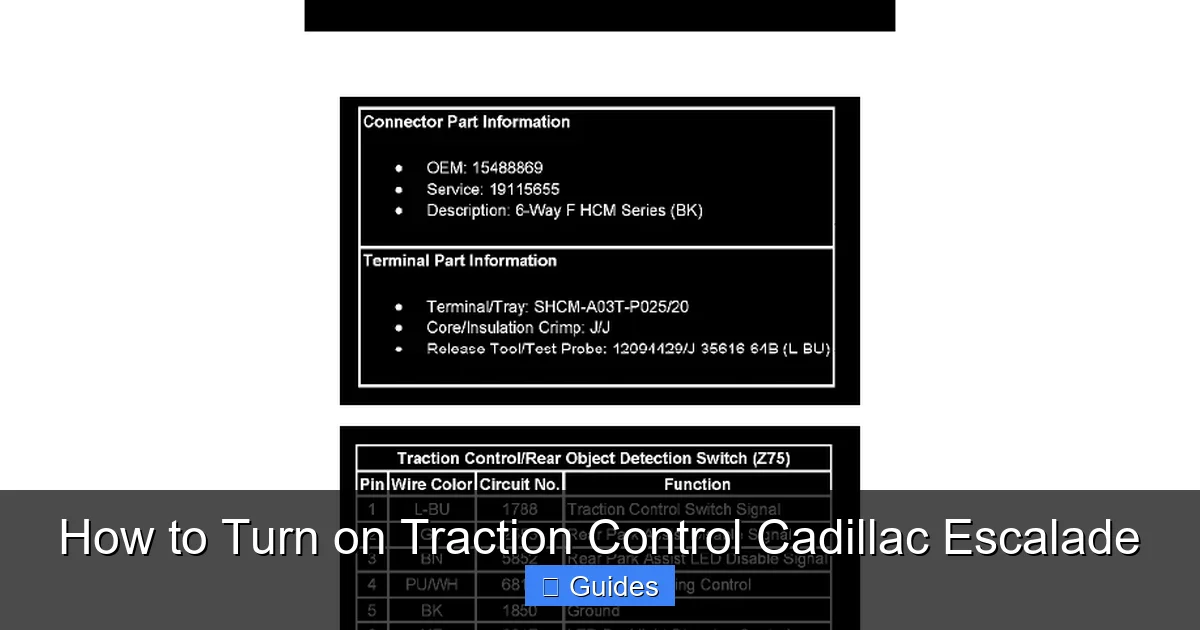
Visual guide about How to Turn on Traction Control Cadillac Escalade
Image source: workshop-manuals.com
Now that you understand why traction control is important, let’s get into the how-to. The process varies slightly depending on your Escalade’s model year and trim level, but the core steps are similar. Here’s a breakdown by generation.
For 2007–2014 Cadillac Escalade Models
If you’re driving an older Escalade—say, a 2007 to 2014 model—you’ll likely find a physical button to control traction control. This button is usually located on the dashboard or center console, near the climate controls or gear shifter.
Look for a button labeled “TCS” (Traction Control System) or “StabiliTrak.” It may have an icon that looks like a car with wavy lines underneath, representing slipping wheels. To turn traction control on, simply press the button once. You should see a light on the dashboard turn off—this indicates that the system is active.
Wait, that seems backwards, right? Why would the light turn *off* when the system is on? Here’s the logic: the light illuminates when traction control is *disabled* or when there’s a problem. So if the light is off, the system is working normally. If you press the button and the light stays on, that means traction control is off.
To reactivate it, press the button again. The light should go out, confirming that traction control is back on. It’s a simple toggle—press to turn off, press again to turn on.
One thing to note: in some older models, holding the button for a few seconds may fully disable StabiliTrak (including stability control), not just traction control. This is useful if you’re stuck in deep snow or mud and need to rock the vehicle free. But for normal driving, just a quick press to turn traction control back on is all you need.
For 2015–2020 Cadillac Escalade Models
Starting in 2015, Cadillac introduced a more integrated approach to vehicle controls, including traction control. While some models still have a physical button, many now manage traction control through the infotainment system.
To turn on traction control:
1. Start your Escalade and wait for the touchscreen to fully load.
2. Tap the “Settings” or “Vehicle” icon on the home screen.
3. Navigate to “Driving Aids” or “Chassis” settings.
4. Look for “Traction Control” or “StabiliTrak” and make sure it’s toggled to “On.”
You’ll know it’s active when the corresponding dashboard light is off. If you see a warning light that looks like a car with skid marks, that means the system is off or there’s an issue.
Some 2015–2020 models also have a “Sport” or “Off-Road” mode that partially disables traction control for better performance. If you’ve accidentally switched into one of these modes, traction control may be reduced. To restore full functionality, switch back to “Normal” or “Tour” mode using the drive mode selector (usually a dial near the gear shifter).
For 2021–2024 Cadillac Escalade Models
The latest Escalades come with the most advanced infotainment and driver-assist systems. Traction control is now deeply integrated into the vehicle’s electronic architecture, and the process to turn it on is even more streamlined.
Here’s how to do it:
1. Press the “Home” button on the steering wheel or touchscreen.
2. Go to “Vehicle” > “Driving” > “Traction Control.”
3. Toggle the switch to “On.”
Alternatively, you can use voice commands. Say, “Hey Cadillac, turn on traction control,” and the system should respond by activating it (if supported by your model).
These newer models also feature adaptive traction control that adjusts based on driving conditions. For example, if the system detects rain or snow via the climate or wiper sensors, it may automatically increase sensitivity. This means you don’t always have to think about it—the Escalade does some of the work for you.
But it’s still a good idea to manually check that traction control is on, especially before a long trip or in changing weather. A quick glance at the dashboard or a tap in the menu can make all the difference.
When Should You Turn Traction Control On?

Visual guide about How to Turn on Traction Control Cadillac Escalade
Image source: 2carpros.com
Now that you know how to activate it, let’s talk about when you should. The short answer? Most of the time. Traction control is designed to enhance safety in everyday driving, so it’s best to leave it on unless you have a specific reason to turn it off.
Here are some common situations where traction control is especially helpful:
– **Rainy or Wet Roads:** Water on the pavement reduces tire grip. Traction control helps prevent hydroplaning and wheel spin during acceleration.
– **Snow and Ice:** Cold weather dramatically reduces traction. The system helps you start moving smoothly and maintain control on slippery surfaces.
– **Off-Roading:** Whether you’re driving on gravel, mud, or sand, traction control helps distribute power to the wheels with the most grip.
– **Mountain Driving:** Steep inclines and declines can challenge even the most powerful engines. Traction control ensures steady progress without wheel slip.
– **Heavy Loads:** If you’re towing a trailer or carrying a full load of passengers and gear, traction control helps manage the extra weight and maintain stability.
In all these cases, having traction control active gives you an extra layer of protection. It’s like wearing a seatbelt—you hope you never need it, but you’re glad it’s there when you do.
That said, there are a few rare situations where you might want to turn it off—temporarily. We’ll cover that next.
When (and How) to Turn Off Traction Control
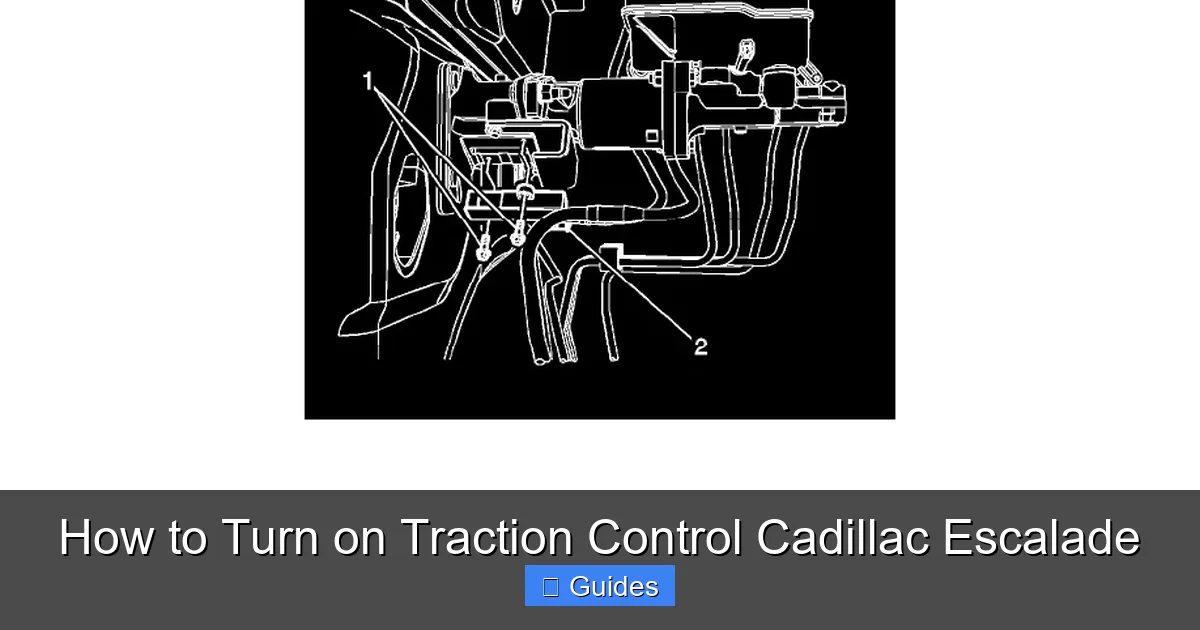
Visual guide about How to Turn on Traction Control Cadillac Escalade
Image source: workshop-manuals.com
While traction control is generally a good thing, there are times when turning it off can actually help. The most common scenario is when your vehicle is stuck—say, in deep snow, mud, or sand.
Here’s why: traction control is designed to prevent wheel spin. But when you’re stuck, a little wheel spin can help you “rock” the vehicle free. If the system keeps cutting power or applying brakes, you might not be able to generate enough momentum to get unstuck.
In these cases, you can temporarily disable traction control. On most Escalades, press and hold the TCS or StabiliTrak button for 3–5 seconds. You’ll see the traction control light come on, indicating the system is off. Now, try gently rocking the vehicle forward and backward by shifting between Drive and Reverse.
Once you’re free, turn traction control back on immediately. Remember, it’s only safe to drive with it off for short periods and at low speeds. Never disable it for high-speed driving or on paved roads.
Another reason to turn it off? Performance driving. Some drivers prefer to disable traction control during track days or spirited driving to allow for more wheel slip and faster acceleration. But again, this should only be done in controlled environments—not on public roads.
And one more tip: if you’ve recently had your tires rotated or replaced, or if you’re driving with a temporary spare, traction control may behave differently. In these cases, it’s wise to keep the system on to compensate for any imbalance.
Troubleshooting Traction Control Issues
Even the best systems can have hiccups. If you notice that traction control isn’t working as expected, don’t panic—there are usually simple fixes.
First, check the dashboard. If the traction control light is on and won’t turn off, it could mean:
– The system is manually disabled (press the button to reactivate).
– There’s a fault in the wheel speed sensors.
– The ABS system has an issue (since traction control relies on ABS sensors).
– A software glitch in the infotainment or control module.
Try turning the vehicle off and on again. Sometimes, a simple restart resets the system. If the light persists, consult your owner’s manual or visit a Cadillac service center.
Another common issue? The system feels “too aggressive.” You might notice the engine cutting power frequently, even on dry roads. This could be due to worn tires, low tire pressure, or a misaligned wheel. Make sure your tires are in good condition and properly inflated.
Also, remember that traction control isn’t a substitute for safe driving. It can’t defy physics—if you’re going too fast for conditions, no system can fully prevent a skid. Always adjust your speed to match the road.
Tips for Maximizing Traction Control Effectiveness
To get the most out of your Escalade’s traction control system, follow these tips:
– **Keep Tires in Good Condition:** Worn or mismatched tires reduce effectiveness. Rotate and replace them as recommended.
– **Check Tire Pressure Monthly:** Underinflated tires reduce grip and confuse the sensors.
– **Use Winter Tires in Cold Climates:** They provide better traction, reducing the load on the traction control system.
– **Avoid Sudden Acceleration:** Smooth inputs help the system work more efficiently.
– **Update Software:** If your Escalade has over-the-air updates, make sure the vehicle software is current.
– **Educate Passengers:** Let family or friends know how traction control works so they don’t accidentally disable it.
By combining technology with smart driving habits, you’ll get the safest, smoothest ride possible.
Conclusion
Turning on traction control in your Cadillac Escalade is a simple but powerful way to enhance your safety and driving confidence. Whether you’re navigating a snowy driveway or cruising down a rain-slicked highway, this system helps keep your vehicle stable and under control.
From physical buttons in older models to touchscreen menus in the latest Escalades, the process is straightforward once you know where to look. And while there are rare times when you might need to turn it off, those moments are the exception—not the rule.
Remember: traction control is just one part of your Escalade’s safety suite. It works best when combined with ABS, StabiliTrak, and your own attentive driving. So the next time you start your Escalade, take a moment to check that traction control is on. It’s a small step that can make a big difference.
Drive safe, stay in control, and enjoy every mile in your Cadillac Escalade.
Frequently Asked Questions
How do I know if traction control is on in my Cadillac Escalade?
Check your dashboard. If the traction control light (usually a car with skid marks) is off, the system is active. If the light is on, traction control is disabled or there’s a fault.
Can I turn on traction control while driving?
Yes, you can safely enable or disable traction control while the vehicle is in motion. Just use the button or menu option—no need to stop.
Why does my traction control light stay on?
A persistent light may indicate the system is off, a sensor issue, or a problem with the ABS. Try restarting the vehicle. If the light remains, have it checked by a technician.
Does turning off traction control improve fuel economy?
Not significantly. While reduced engine intervention might slightly improve efficiency in rare cases, the difference is minimal and not worth the safety trade-off.
Can I permanently disable traction control on my Escalade?
No, you cannot permanently disable it. The system will typically reactivate when the vehicle is restarted or reaches a certain speed for safety reasons.
Does traction control work in 4WD mode?
Yes, traction control works in both 2WD and 4WD modes. In fact, it’s especially helpful in 4WD when driving off-road or in slippery conditions.

At CarLegit, we believe information should be clear, factual, and genuinely helpful. That’s why every guide, review, and update on our website is created with care, research, and a strong focus on user experience.