
Locked your keys inside your Nissan Sentra? Don’t panic—there are several safe and effective methods to regain access. From using a spare key to leveraging Nissan’s smart technology or calling a professional, this guide walks you through every option step by step.
In This Article
- 1 Key Takeaways
- 2 📑 Table of Contents
- 3 How to Unlock Nissan Sentra with Keys Inside
- 4 Understanding Your Nissan Sentra’s Locking System
- 5 Immediate Steps to Take When Locked Out
- 6 Professional Solutions for Locked-Out Sentras
- 7 DIY Methods (Use with Caution)
- 8 Preventing Future Lockouts
- 9 Conclusion
- 10 Frequently Asked Questions
- 10.1 Can I unlock my Nissan Sentra if the key is inside and the battery is dead?
- 10.2 Will my insurance cover a lockout service?
- 10.3 Can I use a coat hanger to unlock my Sentra?
- 10.4 How much does it cost to unlock a Nissan Sentra?
- 10.5 Can I program a new key myself?
- 10.6 What if my Sentra won’t unlock even with the key nearby?
Key Takeaways
- Check for a spare key: Always keep a spare key in a secure, accessible location like a magnetic lockbox or with a trusted person.
- Use Nissan’s Intelligent Key system: If your Sentra has a keyless entry fob, you may be able to unlock the doors by pressing the unlock button on the fob, even if it’s inside the car.
- Try the door handle sensor: Some newer Sentra models allow you to unlock the car by touching the sensor on the door handle when the key is nearby—even inside the vehicle.
- Call roadside assistance: Nissan offers roadside help for owners, including lockout services, often at no extra cost under warranty or service plans.
- Avoid DIY damage: Never use coat hangers, wedges, or other tools unless you’re trained—improper methods can damage windows, seals, or electronics.
- Use the NissanConnect app: If your vehicle is equipped, the app can remotely unlock your doors via smartphone—no physical key needed.
- Contact a locksmith: A professional automotive locksmith can safely unlock your Sentra without causing damage, often within minutes.
📑 Table of Contents
How to Unlock Nissan Sentra with Keys Inside
We’ve all been there—rushing out the door, juggling groceries, coffee, and your phone, only to realize your keys are still sitting on the passenger seat. You press the lock button on your fob, the doors click shut, and suddenly, you’re locked out of your Nissan Sentra. It’s frustrating, stressful, and happens more often than you’d think. But don’t worry—getting back into your car doesn’t have to mean calling a tow truck or smashing a window.
The good news? Modern Nissan Sentras come equipped with smart technology and multiple safety features designed to prevent—and resolve—lockouts. Whether you’re driving a 2015 model or a brand-new 2024 Sentra, there are several reliable ways to unlock your car safely and efficiently. This guide will walk you through every option, from quick fixes to professional solutions, so you can get back on the road with minimal hassle.
Understanding Your Nissan Sentra’s Locking System
Visual guide about How to Unlock Nissan Sentra with Keys Inside
Image source: safetyfic.com
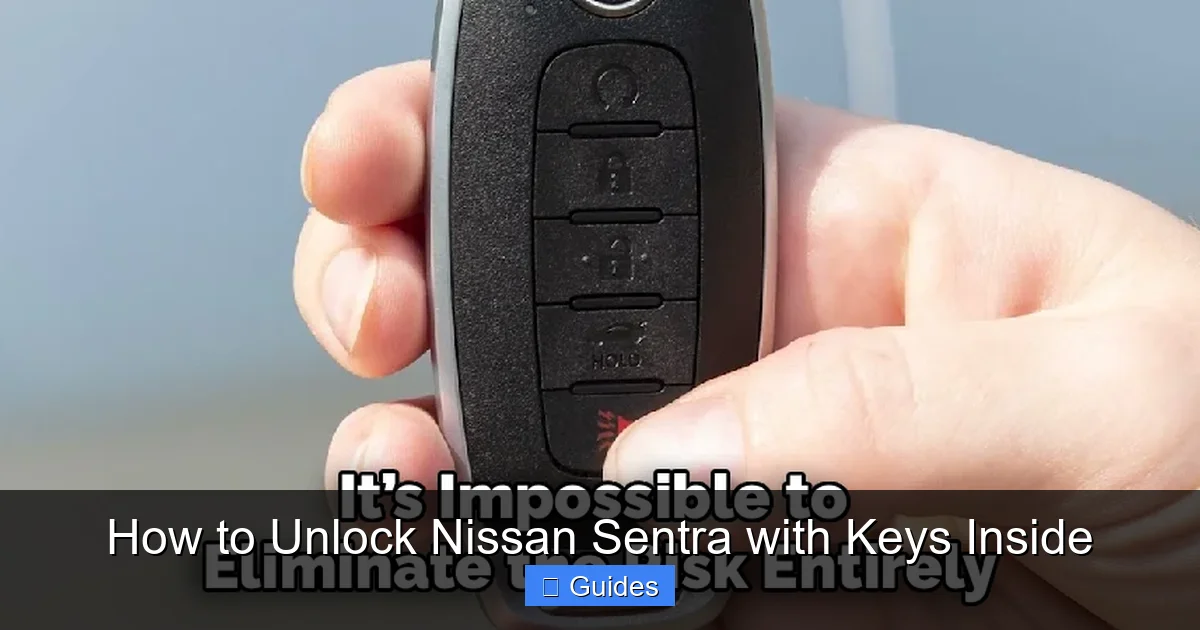
Before diving into solutions, it helps to understand how your Nissan Sentra’s locking system works. Most Sentras from 2013 onward come with an Intelligent Key system, also known as a key fob or smart key. This isn’t just a remote—it communicates wirelessly with your car to allow keyless entry and push-button start.
The system uses radio frequency identification (RFID) to detect when the key is near the vehicle. When you approach, the car senses the fob and allows you to unlock the doors by touching the sensor on the door handle. Similarly, if the key is inside the car, the system may still recognize it and allow you to lock or unlock the doors—unless the car is already locked.
One common misconception is that if the key is inside, the car won’t lock. While some older models had this safety feature, many newer Sentras will lock even with the key inside, especially if the fob is in the trunk or rear seat. This is why it’s crucial to know your car’s specific behavior and have a backup plan.
How the Intelligent Key Works
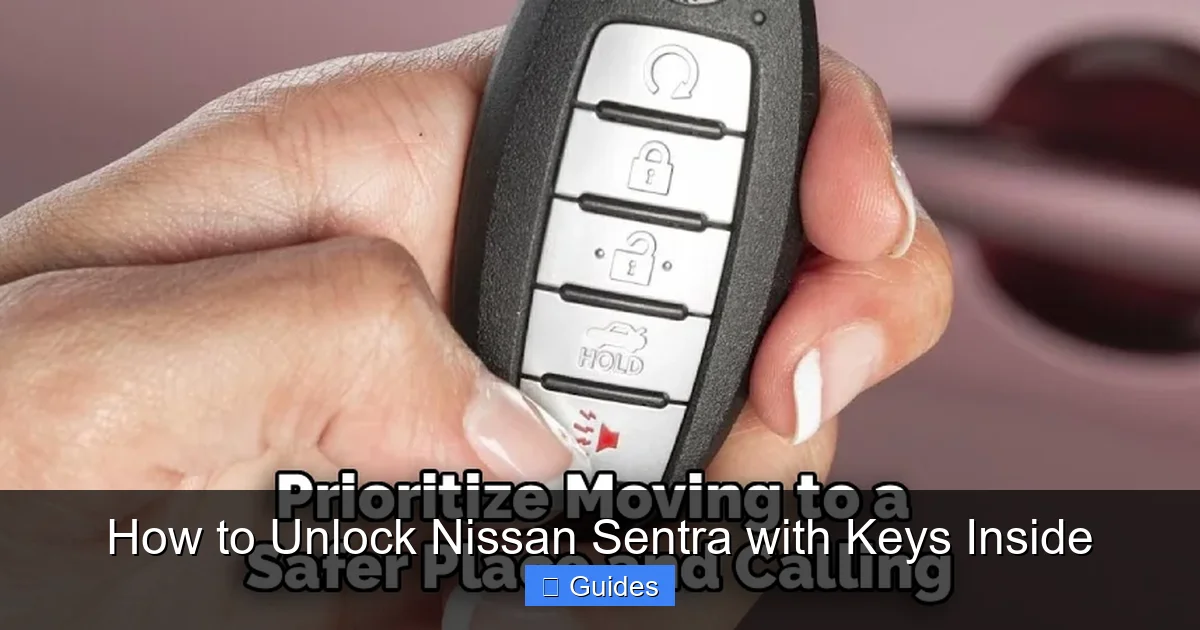
The Intelligent Key fob has several functions:
– **Unlock Button:** Press once to unlock the driver’s door, twice to unlock all doors.
– **Lock Button:** Locks all doors when pressed.
– **Trunk Release:** Opens the trunk remotely.
– **Panic Alarm:** Triggers the horn and lights for emergencies.
When the fob is within range (usually about 3–6 feet), the car can detect it. If the key is inside the vehicle, the system may still respond to fob commands—unless the car has already been locked manually or via the app.
Why Your Sentra Might Lock with the Key Inside
There are a few reasons this happens:
– **Manual Locking:** If you used the key or the lock button inside the car before exiting, the system may not detect the fob as “inside.”
– **Fob in the Trunk:** The trunk is often considered “outside” the passenger cabin, so the car may lock even if the key is in the trunk.
– **Low Battery in Fob:** A weak battery can reduce the fob’s range, making the car think the key is farther away than it is.
– **Software Glitch:** Rarely, a system error can cause the car to lock unexpectedly.
Understanding these factors helps you avoid future lockouts and choose the right solution when they happen.
Immediate Steps to Take When Locked Out
Visual guide about How to Unlock Nissan Sentra with Keys Inside
Image source: safetyfic.com
The moment you realize your keys are inside your locked Nissan Sentra, stay calm. Panic leads to poor decisions—like trying to break a window or force the door open. Instead, follow these immediate steps:
1. Check All Doors and Windows
It sounds obvious, but sometimes one door or window might be slightly ajar. Walk around the car and gently test each door handle. If you’re lucky, one might not have fully latched.
Also, check the sunroof or rear hatch if your Sentra has one. On some models, the rear hatch can be opened manually from the inside, even if the car is locked.
2. Look for a Spare Key
Do you have a spare key? Many people keep one in a magnetic lockbox under the car, in a garage, or with a family member or neighbor. If you’ve set one up in advance, now’s the time to use it.
If you don’t have a spare, consider getting one made as soon as possible. Most dealerships or locksmiths can duplicate your key using the VIN (Vehicle Identification Number), even if you don’t have the original.
3. Use the Key Fob (If It’s Working)
Even if the key is inside the car, the fob might still work—especially if it’s close to a window or door. Try pressing the unlock button multiple times. Sometimes, the signal can penetrate the glass or body panels.
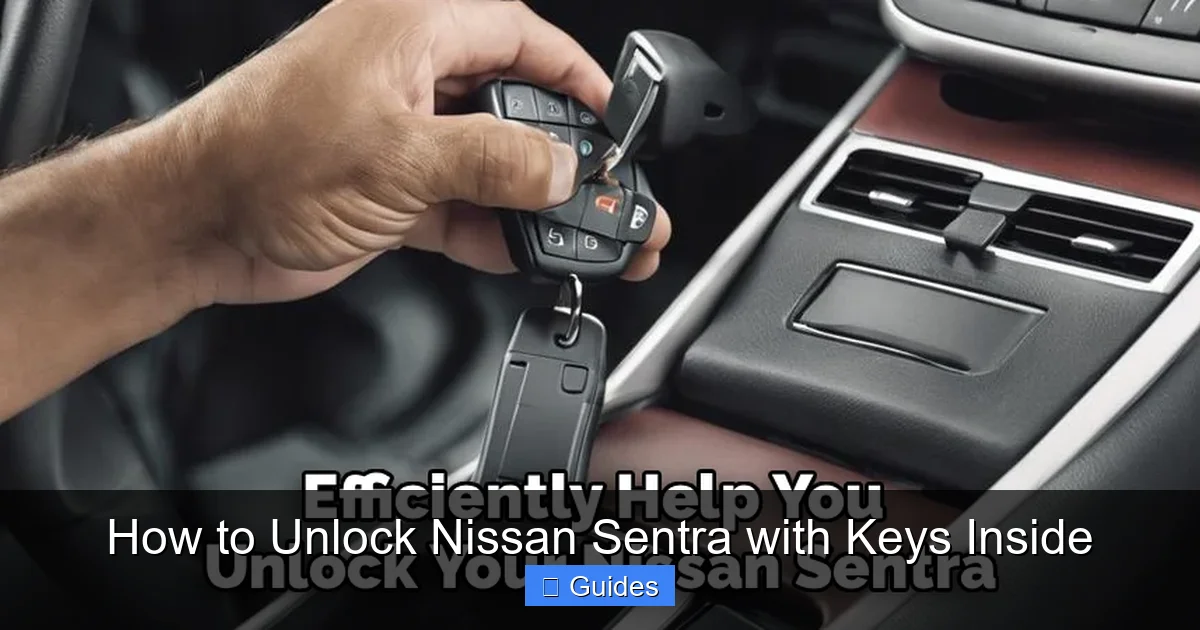
If your fob has a physical key blade (usually hidden inside the fob), you can use it to manually unlock the driver’s door. Look for a small release button on the fob—press it to slide out the metal key. Insert it into the keyhole on the driver’s door (usually hidden under a cap) and turn to unlock.
4. Try the Door Handle Sensor
On newer Sentras with keyless entry, you can often unlock the car by simply touching the sensor on the door handle—even if the key is inside. This works because the system detects the fob’s proximity.
Approach the driver’s door and gently touch the textured area on the handle. If the system recognizes the key, the doors should unlock automatically. If not, try pressing the unlock button on the fob while touching the handle.
5. Use the NissanConnect App (If Available)
If your Sentra is equipped with NissanConnect Services and you’ve set up the app, you can unlock your car remotely using your smartphone. Here’s how:
– Open the NissanConnect app.
– Log in with your account.
– Select your vehicle.
– Tap the “Door Unlock” button.
This feature requires an active subscription and cellular connectivity in your car. It’s a game-changer for lockouts and works even if the key is inside.
Professional Solutions for Locked-Out Sentras
Visual guide about How to Unlock Nissan Sentra with Keys Inside
Image source: safetyfic.com
If the quick fixes don’t work, it’s time to call in the pros. These solutions are safe, reliable, and designed to get you back in without damaging your car.
Call Roadside Assistance
Nissan offers roadside assistance to owners, often included with new vehicles or extended service plans. This service typically covers lockouts, towing, fuel delivery, and jump-starts.
To use it:
– Call the number on your Nissan roadside assistance card (usually found in the glove box).
– Provide your VIN and location.
– A technician will arrive to unlock your car—usually within 30–60 minutes.
Many plans cover lockouts at no extra charge, so check your warranty or service agreement. Even if you’re not a new owner, third-party services like AAA also offer lockout help.
Contact a Professional Locksmith
A licensed automotive locksmith is trained to unlock cars without damage. They use specialized tools like slim jims, air wedges, and lock picks to access the door mechanism.
When calling a locksmith:
– Choose one with experience in Nissan vehicles.
– Ask for an estimate upfront.
– Confirm they’re licensed and insured.
Most locksmiths can arrive within 20–40 minutes and unlock your Sentra for $50–$150, depending on location and time of day. Avoid unlicensed operators—they may cause damage or overcharge.
Visit a Nissan Dealership
If all else fails, your local Nissan dealership can help. They have the tools and expertise to unlock your car and may even reprogram a new key if needed.
Dealerships can:
– Unlock your car using diagnostic tools.
– Cut a new key from your VIN.
– Reprogram the fob if it’s malfunctioning.
While this option may take longer and cost more (typically $100–$200), it’s the most reliable for complex issues.
DIY Methods (Use with Caution)
Some people try DIY methods like coat hangers, wedges, or string techniques to unlock their cars. While these can work on older vehicles, they’re risky on modern Sentras and can cause serious damage.
Why DIY Methods Are Risky
Modern cars have:
– **Tinted or laminated windows** that can crack or shatter.
– **Weather seals** that tear easily, leading to water leaks.
– **Electronic sensors** that can be damaged by improper tools.
– **Airbag systems** near door panels that can deploy accidentally.
Even if you succeed, you might end up with repair bills that far exceed the cost of professional help.
When DIY Might Work (Rarely)
In rare cases, if your Sentra has a manual lock cylinder and the window is slightly open, you might be able to use a long, flexible tool to press the unlock button inside. But this requires precision and luck—and even then, it’s not guaranteed.
If you attempt any DIY method:
– Use soft materials to avoid scratching paint.
– Never force anything—gentle pressure only.
– Stop immediately if you feel resistance.
For most people, calling a professional is the smarter, safer choice.
Preventing Future Lockouts
The best way to handle a lockout is to avoid it altogether. Here are practical tips to keep your keys safe and accessible:
Always Carry a Spare Key
Keep a spare key in a secure location:
– **Magnetic lockbox:** Attach it under the car (out of sight).
– **Trusted person:** Give one to a family member or friend.
– **Wallet key:** Some fobs have a small, foldable metal key you can carry separately.
Use a Keychain Alarm or Tracker
Devices like Tile or Apple AirTag can help you locate your keys if they’re misplaced. Some even alert you if you’re about to leave them behind.
Enable NissanConnect Reminders
If you use the NissanConnect app, enable notifications that remind you to take your keys when exiting the car.
Develop a Routine
Make it a habit to check for your keys before locking the car. Say it out loud: “Keys, phone, wallet”—a simple mnemonic that works.
Keep the Fob Battery Fresh
A weak battery reduces the fob’s range and can cause unexpected lockouts. Replace the battery every 1–2 years or when the range seems shorter.
Conclusion
Getting locked out of your Nissan Sentra is inconvenient, but it’s rarely a disaster. With the right knowledge and tools, you can regain access quickly and safely. Start with the simplest solutions—check for a spare key, use the fob, or try the door sensor. If those don’t work, call roadside assistance or a professional locksmith.
Avoid risky DIY methods that could damage your car. Instead, focus on prevention: keep a spare key, use technology like the NissanConnect app, and develop habits that reduce the chance of lockouts.
Remember, every Sentra owner has faced this at least once. You’re not alone—and now, you’re prepared. Stay calm, stay smart, and you’ll be back behind the wheel in no time.
Frequently Asked Questions
Can I unlock my Nissan Sentra if the key is inside and the battery is dead?
Yes, but it’s more difficult. If the fob battery is dead, the car may not detect the key. Try using the physical key blade in the fob to manually unlock the driver’s door. If that doesn’t work, call a locksmith or roadside assistance.
Will my insurance cover a lockout service?
Some auto insurance policies include roadside assistance that covers lockouts. Check your policy or contact your provider. Many also offer add-on services for a small fee.
Can I use a coat hanger to unlock my Sentra?
It’s not recommended. Modern Sentras have complex door mechanisms and sealed windows. Using a coat hanger can damage the window, weather stripping, or internal electronics. Professional tools are safer and more effective.
How much does it cost to unlock a Nissan Sentra?
Costs vary: roadside assistance is often free with your plan, locksmiths charge $50–$150, and dealerships may charge $100–$200. Prices depend on location, time of day, and urgency.
Can I program a new key myself?
Some older Sentras allow basic key programming, but most newer models require a dealership or locksmith with specialized tools. Attempting DIY programming can disable the immobilizer system.
What if my Sentra won’t unlock even with the key nearby?
This could indicate a faulty fob, low battery, or system error. Try replacing the fob battery first. If that doesn’t work, visit a Nissan dealer to diagnose the issue.

At CarLegit, we believe information should be clear, factual, and genuinely helpful. That’s why every guide, review, and update on our website is created with care, research, and a strong focus on user experience.