
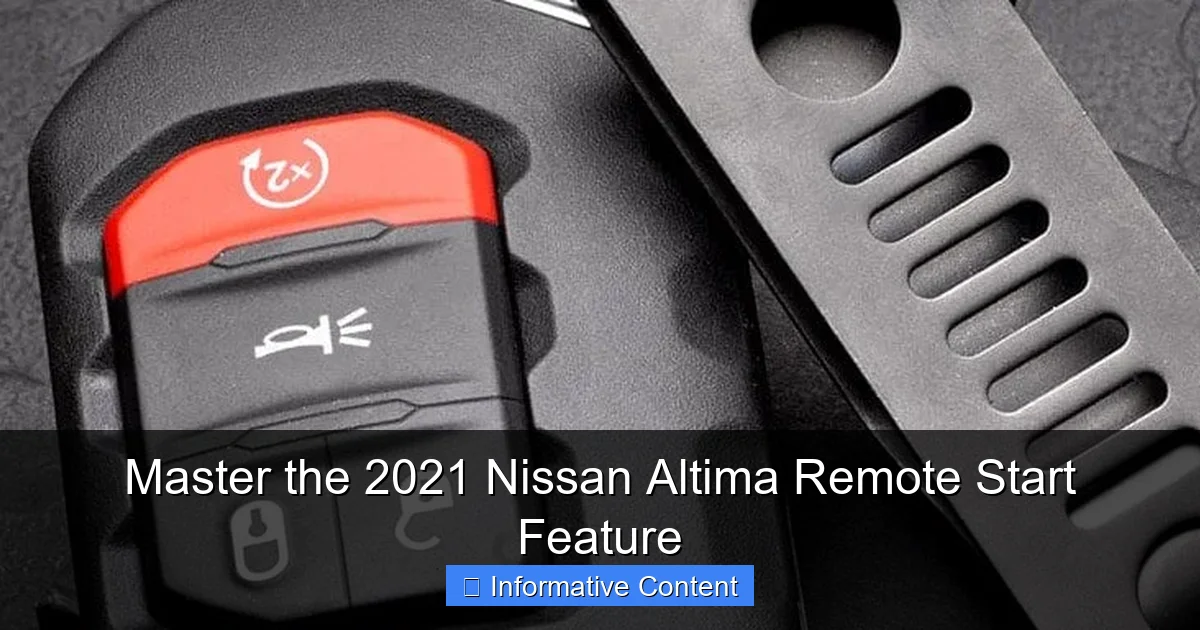
Mastering the remote start on your 2021 Nissan Altima begins with a simple press of the lock button on your Intelligent Key fob, followed by holding the remote engine start button for at least two seconds. This convenient feature allows you to warm up the cabin or cool it down from a distance, ensuring your comfort before you even step inside. For optimal use, remember the system will run for up to 10 minutes and requires the vehicle to be properly locked beforehand.
In This Article
- 1 Key Takeaways
- 2 📑 Table of Contents
- 3 Master the 2021 Nissan Altima Remote Start Feature
- 4 What You Need to Know Before You Start
- 5 Your Step-by-Step Guide to Using the Key Fob Remote Start
- 6 Extending Runtime and Entering Your Vehicle
- 7 Smart Climate Control and Customization
- 8 Troubleshooting Common Remote Start Issues
- 9 Beyond the Key Fob: The Power of NissanConnect Services
- 10 Final Thoughts on Mastering Your Comfort
- 11 Frequently Asked Questions
- 11.1 How do I activate the remote start on my 2021 Nissan Altima?
- 11.2 What is the range for the 2021 Nissan Altima remote start?
- 11.3 Why won’t my 2021 Nissan Altima remote start work?
- 11.4 How long will the engine run using remote start?
- 11.5 Can I use the NissanConnect app for remote start?
- 11.6 Does the remote start also activate the climate control?
Key Takeaways
- Activate with the Fob: Press the lock button, then hold the remote start button.
- Confirm Successful Start: Look for the vehicle’s lights to flash and horn to chirp.
- Know the Runtime Limit: The engine runs for a maximum of 10 minutes per cycle.
- Extend Runtime Remotely: Repeat the remote start sequence before the initial cycle ends.
- Enter the Vehicle Safely: Unlock with the fob or request button to keep the engine running.
- Check for Preconditions: Ensure doors are locked and the hood is closed for operation.
📑 Table of Contents
- Master the 2021 Nissan Altima Remote Start Feature
- What You Need to Know Before You Start
- Your Step-by-Step Guide to Using the Key Fob Remote Start
- Extending Runtime and Entering Your Vehicle
- Smart Climate Control and Customization
- Troubleshooting Common Remote Start Issues
- Beyond the Key Fob: The Power of NissanConnect Services
- Final Thoughts on Mastering Your Comfort
Master the 2021 Nissan Altima Remote Start Feature
Picture this. It’s a bitter January morning. Frost coats your windshield like a thick, stubborn blanket. You’re bundled up, keys in hand, dreading the moment you have to step into your car’s icy interior. You know the drill: start the car, scrape the windows, and shiver for the first ten minutes of your commute until the heater finally decides to work.
But what if I told you there’s a better way? What if you could start your car from the cozy warmth of your kitchen, sipping your coffee while your Altima thaws itself out? That’s the magic of the remote start feature on the 2021 Nissan Altima. It’s not just a fancy gadget; it’s a genuine quality-of-life upgrade for any driver facing extreme weather.
I remember the first time I used it. I was skeptical. I fumbled with the key fob, pressed a button, and saw my car’s lights flash from my living room window. Walking out to a warm, defrosted car on a 20-degree day felt nothing short of luxurious. It transformed my morning routine. In this guide, I’ll walk you through everything you need to know to master this fantastic feature, from the simple button presses to the smart little details that make it so useful.
What You Need to Know Before You Start
Before we dive into the “how-to,” let’s cover the essentials. Not every 2021 Nissan Altima has remote start, and how you use it depends on your specific setup. Knowing what you have is the first step to mastering it.
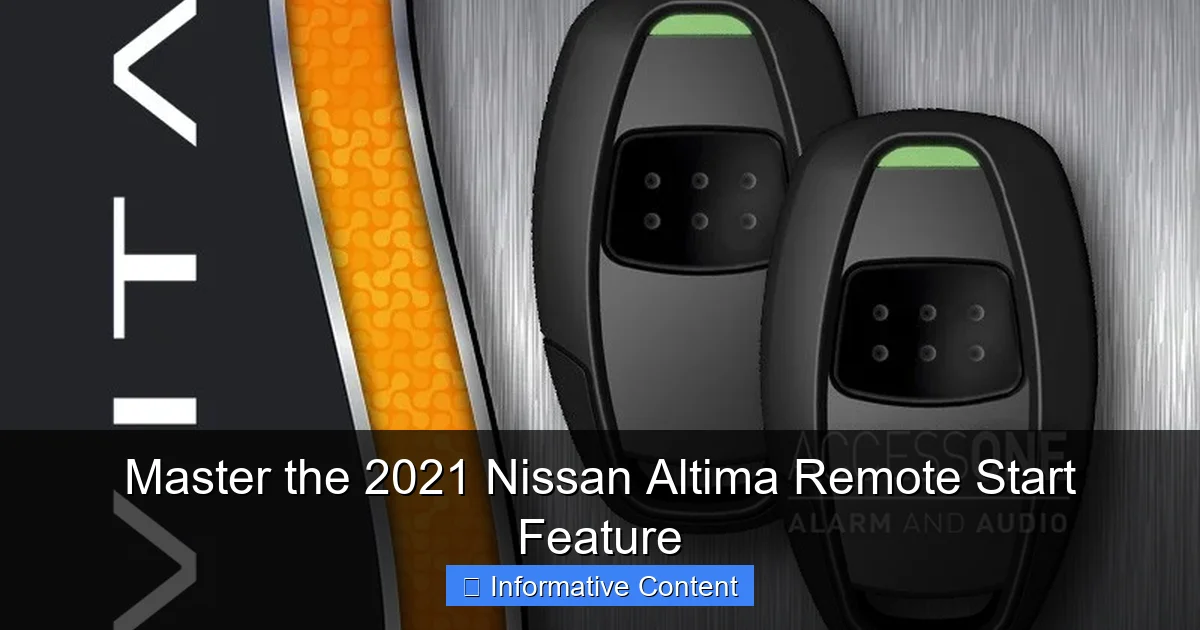
Visual guide about 2021 Nissan Altima remote start
Image source: access1alarm.com
Checking Your Altima’s Equipment
First, check your key fob. If you have remote start, your fob will have a special button. It’s usually a circular arrow icon, often labeled “2X” or with the word “START.” If your fob doesn’t have this button, your vehicle may not be equipped with the factory remote start system. Some lower trim levels might not include it, or it could be part of an optional package. You can also check your original window sticker or contact a Nissan dealer with your VIN to confirm.
Understanding the Two Types of Systems
The 2021 Nissan Altima primarily uses two methods for remote start:
- The Key Fob System: This is the standard, built-in system. It uses a radio signal from your physical key fob to start the vehicle. Its range is typically around 200 feet, provided there’s a clear line of sight.
- NissanConnect Services: This is the smartphone app system. If your Altima is equipped with NissanConnect (often on SV, SL, and Platinum trims), you can start, lock, unlock, and more from virtually anywhere with a cell signal. This is perfect for when you’re in a mall, at the office, or even checking on your car while on vacation.
Most of this guide will focus on the key fob method, as it’s the most common. We’ll touch on the app later as a powerful bonus feature.
Your Step-by-Step Guide to Using the Key Fob Remote Start
This is the core of mastering the 2021 Nissan Altima remote start feature. The process is straightforward, but there’s a specific sequence you need to follow. Let’s break it down.
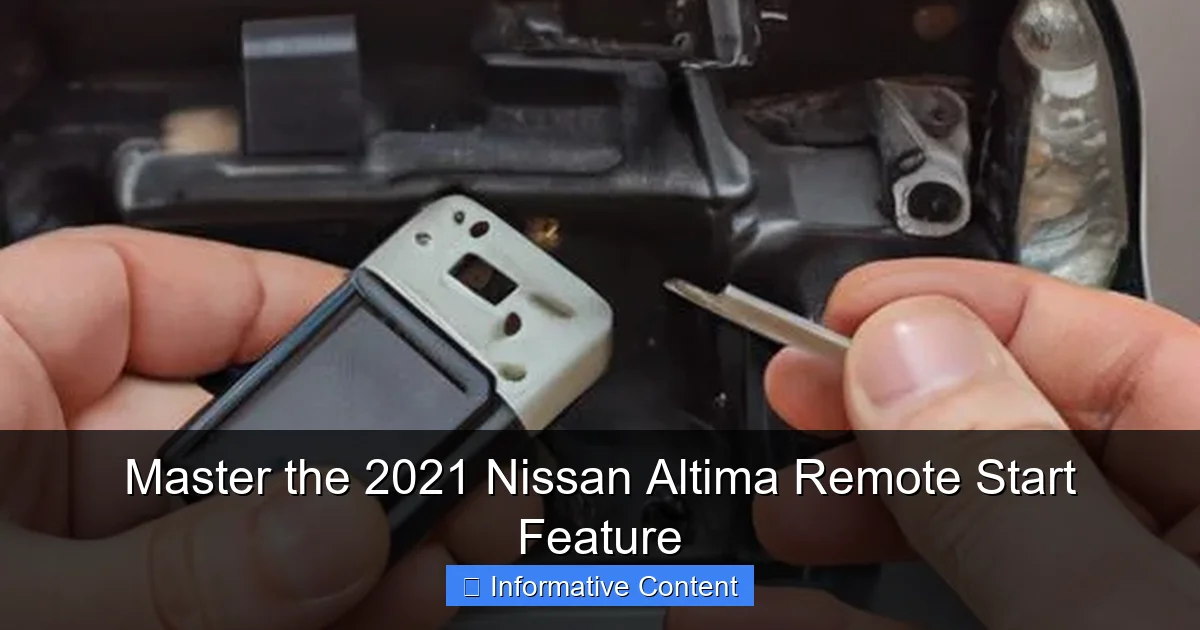
Visual guide about 2021 Nissan Altima remote start
Image source: tffn.net
The Standard Starting Procedure
To start your Altima remotely using the key fob, follow these steps carefully:
- Make sure your vehicle is locked. You can do this by pressing the “Lock” button on your fob.
- Press the “Lock” button on the fob one more time within five seconds. This double-lock is crucial; it’s the system’s safety check.
- Now, press and hold the remote start button (the circular arrow) for at least two seconds. The button may be labeled “2X” indicating you need to press it twice, but holding it is the key.
You’ll know it worked when you see the vehicle’s exterior lights flash twice and hear a short horn beep. The engine will start, and the climate control system will activate based on the last settings you used.
What Happens After a Successful Remote Start
Once your 2021 Nissan Altima is running remotely, it will operate for 10 minutes. This is a safety feature to prevent excessive idling. The doors remain locked for security. The climate control will automatically adjust to heat or cool the cabin to around 72°F (22°C), which is a very comfortable default. If you had the defroster on when you last turned the car off, it will likely activate to help clear the windows.
Extending Runtime and Entering Your Vehicle
Ten minutes is usually enough, but sometimes you need a little more time. And of course, you need to know how to safely get in and drive after using the remote start feature.
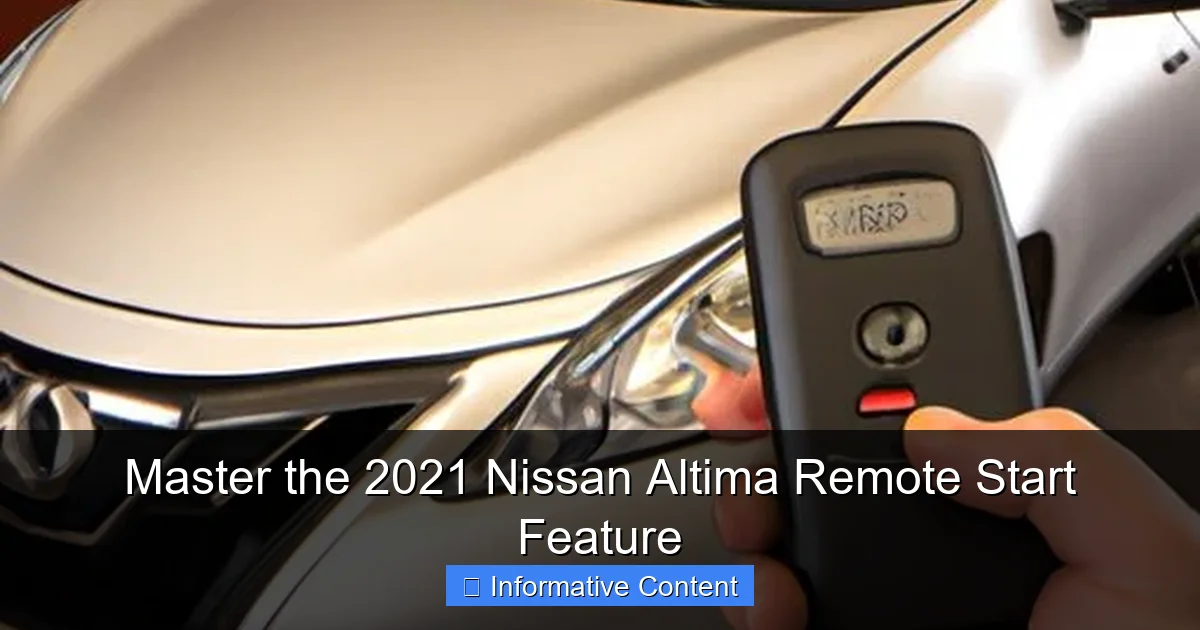
Visual guide about 2021 Nissan Altima remote start
Image source: lihpao.com
How to Add More Time
If you need your Altima to run longer than the initial 10-minute cycle, you can extend it by another 10 minutes. To do this, simply repeat the remote start sequence before the first cycle ends. Press the Lock button twice, then hold the remote start button again. You can typically do this once, for a total of 20 minutes of runtime. After that, you must start the car normally with the key inside to drive.
The Secure Hand-Off to Driving
This part is important for security. When you approach your remotely started vehicle, it will still be locked.
- Unlock the doors using the key fob’s “Unlock” button or the Request Switch on the driver’s door handle (if equipped with Intelligent Key).
- Get inside and sit in the driver’s seat.
- With the key fob inside the vehicle, press the brake pedal.
- Now, press the ENGINE START/STOP button. This doesn’t restart the engine; it simply shifts the vehicle from “remote run” mode into “drive ready” mode. The dashboard will illuminate fully, and you can now shift out of Park and drive normally.
If you don’t perform step 4 and try to shift, the vehicle won’t let you. It’s a smart way to ensure only an authorized driver with the key can take control.
Smart Climate Control and Customization
One of the best parts of the 2021 Nissan Altima remote start feature is how it handles your comfort. It’s not just about turning the engine on; it’s about preparing your cabin.
How the System Manages Temperature
The system is surprisingly intelligent. It reads the outside temperature and your last-used climate settings. If it’s cold outside (typically below 40°F/4°C), it will activate the heater, fan, and rear window defroster. If it’s hot outside (above 70°F/21°C), it will activate the air conditioning to cool the cabin. This automatic function means you almost never have to think about it.
Tips for Optimal Pre-Conditioning
- Set It and Forget It: Before you park and turn off your car, set your climate control to your preferred temperature and fan speed. The remote start will use this as a guide.
- Defroster Hack: If you know frost or ice is coming, manually turn on your front defroster and heated mirrors/seats (if equipped) before you shut the car off. The remote start will reactivate these systems.
- Summer Strategy: On a hot day, try to park in the shade. Use the remote start a few minutes before you leave to let the A/C begin cooling the sweltering interior, making your entry much more pleasant.
Troubleshooting Common Remote Start Issues
Sometimes, things don’t go as planned. The remote start on the 2021 Nissan Altima has several safety checks, and if any condition isn’t met, it won’t start. Here’s what to check if it’s not working.
Why Won’t My Altima Start Remotely?
If you press the buttons and nothing happens, don’t panic. Run through this mental checklist:
- Is the vehicle locked? The doors must be locked for the sequence to initiate.
- Is the hood closed securely? An open or ajar hood is a major safety disable.
- Is the fuel level low? If the fuel gauge is near empty, the system may not activate.
- Is the check engine light on? An active malfunction indicator lamp will prevent remote start.
- Is the key fob battery weak? Try starting the car with the fob closer to the windshield. If it works, your fob battery is likely dying.
- Was the sequence too slow? Remember: Lock, then Lock again within 5 seconds, then hold Start. Do it with purpose!
Understanding System Limitations
The remote start is designed with safety first. It will automatically shut off the engine if:
The 10-minute (or 20-minute) timer expires.
The hood is opened.
Any door is unlocked without using the key fob first (a security measure).
The system detects a problem with the vehicle.
Knowing these rules helps you understand it’s not broken; it’s just being protective.
Beyond the Key Fob: The Power of NissanConnect Services
If your 2021 Nissan Altima has this subscription-based feature, the remote start game changes completely. Let’s explore the added benefits.
Remote Start from Anywhere
With the NissanConnect app on your smartphone, distance is no longer a barrier. You can start your car from your desk, your airport terminal, or your sofa. This is incredibly useful for unpredictable schedules or when you park in a massive lot and can’t remember where. The app also allows you to lock/unlock doors, flash lights, honk the horn, and even check your vehicle’s status (like fuel level and tire pressure).
Setting Up and Using the App
To use it, you must first activate NissanConnect Services through your dealer or the Nissan owners portal. Once activated, download the “NissanConnect Services” app, log in with your credentials, and pair it with your vehicle. The interface is user-friendly. To start your car, you typically just tap a “Start Engine” icon in the app. You can also often set climate control presets (“Quick Cool,” “Quick Heat”) for one-touch comfort.
A quick note: This service usually comes with a complimentary trial period (often 3-10 years on newer models), after which a subscription is required to maintain functionality.
Key Remote Start vs. NissanConnect Services
Let’s look at the key differences in a simple format.
| Feature | Key Fob Remote Start | NissanConnect App |
|---|---|---|
| Range | ~200 feet (line of sight) | Virtually unlimited (cellular signal) |
| Primary Use | Pre-conditioning at home/work | Starting from anywhere, security checks |
| Additional Functions | Start engine only | Start, lock/unlock, horn/lights, vehicle status |
| Cost | Included with vehicle (if equipped) | Requires active subscription after trial |
| Dependency | Key fob battery | Smartphone battery & cell service |
Final Thoughts on Mastering Your Comfort
Mastering the 2021 Nissan Altima remote start feature is about more than memorizing a button sequence. It’s about integrating a powerful tool into your daily life to combat weather extremes and add a layer of convenience you’ll quickly wonder how you ever lived without. From those freezing winter mornings to the blistering summer afternoons, this feature puts you in control of your cabin’s environment before you even step outside.
Start by practicing the key fob sequence in your driveway. Get a feel for the timing. Pay attention to how your climate system responds. Explore the NissanConnect app if you have it. Remember the troubleshooting tips for those rare times it seems finicky. With this guide, you’re now equipped to use this feature confidently and effectively. Your future self, sipping coffee in a warm, defrosted car while your neighbors scrape their windshields, will thank you.
Frequently Asked Questions
How do I activate the remote start on my 2021 Nissan Altima?
To activate the remote start, first press the lock button on your Intelligent Key fob. Then, press and hold the remote start button (the circular arrow) for at least two seconds. The vehicle’s exterior lights will flash, and the engine will start, confirming the feature is active.
What is the range for the 2021 Nissan Altima remote start?
The typical operating range for the remote start is approximately 200 feet, but this can vary based on environmental conditions. Obstacles like buildings or other vehicles may reduce the effective range, so a clear line of sight is ideal for optimal performance.
Why won’t my 2021 Nissan Altima remote start work?
Common reasons include a low key fob battery, an open hood or door, or a low fuel level. Also, ensure the vehicle is properly locked before attempting to start it remotely, as this is a primary safety requirement for the system to engage.
How long will the engine run using remote start?
When activated, the remote start feature will run the engine for a default period of 10 minutes. You can extend this by an additional 10 minutes by repeating the remote start procedure before the initial cycle ends, for a maximum of 20 minutes total.
Can I use the NissanConnect app for remote start?
Yes, if your 2021 Altima is equipped with NissanConnect Services, you can use the smartphone app to start your vehicle from a much greater distance. This requires an active subscription and a data connection, providing convenience beyond the key fob’s range.
Does the remote start also activate the climate control?
Yes, the system will automatically activate the climate control to reach the last set temperature. If equipped with heated seats and a heated steering wheel, these may also activate in colder weather based on your vehicle’s settings, warming the cabin before you enter.

At CarLegit, we believe information should be clear, factual, and genuinely helpful. That’s why every guide, review, and update on our website is created with care, research, and a strong focus on user experience.