
The Smart Mode in the Hyundai Elantra automatically adjusts driving dynamics based on your behavior, blending comfort, efficiency, and responsiveness. It’s like having a co-pilot that learns your style and optimizes the car’s performance for every trip.
In This Article
Key Takeaways
- Smart Mode adapts to your driving style: It monitors acceleration, braking, and steering to switch between Eco, Normal, and Sport modes automatically.
- Improves fuel efficiency: By favoring smoother acceleration and reduced engine load, it helps save gas during daily commutes.
- Enhances driving comfort: The system reduces harsh shifts and engine noise, making city driving more relaxed.
- Ideal for mixed driving conditions: Whether you’re on the highway or stuck in traffic, Smart Mode adjusts seamlessly.
- Easy to use and intuitive: No manual switching required—just drive, and the car does the rest.
- Works with other driver aids: Integrates with features like cruise control and lane-keeping assist for a smoother experience.
- Great for new and experienced drivers: Offers a balanced, stress-free drive without sacrificing performance when needed.
📑 Table of Contents
What Is Smart Mode on the Hyundai Elantra?
If you’ve ever driven a Hyundai Elantra—especially models from 2021 onward—you’ve probably noticed a button or setting labeled “Smart Mode.” But what exactly does it do? In simple terms, Smart Mode is an intelligent driving system that automatically adjusts the car’s performance based on how you’re driving. Think of it as your car’s way of reading your mood and responding accordingly.
Unlike traditional drive modes—like Eco, Normal, and Sport—that you have to manually select, Smart Mode does the thinking for you. It continuously monitors your driving behavior, including how hard you press the accelerator, how often you brake, and how you steer. Based on this data, it dynamically shifts between the three primary modes to match your style. So if you’re cruising calmly through town, it might lean into Eco mode to save fuel. But if you suddenly hit the gas to merge onto the highway, it’ll switch to Sport for quicker response.
This feature is especially helpful for drivers who don’t want to constantly toggle between settings. Whether you’re a daily commuter, a weekend road-tripper, or someone who just wants a smoother ride, Smart Mode makes driving easier and more intuitive. It’s one of those small tech upgrades that quietly improves your experience without you even realizing it—until you drive a car without it and miss the seamless adaptability.
How Does Smart Mode Work?
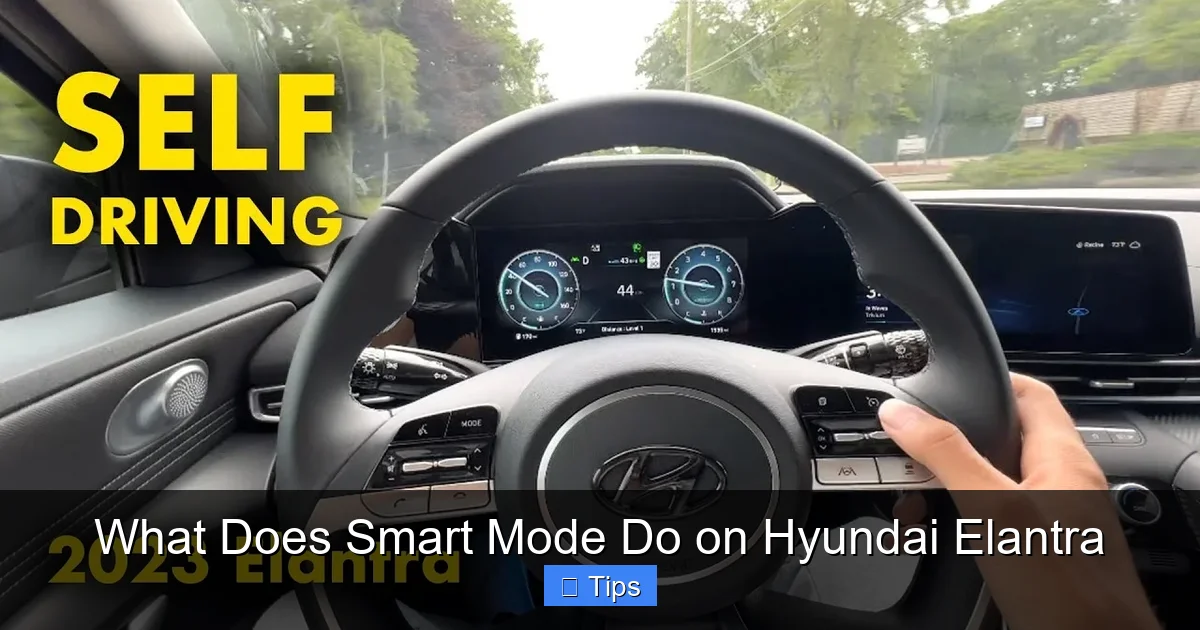
Visual guide about What Does Smart Mode Do on Hyundai Elantra
Image source: thecarhow.com
At its core, Smart Mode uses a combination of sensors, software, and real-time data to understand your driving habits. The Hyundai Elantra’s onboard computer collects information from various systems—like the throttle position sensor, brake pedal input, steering angle, and even vehicle speed—to build a profile of your behavior. This data is processed instantly, allowing the car to make split-second decisions about which driving mode to activate.
For example, if you typically accelerate gently and maintain a steady speed, Smart Mode will favor Eco mode. This reduces engine power slightly, softens throttle response, and optimizes shift points in the transmission to maximize fuel economy. On the other hand, if you tend to drive more aggressively—quick starts, frequent lane changes, or spirited highway driving—the system will lean toward Sport mode. This sharpens throttle response, holds gears longer, and gives you a more responsive feel behind the wheel.
The transition between modes is smooth and nearly imperceptible. You won’t hear loud engine revs or feel jerky shifts. Instead, the car subtly adjusts its behavior to match your rhythm. It’s like having a smart assistant that knows when you want efficiency and when you want performance—without you having to say a word.
One of the best things about Smart Mode is that it learns over time. The more you drive, the better it gets at predicting your preferences. So if you usually drive conservatively during the week but enjoy a more dynamic drive on weekends, the system will adapt accordingly. It’s not just reacting to immediate inputs—it’s building a long-term understanding of your style.
Benefits of Using Smart Mode
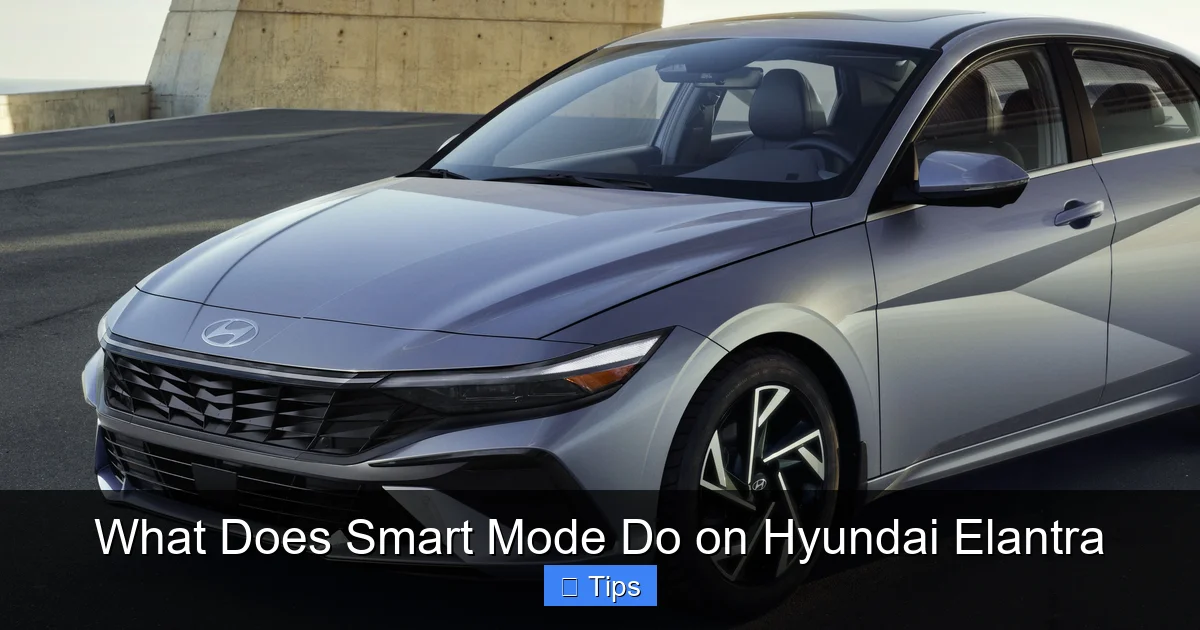
Visual guide about What Does Smart Mode Do on Hyundai Elantra
Image source: hyundaicanada.com
There are several compelling reasons to use Smart Mode in your Hyundai Elantra. First and foremost, it simplifies the driving experience. Instead of deciding whether to switch to Eco or Sport mode before every trip, you can just get in and go. The car handles the rest, which is especially helpful in unpredictable driving conditions.
One of the biggest benefits is improved fuel efficiency. Since Smart Mode often defaults to Eco or Normal mode during relaxed driving, it helps reduce fuel consumption without sacrificing comfort. This is great for daily commutes, school runs, or errands around town. Over time, those small savings can add up—especially if you drive frequently.
Another advantage is enhanced comfort. In city driving, where stop-and-go traffic is common, Smart Mode reduces the jerky feel that can come from aggressive throttle mapping. It smooths out acceleration and deceleration, making the ride more pleasant for both the driver and passengers. This is particularly helpful for people who experience motion sensitivity or just prefer a calmer drive.
Smart Mode also adds a layer of safety. By promoting smoother driving behavior, it can help reduce the risk of sudden maneuvers or over-acceleration. This is especially useful for new drivers or those who are still getting used to the Elantra’s handling. The system encourages more predictable, controlled driving—something that benefits everyone on the road.
Finally, Smart Mode gives you the best of both worlds. You get the efficiency of Eco mode when you need it, but you’re never far from the responsiveness of Sport mode when the situation calls for it. Whether you’re merging onto a busy highway or passing a slow-moving vehicle, the car is ready to respond without you having to manually switch modes.
Smart Mode vs. Other Drive Modes
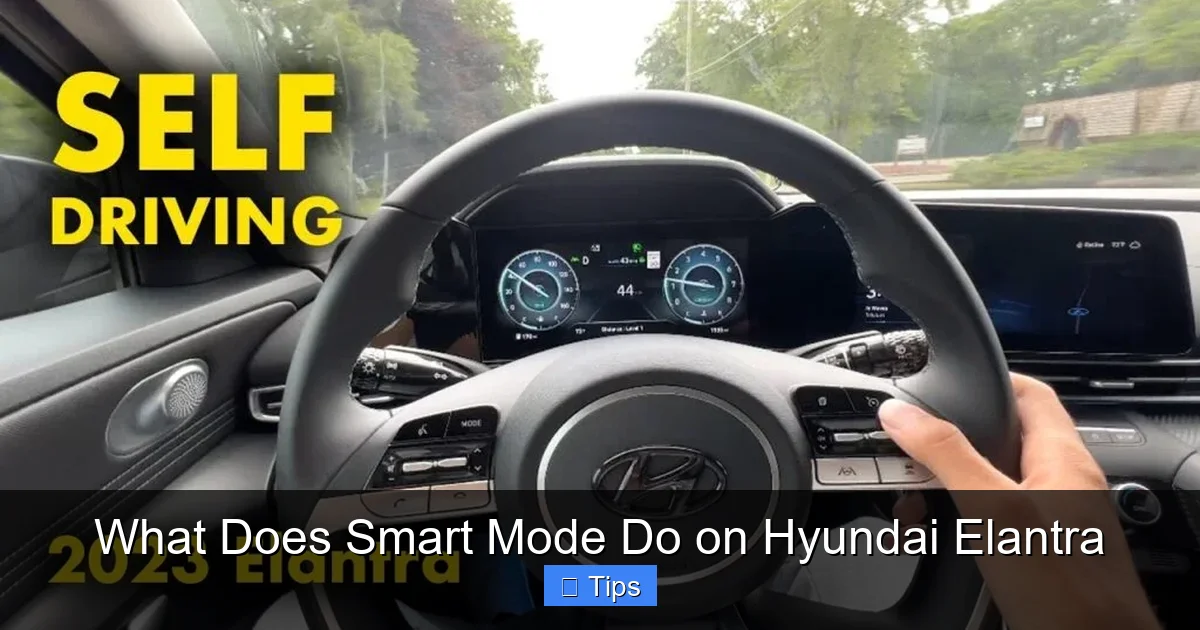
Visual guide about What Does Smart Mode Do on Hyundai Elantra
Image source: thecarhow.com
To fully appreciate what Smart Mode does, it helps to understand how it compares to the Elantra’s other drive modes: Eco, Normal, and Sport. Each of these serves a specific purpose, and Smart Mode essentially blends them based on your behavior.
Eco mode is designed to maximize fuel economy. It reduces engine power, softens throttle response, and may even limit climate control usage to save energy. It’s ideal for light driving, such as city commutes or highway cruising at steady speeds. However, it can feel sluggish if you need quick acceleration.
Normal mode strikes a balance between efficiency and performance. It’s the default setting for most drivers and offers a comfortable, responsive drive without being too aggressive or too tame. It’s great for everyday use, but it doesn’t adapt to changing conditions.
Sport mode, on the other hand, is all about performance. It sharpens throttle response, increases engine revs, and holds gears longer for quicker acceleration. It’s perfect for spirited driving or when you need extra power, but it can reduce fuel economy and make the ride feel harsher.
Smart Mode takes the best aspects of all three and applies them dynamically. If you’re driving calmly, it behaves like Eco or Normal. If you suddenly need more power, it shifts toward Sport. This adaptability is what sets it apart. You get the efficiency when you don’t need performance, and the performance when you do—without any manual input.
For example, imagine you’re driving to work on a Monday morning. Traffic is light, and you’re cruising at 45 mph. Smart Mode will likely keep you in Eco or Normal mode, helping you save fuel. But then you see an opening to change lanes and merge into faster traffic. As you press the accelerator, Smart Mode detects the increased demand and shifts toward Sport mode, giving you the power you need. Once you’re up to speed, it smoothly transitions back to a more efficient mode.
This seamless switching is what makes Smart Mode so valuable. It removes the guesswork and ensures your car is always optimized for the moment.
When Should You Use Smart Mode?
Smart Mode is designed to be used most of the time—especially for everyday driving. It’s perfect for city commutes, highway trips, school drop-offs, and weekend errands. Any situation where your driving style might change throughout the trip is ideal for Smart Mode.
For instance, if you drive from a quiet suburban neighborhood into a busy downtown area, your driving behavior will naturally shift. You might start with smooth acceleration on open roads, then slow down for traffic lights and pedestrian crossings. Smart Mode will adjust accordingly, prioritizing efficiency when possible and responsiveness when needed.
It’s also great for long drives. On a road trip, you might spend hours on the highway at a steady speed, then encounter winding mountain roads or construction zones. Smart Mode will keep you in a fuel-efficient mode during the cruise, then switch to a more responsive setting when the road demands it.
Even in unpredictable weather or traffic conditions, Smart Mode shines. If it starts raining and you ease off the accelerator, the system will respond by softening throttle input and promoting smoother braking. This can help improve traction and reduce the risk of skidding.
That said, there are a few scenarios where you might want to manually select a different mode. If you’re driving aggressively for fun—like on a twisty backroad—you might prefer to lock in Sport mode for maximum control. Similarly, if you’re trying to maximize fuel economy on a long highway stretch, manually selecting Eco mode could give you a slight edge.
But for 90% of driving situations, Smart Mode is the way to go. It’s like having a smart co-pilot that knows exactly what you need—before you even realize it yourself.
Tips for Getting the Most Out of Smart Mode
To make the most of Smart Mode, it helps to understand how it learns and responds. Here are a few practical tips to optimize your experience:
First, drive naturally. Don’t try to “trick” the system by driving erratically or holding the accelerator at odd angles. Smart Mode works best when it can accurately interpret your habits. The more consistent your driving, the better it can adapt.
Second, give it time. If you’ve just started using Smart Mode, it may take a few days or even a week for the system to fully learn your style. Be patient—it’s building a profile based on your behavior, and that takes repetition.
Third, use cruise control when appropriate. On highways, cruise control helps maintain a steady speed, which allows Smart Mode to stay in an efficient mode. This can improve fuel economy and reduce driver fatigue.
Fourth, keep your tires properly inflated and your car well-maintained. Smart Mode relies on accurate sensor data, and underinflated tires or worn brakes can affect how the system interprets your driving. Regular maintenance ensures everything works as intended.
Finally, don’t be afraid to override it when needed. If you know you’re about to drive aggressively—like during a track day or a spirited drive—manually switch to Sport mode. Smart Mode is smart, but it’s not psychic. It responds to what you do, not what you plan to do.
By following these tips, you’ll get the most out of this innovative feature and enjoy a smoother, more efficient, and more enjoyable drive.
Conclusion
The Smart Mode in the Hyundai Elantra is more than just a fancy button—it’s a thoughtful feature designed to make driving easier, safer, and more efficient. By automatically adapting to your behavior, it eliminates the need to manually switch between drive modes and ensures your car is always optimized for the moment.
Whether you’re navigating city streets, cruising down the highway, or dealing with unpredictable traffic, Smart Mode adjusts seamlessly to keep you comfortable and in control. It promotes fuel efficiency without sacrificing performance, encourages smoother driving habits, and integrates well with other driver-assist technologies.
For new drivers, it’s a helpful guide that promotes safe, predictable behavior. For experienced drivers, it’s a convenient tool that enhances the driving experience without getting in the way. And for everyone in between, it’s a smart addition that proves Hyundai is thinking ahead.
So the next time you’re behind the wheel of your Elantra, give Smart Mode a try. Let it learn your style, adapt to your needs, and take some of the mental load off your shoulders. You might just find that it’s one of the features you can’t imagine driving without.
Frequently Asked Questions
What does Smart Mode do on the Hyundai Elantra?
Smart Mode automatically adjusts the car’s driving dynamics by switching between Eco, Normal, and Sport modes based on your driving behavior. It monitors acceleration, braking, and steering to optimize performance, comfort, and fuel efficiency in real time.
Is Smart Mode better than Eco or Sport mode?
Smart Mode isn’t necessarily “better”—it’s more versatile. It combines the benefits of Eco, Normal, and Sport modes by adapting to your driving style. This makes it ideal for mixed driving conditions where your needs change throughout the trip.
Can I turn off Smart Mode?
Yes, you can disable Smart Mode at any time. Simply press the drive mode button and select Eco, Normal, or Sport manually. This gives you full control when you prefer a specific driving feel.
Does Smart Mode save gas?
Yes, it can help improve fuel efficiency by favoring Eco or Normal mode during relaxed driving. By smoothing acceleration and reducing engine load, it promotes more economical driving habits over time.
How long does it take for Smart Mode to learn my driving style?
It typically takes a few days of regular driving for Smart Mode to build an accurate profile of your habits. The more consistently you drive, the faster and more effectively it adapts.
Does Smart Mode work with cruise control?
Yes, Smart Mode works seamlessly with cruise control. When cruise control is active, the system tends to stay in a more efficient mode, helping maintain steady speeds and improve fuel economy on long drives.

At CarLegit, we believe information should be clear, factual, and genuinely helpful. That’s why every guide, review, and update on our website is created with care, research, and a strong focus on user experience.